Product photo production for your clients
When a client needs a catalogue reshot faster than a production schedule allows, Glammo AI turns their existing product photos into on-model images, packshots and videos you can review and deliver.
Try Glammo free with 10 credits. No card required.
A client's photo, a new cast and setting
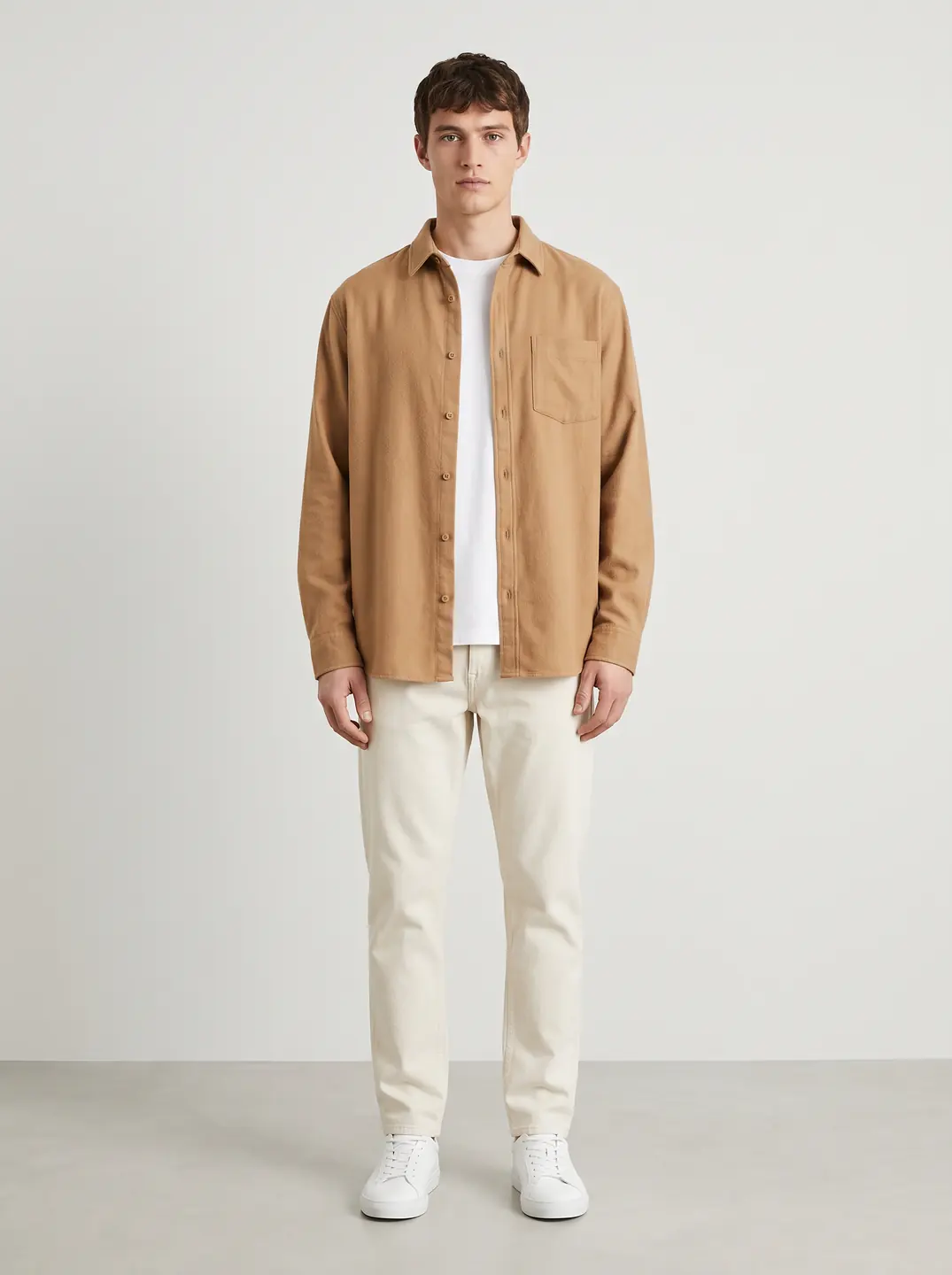
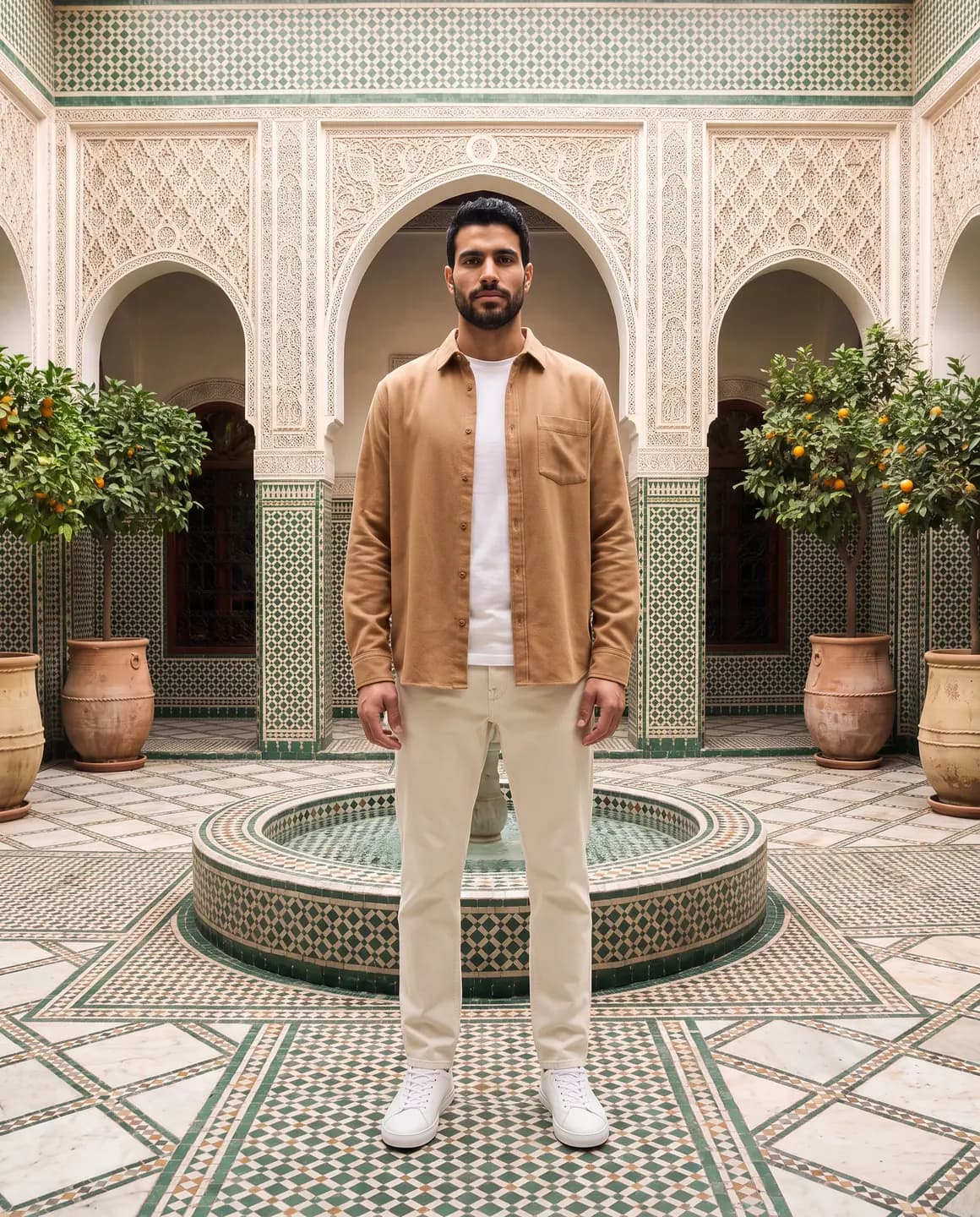

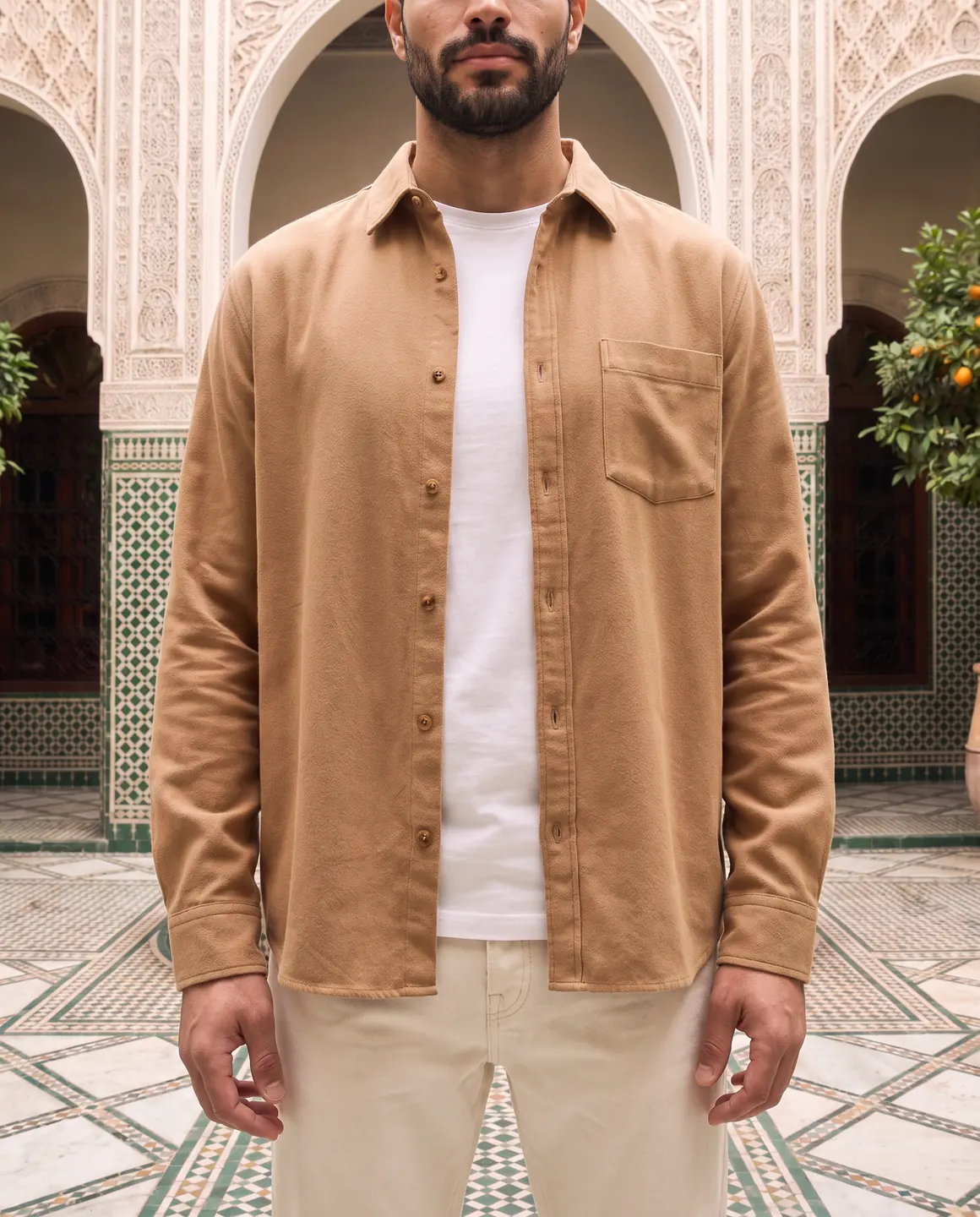
A sample photo and images made from it. Models are fictional and AI-generated.
Your week with Glammo
Treat each client like a production: agree the look, shoot the catalogue, review and deliver.
- 01
Agree the look with the client
Choose or create a model and scenes for the brand, and get sign-off on a small pilot before the full catalogue.
- 02
Collect their product photos
Flat lays, mannequin shots or supplier photos from the client's shared drive. One clear photo per product is enough.
- 03
Produce and review
Generate the catalogue on the agreed look, then check every image against the client's product before it goes to them.
- 04
Deliver
Download full-resolution files or a ZIP per collection on a paid plan and hand them over in the client's usual format.
Running client work well
The tool is fast; your process is what keeps clients happy.
Agree what 'accurate' means
Set expectations in writing: images are AI-generated and checked against the product, and they don't measure fit. Clients should approve before publishing.
A custom model per brand
On Pro and Studio you can create custom models and scenes, so each client's catalogue has its own look.
Budget for accepted images
Every delivered image costs a credit, including drafts you reject. Quote on accepted images, with an allowance for reruns.
Keep a review record
Note which images you checked and approved for each product. It makes revisions and client questions quick to answer.
Check usage rights on the source photos
Make sure your client has the right to the photos they give you, especially supplier photos.
Which plan fits
Starter
$19/month
25 credits a month · 25 images, or 5 videos
Pro
$59/month
120 credits a month · 120 images, or 24 videos
Studio
Suggested$149/month
375 credits a month · 375 images, or 75 videos
The plan built for high-volume brands and agencies: the most credits each month and the lowest price per image, with custom models and scenes for every client.
Every new account starts with 10 free credits, no card. On a plan, 10 more credits cost $9 any time. See full pricing
Common questions
Can I use Glammo to produce product photos for clients?
Yes. Paid plans include a commercial licence for everything you create. Make sure your client has the rights to the source photos they give you.
Can each client have its own model and look?
Yes. On Pro and Studio you can create custom models and scenes, so each client's catalogue keeps its own look.
How should I price this for clients?
Price on accepted images rather than drafts, because every delivered image costs a credit, including ones you reject. Our guide on budgeting for accepted images walks through it.
How do I hand over the files?
Download full-resolution images, or a ZIP of a whole shoot, on a paid plan, then deliver them through your usual handover.
Can clients log in to review the images?
Not today. Review images in your own account and share selections with clients through your usual process.
Read next
Bring one client photo. Pilot the look for free.
Try Glammo free with 10 credits. No card required.