Collections
How to photograph a new collection in a day
You can photograph a small new collection in one day: take the source photos in the morning, run the shoot on one model and scene at midday, review every image in the afternoon and upload by the evening. Glammo AI makes the on-model images, packshots and clips from your photos, on fictional adult AI models, so the day goes on preparation and checking rather than on a studio booking.
Glammo AI6 min read
How to plan the day
For a collection of up to 20 products, with the samples in the room.
- 01
Morning: source photos
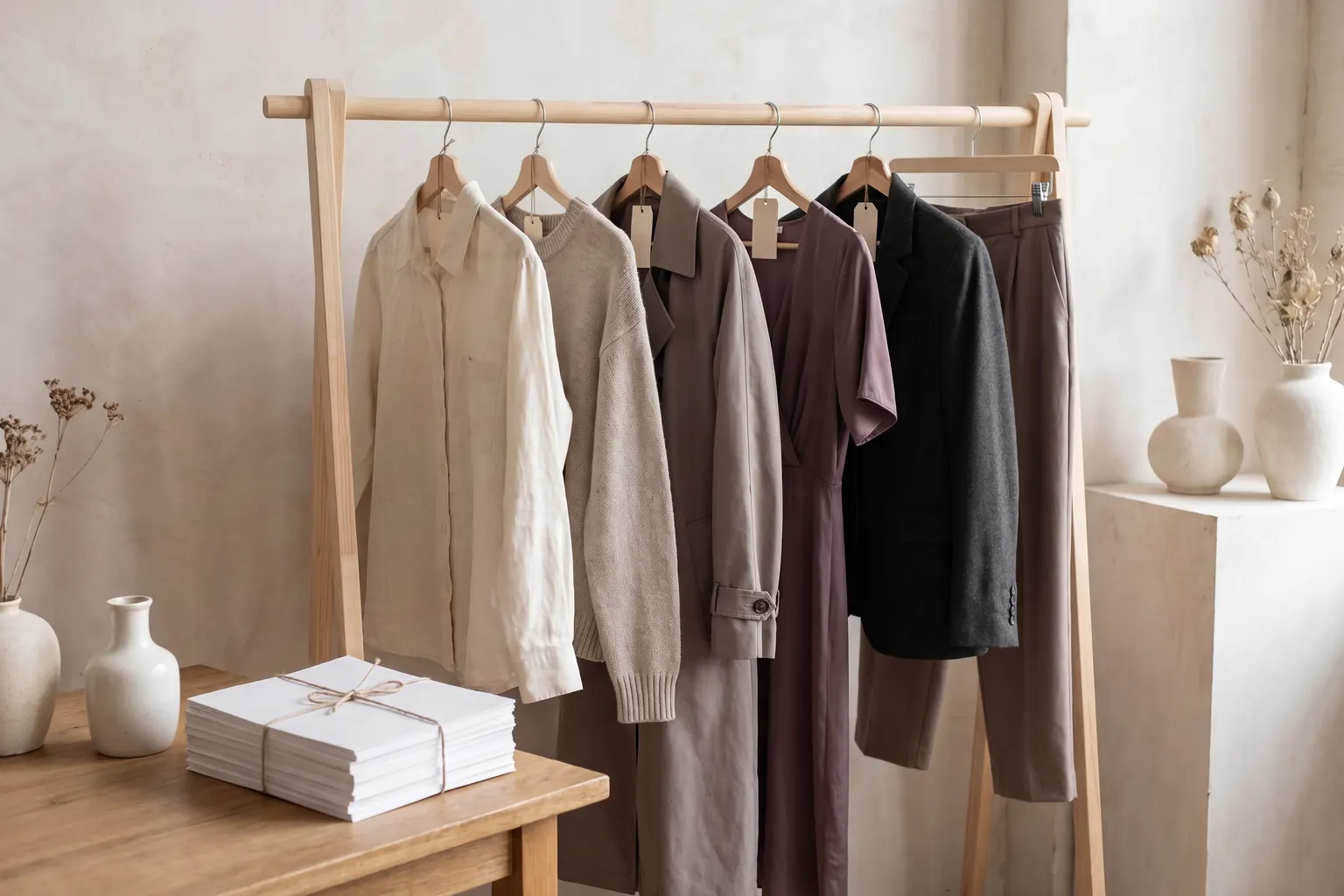
Steam each piece, photograph it flat or on a form in daylight, and add a back or detail photo where it matters.
- 02
Midday: the shoot
Upload the collection, choose your model, scene and aspect ratio, and generate the on-model set and the packshots.
- 03
Afternoon: review and fix
Check every image against its sample, edit or redo the misses, and make clips for the pieces you will lead with.
- 04
Evening: upload and check
Download, rename, upload to your store, add alt text, and look at each live page on a phone.
What should you prepare the day before?
The samples, steamed and in order
Hang them on a rail in the order you will shoot them, each with a note of its name, colour and size.
A product list
One row per product and colour, with the name each will have in your store.
Measurements
Measure each piece flat in advance, because the product pages need them and the day won't have room.
A plan for each product's views
Decide which pieces need a back or detail photo before you start, so nothing is missed on the floor.
Your house look
The model, scene, aspect ratio and packshot background you use for every drop.
Enough credits
Check your balance covers the set you plan, with room left for edits.
The setup
Clear the floor by the window and charge the phone.
How do you take the source photos quickly?
Set up once and leave everything where it is: the same spot on the floor, the same light, the same height for the phone. Work along the rail in order and repeat the same moves for each piece: steam, lay, front, back if needed, detail, next. Our phone photography guide covers the setup itself. Photograph clothes with a phone
Move the photos to your computer before lunch and check them at full size while the samples are still out. A blurred or cropped photo found now takes a moment to retake; found at the end of the day, it means setting everything up again.
Keep a simple tick list, on paper or on your phone, with one line per product and one column per photo. Tick each photo as you take it, and nothing gets missed when the rail is long.
How do you run the shoot?
Put the whole collection in one shoot if it has 20 products or fewer; split a larger one into two shoots with identical settings. Take the model and scene from your house look, and use 4:5 for product pages unless your theme crops to squares, in which case use 1:1. Keep the browser tab open while the images are made.
Make packshots for the same products if your collection pages or marketplaces use them. They come on white, ivory or light grey, floating or laid flat, and square unless you choose otherwise. Leave the clips until the afternoon, and make them from images you have already accepted.
How many credits will the day use?
An example for 12 products. Put in your own numbers.
| Item | Credits each | For 12 products |
|---|---|---|
| Three on-model images per product | 1 | 36 |
| One packshot per product | 1 | 12 |
| Clips for three lead pieces | 5 | 15 |
| Edits to fix a few images | 1 | As needed |
| Total before edits | Sum of the rows above | 63 |
That fits within Pro's 120 monthly credits. A top-up adds 10 credits for $9 on any paid plan, and credits for a failed generation return automatically.
How do you review a whole collection in an afternoon?
Review with the samples beside you; that is the advantage of doing everything in one day. Hold each piece up to the screen by the window and compare colour, print, button count, neckline and hem. Mark every image accepted, edit or redo, keep moving, and come back to the hard ones at the end.
Small fixes, such as the background, the light or a crop, are edits at 1 credit each. If the garment itself has come out wrong, make that product's images again rather than rerunning the whole shoot. Then look at the full set on a phone, at the size shoppers will see it.
If the collection is also going into a lookbook, our lookbook guide covers how to keep a whole collection looking consistent. Consistent lookbook and collection images
What happens in the evening?
Download the accepted images on a paid plan, as full-resolution files or a ZIP, and rename them by product, colour and view. Upload them to each product in your store, main image first, then add alt text and the measurements and publish.
Last, open every new page on your phone. Check the main image in the collection grid, the order of the gallery and that each colour shows its own photos. Fix what you find tonight, because the launch announcement will send people straight to these pages.
What should be done before you announce the launch?
Every product is complete
A main image, the rest of the set, alt text, measurements and a price, for every colour.
The collection page looks even
Main images at the same scale and ratio, in the order you want shoppers to see them.
The phone view works
The gallery runs in the right order and the first image reads clearly at thumbnail size.
The links lead to the collection
The homepage banner, the menu and the announcement all point to the new collection page.
What if the day runs over?
Publish what is finished and hold back what isn't. A collection that goes live with most products complete and a few to follow serves shoppers better than every page half done. Finish the stragglers the next morning, before the announcement goes out.
If the shoot itself is the bottleneck, split it: run the pieces you will lead with first, review them, then run the rest. The lead pieces are the ones the announcement points to, so they deserve the most careful review.
Common questions
How long does it take to photograph a clothing collection?
A small clothing collection can be photographed, shot in Glammo, reviewed and uploaded in one working day if the samples are in hand and the setup is simple. Preparation and review take most of the time, so plan the day around them.
Do I need a studio to launch a collection?
No. Daylight from a window, a plain surface and a phone are enough for source photos, and Glammo turns them into on-model images and packshots. A studio still helps for a hero campaign or a real fit photo.
How many credits does a collection shoot use?
Each on-model image, packshot or edit costs 1 credit, and a four-second clip costs 5 credits. A collection of 12 products with three on-model images and a packshot each uses 48 credits.
What if a collection has more than 20 products?
Split it into several Glammo shoots of up to 20 products each, with the same model, scene and aspect ratio in every one. Then compare the shoots side by side before you publish.
Read next
Your next drop. Make it a moment.
Try Glammo free with 10 credits. No card required.