Collections
Consistent lookbook and collection images
A collection can include denim, tailoring, knitwear and evening pieces while still feeling like one brand. Give the shoot a shared direction, then judge the results together. Consistency comes from the decisions you repeat and the differences you choose to keep.
Glammo AI3 min read
Updated
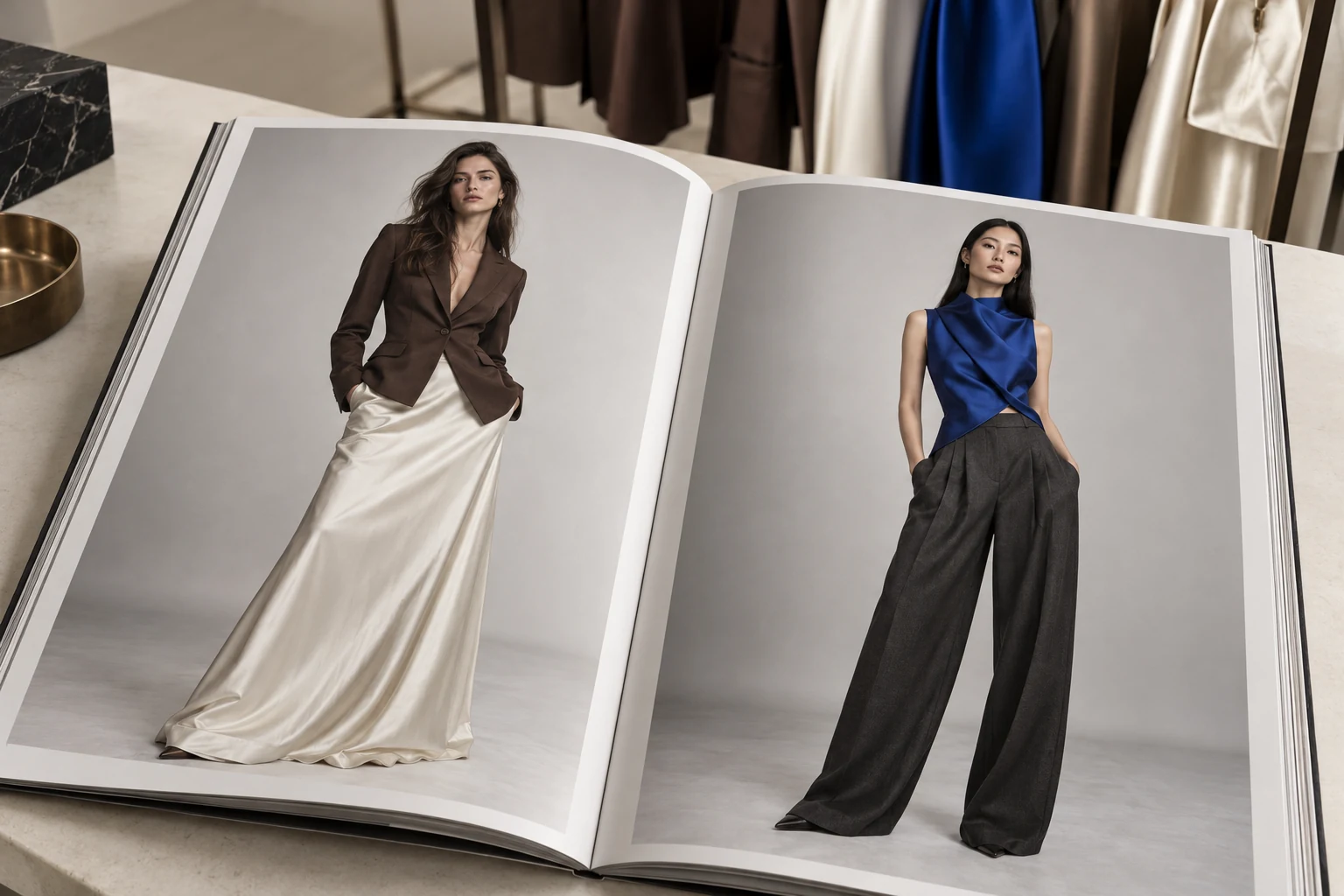
Write a brief you can judge against
Choose a small set of decisions before generating: cast, background, light, crop, colour treatment and mood. Keep an example of the direction alongside the product references. Describe what should stay consistent and where variation is welcome.
For a mixed collection, keep the background and light steady while letting the garments supply the contrast. A denim jacket may need a waist-up frame; a satin skirt needs space for the hem. Aim for a coherent collection grid without forcing every product into the same crop.
The consistency levers
Model identity
Choose a model or a deliberate small cast that suits the collection. Reuse those references across shoots and review identity consistency. Pro and Studio include custom-model creation for your workspace.
Scene
Reuse a scene as a common visual reference for the environment and light. Generated details can still vary, so compare the completed frames.
Pose set
Start with a repeatable set of useful views, then adapt it to the garment. A satin skirt and a cropped jacket may need different framing to stay readable.
Crop and expression
Match crop height and keep expressions within one register — neutral to soft.
Run the collection as one batch
- 01
Start with a small pilot
Try two or three representative pieces before a larger batch. Glammo AI supports up to twenty products in a shoot; keep the tab open while it runs.
- 02
One model, one saved scene
Choose your model and reuse a scene from the library as the visual reference for the collection.
- 03
Set the style
Choose a style such as Minimal Luxury Lookbook and a useful pose set for each product. Keep ratio and framing intentions consistent.
- 04
Review the batch as a grid
Consistency problems are obvious side by side. Fix the odd one out on its own: edit it, or run just that product and pose again.
Custom models and scenes
Pro and Studio let you create custom models and scenes for your workspace. These are reusable creative references; they do not guarantee exclusive likeness rights or identical results in every frame.
Review the collection as a whole
Compare garment scale
Check the visual size of adjacent items in the grid, not just the pixel dimensions of their files.
Look for lighting outliers
A much warmer frame or stronger shadow can interrupt the direction. Decide whether it is intentional before editing it.
Review each product individually
A coherent grid can still contain a wrong neckline or print. Compare every accepted frame with its own source.
Keep an approved reference
Save the chosen direction and accepted files with the collection brief, so the next batch has something concrete to match.
Common questions
Can the same model appear across different collections?
Yes. Select the same model for later shoots as a consistent reference. Review each result because identity details, styling and lighting can still vary.
How do I keep lighting consistent between products?
Reuse a scene and a clear style direction, then compare the outputs together. A shared reference helps guide the shoot but does not lock every lighting detail.
What if one product in the batch comes out inconsistent?
Request an edit or generate that product and pose again, rather than repeating the whole batch. A completed image or edit uses one credit; paid plans include downloads.
Read next
Your next drop. Make it a moment.
Try Glammo free with 10 credits. No card required.