Social and ads
How to shoot apparel for social and ads
A social campaign has room for more atmosphere: a stronger pose, a distinctive setting, a moment of movement. Start with the product and the placement, then build a visual direction that makes the collection recognisable.
Glammo AI3 min read
Updated
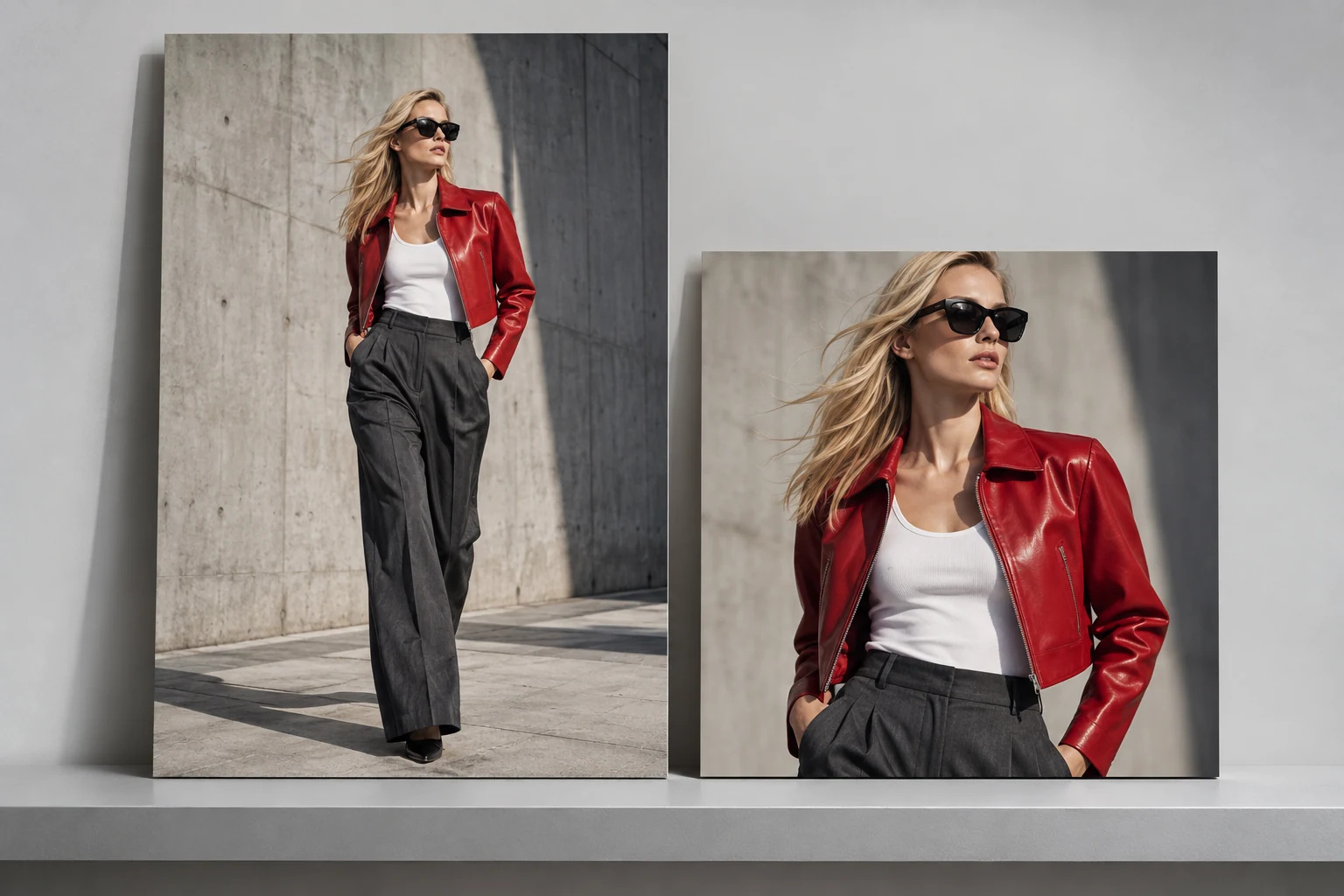
Presence, with the product intact
The rules loosen on social: stronger crops, a real scene, an expressive pose, a confident expression. What doesn't loosen is garment visibility — the print, the neckline, the silhouette still have to be obvious at feed size.
Glammo AI's styles, including Urban Street Drop and Minimal Luxury Lookbook, guide the mood and setting while aiming to preserve the garment. Check each result against your source: styling instructions do not guarantee that every detail stays unchanged.
Compose for the placement
9:16 for a vertical starting point
Useful for planning tall compositions. Check the current placement preview and leave important garment details clear of interface elements and captions.
4:5 for a portrait composition
One option for a taller feed image. Confirm what the chosen platform and ad placement support instead of treating this as a universal maximum.
1:1 for a square composition
Useful when the design calls for a square. Check the full garment or the feature you are highlighting still fits; a tighter crop should serve a purpose.
Scenes that work
Textured city exterior
Stone, pavement, diffuse daylight. No signage, no crowds.
Airy courtyard
Pale concrete and soft greenery when that setting fits the collection.
Warm interior
Plaster walls and window light for tailoring and knitwear.
Quiet gallery
Cream walls and a clean floor for occasion pieces.
Do it in Glammo
- 01
Studio → Urban Street Drop or Minimal Luxury Lookbook
Open Studio, add the product, and pick a model, a background, and poses with some movement. Under Style, choose a social style.
- 02
Generate the set
A few frames per product: full body, movement, and a tighter crop.
- 03
Add motion
Pick a finished frame and turn it into a four-second clip — editorial pan or gentle orbit for social. Each clip is 5 credits.
- 04
Export per placement
Download on a paid plan, then prepare the file for its destination. Check current size requirements and the placement preview. Add copy, captions and audio in your editor or publishing tool.
Test one creative decision at a time
Make a small set that changes one thing deliberately: the scene, crop or pose. Keep the product, offer and other campaign elements comparable when you review the results. A more dramatic image is a creative option, not a promise of stronger ad performance.
For motion, begin with a still you have already checked. Review the whole four-second clip for changes to the garment, face and hands. Keep fabric movement and camera motion restrained when they make the product easier to inspect.
Ads: clarity over cleverness
Compose the image with room for your message, then add campaign text in your editor or ad platform so it stays editable. Preview the result on a phone before publishing.
Common questions
Can Glammo add text or a logo overlay?
Glammo does not provide an editable text or logo-overlay layer. Add campaign copy in your editor or ad platform after downloading the image.
Can I get vertical video?
Yes. Clips are delivered at 9:16 for social placements, four seconds, silent.
How many credits does a social set cost?
Images are one credit each and videos 5. A three-frame set with one clip is 8 credits.
Read next
Your next drop. Make it a moment.
Try Glammo free with 10 credits. No card required.