Etsy listing photos for clothing, without a photoshoot
Etsy shoppers want to see handmade and small-batch clothing on a person, but booking a model for every listing isn't realistic; Glammo AI turns your flat lay or mannequin photo into on-model listing photos instead.
Try Glammo free with 10 credits. No card required.
From your table to a listing photo
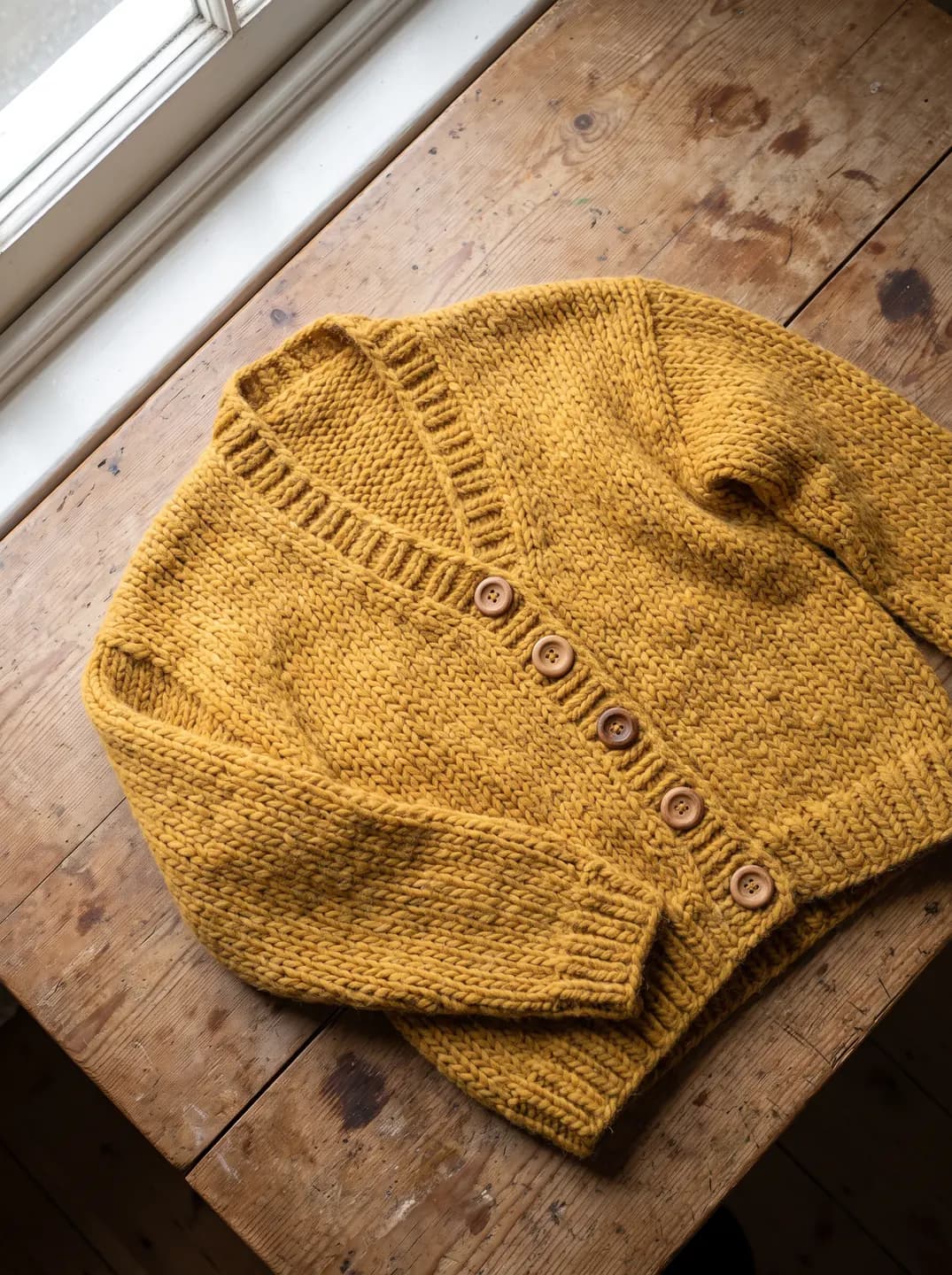
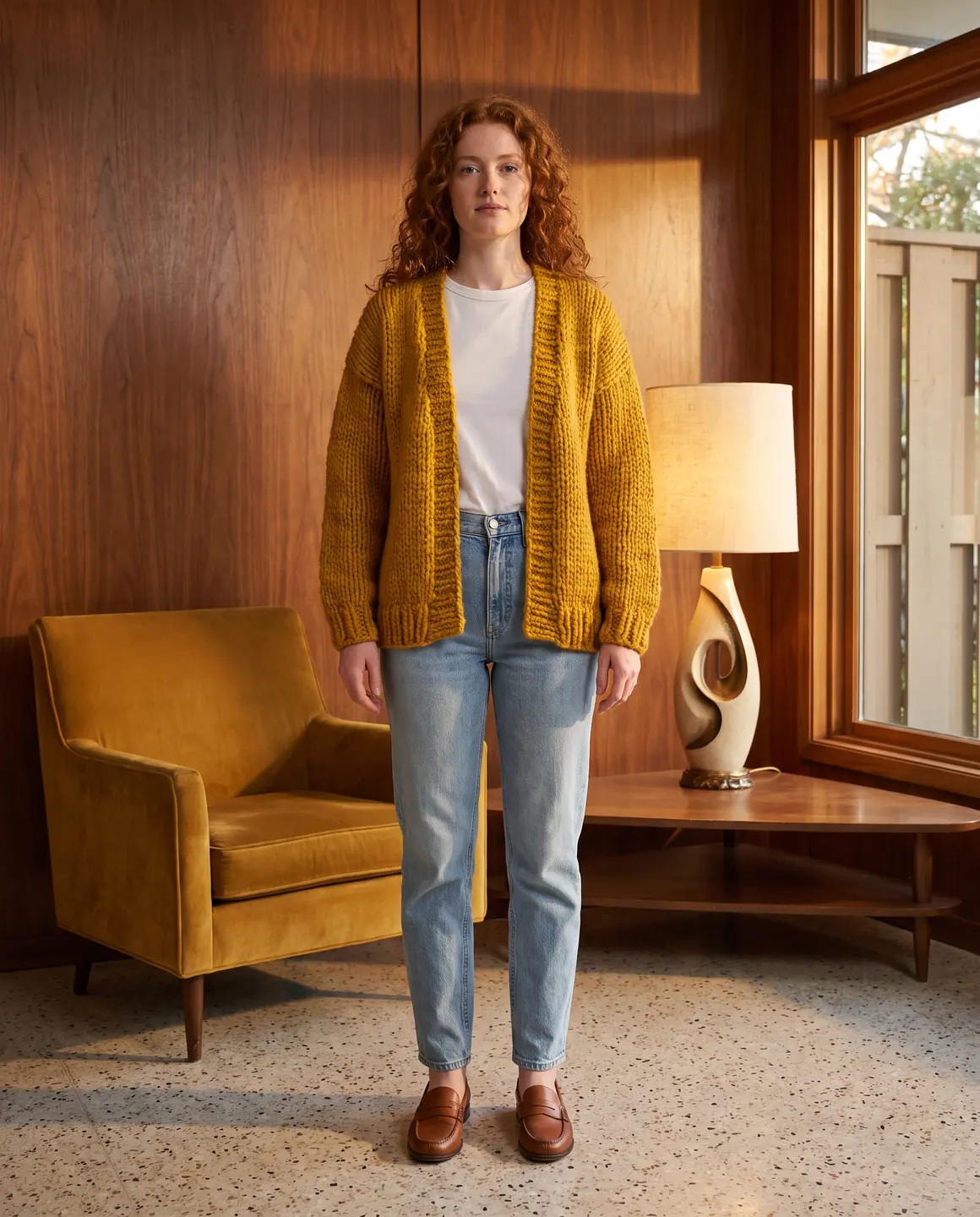
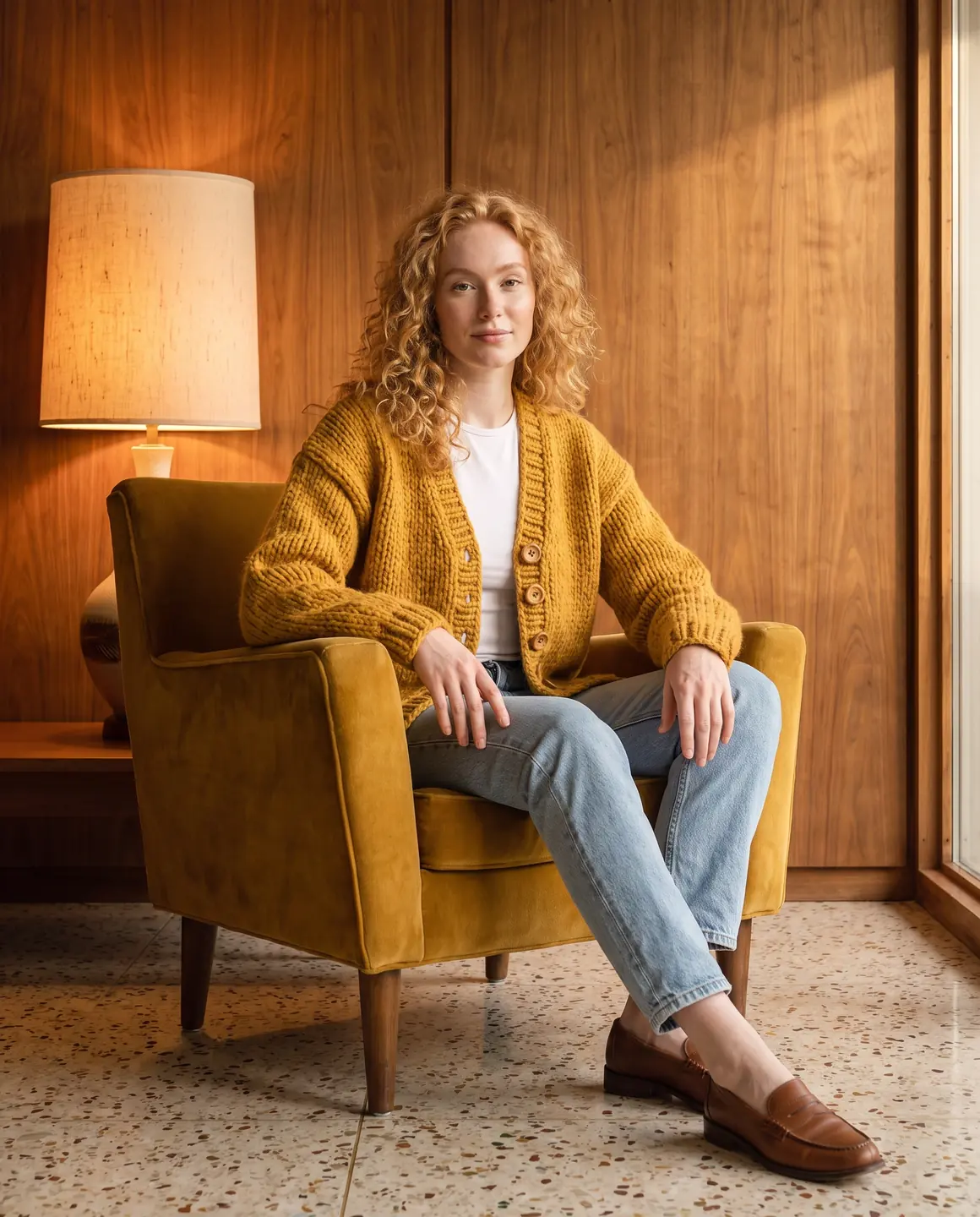
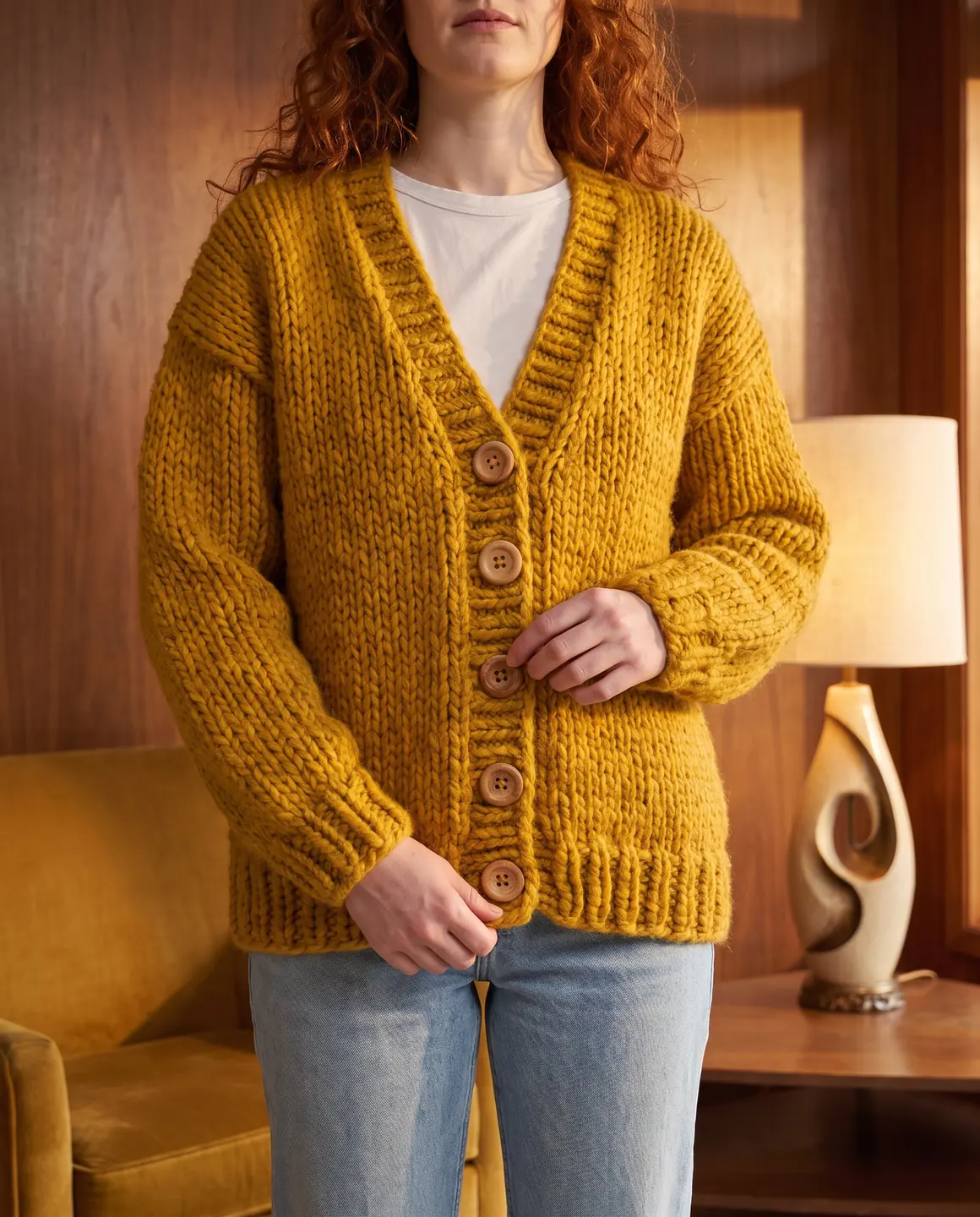
A sample photo and images made from it. Models are fictional and AI-generated.
Your week with Glammo
Most Etsy shops are one or two people. The photos shouldn't take a day per listing.
- 01
Finish the piece and photograph it flat
Lay it on a plain surface in daylight, or on a dress form if you have one. One clear photo of the whole garment is enough to start.
- 02
Choose a model and scene that suit your shop
A cosy interior for knitwear, a sunlit street for summer dresses: pick the setting your buyers imagine.
- 03
Make the listing set
An on-model main photo, a close detail, a packshot and a four-second video. Compare each with the real piece.
- 04
Add them to the listing
Download on a paid plan and upload them to your Etsy listing, with the on-model photo first.
Making the most of your Etsy photos
Order and honesty matter as much as the images themselves. The sizes and limits here are from Etsy's own help pages.
Lead with the on-model photo
Your first photo becomes the thumbnail in search. A person wearing the piece tells shoppers what it is at a glance.
Give the first photo room to crop
Etsy suggests a landscape or square first photo with space around the piece, because thumbnails are cropped to different shapes. Choose a square or 16:9 frame for it.
Large enough to look sharp
Etsy recommends images at least 2,000 px wide and tall. A first photo under 635 px may show up lower in search. A listing takes up to 20 photos.
Follow with detail and texture
Handmade buyers zoom in on stitching, fabric and finish. A close crop answers those questions before they message you.
Add a plain packshot
A garment-only image on white or ivory helps shoppers compare colour and shape across your shop.
Add a short video
A listing takes up to two videos of up to 100 MB, and Etsy removes the sound. Its help pages give the shortest length as 3 or 5 seconds, so if a four-second clip is turned down, join two clips in a video editor.
Say the images are illustrative where it matters
For one-of-a-kind items, describe the real measurements and any variation in your listing text, so buyers know exactly what they'll receive.
Where these requirements come from
Checked on .
Which plan fits
Starter
Suggested$19/month
25 credits a month · 25 images, or 5 videos
Covers a small shop adding a handful of new listings a month, with downloads and a commercial licence included.
Pro
$59/month
120 credits a month · 120 images, or 24 videos
Studio
$149/month
375 credits a month · 375 images, or 75 videos
Every new account starts with 10 free credits, no card. On a plan, 10 more credits cost $9 any time. See full pricing
Common questions
Can I use AI model photos on Etsy?
Glammo's images are for your own listings on any paid plan, which includes a commercial licence. Follow Etsy's own policies for listing photos, and describe your item accurately in the listing.
Do I need a model or a mannequin?
No. A flat lay on a plain surface works. A dress form helps for structured pieces, but it isn't required.
Will my handmade piece look like the real thing?
Glammo is built to keep the colour, texture and construction your photo shows, but AI can miss a detail. Compare every image with the piece itself before you publish.
Can I make photos for every colour I offer?
Yes. Photograph each colour and use the same model and scene, so the variations look consistent in your listing.
Is there a free way to try it?
Yes. New accounts get free credits with no card, enough to try a listing set. Downloads and commercial use need a paid plan.
Read next
Bring one listing photo. See it on a model for free.
Try Glammo free with 10 credits. No card required.