AI model photos for shirts and blouses
Glammo AI takes a photo of your shirt or blouse, laid flat, on a form or on a supplier's model, and makes on-model images where the collar, placket and cuffs stay as they were made.
Try Glammo free with 10 credits. No card required.
From your photo to a product-page set
A shirt shows its quality in the details: collar, buttons and the way the fabric catches light.
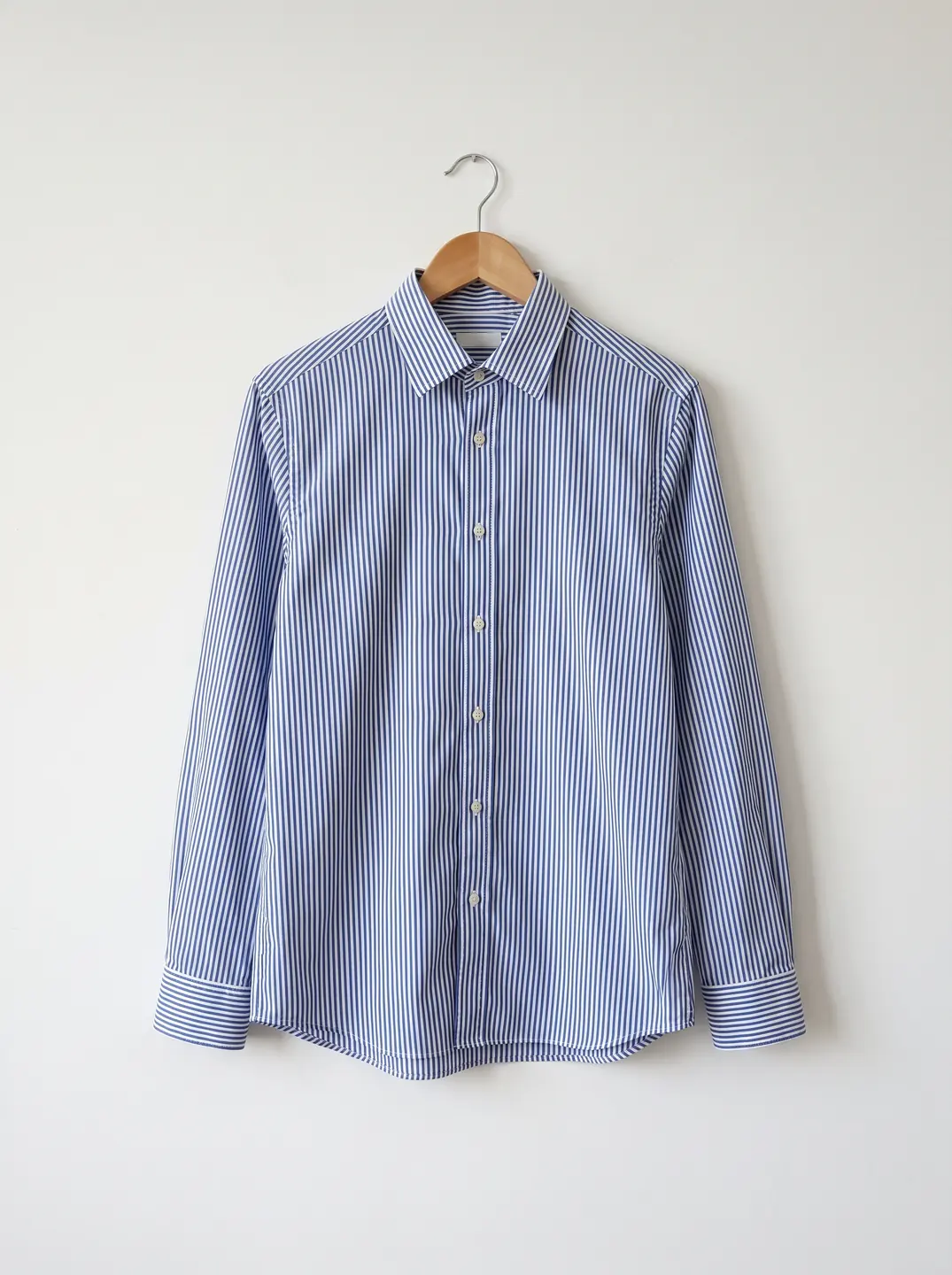
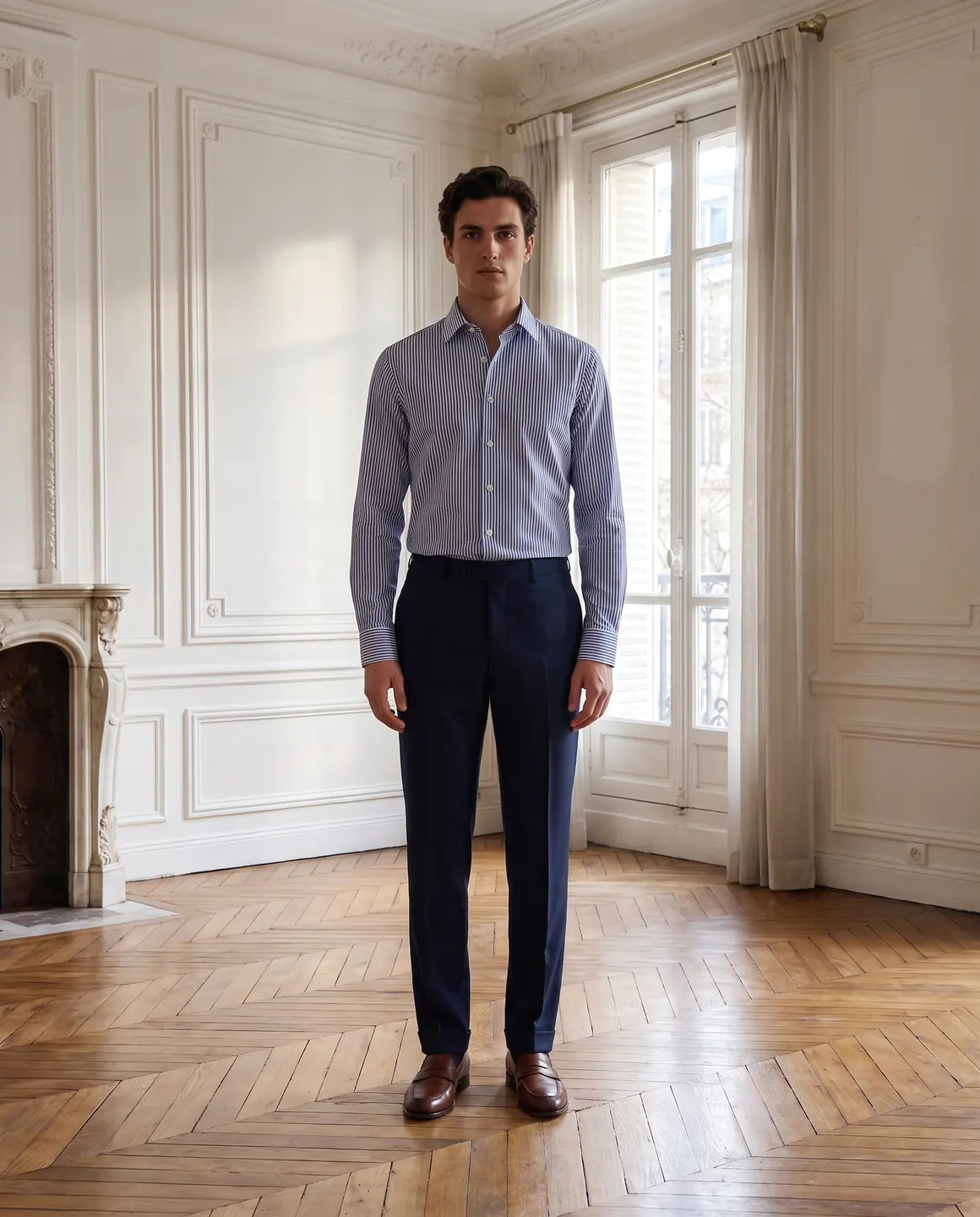
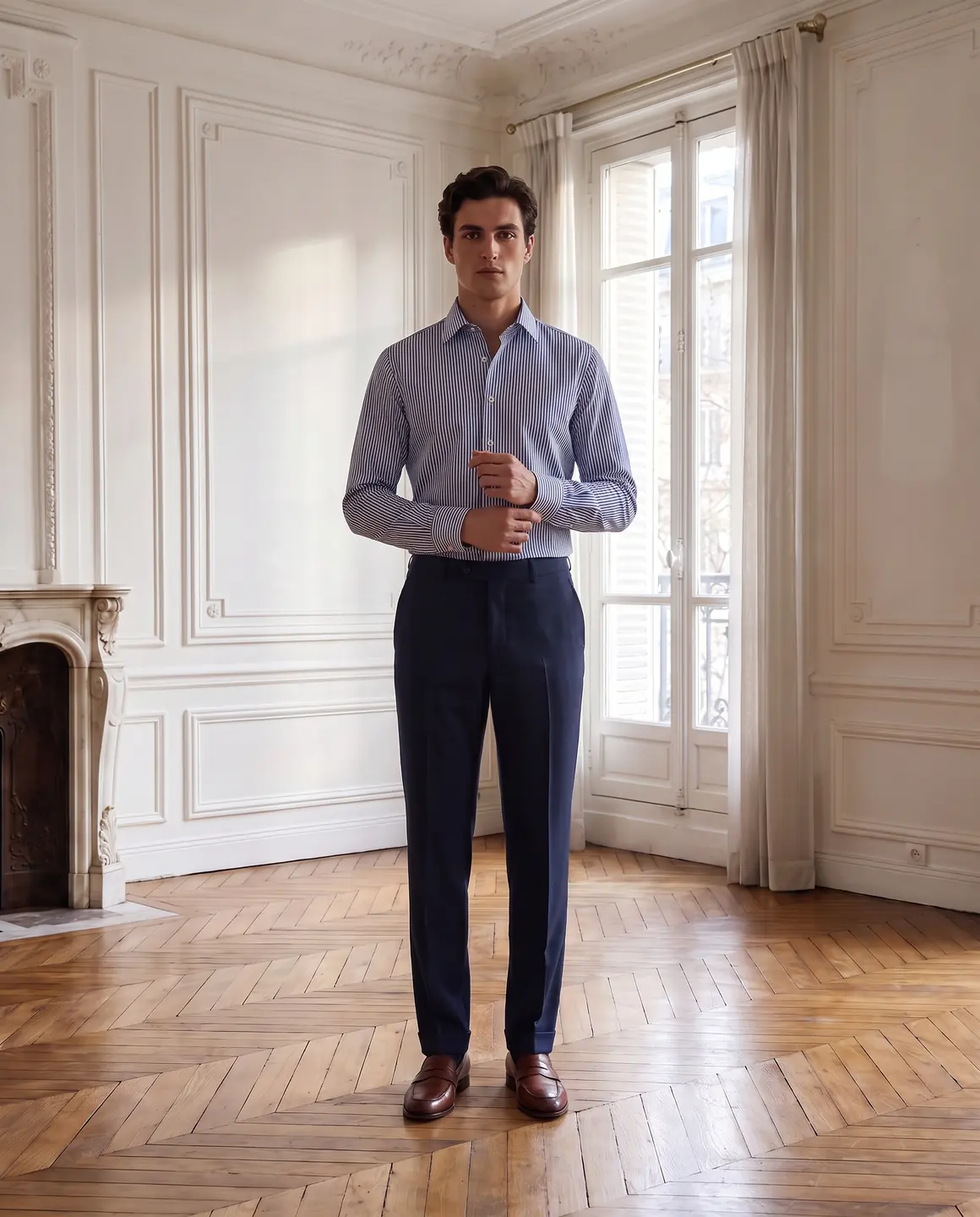
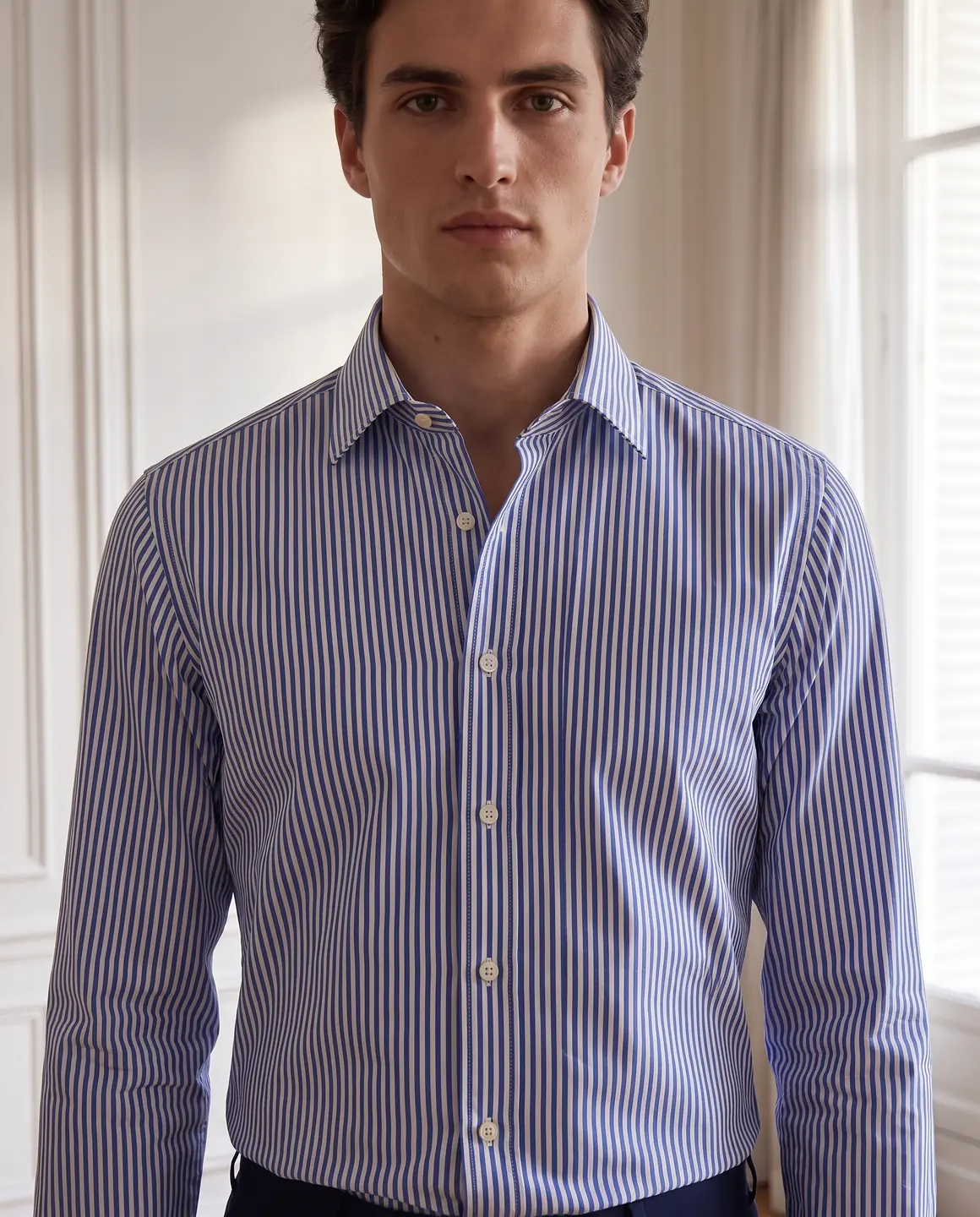
A sample photo and images made from it. Models are fictional and AI-generated.
Which photos work best for shirts & blouses
Shirts have structure: a collar stand, a placket, cuffs and a hem that curves or doesn't. Make sure your photo shows each of them.
Button it up and lay it symmetrically
A buttoned, centred shirt gives a clean read of the placket and collar points. A half-buttoned shirt splayed open hides both.
Press the collar and cuffs
A curled collar or rumpled cuff carries straight into the result. Iron them flat, or use the supplier shot if theirs is crisper than yours.
Keep the sleeves in frame
Fold sleeves alongside the body rather than behind it, so their length and the cuff detail are visible.
Soft light for silk and satin
Sheer and shiny fabrics photograph best in diffused daylight. Hard light creates glare that reads as a colour change.
A second photo for back details
Yokes, box pleats and back prints only carry over if you add a photo that shows the back.
The shots worth choosing
These frames answer what shoppers look for in a shirt: the collar, the length and how it's worn.
A waist-up frame of the collar and placket
The quality signal for any shirt. Keep it sharp enough to count the buttons.
Tucked or loose, the way you'd style it
Show whether the shirt is cut to tuck in or wear out. The hem shape matters for that choice.
A cuff and fabric close-up
Shirting is bought on texture: poplin, oxford, linen or silk. A tight crop shows the weave and the cuff finish.
A full-length outfit frame
Workwear and occasion blouses sell as part of an outfit. One full-length frame shows the proportions with trousers or a skirt.
What you get
An on-model set
Close and full-length frames of your shirt or blouse on the same fictional model, 4:5 by default. Each image is 1 credit.
A packshot for marketplaces
The shirt buttoned and floating on a plain background, the format many marketplaces prefer. One packshot is 1 credit, on white, ivory or grey.
A short video
A few seconds of movement so the sheen of satin or the drape of a soft blouse shows. A four-second clip is 5 credits.
What to check before publishing
Compare each image with your original before you use it. AI can miss a detail, and you know the garment best.
Button count and spacing
Count the buttons on the placket and cuffs. Extra or missing buttons are a common slip.
Collar shape
Point, spread, band or rounded collars should keep their shape and size.
Pocket and logo placement
Chest pockets and embroidered logos should sit on the same side and at the same height as on your shirt.
Stripes and checks
Pattern direction, stripe width and how the pattern meets at the placket should match your photo.
Sheer fabric
Check that a sheer blouse is styled the way you intend, and that the opacity reads the way it does in your photo.
Reviewing garment fidelity
Our guide walks through checking colour, print, construction and proportion against your source photo, one image at a time.
Read the review guideCommon questions
Can I get on-model photos of a shirt from a flat lay?
Yes. Upload a flat lay of the buttoned shirt, choose a fictional model and scene, and Glammo creates on-model images from it. Check buttons and collar against your shirt before publishing.
Will the buttons and collar look like mine?
Glammo is built to keep the collar, placket and buttons shown in your photo. AI can still miss a detail, so count the buttons and compare the collar on each image.
Does it work for silk and satin blouses?
Yes. Photograph them in soft, even light so the sheen reads as sheen rather than as a lighter colour, and compare the colour on each image.
Can I show the same shirt styled two ways?
Yes. Make one set with the shirt tucked and another loose by choosing different frames and scenes for the same product.
Can I use these images on Amazon and Etsy?
Yes, on any paid plan, which includes a commercial licence and downloads. Check each marketplace's own image rules before you upload.
Read next
Bring one shirt photo. See it on a model for free.
Try Glammo free with 10 credits. No card required.