AI lookbook generator: build a lookbook from your product photos
An AI lookbook generator turns a collection's product photos into the story of a season: Glammo AI shoots every piece on one fictional adult AI model, in one scene, in the formats a lookbook uses. You decide the order and the layout, and Glammo supplies the frames and a short clip of the hero piece.
Try Glammo free with 10 credits. No card required.
How does one piece look in a lookbook?
A light-blue linen wrap dress, photographed on a mannequin in the shop, became a full look, a frame with movement and a close view of the wrap tie, all in one sunlit room.
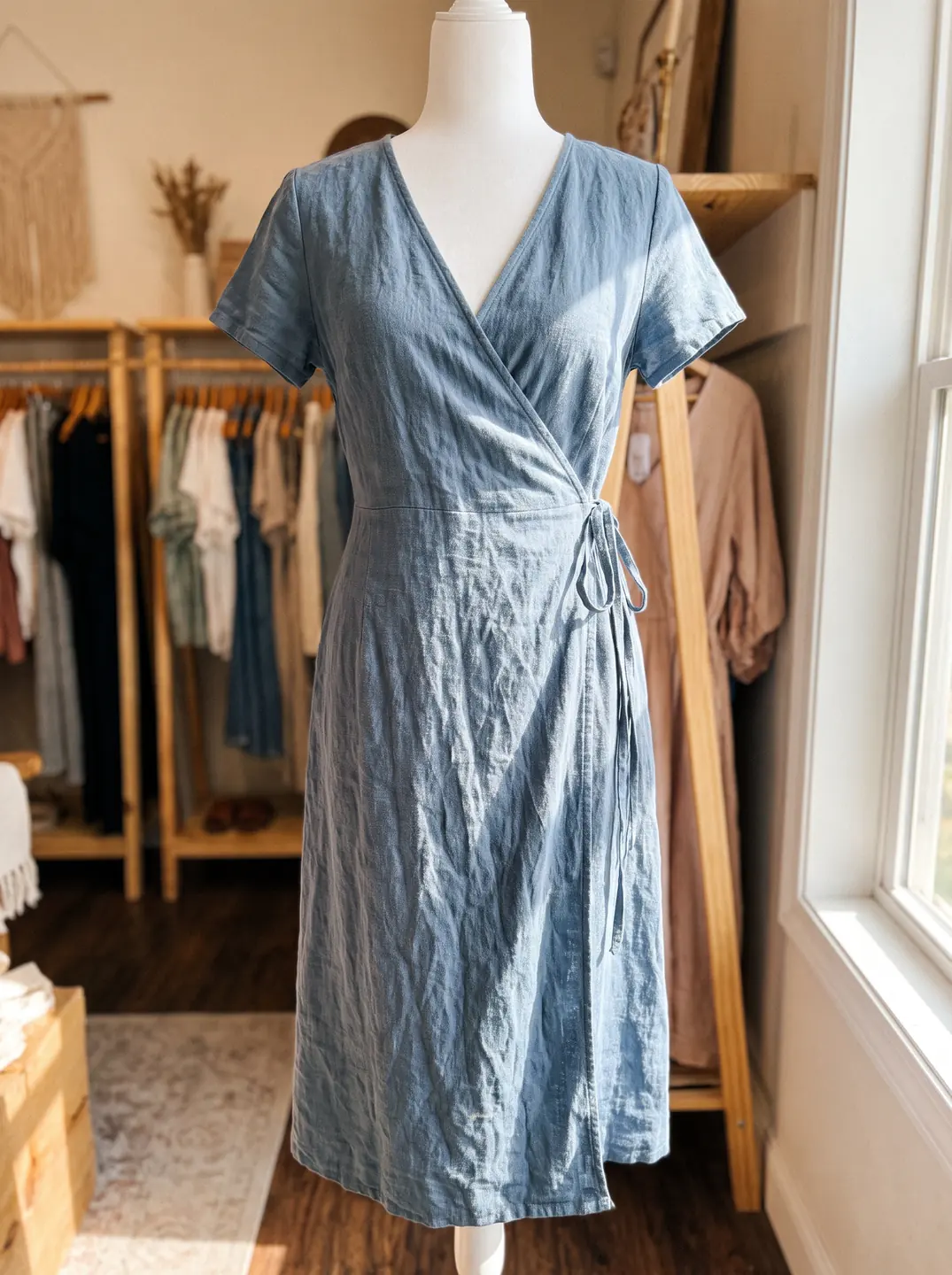
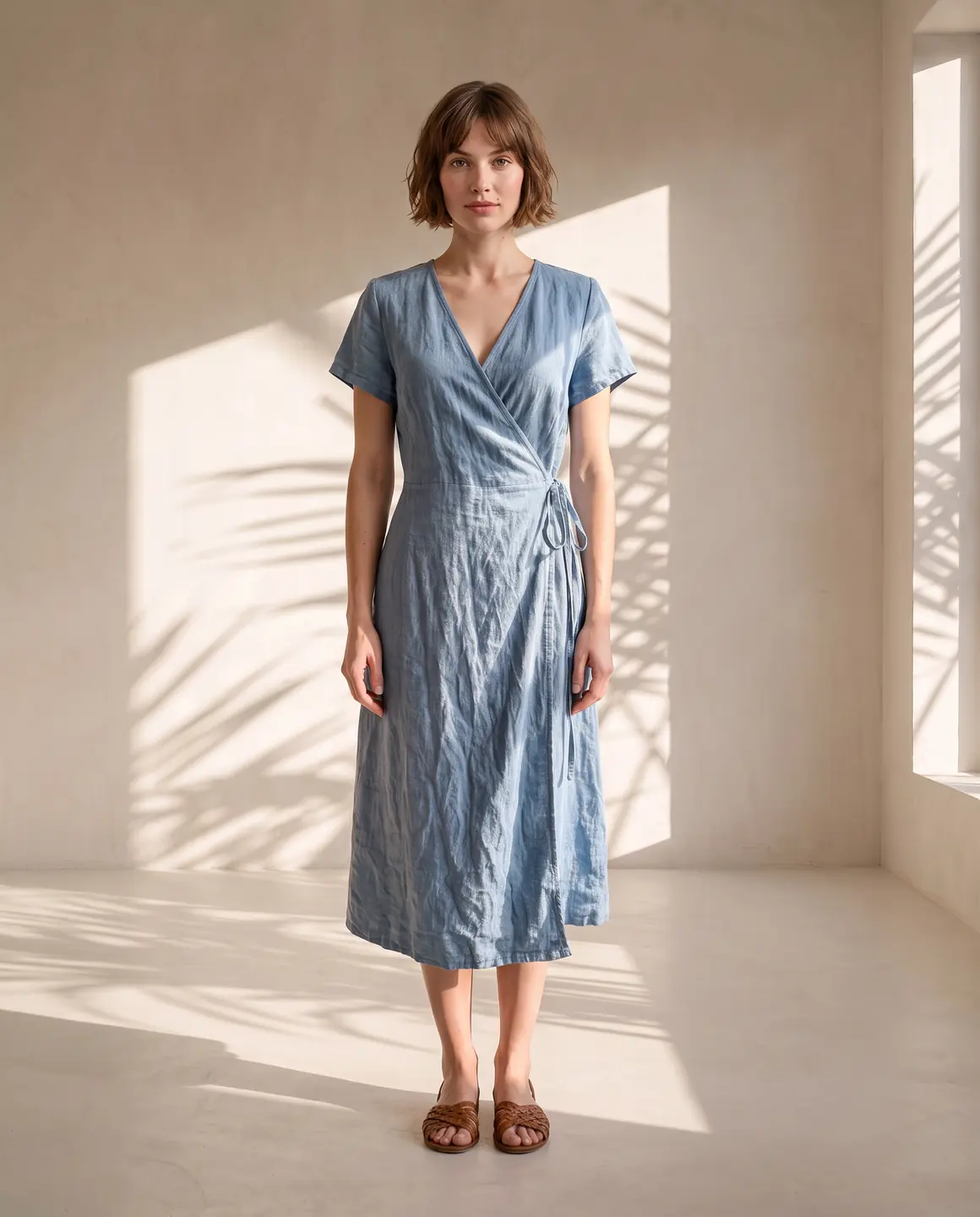
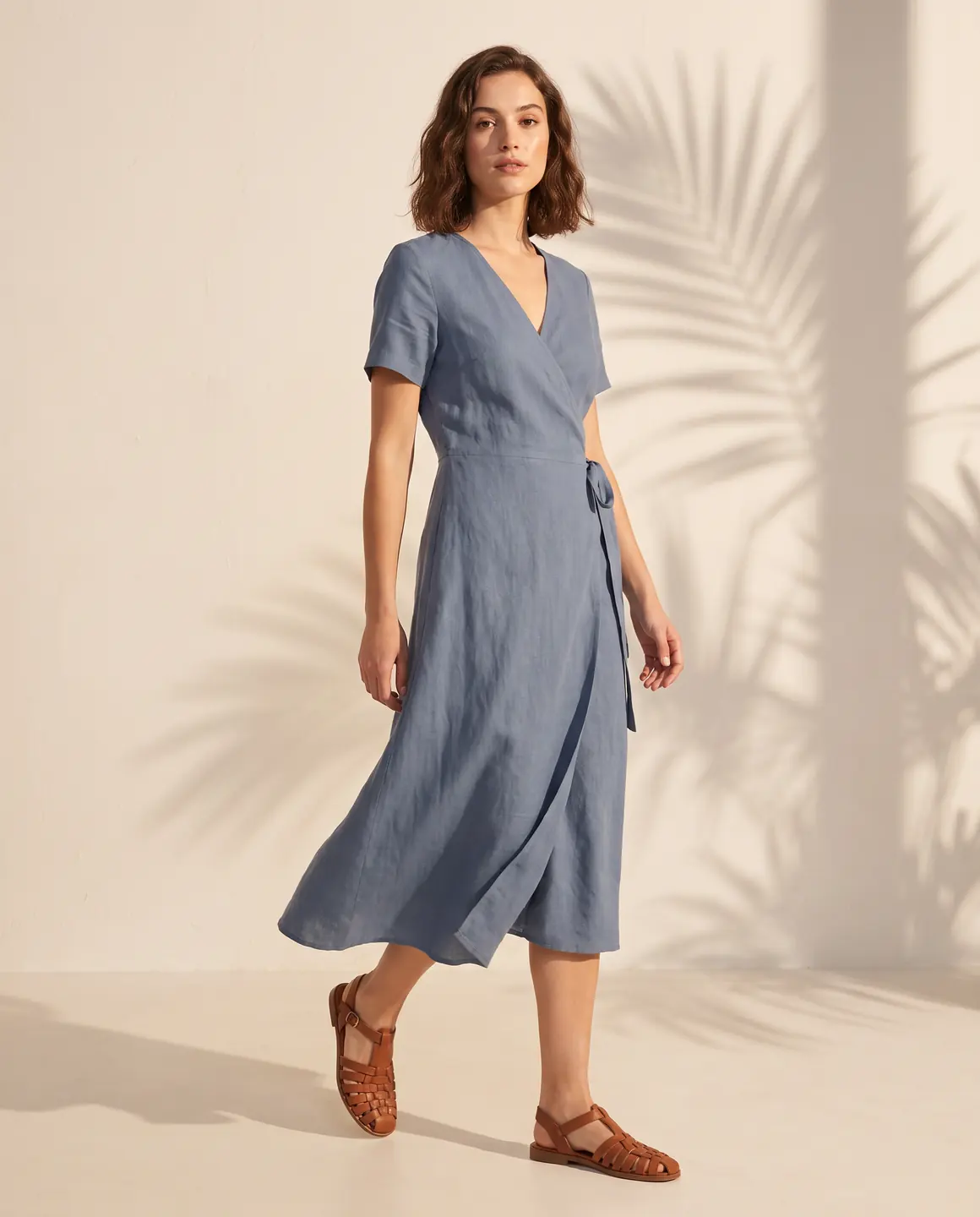
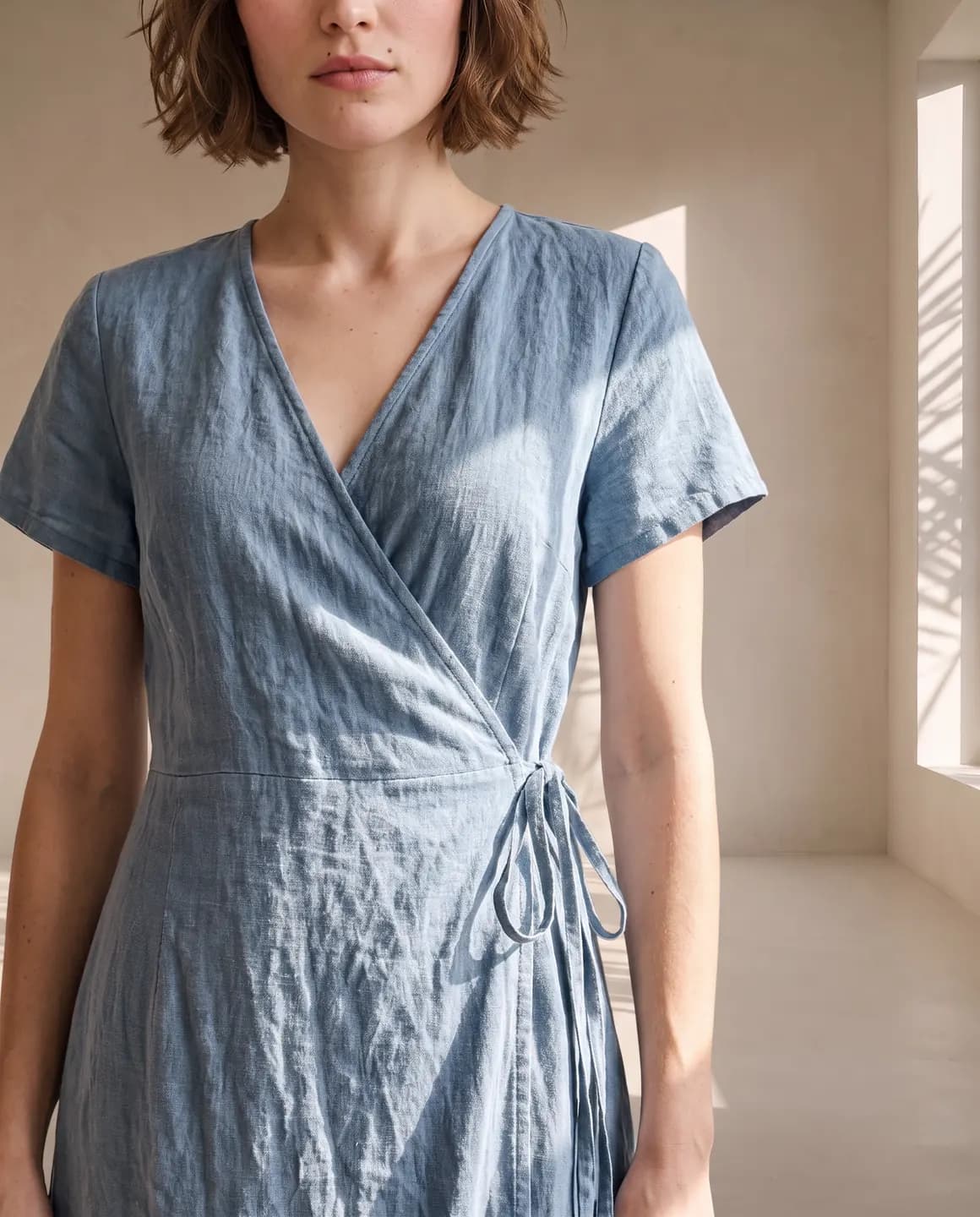
A sample photo and images made from it. Models are fictional and AI-generated.
What makes a lookbook different from product photos?
Product photos answer a shopper's questions about one item: its colour, its length, its fabric. A lookbook answers another question entirely: what does this collection feel like?
That's why a lookbook holds one model and one setting from the first page to the last, and why its frames are wider and moodier than a product grid. The pieces change while the world around them stays put.
Glammo makes the frames, and you arrange them: in a PDF for stockists, on a page of your website or as a run of launch posts.
How do you plan a lookbook that tells one story?
Write the story in one line
For example, 'linen for a slow summer in the city'. Every scene and frame you choose should fit that line.
Keep one model and one scene
A Glammo shoot holds up to 20 products on one model in one scene, which keeps a lookbook's pages consistent.
Choose an editorial setting
A painted canvas, a palazzo or a spiral staircase gives a lookbook more mood than a plain studio.
Order the pieces with care
Open with the piece that sums up the season and close on one that lingers. Put the basics in between.
Mix full looks with close frames
Full-length frames show the whole silhouette; close frames show the weave, the buttons and the finish.
Give the hero piece movement
A short clip of the collection's key piece brings the opening page or launch post to life. Each four-second clip uses 5 credits.
Which format does each part of a lookbook need?
Glammo makes frames in 1:1, 4:5, 9:16 and 16:9. Choose the format before generating, since each one frames the model differently.
| Format | Use it for | Why |
|---|---|---|
| 4:5 | Lookbook pages, product pages and feed posts | The default: tall enough for a full look on a phone |
| 9:16 | Stories, reels and full-screen mobile pages | Fills a phone screen from top to bottom |
| 16:9 | Website heroes, email headers and presentation slides | Leaves room beside the model for a headline |
| 1:1 | Square grids and marketplace thumbnails | Lines up neatly wherever images are cropped square |
Which scenes suit an editorial lookbook?
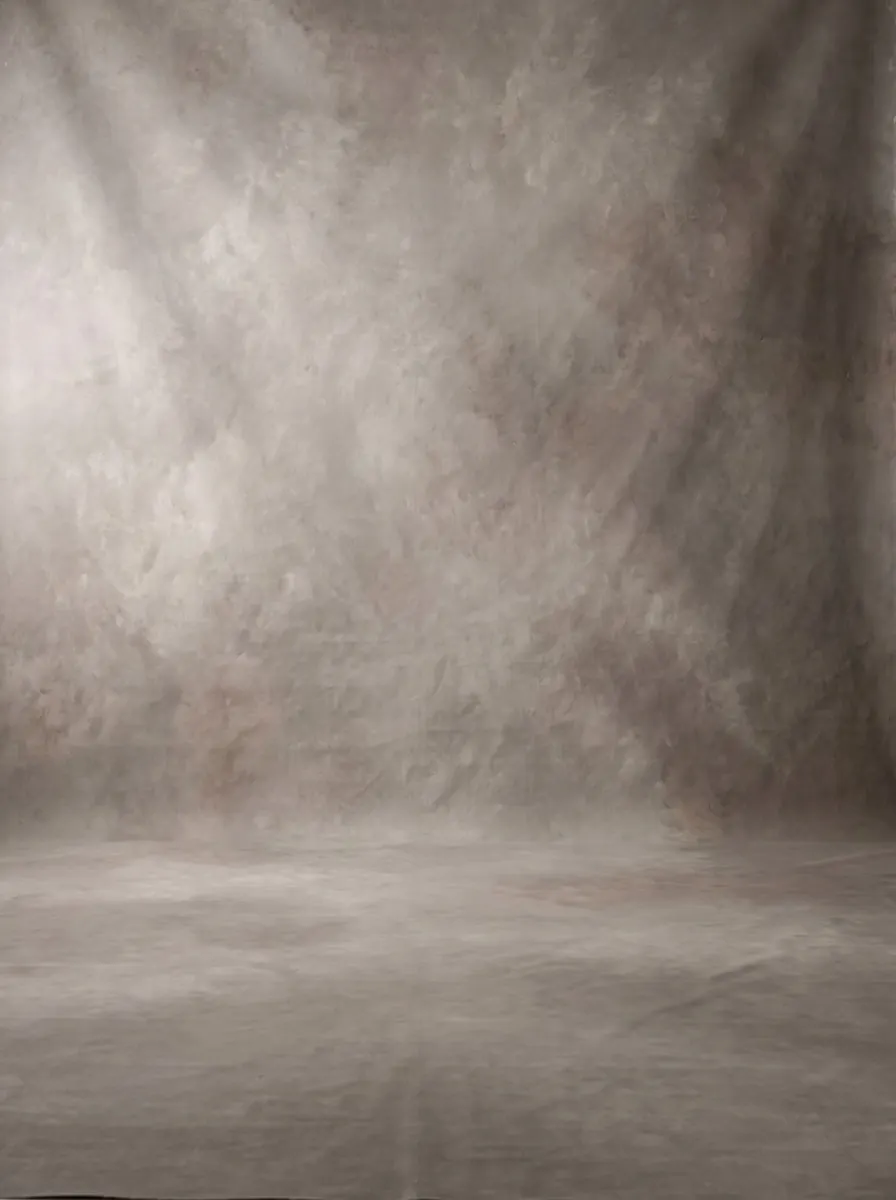
Painted Canvas Backdrop
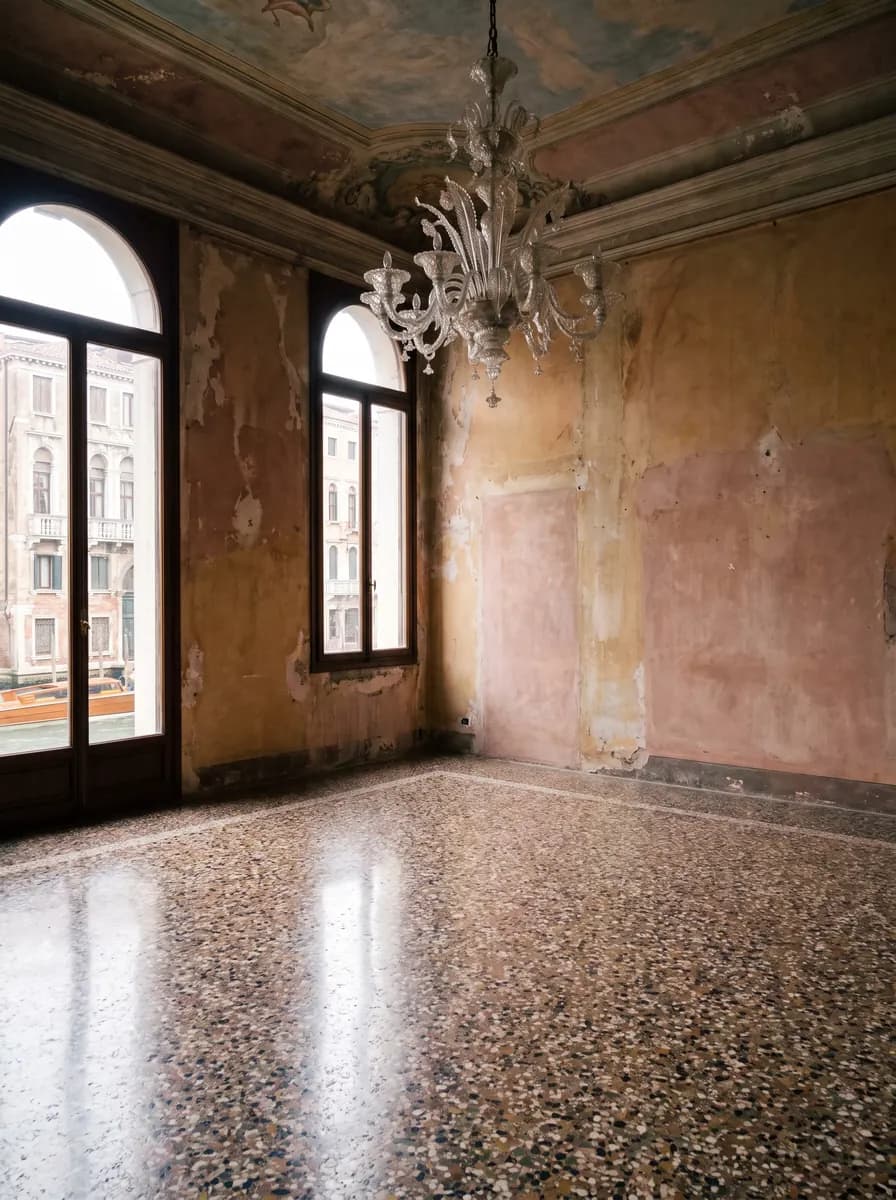
Venetian Palazzo
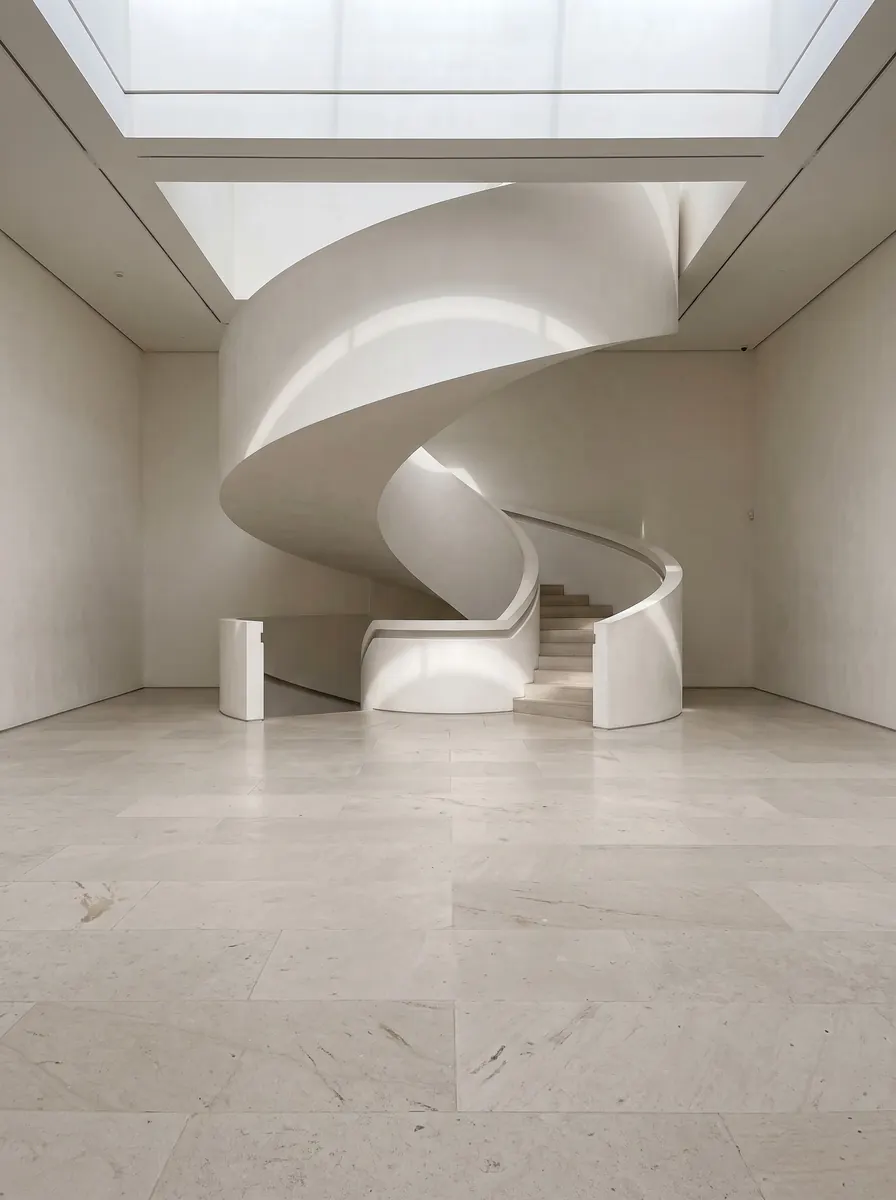
Spiral Staircase Gallery
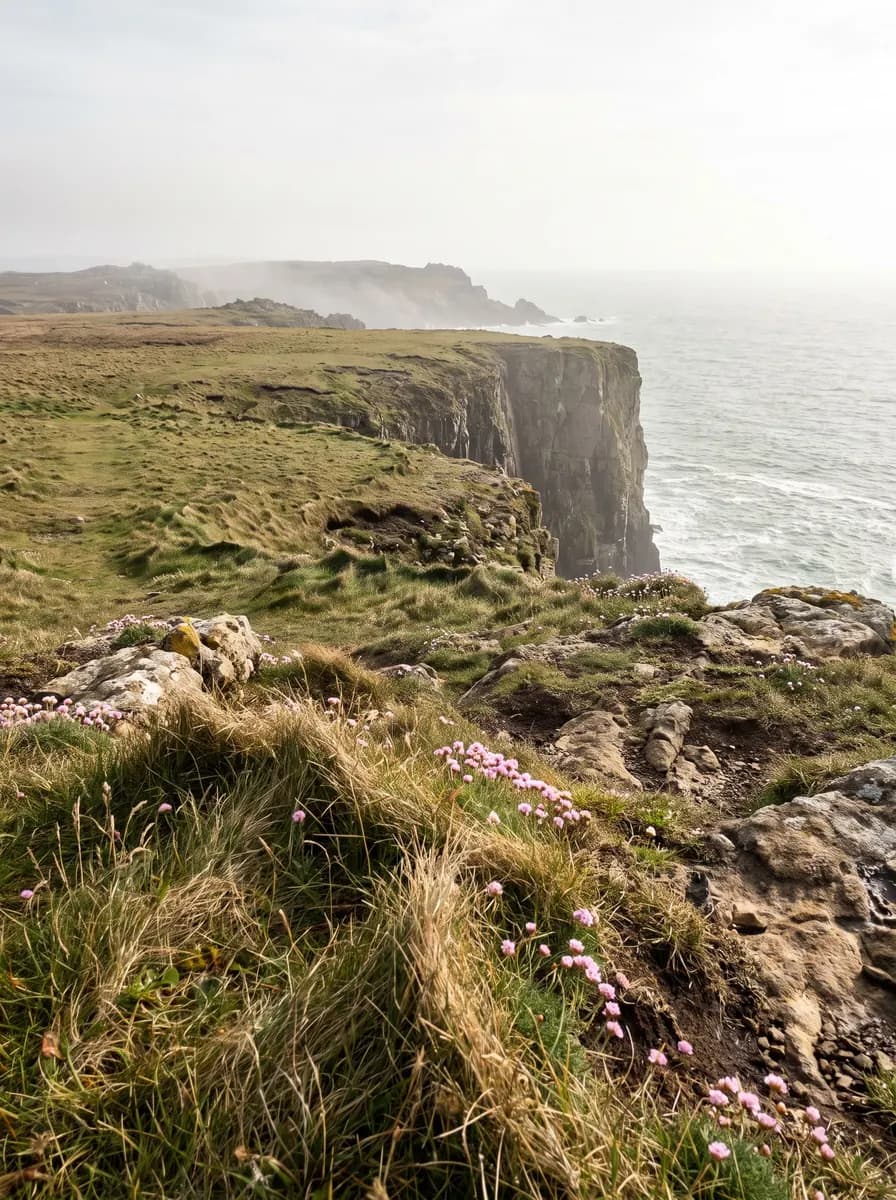
Windswept Sea Cliffs
How do you build a lookbook with Glammo?
- 01
Upload the collection
Add a photo of each piece, up to 20 for a single shoot, whether it's a flat lay, a hanger shot or a mannequin photo.
- 02
Set the look once
Choose the model, the editorial scene and the format for the whole collection.
- 03
Make the frames
Generate a full look and a close detail of each piece, then a four-second clip of the hero piece.
- 04
Sequence and publish
Check each frame against its garment, download on a paid plan, then put the frames in order in your PDF, website page or posts.
Common questions
What is an AI lookbook generator?
An AI lookbook generator makes a collection's lookbook images from product photos instead of a styled shoot. Glammo shows each piece on one fictional adult AI model in one scene, in 4:5, 9:16 or 16:9, and can add a four-second clip of the hero piece.
Does Glammo design the lookbook layout?
No. Glammo makes the lookbook's images and clips, and the layout stays with you. Download the frames on a paid plan and arrange them in a PDF, on a website page or as a series of posts.
How many pieces can one lookbook shoot include?
One Glammo shoot holds up to 20 products on a single model and scene. A bigger collection can run as two or more shoots with the same model and scene, so the lookbook pages still match.
Which aspect ratio suits a lookbook?
4:5 is Glammo's default and suits most lookbook pages and feed posts. 9:16 suits stories, and 16:9 suits website banners and email headers.
Can a lookbook include video?
Yes. Glammo makes four-second, 720p silent clips from a finished image for 5 credits each, a good fit for the hero piece on a lookbook page or launch post.
Can I send an AI lookbook to wholesale buyers?
Yes. Every paid Glammo plan includes a commercial licence, so lookbook images can go to stockists as well as on your own site. Check each frame against the garment first, and keep fabric and size details in the line sheet.
Read next
Bring the season's hero piece. See it in an editorial scene for free.
Try Glammo free with 10 credits. No card required.