Start with the photo you have.
Every apparel store starts from a different photo. Each of these pages explains what Glammo AI does with yours, what it keeps, and what changes.
Try Glammo free with 10 credits. No card required.
All solutions
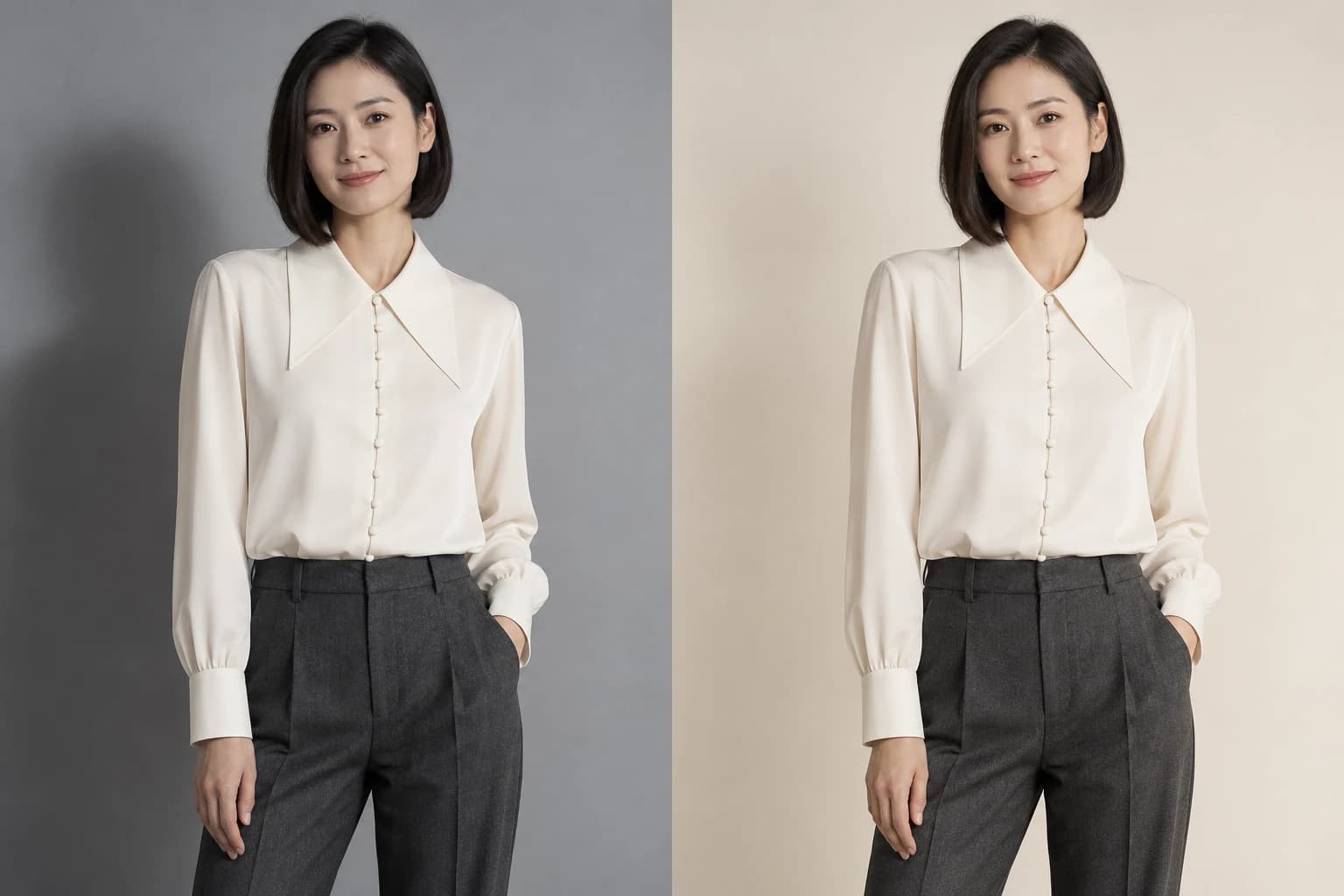
Refine the image. Keep your product at the centre.
Edit a finished Glammo image with a written request. Adjust the background, light or pose, then review the garment details before downloading.
Explore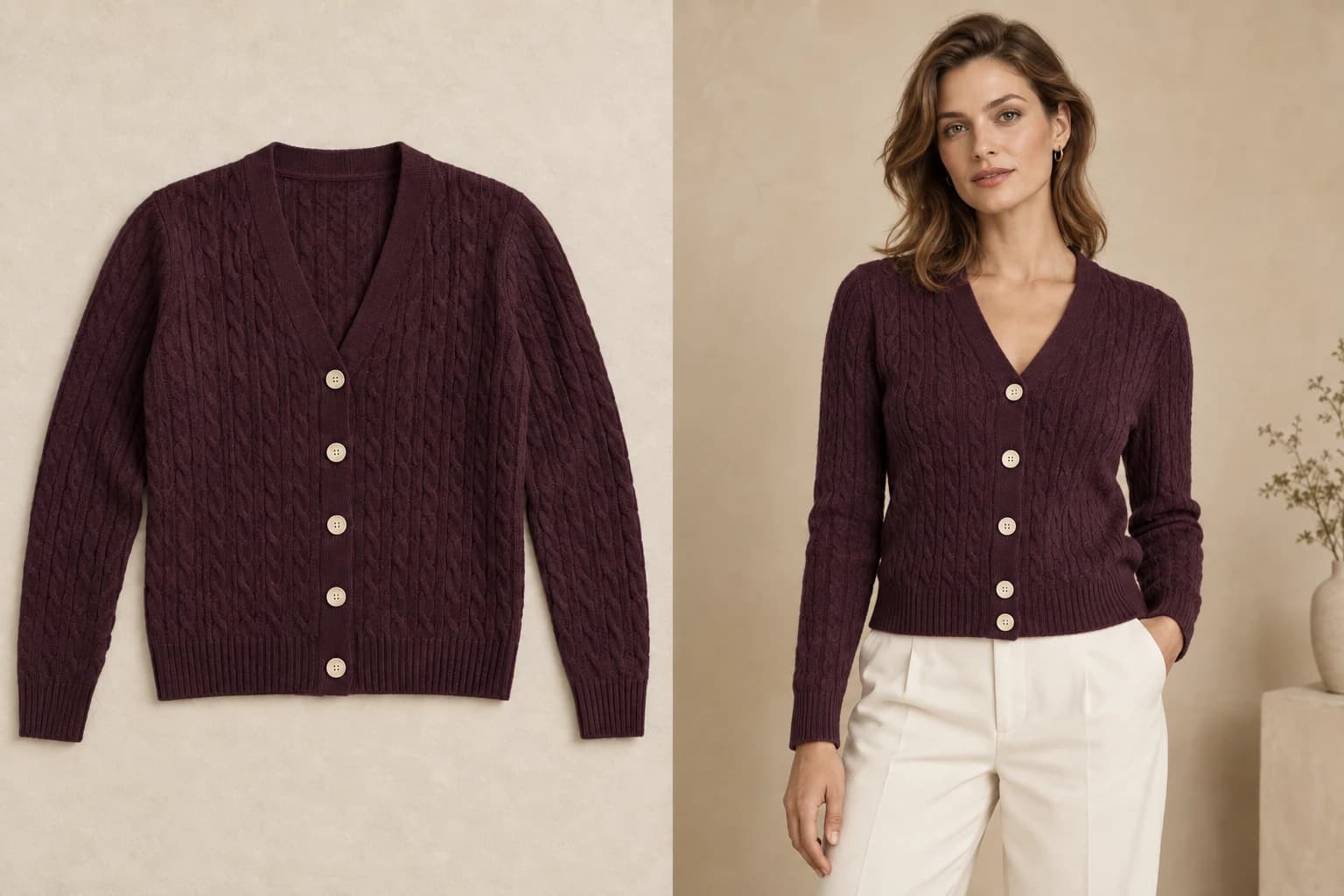
Flat lay to on-model product photos
Turn flat-lay and hanging garment photos into on-model product images for your store, with your print, colour, and cut kept as photographed.
Explore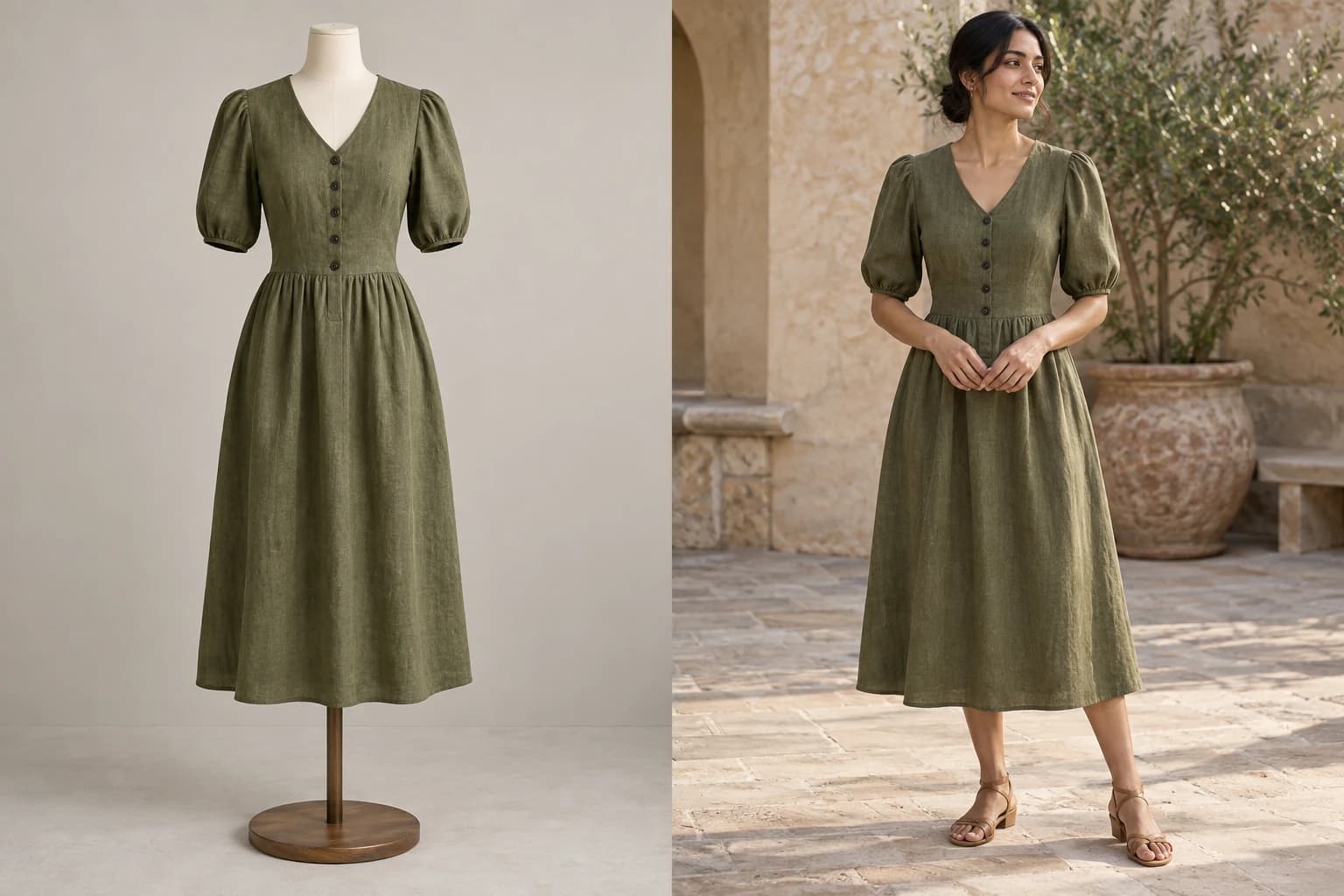
Mannequin and ghost-mannequin photos to on-model
Convert mannequin, dress-form, and ghost-mannequin photos into on-model catalogue images, with the form replaced by a fictional, AI-generated model.
Explore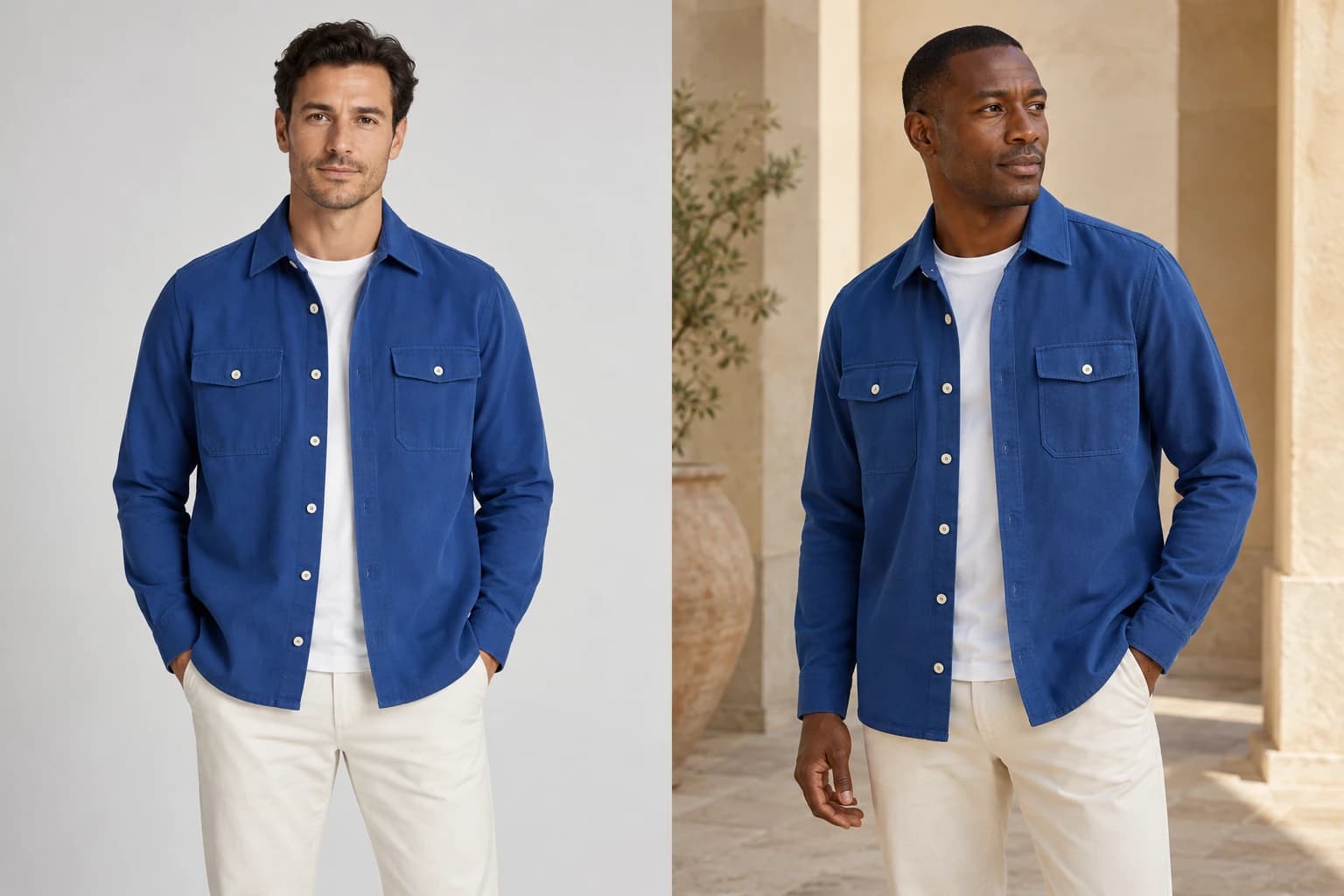
Reshoot existing model photos with a new model
Reshoot the supplier photo every competitor uses with a fictional, AI-generated model, a new pose and your own scene, keeping your garment as photographed.
Explore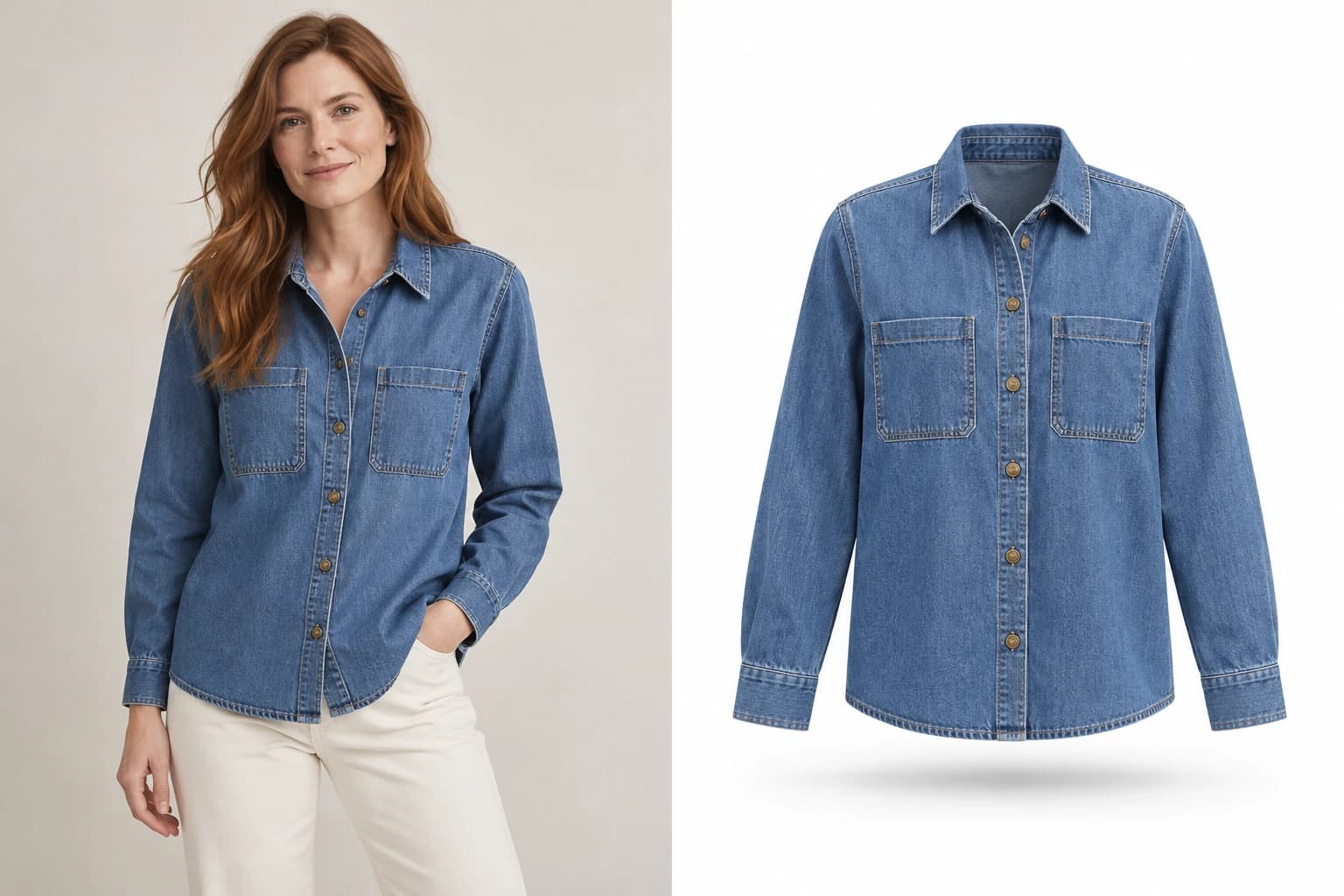
Clean packshots from any product photo
Turn on-model, mannequin or flat-lay photos into clean, garment-only packshots on white, ivory or grey. One credit each, kidswear included.
Explore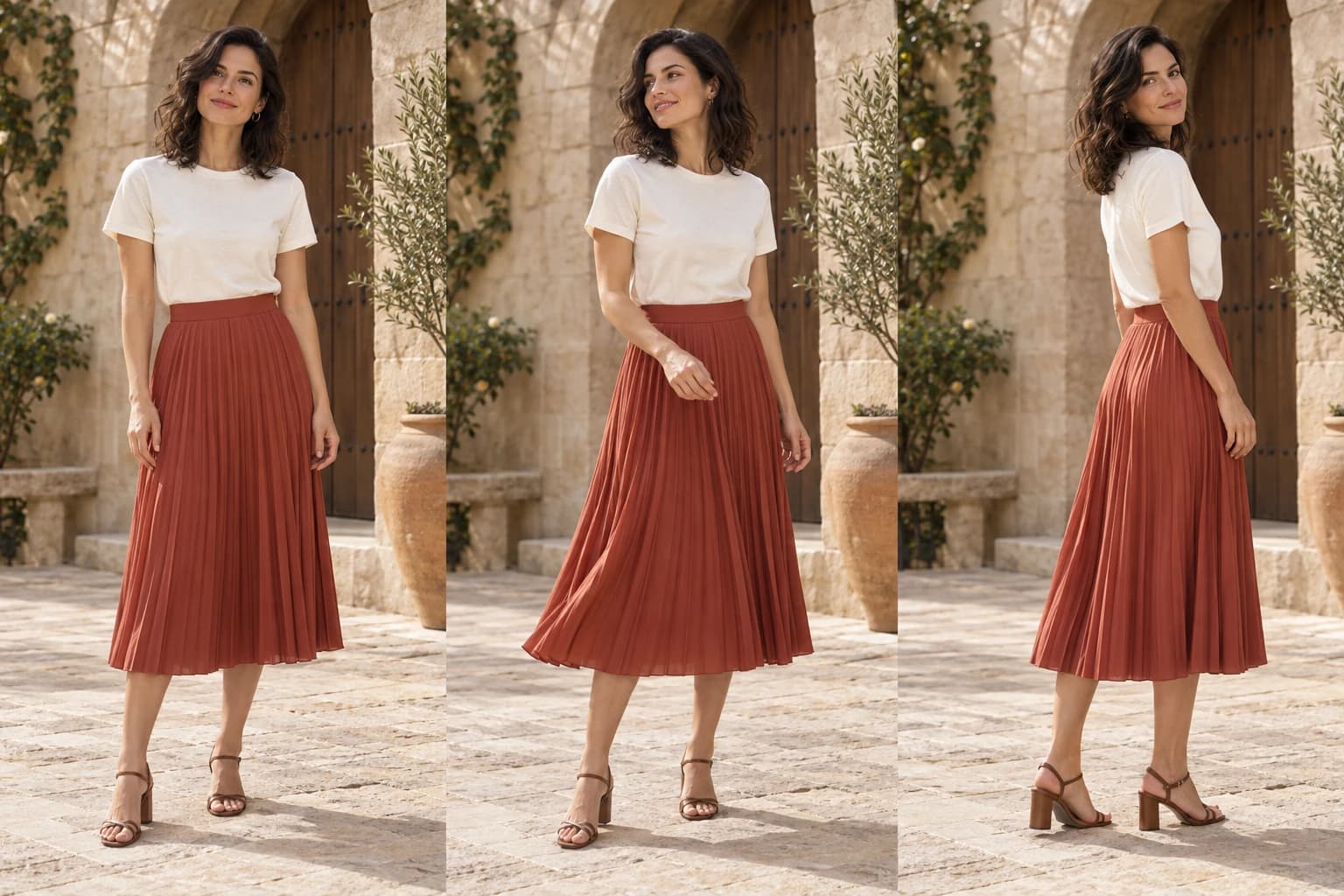
Product photo to video, in four seconds
Create four-second product videos from an uploaded photo or a finished Glammo image. Five motion presets, 5 credits per clip, on every plan.
Explore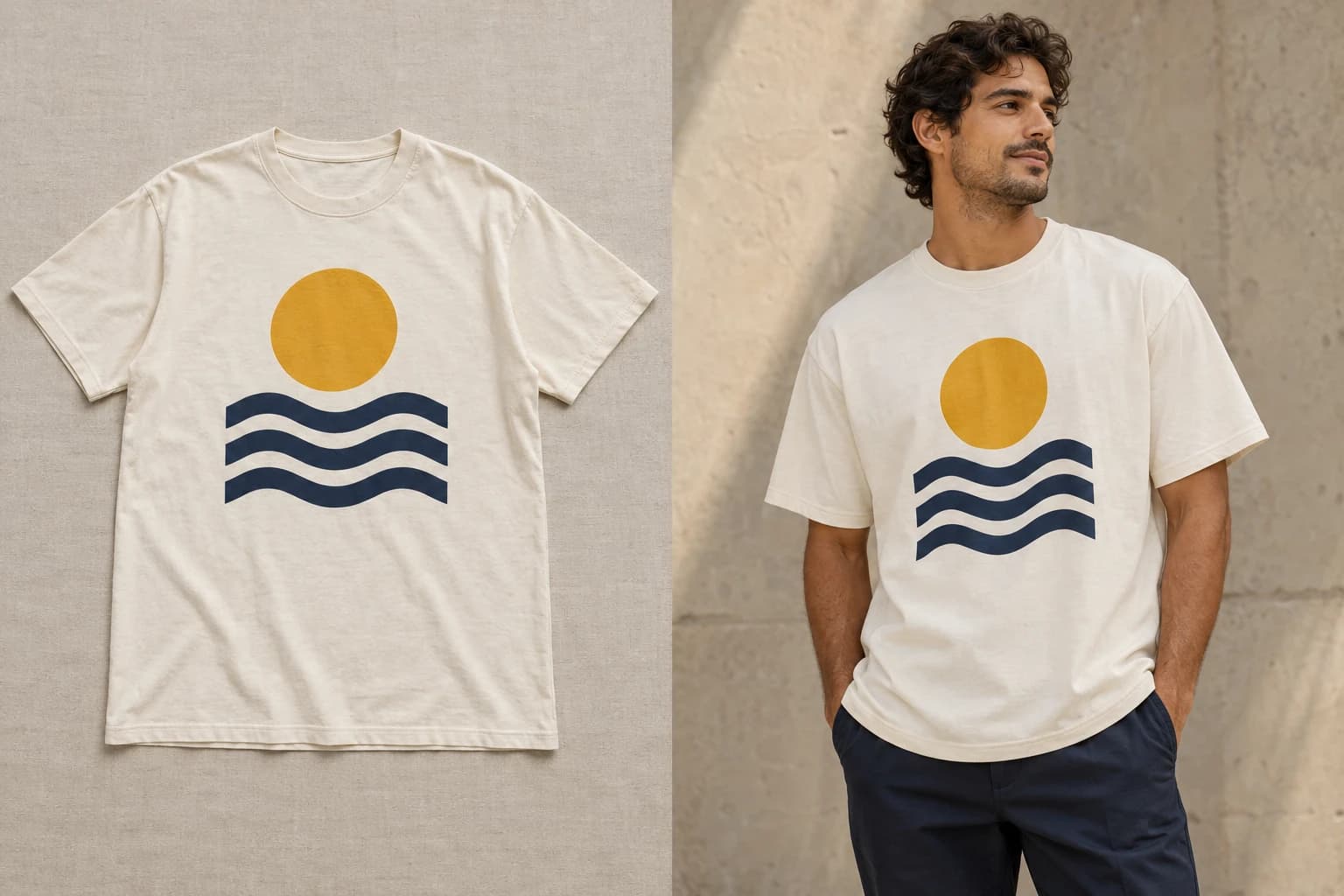
Real-looking product photos from print-on-demand mockups
POD sellers only get flat mockups. Glammo turns a Printful, Printify, or Gelato mockup into on-model product photos and social frames for your store.
Explore
Read next
Your next drop. Make it a moment.
Try Glammo free with 10 credits. No card required.