AI model photos for trousers and jeans
Glammo AI turns a flat lay or supplier photo of your trousers, from slim jeans to wide-leg and palazzo cuts, into on-model images that show the whole leg, the rise and the hem as you made them.
Try Glammo free with 10 credits. No card required.
From your photo to a product-page set
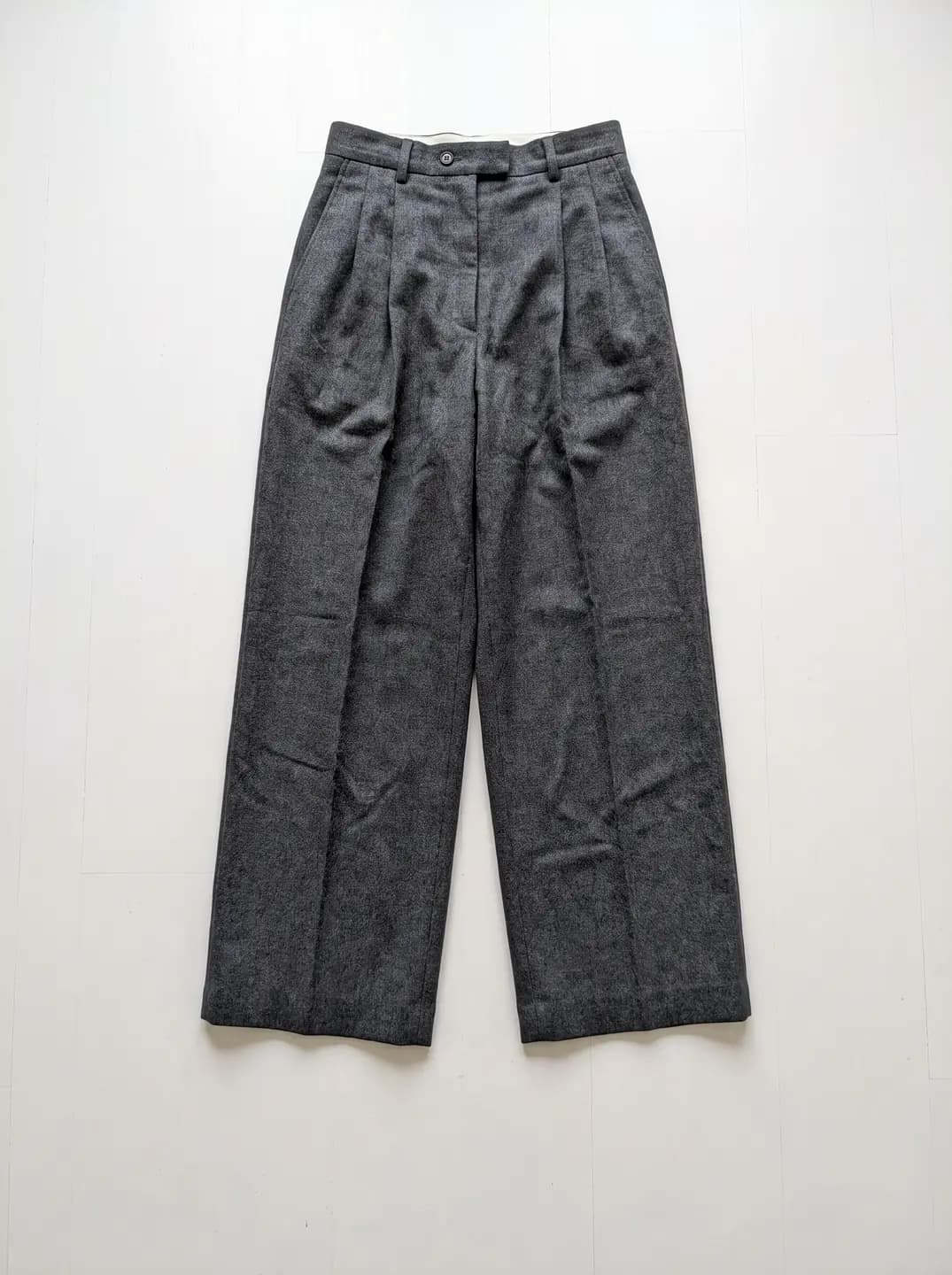
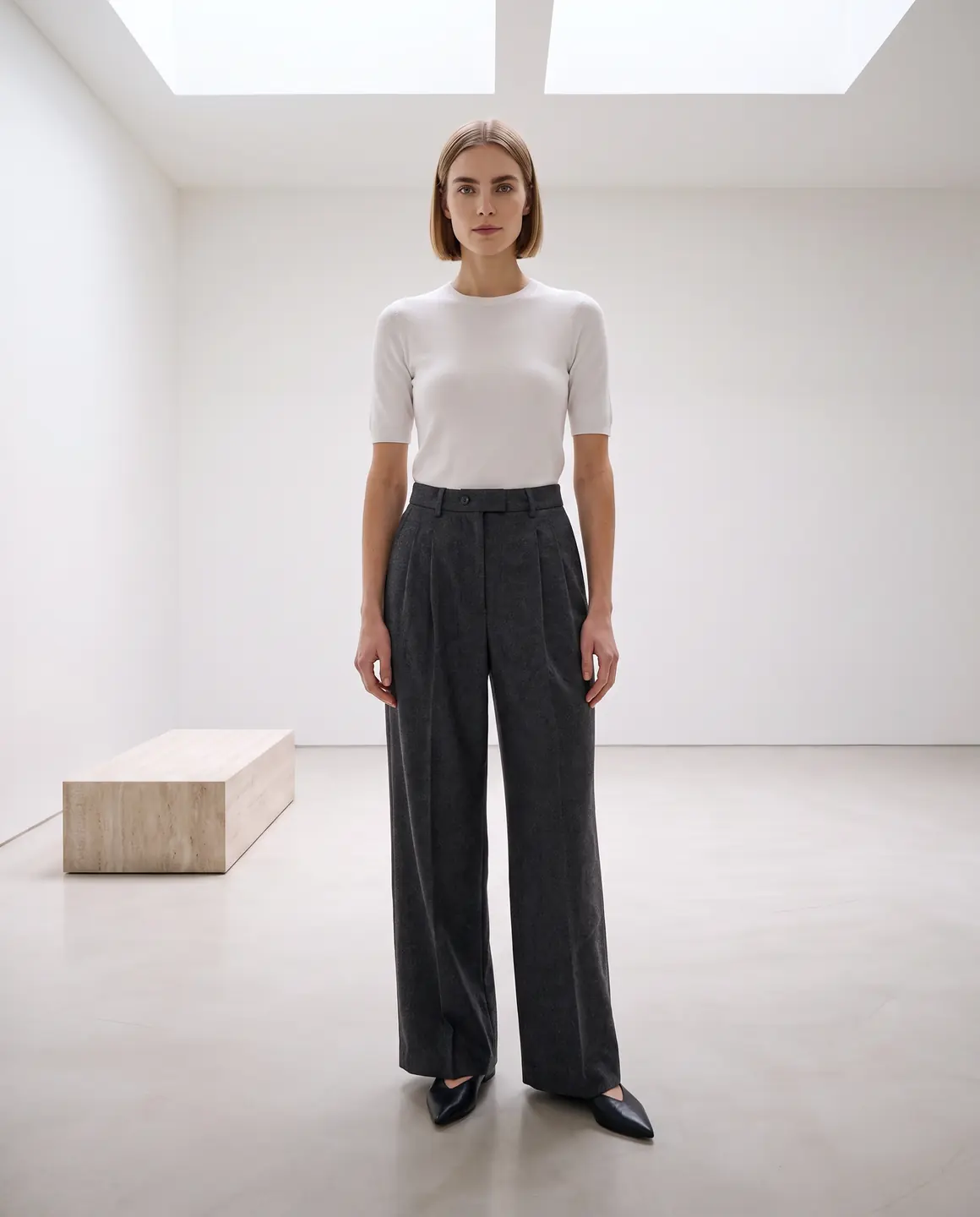
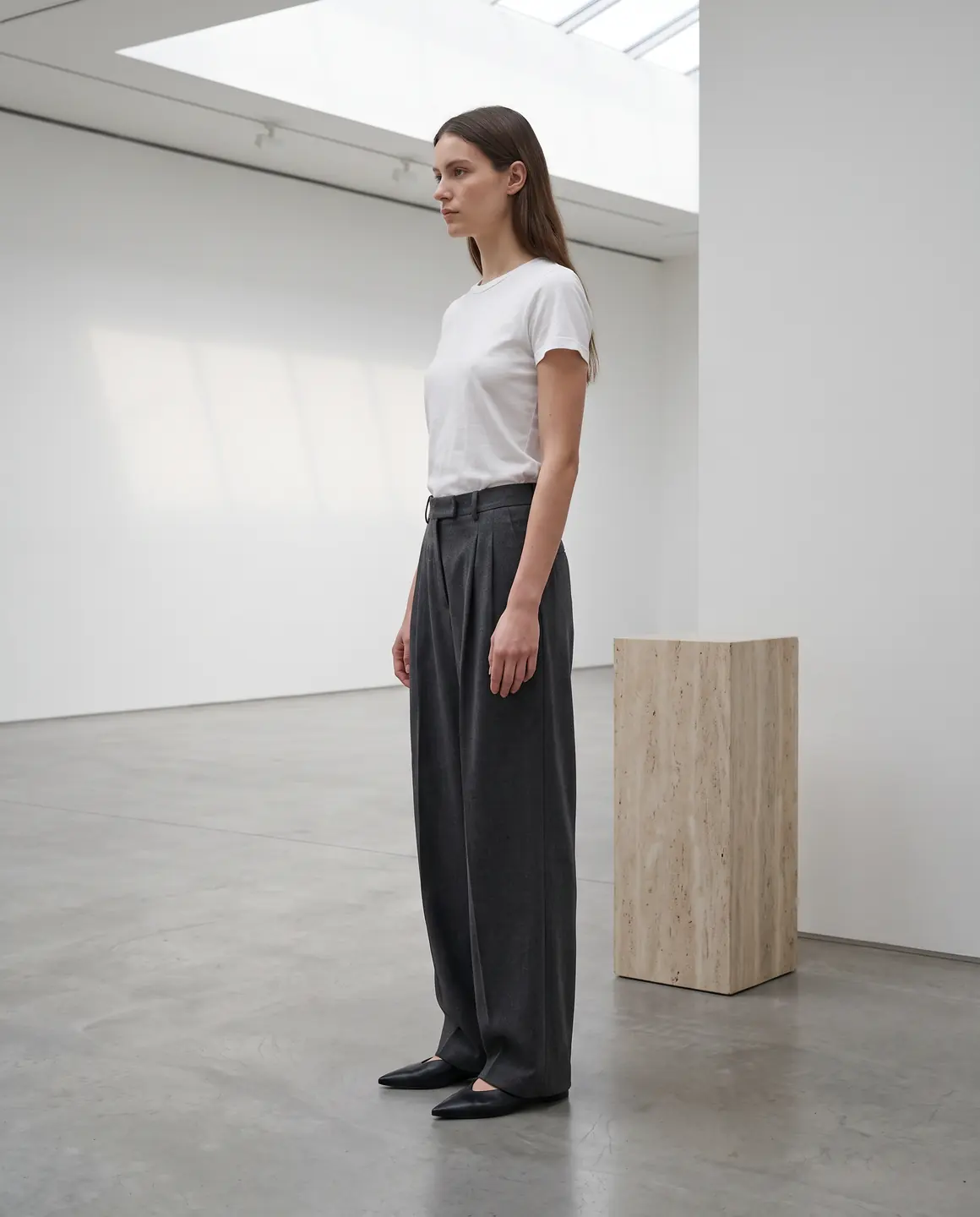
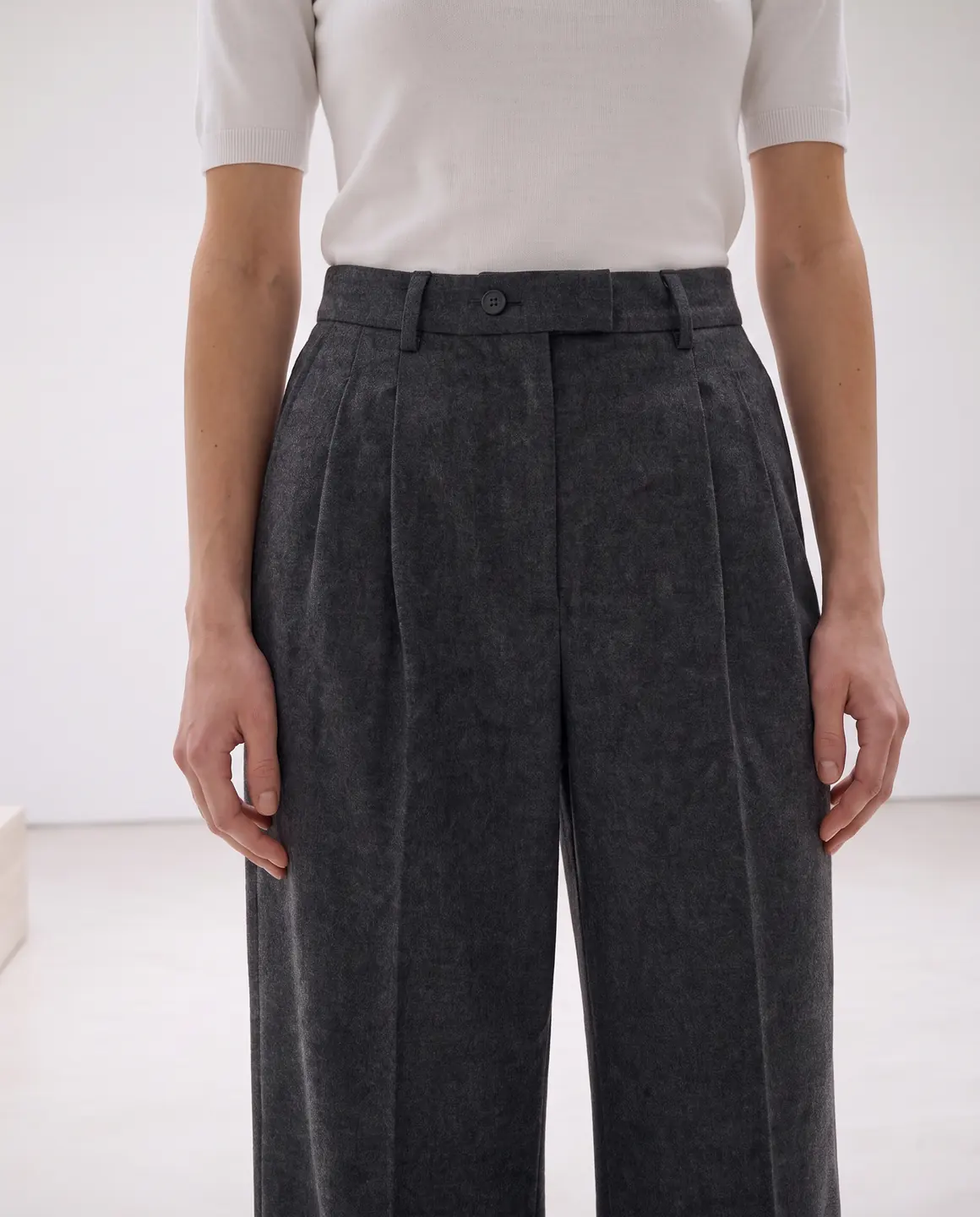
A sample photo and images made from it. Models are fictional and AI-generated.
Which photos work best for trousers & jeans
Trousers are the garment most often ruined by a crop. Give Glammo the whole leg.
Shoot full length so the leg isn't cropped
Waistband to hem, with space below. A hem that's out of frame means the length and the hem finish can't carry over.
Keep the volume of wide legs
Spread wide-leg and palazzo trousers to their full width on the flat lay. Folded in, they read as a straighter cut, and that's what the model will wear.
Lay the legs straight and parallel
Crossed or bent legs distort the line. Straight legs show the cut from hip to hem.
Show the waistband details
Belt loops, pleats, a drawstring or an elasticated back are part of the product. Keep the waistband flat and visible.
Add a back view for pockets
Jeans are recognised by their back pockets and yoke. A back photo lets those appear in the set.
The shots worth choosing
Shoppers buying trousers want to see the leg shape and where the hem lands.
A full-length frame, waistband to floor
The main image for any pair. Never crop at the knee or the ankle.
A frame that shows the leg in motion
Wide-leg and palazzo trousers are bought for their flow. A frame with movement shows the fabric swinging.
The rise and waistband up close
High-rise, mid-rise or low-rise, with pleats or without: a close frame answers it.
A back view for jeans
Pocket placement and fit through the seat are what denim shoppers check.
What you get
An on-model set
Full-length and close frames of your trousers on the same fictional model, 4:5 by default for product pages. Each image is 1 credit.
A packshot for marketplaces
The trousers laid flat or floating on a plain background, with the full leg visible, for marketplaces. One packshot is 1 credit, on white, ivory or grey.
A short video
A few steps in four seconds, so wide legs and soft fabrics show how they move. A four-second clip is 5 credits.
What to check before publishing
Compare each image with your original before you use it. AI can miss a detail, and you know the garment best.
Leg width and shape
Skinny, straight, bootcut, wide or palazzo: the cut on the model should match your photo all the way to the hem.
Length and hem finish
Check where the hem falls and whether it's raw, cuffed or stitched as on your pair.
Rise and waistband
Compare the rise, belt loops, buttons and any pleats or darts.
Denim wash and fading
Whiskering, fades and distressing should sit where they do on the original, without new ones appearing.
Pockets and rivets
Count front and back pockets and check rivet placement on jeans.
Reviewing garment fidelity
Our guide walks through checking colour, print, construction and proportion against your source photo, one image at a time.
Read the review guideCommon questions
Can AI show my jeans on a model without a photoshoot?
Yes. Upload a full-length flat lay or supplier photo, choose a fictional model and scene, and Glammo creates on-model images of the jeans. Check the leg shape and hem against your pair.
Will wide-leg trousers keep their volume?
Glammo is built to keep the cut shown in your photo, so lay wide-leg and palazzo trousers out at their full width. Compare the leg width on each image with your source.
Why does the hem need to be in my photo?
Because Glammo can only carry over the length your photo shows. A cropped source means the hem is a guess, and you should never publish a guess about length.
Can I show the back pockets of my jeans?
Yes, if you upload a photo of the back. Add it as a second photo of the same product.
Do the images show the inseam length?
No. Generated images show how the trousers could look; they don't measure length or fit. List the inseam and size details on your product page.
Read next
Bring one photo of your trousers. See them on a model for free.
Try Glammo free with 10 credits. No card required.