AI model photos for jackets and coats
Glammo AI turns a photo of your jacket or coat, on a mannequin, laid flat or on a supplier's model, into on-model images where the collar, lapels, pockets and length match the piece you sell.
Try Glammo free with 10 credits. No card required.
From your photo to a product-page set
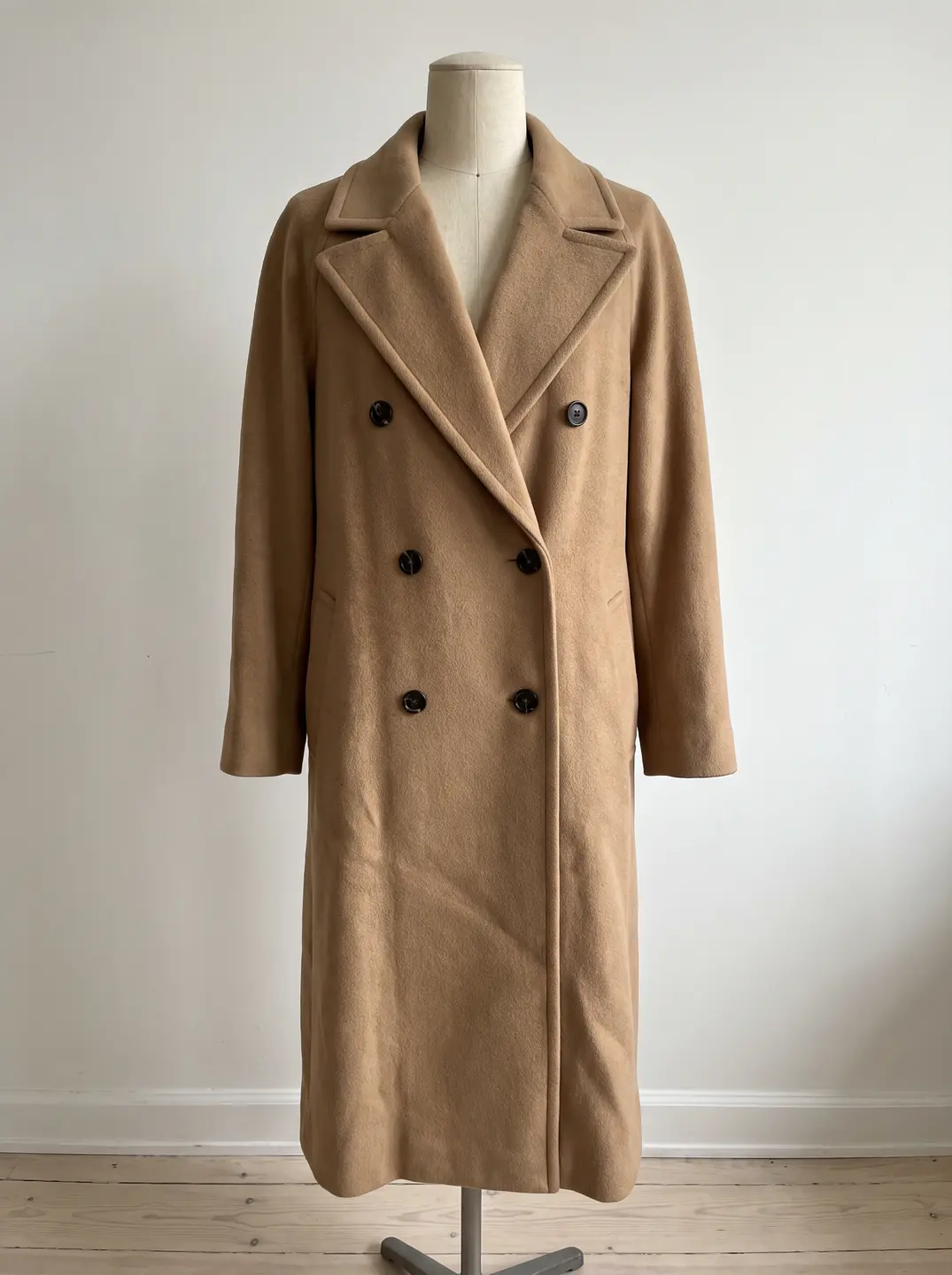
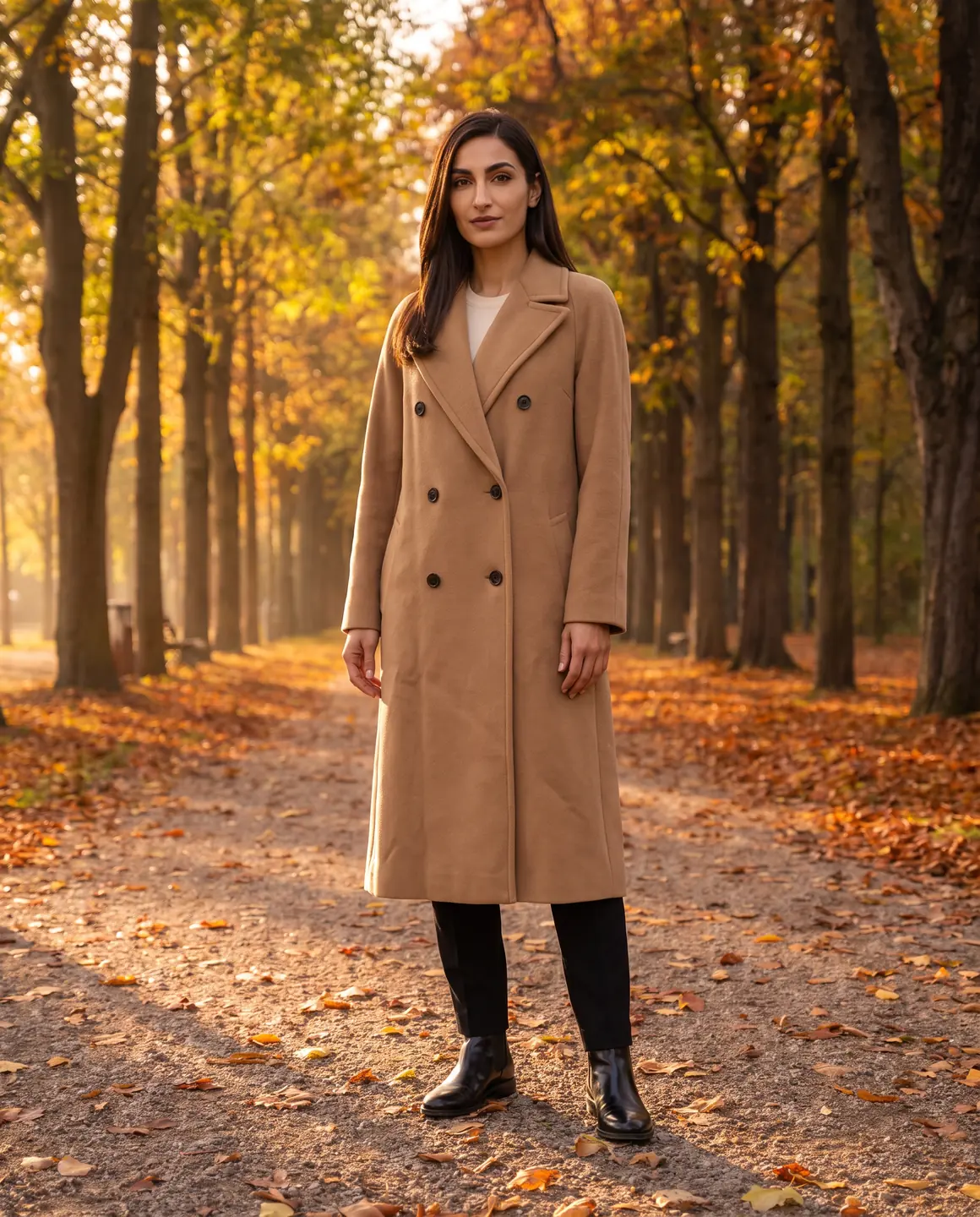
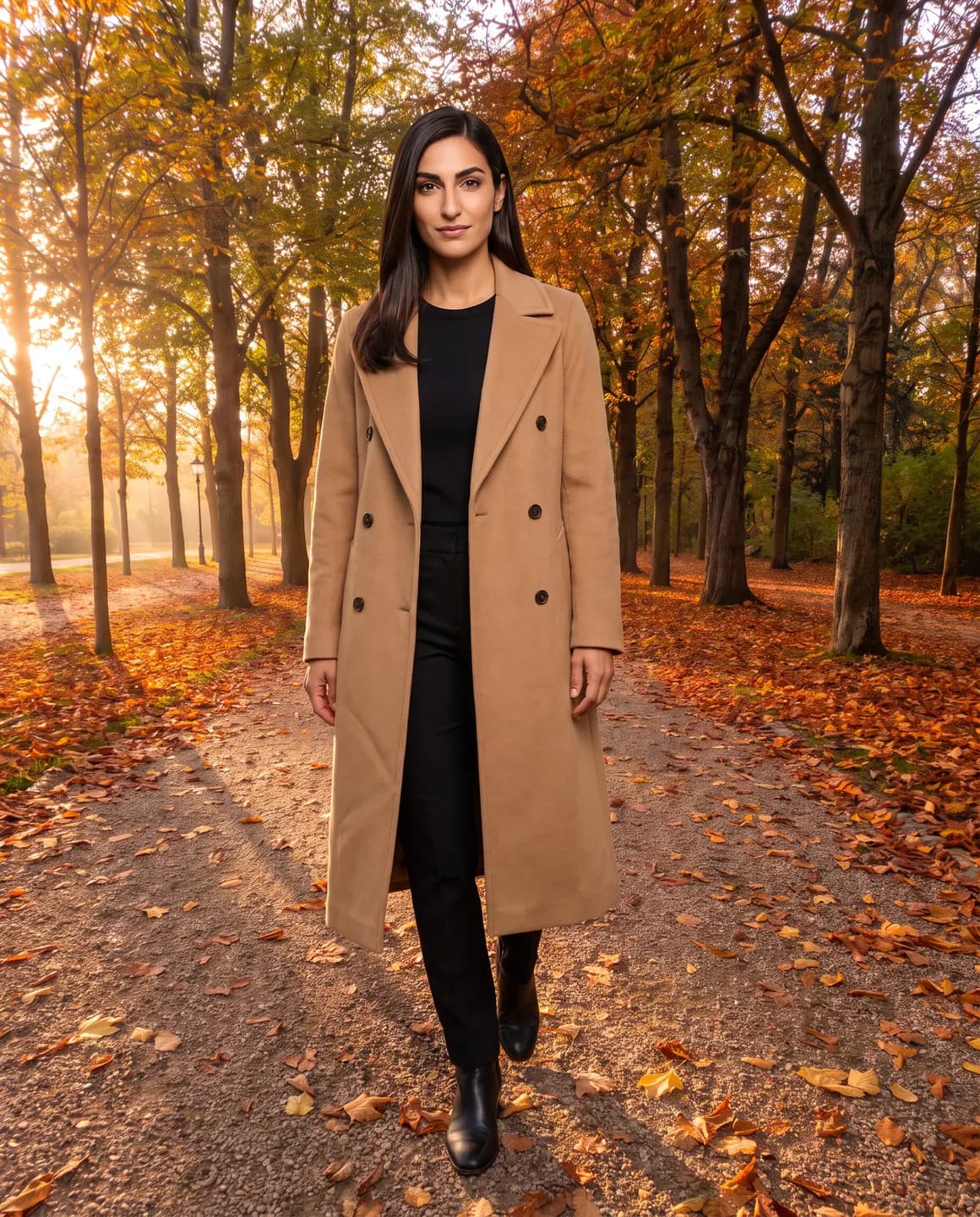
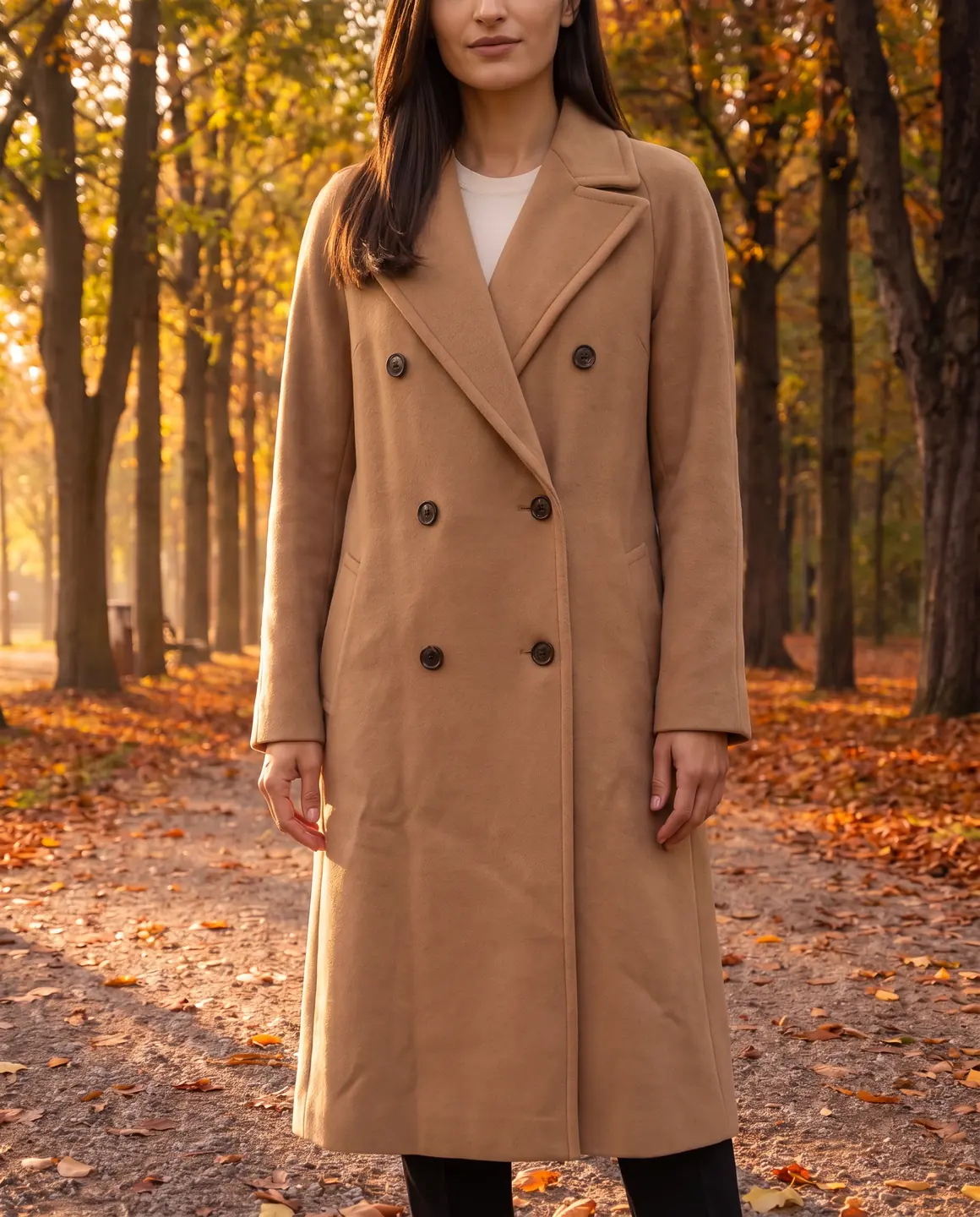
A sample photo and images made from it. Models are fictional and AI-generated.
Which photos work best for jackets & coats
Outerwear has structure that a flat lay can flatten. A mannequin or a well-laid photo keeps it.
Use a mannequin for tailored coats
Blazers, trench coats and wool coats keep their shoulders and lapel roll on a form. That shape is what you want on the model.
Close it the way it's worn
Button or zip the coat, and tie a belted trench at the waist, so the closure and silhouette are clear.
Shoot the full length
A cropped jacket and a knee-length coat differ by length alone. Keep the hem in the photo with space below it.
Lay puffers flat and plump
Shake out a puffer before the photo so the baffles are full. Flattened quilting looks like a thinner jacket.
Show the lining if it's a feature
A contrast lining is a selling point. Add a photo with the coat open if you want it in the set.
The shots worth choosing
Outerwear sells on silhouette and on how it layers over other clothes.
A full-length frame, closed
The main image for any coat: the length, the shape and the closure in one view.
Worn open over an outfit
Shows the lining and how the coat sits over knitwear or a shirt, which helps shoppers picture wearing it.
A close crop of the collar and buttons
Hardware, stitching and fabric weave are quality signals worth their own frame.
An outdoor scene
Coats belong outside. One frame in a street or park scene gives campaigns and social a seasonal image.
What you get
An on-model set
Closed, open and close-up frames of your jacket or coat on the same fictional model, 4:5 by default. Each image is 1 credit.
A packshot for marketplaces
The coat on its own, front-facing with natural volume, for marketplaces and size-guide pages. One packshot is 1 credit, on white, ivory or grey.
A short video
A short clip with movement, so the swing of a long coat or the sheen of a technical fabric shows. A four-second clip is 5 credits.
What to check before publishing
Compare each image with your original before you use it. AI can miss a detail, and you know the garment best.
Lapels and collar
Lapel width, notch shape and collar style should match your coat exactly.
Closures
Count buttons and check toggles, zips and snaps, including double-breasted button layouts.
Pockets and flaps
Flap pockets, welt pockets and chest pockets should sit where they do on your piece.
Length and hem
Check where the hem falls on the model's body against your photo.
Belts and hardware
Buckles, D-rings and epaulettes are easy to drop. Look for each one.
Reviewing garment fidelity
Our guide walks through checking colour, print, construction and proportion against your source photo, one image at a time.
Read the review guideCommon questions
Can AI put a coat on a model without a photoshoot?
Yes. Upload a photo of the coat on a mannequin, laid flat or on a supplier's model, choose a fictional model and scene, and Glammo creates on-model images. Check the closures and length before publishing.
Is a mannequin photo better than a flat lay for coats?
Usually, for tailored coats and blazers, because the form keeps the shoulders and lapels in shape. Flat lays work well for puffers, overshirts and casual jackets.
Can I show the coat open and closed?
Yes. Upload a photo of each and make frames from both, so shoppers see the lining and the closed silhouette.
Does it work for leather and puffer jackets?
Yes. Photograph leather in soft light to avoid glare, and fluff a puffer's quilting before the photo.
Can I make winter campaign images too?
Yes. Choose an outdoor scene for campaign frames alongside clean studio frames for your product pages.
Read next
Bring one coat photo. See it on a model for free.
Try Glammo free with 10 credits. No card required.