AI model photos for loungewear
Glammo AI turns flat lays and supplier photos of your loungewear into on-model images in calm, homely scenes, so shoppers can see the relaxed fit and soft fabric of each piece.
Try Glammo free with 10 credits. No card required.
From your photo to a product-page set
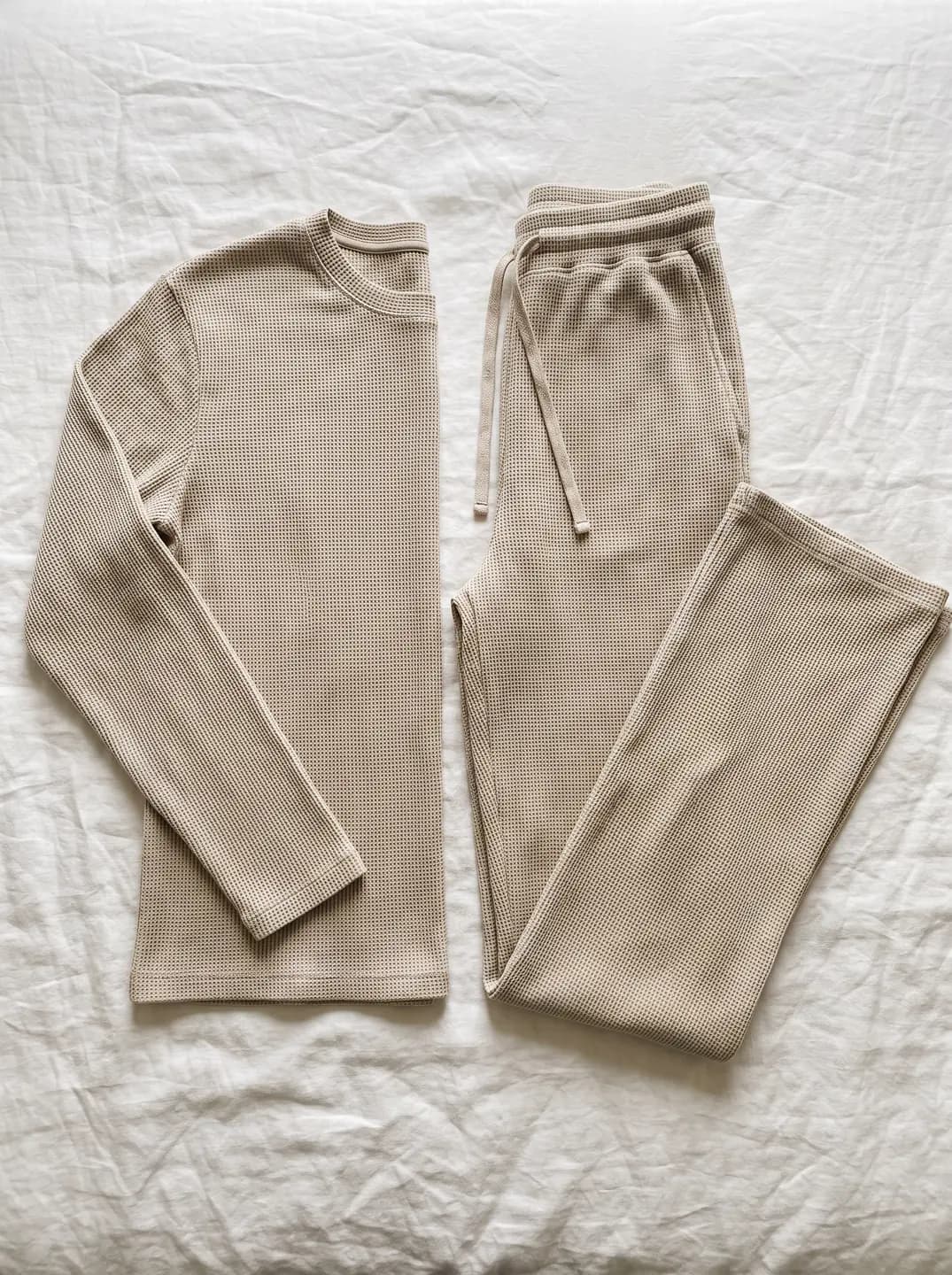
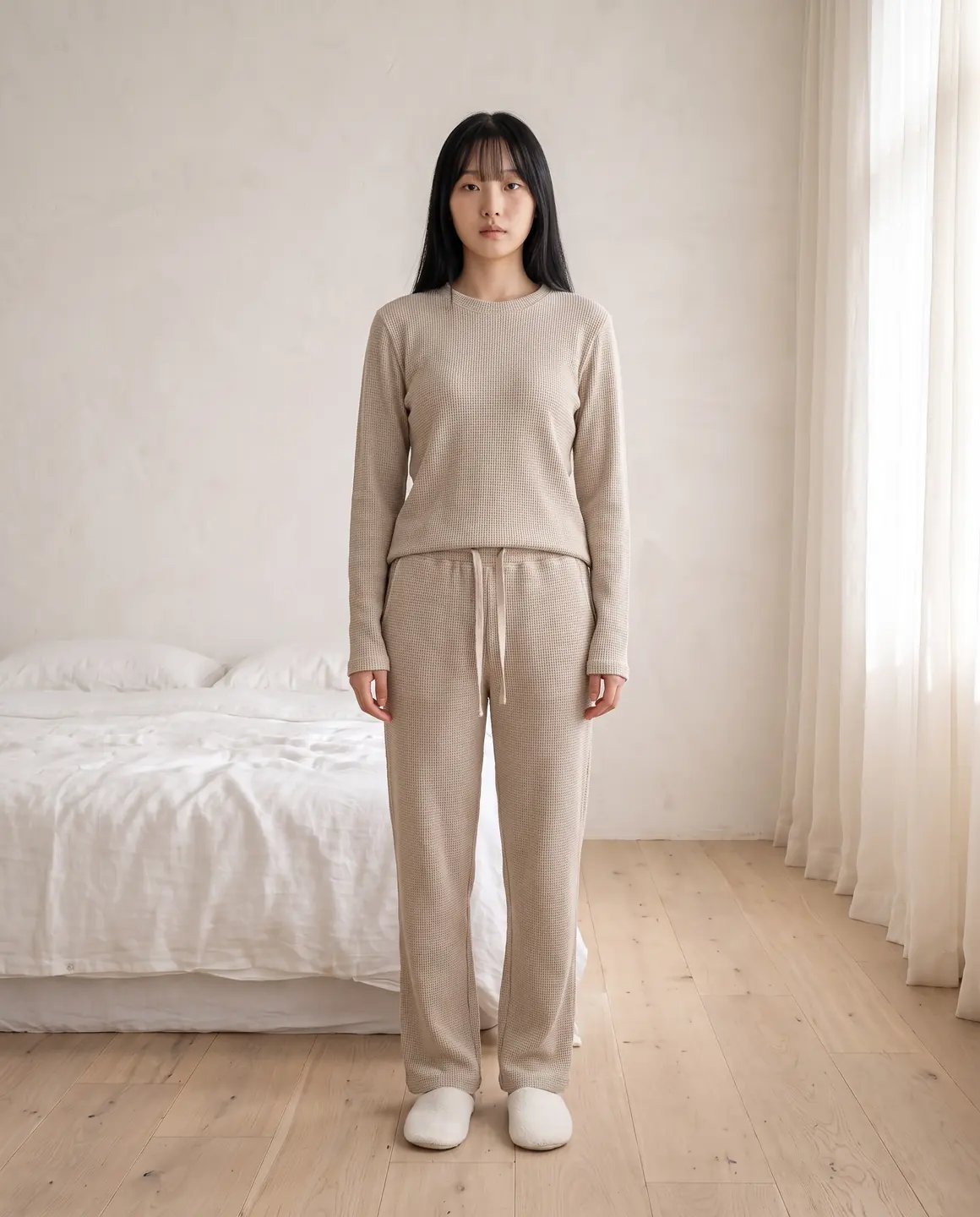
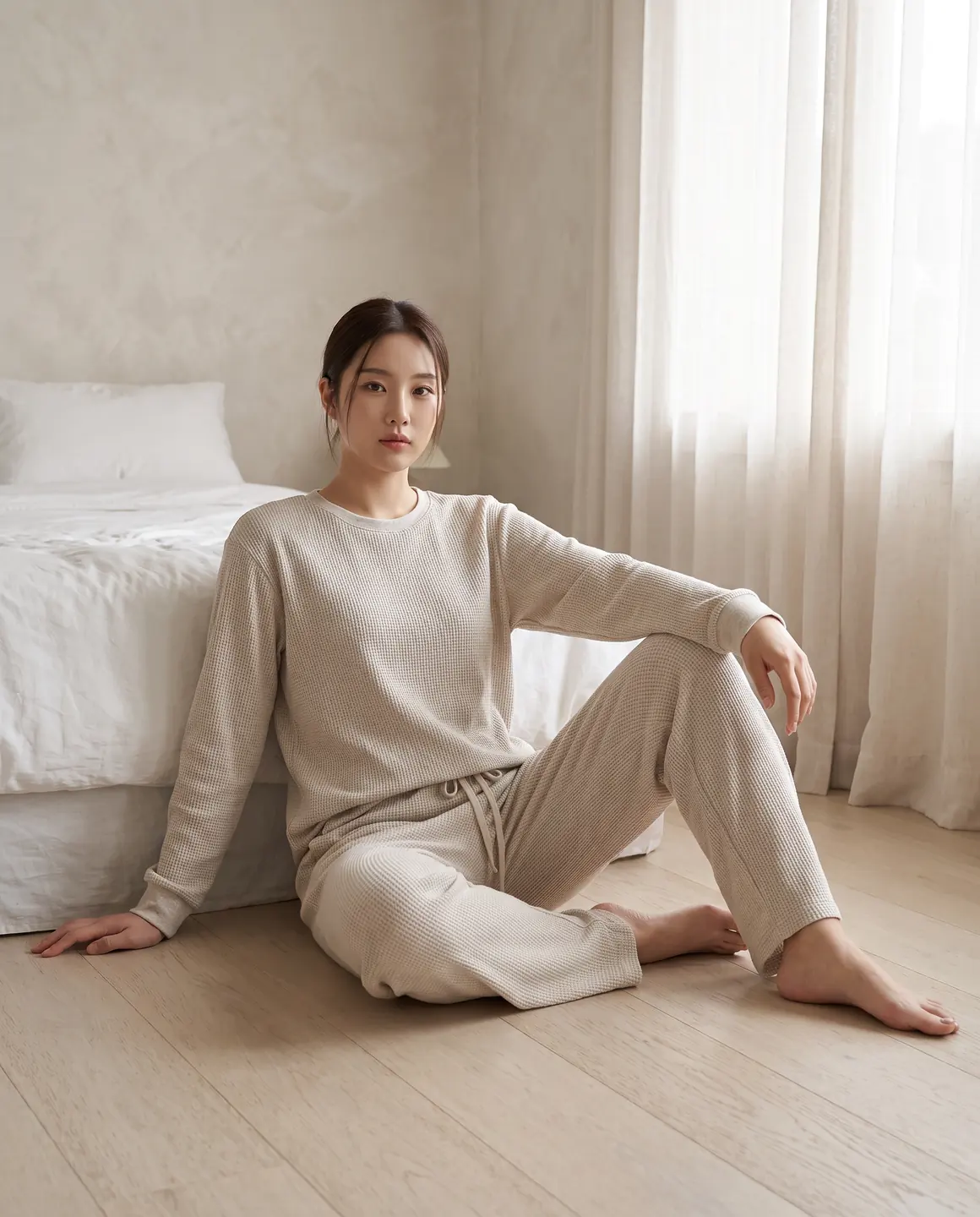
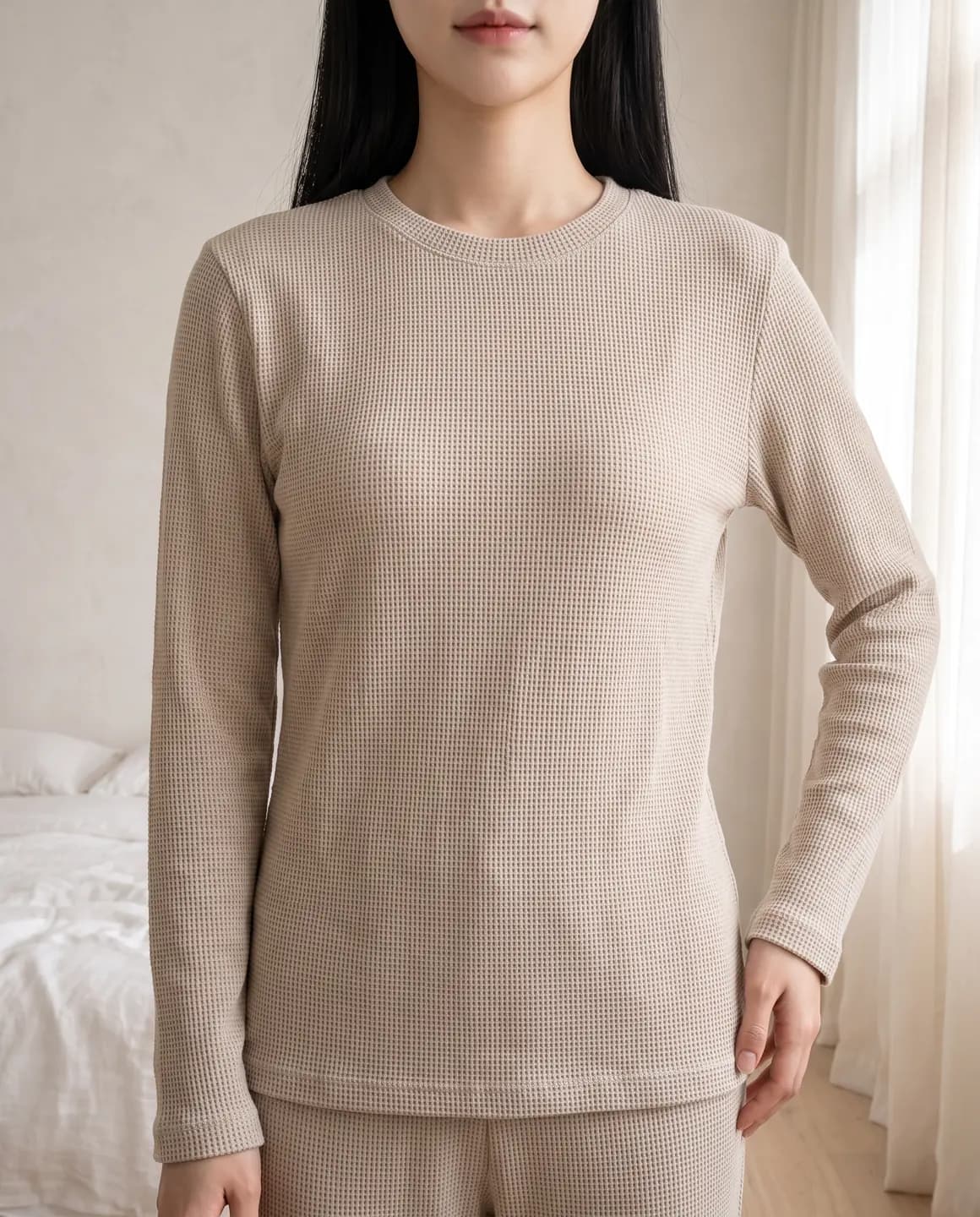
A sample photo and images made from it. Models are fictional and AI-generated.
Which photos work best for loungewear
Loungewear is meant to look relaxed, not rumpled. That difference starts with the photo.
Smooth soft fabrics before shooting
Jersey, modal and brushed fleece crease in storage. A steamer or a tumble on low takes out fold lines that would otherwise show up on the model.
Photograph each piece of a set
Shoot the top and the bottoms separately, laid flat at their natural size. You can show them together on the model afterwards.
Show ribbed cuffs and drawstrings
The small details that make loungewear comfortable, cuffed ankles, elastic waists and drawcords, should be visible.
Warm, soft light
Diffused daylight keeps cream, oatmeal and pastel tones true. Cool or harsh light makes soft colours look grey.
Robes laid open, belt beside them
Lay a robe open so the lapel and lining show, with the belt alongside, so both carry over.
The shots worth choosing
The best loungewear frames feel like a slow morning while still showing the product clearly.
A full-length frame of the set
Shows top and bottoms together and the relaxed fit from shoulder to ankle.
A calm interior scene
A bedroom, sofa or sunlit room tells shoppers what the piece is for without a word.
A close crop of the fabric
Softness is the selling point. A tight frame shows the brushed or ribbed surface.
A clean studio frame for the product page
Keep one plain frame per piece so your collection page stays consistent.
What you get
An on-model set
Studio and at-home frames of your loungewear on one fictional model, 4:5 by default. Each image is 1 credit.
A packshot for marketplaces
Each piece on its own on a plain background, for marketplaces and multi-piece listings. One packshot is 1 credit, on white, ivory or grey.
A short video
A slow, gentle four-second clip that suits the mood of loungewear on social. A four-second clip is 5 credits.
What to check before publishing
Compare each image with your original before you use it. AI can miss a detail, and you know the garment best.
Fit and drape
Relaxed should stay relaxed. Check that a slouchy jogger hasn't become a slim one.
Matching colour across a set
Top and bottoms should match each other, and your source, in every frame.
Cuffs, waistbands and drawstrings
Elastic and ribbing are easy to drop. Look for each detail your piece has.
Fabric texture
Waffle knit, brushed fleece and ribbing should look like your fabric, not smooth jersey.
Robe belt and lapels
Check the belt is present and the lapel shape matches.
Reviewing garment fidelity
Our guide walks through checking colour, print, construction and proportion against your source photo, one image at a time.
Read the review guideCommon questions
Can AI make photos of my loungewear set on a model?
Yes. Upload a photo of each piece, choose a fictional model and a calm scene, and Glammo creates on-model images of the set. Check the fit and colour match before publishing.
Can I show loungewear in a home setting?
Yes. Choose an interior scene for lifestyle frames and a plain studio for product pages.
Will soft fabrics look soft?
Glammo is built to keep the texture your photo shows, so a well-lit, crease-free photo matters. Compare the fabric on each image with your source.
Does it work for pyjamas?
Adult pyjamas are apparel like any other, so the same advice applies. Children's sleepwear can only be shown as a garment-only packshot.
Can I keep the same model across my loungewear range?
Yes. Pick the same model and scene for every product so your range looks like one shoot.
Read next
Bring one loungewear photo. See it on a model for free.
Try Glammo free with 10 credits. No card required.