Production planning
AI photoshoot or studio shoot? How to choose for each product
Choose product by product: an AI photoshoot is usually enough when you have a clear photo of the garment, and a studio shoot is worth booking when fit, fabric in motion or a hero campaign has to be captured on a real person. Glammo AI makes on-model images, packshots and short videos from photos you already have, so the decision comes down to which products still need a camera.
Glammo AI6 min read
What does each kind of shoot give you?
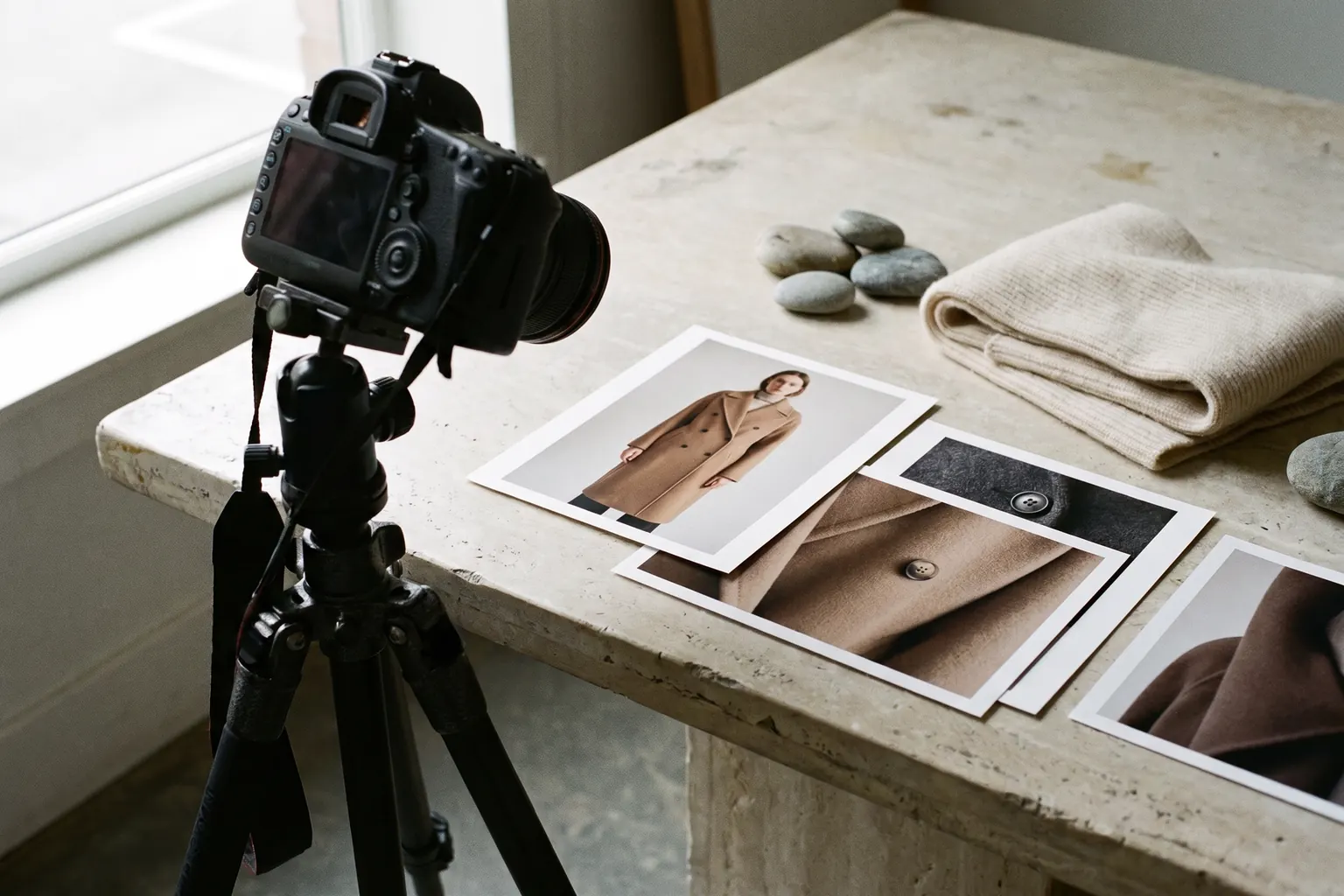
A studio shoot photographs the real garment on a real person. That is its strength: the camera records how a fabric stretches, where a hem falls and how a coat swings as someone moves. It also needs the sample in hand, a photographer, a model, a studio or location, retouching and a date that suits everyone.
An AI photoshoot starts from a photo you already have. In Glammo, that can be a flat lay, a hanging photo, a mannequin, dress-form or ghost-mannequin photo, an on-model or supplier photo, or a print-on-demand mockup. The garment is put on one of Glammo's fictional adult AI models in a scene you choose, and up to 20 products can share one model, scene and look in a single shoot.
The two go wrong in different ways. A studio day can overrun its budget or miss a product that arrived late. An AI image can miss a detail, and it never measures fit. Glammo is built to keep each garment's colour, print and construction, but every image still needs checking against the product before it goes live.
Which products need which kind of shoot?
A starting sort for your catalogue. Adjust it to the questions your customers actually ask.
| Product or job | Studio shoot | Glammo |
|---|---|---|
| Basics and repeat colourways | Rarely worth a booking on their own | Usually enough, from a flat lay of each colour |
| Supplier and dropship stock | Needs samples you may not hold | Works from the supplier's photo, with their permission |
| Fitted tailoring and stretch pieces | Worth it for one honest fit photo | Good for the rest of the gallery |
| Sheer, sequinned or heavily textured fabric | Worth it for a real close-up of the fabric | Good for full-length images; check fine detail closely |
| A hero campaign for a launch | Worth it when the idea needs a real place or person | Good for supporting frames and quick variations |
| New arrivals every week | Hard to book that often | Shoot each drop as it lands |
| Footwear, bags, jewellery and eyewear | Needed for these products | Not supported |
Glammo works with adult clothing. The rows are planning judgements, not rules.
When is a real shoot worth the money?
Book a camera for three kinds of job. The first is a hero campaign, where the image has to carry an idea: a real location, a known face, a styling story with props or a film with sound. Glammo's clips are four seconds long, 720p and silent, which suits product pages and social posts better than a launch film.
The second is fit. When shoppers choose on fit, as with tailored trousers, a fitted dress or a stretch top, one real photo of a person wearing the sample answers a question no generated image can. That doesn't take a full studio day: one try-on photo per fit-critical style, taken in good light, can sit in the same gallery as Glammo images.
The third is anything Glammo doesn't make. Footwear, jewellery, bags and eyewear aren't supported, so they need their own photography. Kidswear works in Glammo only as garment-only packshots.
When is Glammo enough?
Glammo covers the products where the garment is the story and the shopper mainly needs to see it worn, from more than one angle. For many stores that is a large part of the range: tees and sweatshirts, shirts, knitwear, dresses, skirts, trousers, outerwear, activewear and loungewear, in every colour they stock.
It also suits work that is hard to schedule as a shoot: weekly new arrivals, supplier stock you never hold, old photos that need replacing, seasonal scene changes and garment-only packshots for marketplaces. Results come as product-page sets, with full-length images, other angles and detail crops, plus campaign and lifestyle frames in 1:1, 4:5, 9:16 or 16:9.
Before relying on it for a whole range, try your hardest product first: the busiest print, the finest knit or the darkest colour. Check the result closely against the real garment, and you will know how much review the rest of the range needs. How to check garment fidelity
What does an AI photoshoot cost in Glammo?
Each image, edit or packshot costs 1 credit, and a four-second video costs 5 credits. Prices are in US dollars.
| Plan | Price | Credits | Per credit |
|---|---|---|---|
| Free | $0, no card needed | 10, once | For trying; downloads and commercial use need a paid plan |
| Starter | $19 a month | 25 a month | $0.76 |
| Pro | $59 a month | 120 a month | $0.49 |
| Studio | $149 a month | 375 a month | $0.40 |
| Top-up on a paid plan | $9 | 10 | $0.90 |
Every paid plan includes full-resolution and ZIP downloads and a commercial licence, and the right to use what you made continues after a plan ends. Credits for a failed generation return automatically.
How do you compare the cost of the two?
Compare like with like. Ask a photographer to quote for the exact deliverables: how many products, which views of each, retouching, model fees, studio or location hire, sample shipping and how long you may use the images. Then price the same set in credits: a product with four on-model images and a packshot uses 5 credits in Glammo.
Neither figure is the whole cost. Both methods need your time to prepare and review, and both can deliver images you reject. Compare the cost per accepted image rather than per frame delivered; our budgeting guide works through that sum. Budget for images you can publish
How to split one catalogue between the two
Most stores end up with a mix. This order keeps the studio session short and the gallery consistent.
- 01
Sort every product into three groups
Glammo only; Glammo plus one real fit or detail photo; real shoot only. Write the reason next to each product in the last two groups.
- 02
Shoot the Glammo group first
Run it in batches of up to 20 products on one model and scene. You will see early which products need a real photo after all.
- 03
Book a short, specific session
Give the photographer a list of the exact products and views: the try-on photos, the fabric close-ups and any campaign frames. Leave out everything Glammo already covers.
- 04
Make the two sit together
Choose a Glammo studio scene close to your studio backdrop, keep one aspect ratio across both, and review the finished gallery on a phone.
A mixed gallery is normal
A product page can hold Glammo images and one real photo side by side. Put the real try-on where shoppers look for fit, and say in the description which photo shows the sample on a person.
Common questions
Is an AI photoshoot cheaper than a studio shoot?
An AI photoshoot in Glammo costs 1 credit per image, and the Starter plan is $19 a month for 25 credits. A studio shoot's cost depends on the photographer, model, studio and retouching, so get a quote for the same products and views and compare the cost of images you can publish.
Can AI model photos replace a fit shoot?
No. AI model photos show a garment on a fictional adult AI model who never wore it, so they don't measure fit. For fit-critical styles, add one real try-on photo or detailed garment measurements to the product page.
Which products can't Glammo photograph?
Glammo works with adult clothing and doesn't support footwear, jewellery, bags or eyewear. Kidswear is made only as garment-only packshots, never on a model.
Do I need the physical sample for an AI photoshoot?
Not if you have a clear photo of the exact colour and version you sell, such as a supplier photo or a print-on-demand mockup. Keep that photo as your reference and check every image against it before you publish.
Read next
Your next drop. Make it a moment.
Try Glammo free with 10 credits. No card required.