AI model photos for activewear and athleisure
Glammo AI turns your activewear photos, leggings, sports bras, joggers and training tops, into on-model images where the seams, waistband and placed logos stay where you put them.
Try Glammo free with 10 credits. No card required.
From your photo to a product-page set
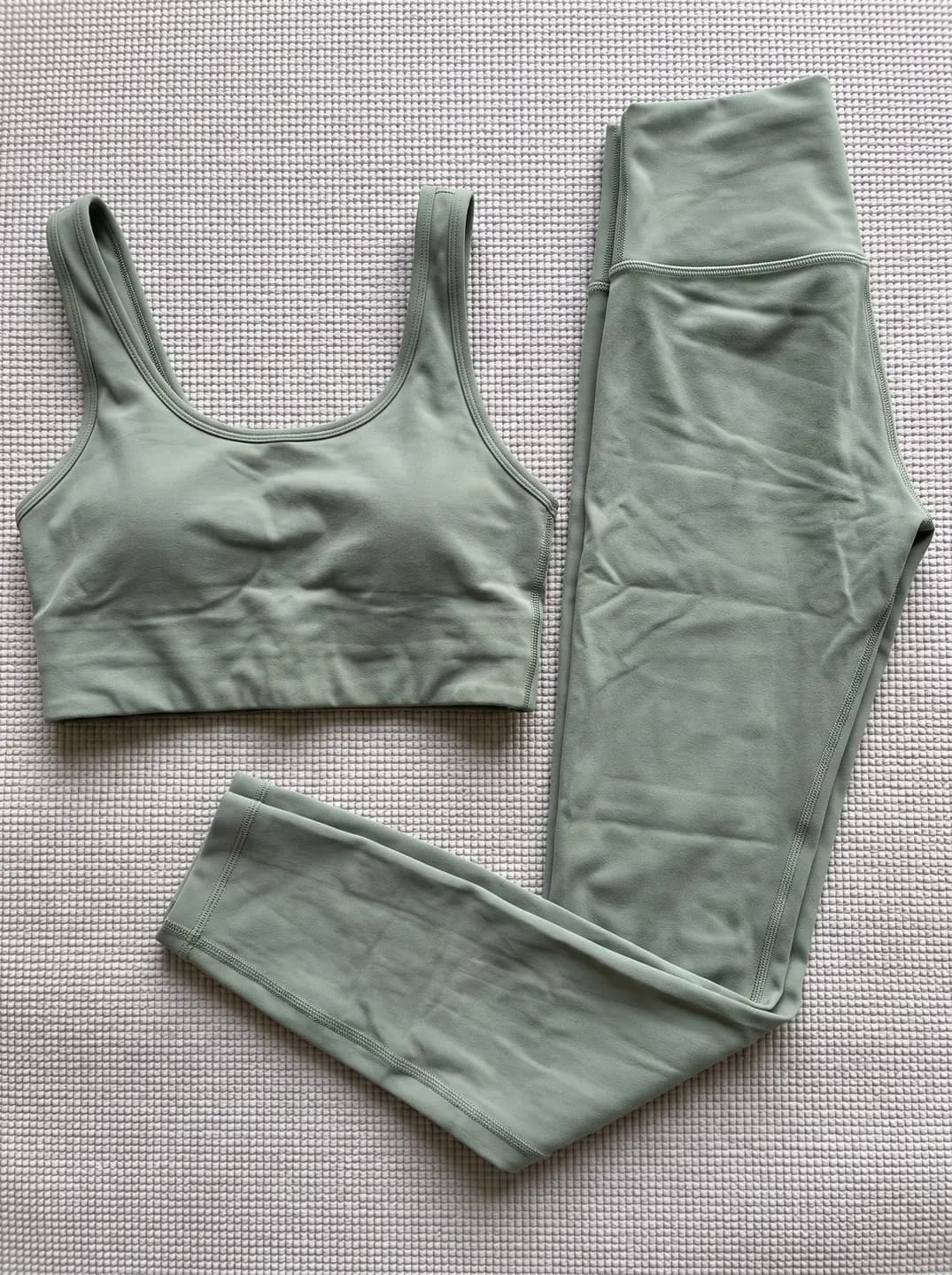
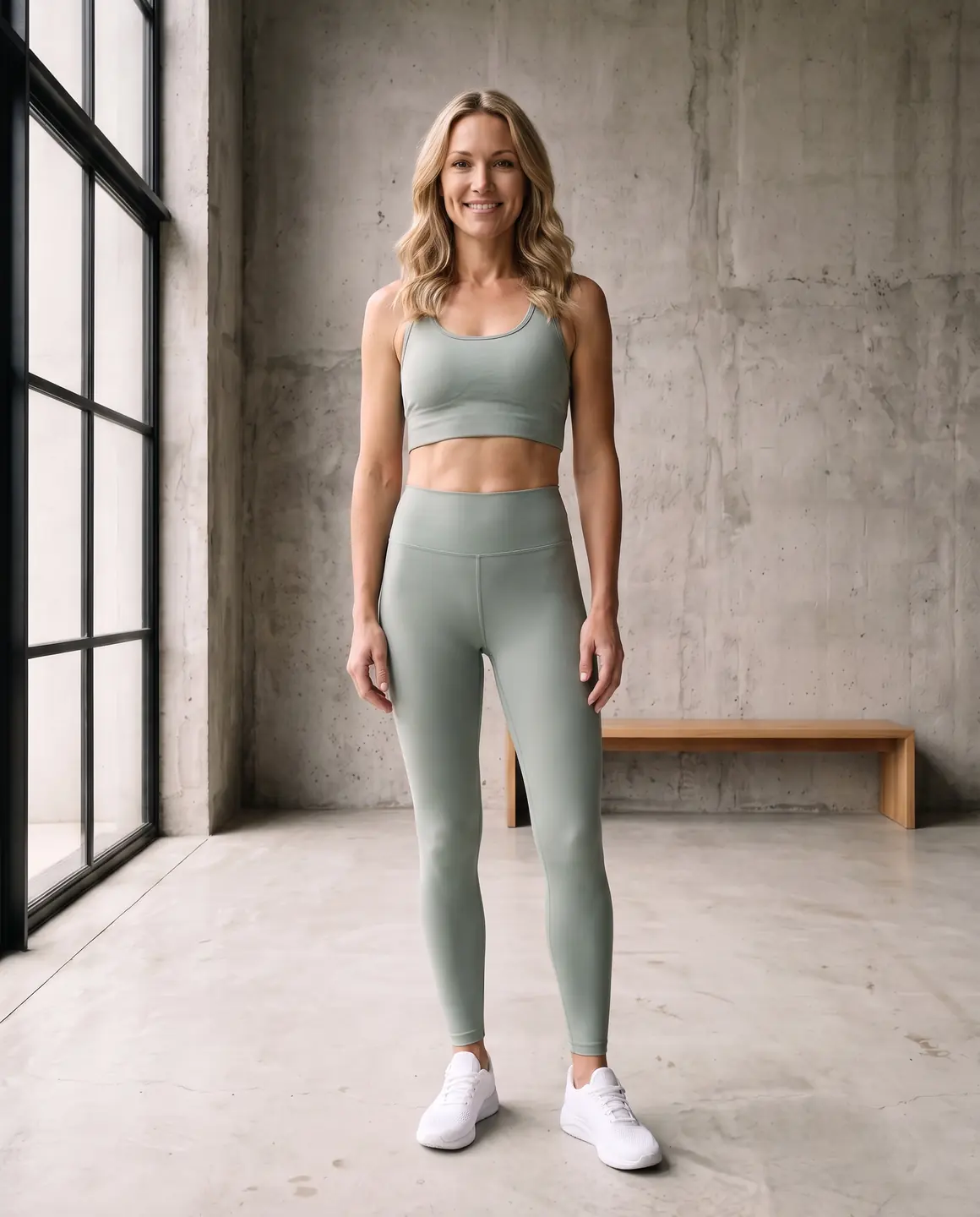
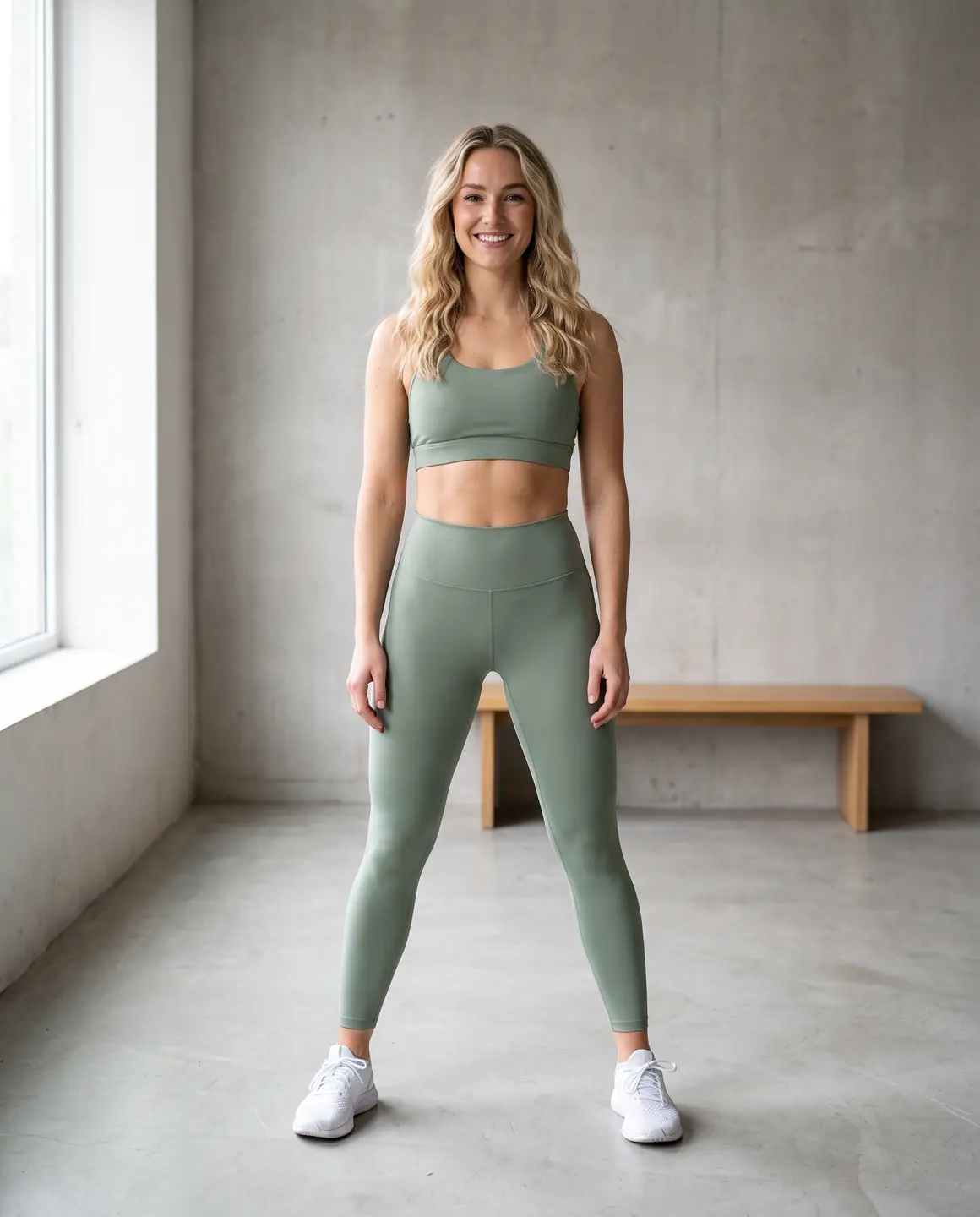
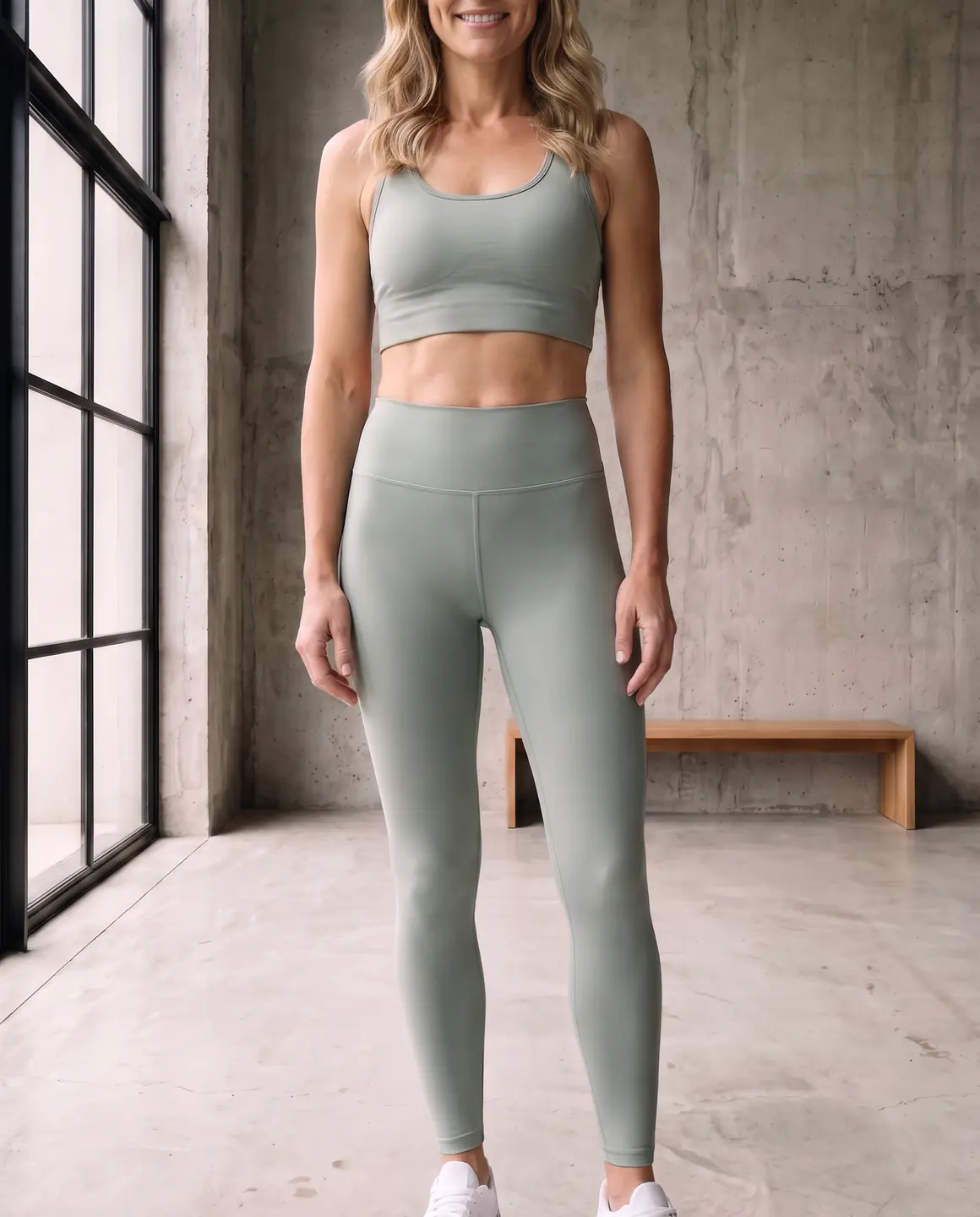
A sample photo and images made from it. Models are fictional and AI-generated.
Which photos work best for activewear
Technical fabric is stretchy and often shiny, so flat photos need a little care to read correctly.
Lay leggings flat without stretching
Let leggings and bike shorts sit at their relaxed size. Stretched flat, the seams and panels move away from where they sit on the body.
Show the seam lines and panels
Contour seams, mesh panels and gussets are design features. Make sure they're visible and not folded under.
Logos and reflective details in sharp focus
Placed logos and reflective trims are what shoppers check. Photograph them sharp, in soft light to avoid hot spots on reflective tape.
The waistband flat and full
High-waisted bands, pockets in the waistband and drawcords should all be visible.
Each piece of a set on its own
For matching sets, photograph the bra and the leggings separately, then make a set with both.
The shots worth choosing
Activewear sells on fit, coverage and confidence. Choose frames that show the cut and the details.
A full-length frame
Shows the length of leggings or joggers and where the waistband sits.
A frame with the model in motion
Movement is the point of activewear. One active frame makes the product page feel like training.
A close crop of the waistband and logo
Shoppers zoom in on the waistband height, pockets and brand marks.
A gym or outdoor scene for social
Athleisure works in lifestyle scenes. Use a 9:16 crop for stories and reels.
What you get
An on-model set
Product-page and lifestyle frames of your activewear on one fictional model, 4:5 by default. Each image is 1 credit.
A packshot for marketplaces
Each piece on its own on a plain background, for marketplaces and size charts. One packshot is 1 credit, on white, ivory or grey.
A short video
A four-second clip with movement that shows stretch and fit in action. A four-second clip is 5 credits.
What to check before publishing
Compare each image with your original before you use it. AI can miss a detail, and you know the garment best.
Seam placement
Contour and panel seams should follow the lines of your garment, not invented ones.
Waistband height and width
Compare high-rise and mid-rise waistbands with your photo.
Logos and reflective trims
Check that logos sit on the right leg or hip and aren't mirrored.
Coverage and opacity
Make sure the fabric reads as opaque if it is, and that coverage matches the real garment.
Colour of technical fabrics
Neon and high-sheen colours drift. Compare against your source on a good screen.
Reviewing garment fidelity
Our guide walks through checking colour, print, construction and proportion against your source photo, one image at a time.
Read the review guideCommon questions
Can AI show my leggings on a model without a photoshoot?
Yes. Upload a flat lay or supplier photo of the leggings, choose a fictional model and scene, and Glammo creates on-model images. Check seams and logo placement before you publish.
Will the logo stay on the correct leg?
Glammo is built to keep logos where your photo shows them. Mirroring is one of the things to check on every image.
Can I photograph matching sets?
Yes. Upload each piece, then create a set with both on the same model, scene and look.
Can I show the same leggings in every colour?
Yes. Upload a photo of each colourway and pick the same model and scene for all of them, so the range reads as one shoot.
Can I make ads for a new activewear drop?
Yes. Make clean product-page frames and lifestyle frames from the same photos, then turn one into a four-second video for social.
Read next
Bring one activewear photo. See it on a model for free.
Try Glammo free with 10 credits. No card required.