White-background packshots and on-model images for Amazon apparel
Amazon clothing listings need a main image on pure white and photos after it that show fit and detail; Glammo AI makes on-model images and garment-only packshots from one photo of your garment, so every listing has a complete set.
Try Glammo free with 10 credits. No card required.
One photo, a main image and the rest of the listing
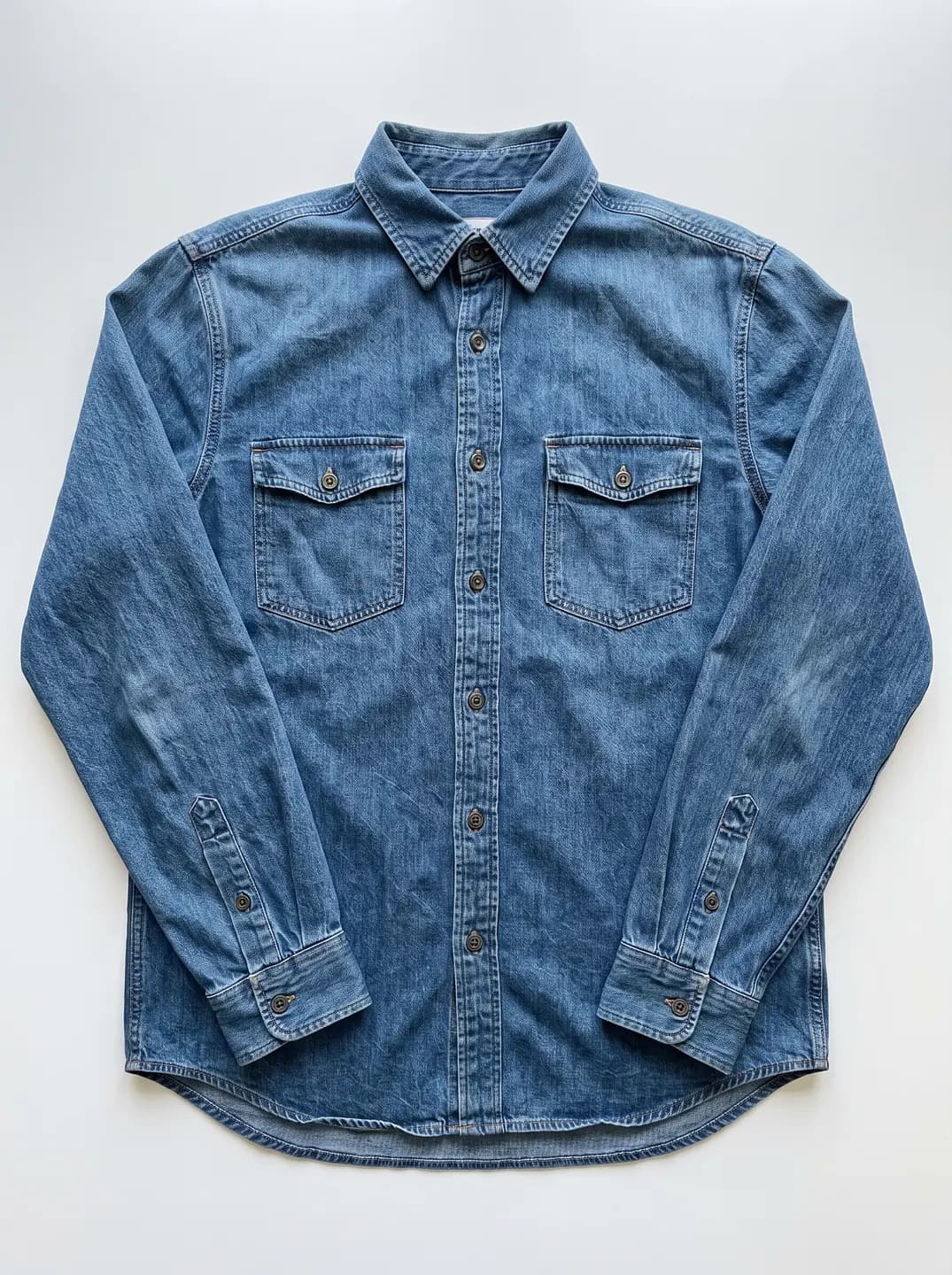
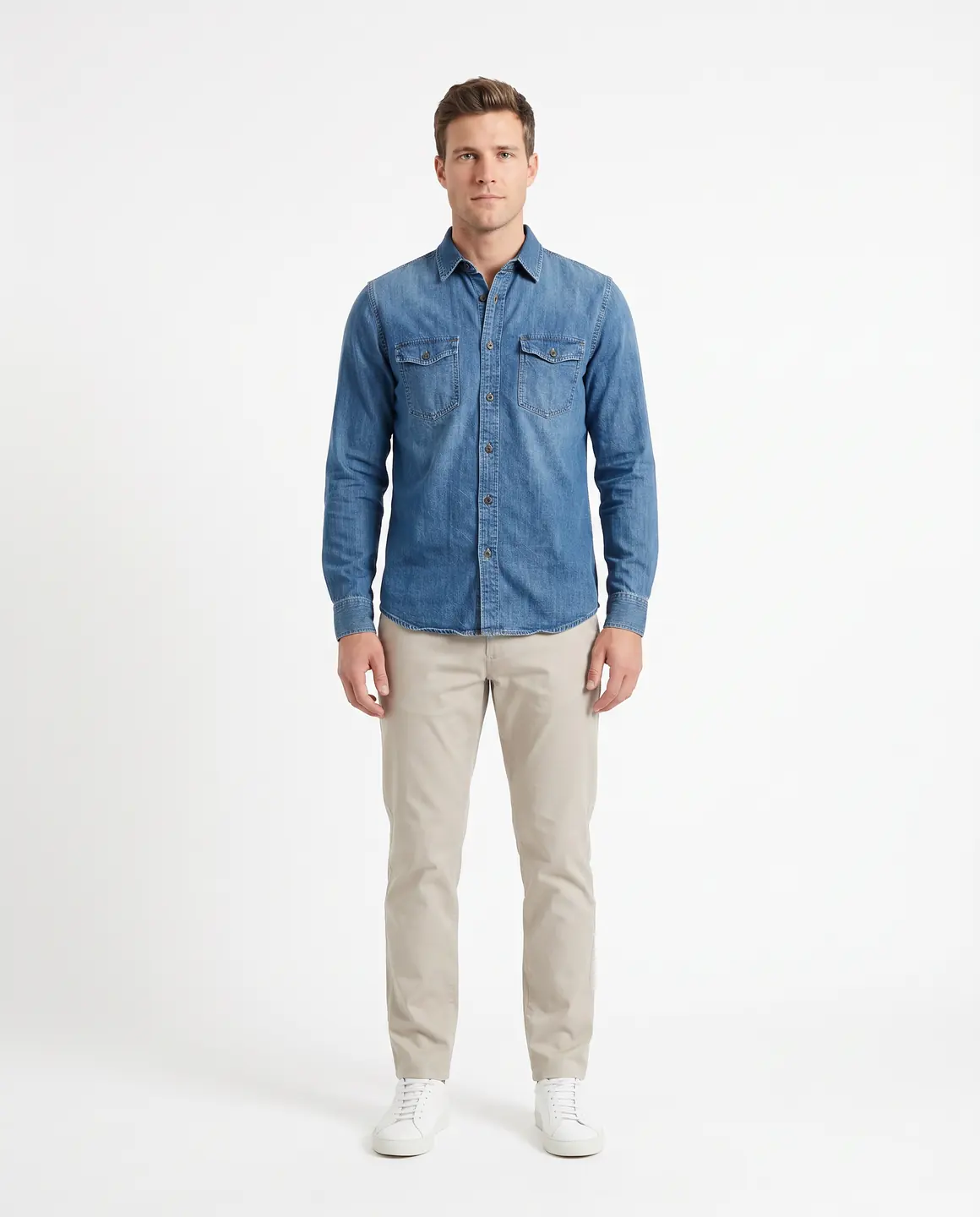
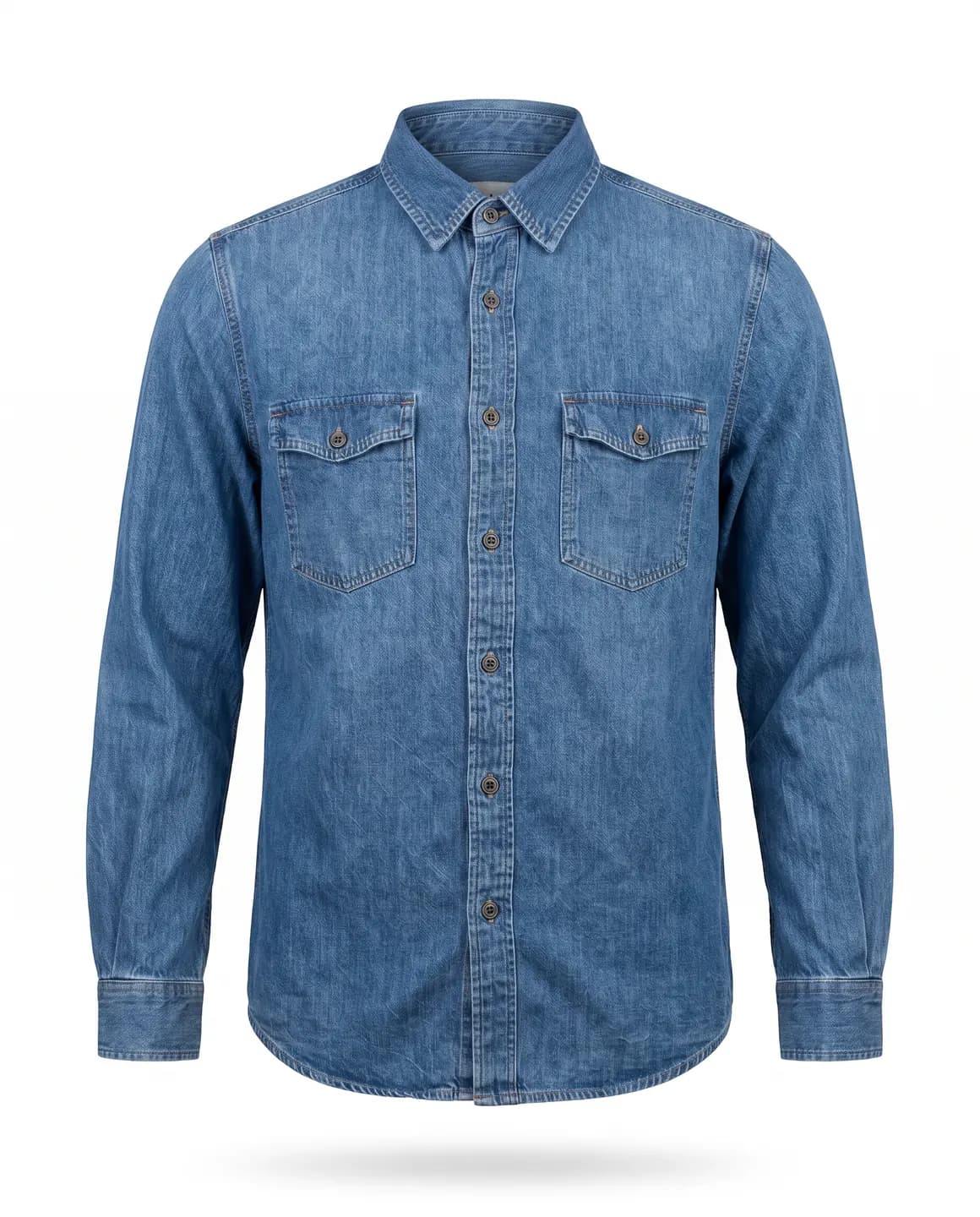
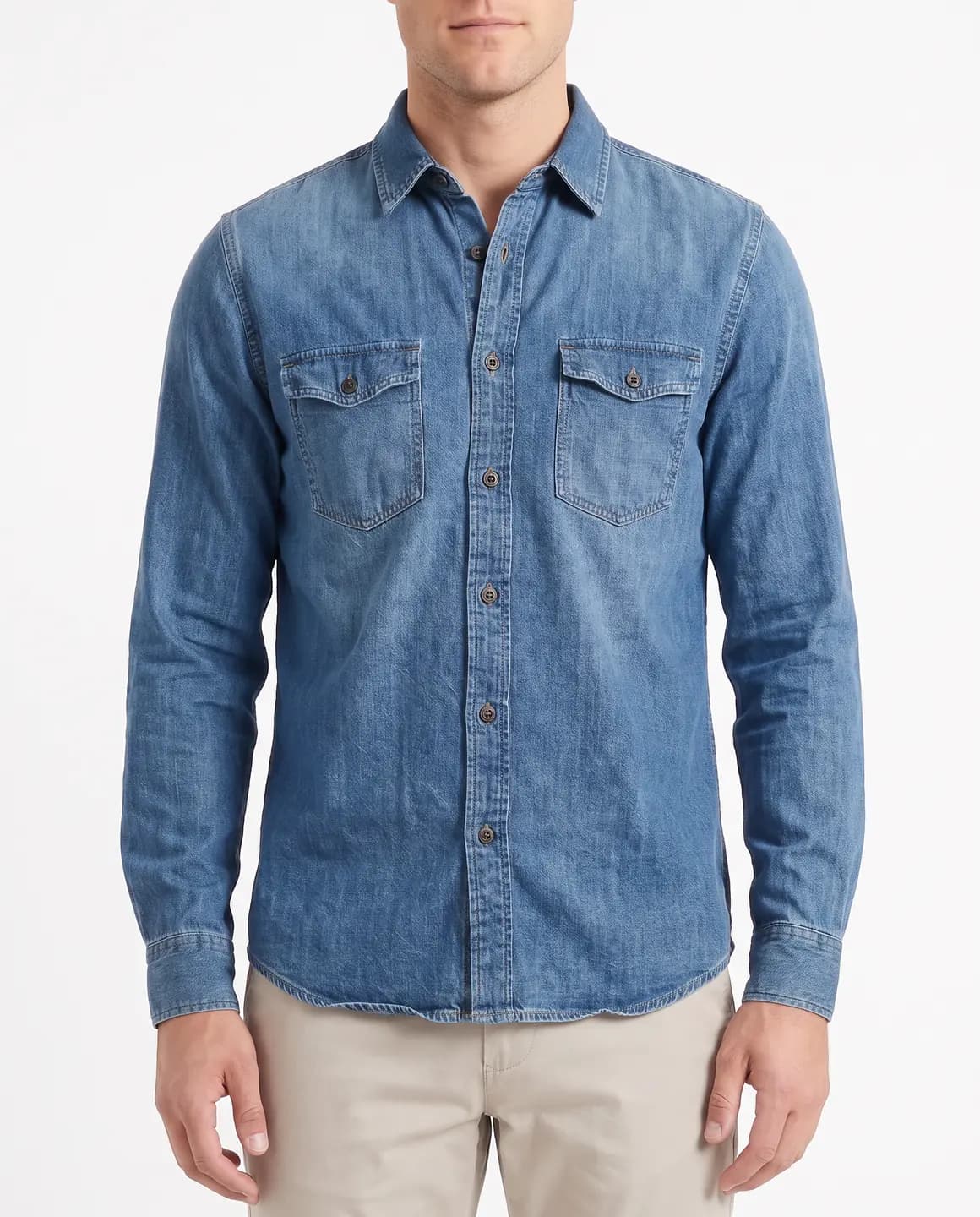
A sample photo and images made from it. Models are fictional and AI-generated.
Your week with Glammo
Amazon rewards complete, consistent listings. This routine fills every listing the same way.
- 01
Gather a clear photo of each ASIN
Your own flat lay, a mannequin photo or the manufacturer's image, with the whole garment in view.
- 02
Make the main image
For adult clothing, shoot a full-length front view on a model in your lightest plain studio scene, then make sure the background is pure white.
- 03
Make the supporting images
Add frames that show fit from other angles, a detail crop of fabric or print, and a garment-only packshot.
- 04
Tag and upload
Download on a paid plan, add Amazon's AI tag to every image with a model in it, and upload in Seller Central, main image first.
Amazon's image rules for clothing
These are Amazon's rules for selling in the US, from its Seller Central help pages. They change, so check the current pages before you upload.
Adult clothing: the main image on a model
Amazon asks for adult clothing main images on a standing model, showing the front, with no mannequin, hanger or folded product in view.
Pure white, with the product filling the frame
The main image background must be pure white (RGB 255, 255, 255), with the product filling 85% of the image. Check the background in an image editor and correct it if it isn't pure white.
Tag every image of an AI model
Amazon requires images showing photorealistic, fully AI-generated people to carry the keyword contains-synthetic-performer in the file's XMP dc:subject field before upload. Glammo's models are AI-generated, so tag every on-model image. Amazon's page shows how in macOS Preview, Windows or exiftool.
Nothing added to the main image
No text, logos, borders, watermarks or inset images. Glammo doesn't add any.
Big enough to zoom
Images of 1,000 px or more on the longest side turn on zoom. Amazon prefers JPEG and also accepts PNG and TIFF.
Flat for the items Amazon wants flat
Multipacks, and children's undergarments, swimwear and leotards, must be shown flat with no model. Use a laid-flat packshot on white. Glammo never puts kidswear on a model.
A main image for every colour
Every parent and child listing, so each colour, needs its own main image. Use the same model and framing for all of them so the variations look like one set.
Where these requirements come from
Checked on .
Which plan fits
Starter
$19/month
25 credits a month · 25 images, or 5 videos
Pro
Suggested$59/month
120 credits a month · 120 images, or 24 videos
Covers a packshot and several supporting images for a growing number of ASINs every month, with a commercial licence included.
Studio
$149/month
375 credits a month · 375 images, or 75 videos
Every new account starts with 10 free credits, no card. On a plan, 10 more credits cost $9 any time. See full pricing
Common questions
Can Glammo make Amazon main images for clothing?
Yes. For adult clothing, Amazon wants the main image on a standing model against pure white. Make a full-length, front-facing image in a plain light studio scene, then check the background is pure white (RGB 255, 255, 255) before you upload.
Do I need to tag AI-generated images on Amazon?
Yes, for images with people. Amazon requires images showing photorealistic, fully AI-generated people to carry the keyword contains-synthetic-performer in the file's XMP dc:subject field before upload. Every Glammo on-model image shows an AI model, so tag each one. Packshots with no person in them don't need it.
Will the images show my garment accurately?
Glammo is built to keep your garment's colour, print and construction, but AI can miss a detail. Compare each image with the product before listing it.
Can I photograph a whole parent listing with variations?
Yes. Amazon wants a main image for every colour, so make a set for each with the same model and framing, and the variation images will look consistent.
Does it work for children's clothing on Amazon?
Only as garment-only packshots: Glammo never puts kidswear on a model. Amazon wants children's undergarments and swimwear shown flat, and children's images of at least 1,000 px.
Read next
Bring one product photo. See a white-background packshot for free.
Try Glammo free with 10 credits. No card required.