Marketplaces
How to prepare apparel images for marketplaces
A marketplace image has two jobs: describe the product accurately and meet the rules of its destination. Start with the platform, category and image position. A clean white background can be useful, but it does not make a file automatically compliant.
Glammo AI4 min read
Updated
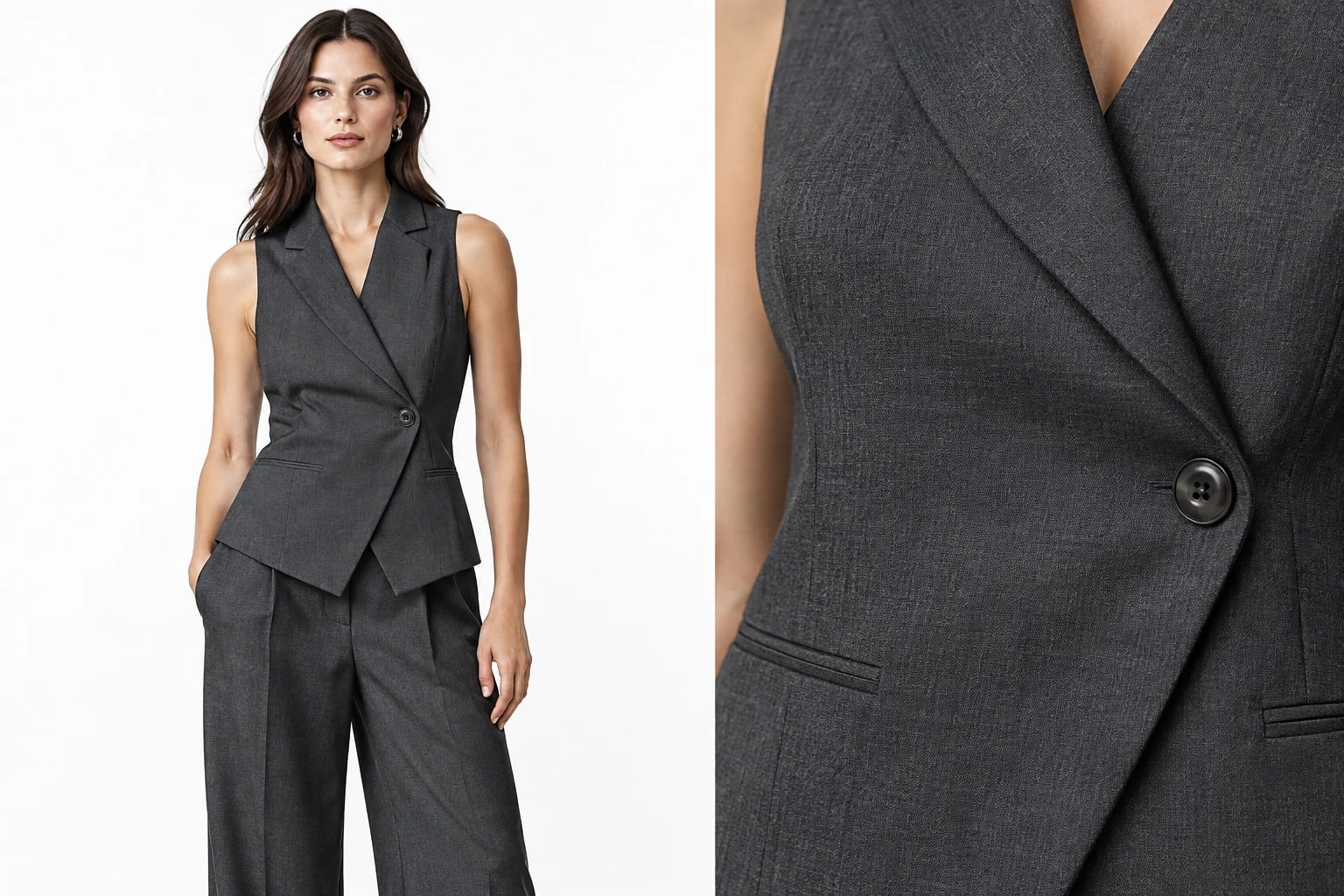
Read the rules for the actual listing
Main and supporting images can have different requirements. Amazon publishes general product-image rules alongside category guidance; check both for the country and apparel category you sell in. Include any requirements for images containing AI-generated people in that review. Amazon: product image requirements
Etsy generally asks for original photographs of the actual product, with specific exceptions for some customised items and production-partner products. Its policy should not be reduced to a blanket approval of generated model images. Check which situation applies to your item before choosing an image workflow. Etsy: listing image requirements
Record the rules you are working to beside the product: destination, category, main or secondary slot, background, model use, dimensions, file type and any disclosure or metadata requirements. Recheck the current source when you publish.
Build a listing-specific image brief
Main image
Choose the required presentation: on-model or garment-only, background and framing. Keep the item for sale unmistakable and verify any styling items are permitted.
Supporting views
Add useful details and source-supported angles. Do not invent a reverse view or use a decorative composition where it obscures the product.
Export requirements
Check pixel dimensions, file format, colour handling and cropping. A selected generation ratio alone does not establish that the downloaded file meets the rules.
Accuracy and image policy
Compare colour, construction and print with the source. Verify whether generated imagery is allowed for the intended slot and whether extra metadata or disclosure is needed.
Prepare and review a set in Glammo AI
- 01
Choose the right workflow
Use On-model shoot when a modelled view is appropriate, or Packshots for the garment on its own. Start with a clear source of the exact product.
- 02
Set the visual direction
Choose a suitable background and ratio. Marketplace White Background is a style option, not a marketplace approval or an automated compliance check.
- 03
Review the actual output
Inspect garment detail, background, crop and included styling. If a platform specifies an exact white value, check the exported pixels and finish the file as needed.
- 04
Check the uploaded listing
Download accepted files on a paid plan and upload them manually. Inspect the marketplace preview, thumbnail and any warnings before publishing.
Common issues to catch before upload
| Issue | What to check |
|---|---|
| White-looking background | Whether the destination requires a specific background value |
| A beautiful modelled composition | Whether that presentation is allowed for this category and image slot |
| A cropped hem or obscured print | Whether the listing still clearly shows the item being sold |
| A square export | Actual pixel size, file format and the marketplace thumbnail crop |
Keep a channel-ready copy of each accepted file
Keep the accepted original and a separate export for each destination. Use filenames that identify the product, colour, view and version. That makes it easier to replace a rejected file without losing the source or accidentally updating another variant.
Check the marketplace preview after upload. Etsy, for example, documents image dimensions and thumbnail framing separately from its listing-photo policy. Technical upload success and suitability for a listing are different checks. Etsy: image size and framing guidance
Common questions
Does Glammo guarantee marketplace approval?
No. Glammo creates images; it does not certify them against every marketplace policy. Review the completed export and the current rules for the destination.
Should every marketplace image be square?
No single ratio is suitable for every platform and category. Choose the required format and check both the listing view and thumbnail crop.
Can I reuse the image on my own store?
An accepted image can be useful across channels if you have the appropriate usage rights. Review each destination separately and make a suitable export instead of assuming the same file fits everywhere.
Read next
Your next drop. Make it a moment.
Try Glammo free with 10 credits. No card required.