Stop using the same supplier photos as every other store
If you dropship clothing, your product page shows the same supplier photo as every other store selling that item; Glammo AI reshoots it on a fictional model, in a scene and style you choose, so shoppers see your store and not the supplier's.
Try Glammo free with 10 credits. No card required.
One supplier photo, your own look
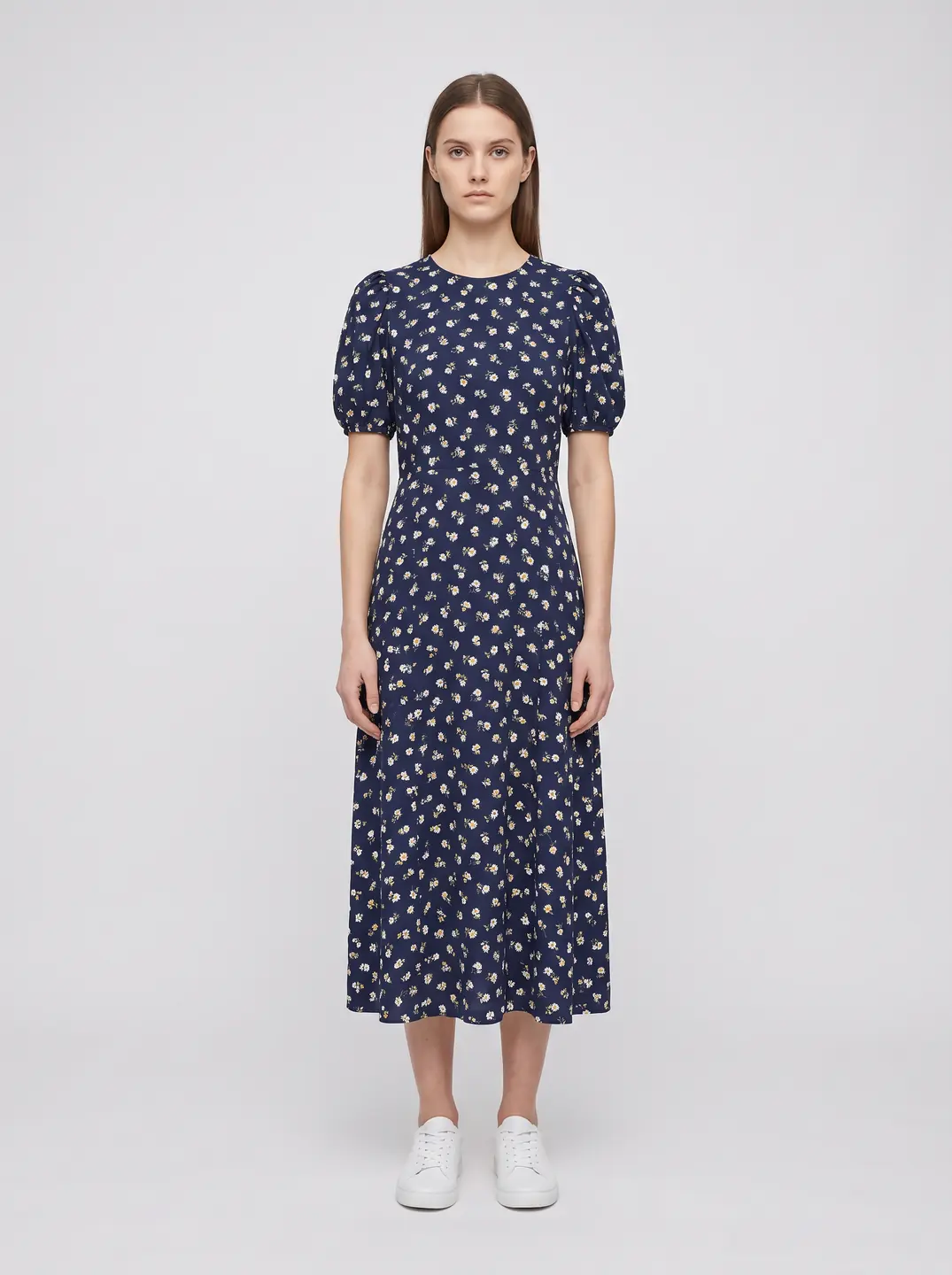
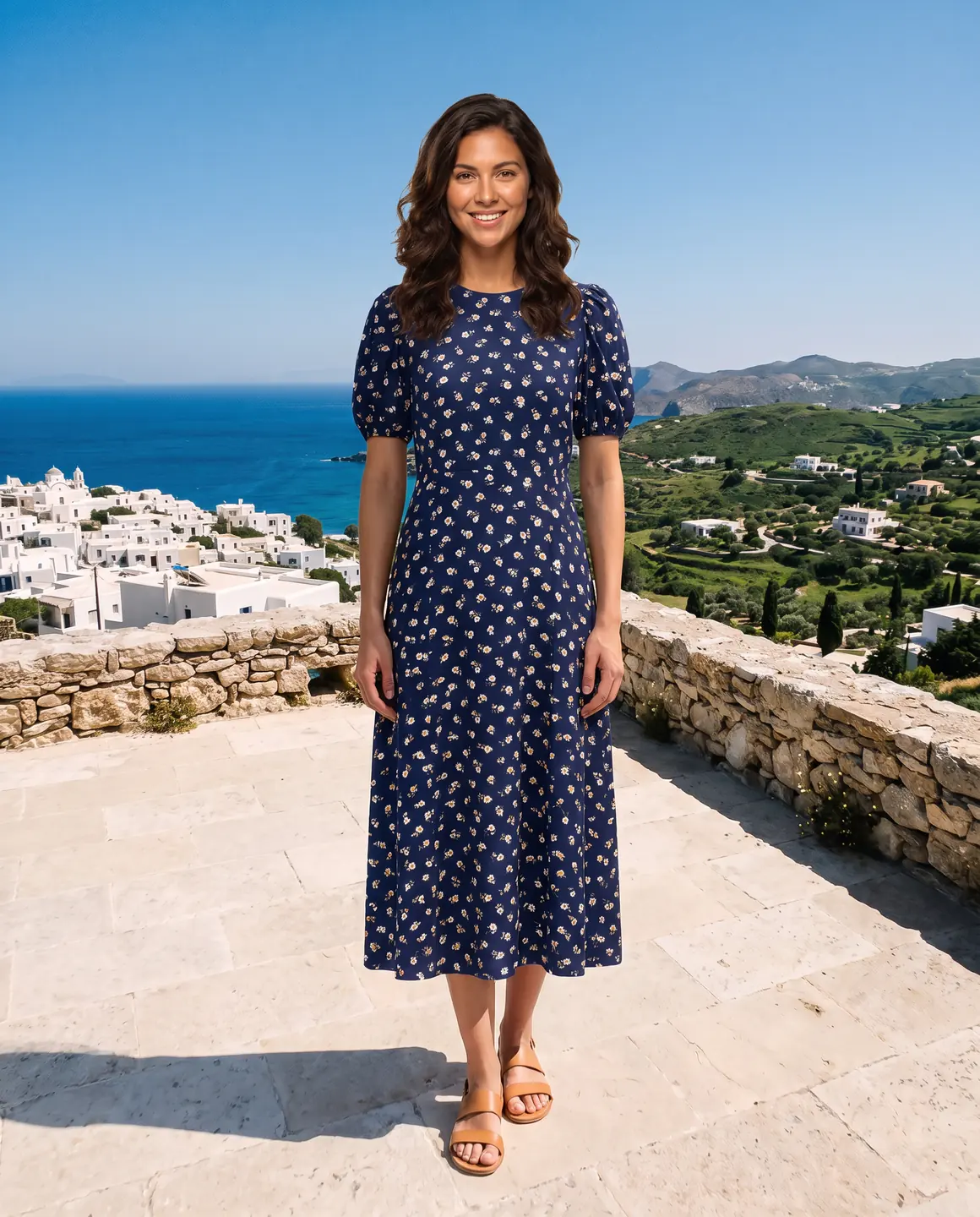

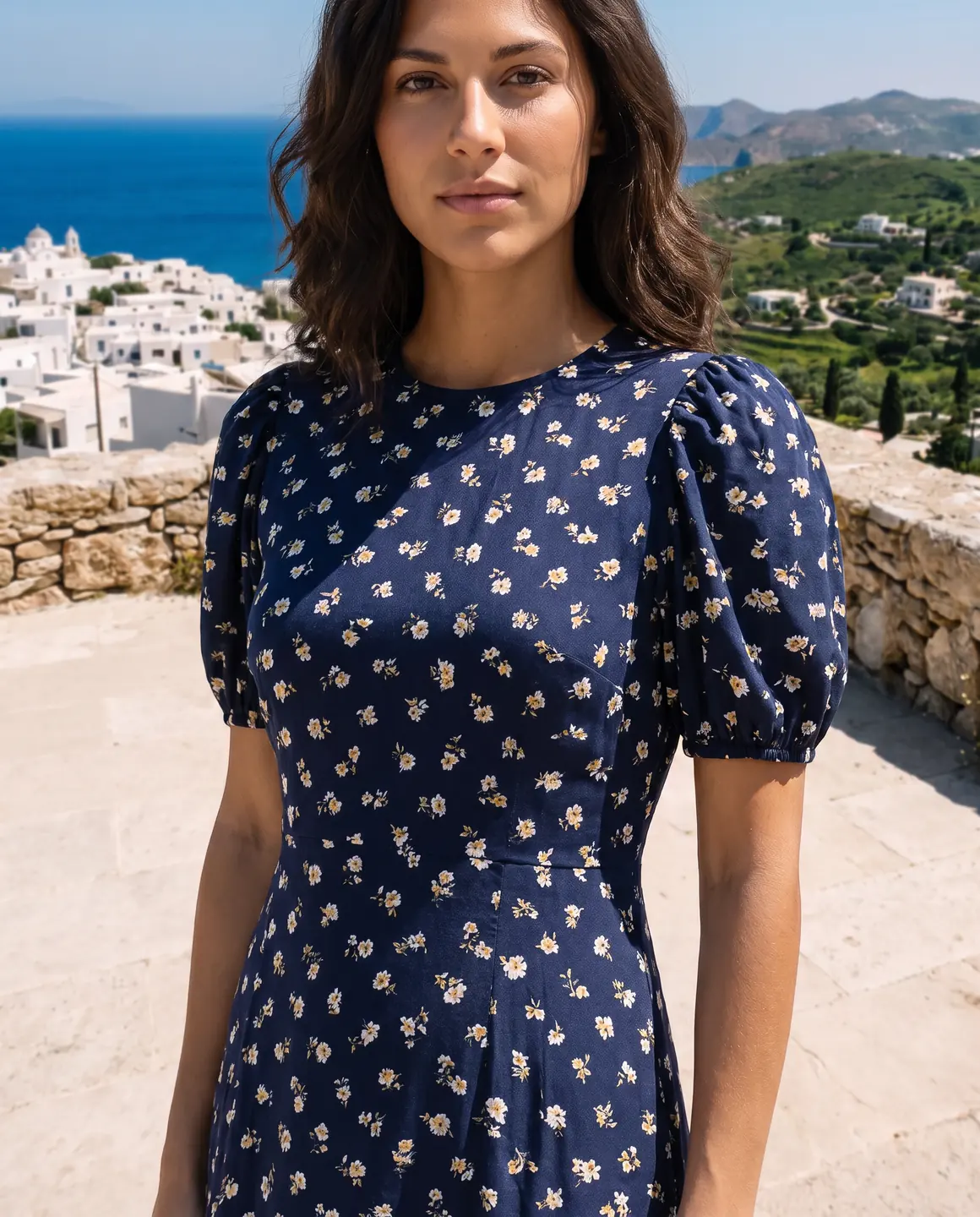
A sample photo and images made from it. Models are fictional and AI-generated.
Your week with Glammo
A dropshipping store adds products faster than any photographer could shoot them. This is how the photos keep up.
- 01
A new supplier SKU arrives
Save the clearest supplier photo of the garment, ideally one with the whole piece in view on a plain background.
- 02
Pick your store's model and scene
Use the same model, scene and style you chose for the rest of your store, so the new product matches the old ones.
- 03
Generate the product-page set
A few on-model frames for the product page and a packshot for marketplaces, all from that one photo. Review each against the supplier's.
- 04
Download and upload
Download the set on a paid plan and replace the supplier photos in your store. Keep the supplier's photo as your reference.
Replacing supplier photos in your store
A few habits make the switch smooth and keep you out of trouble.
Check you may use the supplier's photo
Many suppliers allow resellers to use their product photos; some don't. Make sure you have the right to use the photo you start from.
Choose one look for the whole store
Shoppers trust a store that looks consistent. Decide on a model, a scene and a style once, and use them for every new product.
Keep your main image on-model
Put an on-model frame first on your product page, the clean packshot second, and any detail crops after that.
Write your own alt text
Describe the garment, colour and fit in the image's alt text when you upload it. It helps accessibility and search, and supplier text rarely does.
Re-check against the supplier listing
Before publishing, compare colour, print and details with the supplier's photos and description. If they disagree, ask the supplier which is right.
Which plan fits
Starter
$19/month
25 credits a month · 25 images, or 5 videos
Pro
Suggested$59/month
120 credits a month · 120 images, or 24 videos
Enough credits for a steady stream of new SKUs each month, and a model only your store uses, so no competitor can match your photos.
Studio
$149/month
375 credits a month · 375 images, or 75 videos
Every new account starts with 10 free credits, no card. On a plan, 10 more credits cost $9 any time. See full pricing
Common questions
Can I make my dropshipping product photos unique?
Yes. Upload the supplier's photo, choose your own fictional model, scene and style, and Glammo creates new on-model images from it. Your listing no longer shows the same photo as other stores.
Is it legal to edit a supplier's product photo?
It depends on your agreement with the supplier. Many allow resellers to use their photos, but check before you start. You're responsible for having the right to use the photos you upload.
Will the product still look like what the customer receives?
Glammo is built to keep the garment's colour, print and construction from your photo, but AI can miss a detail. Compare every image with the supplier's photos before publishing, and don't promise a fit the images can't show.
How many products can I photograph a month?
One credit makes one image, so it depends on your plan and how many frames each product needs. The plans above show each plan's monthly credits.
Can I use one model across my whole store?
Yes. Pick the same model for every product. On Pro and Studio you can also create a model that only your store uses.
Read next
Bring one supplier photo. See it in your store's look for free.
Try Glammo free with 10 credits. No card required.