Catalogue planning
Which products deserve new photos first?
A catalogue refresh can become a second full-time job if every product goes into the queue. Start with the products where missing information is getting in the way of a real selling opportunity. Then make one small batch good enough to publish.
Glammo AI5 min read
Updated
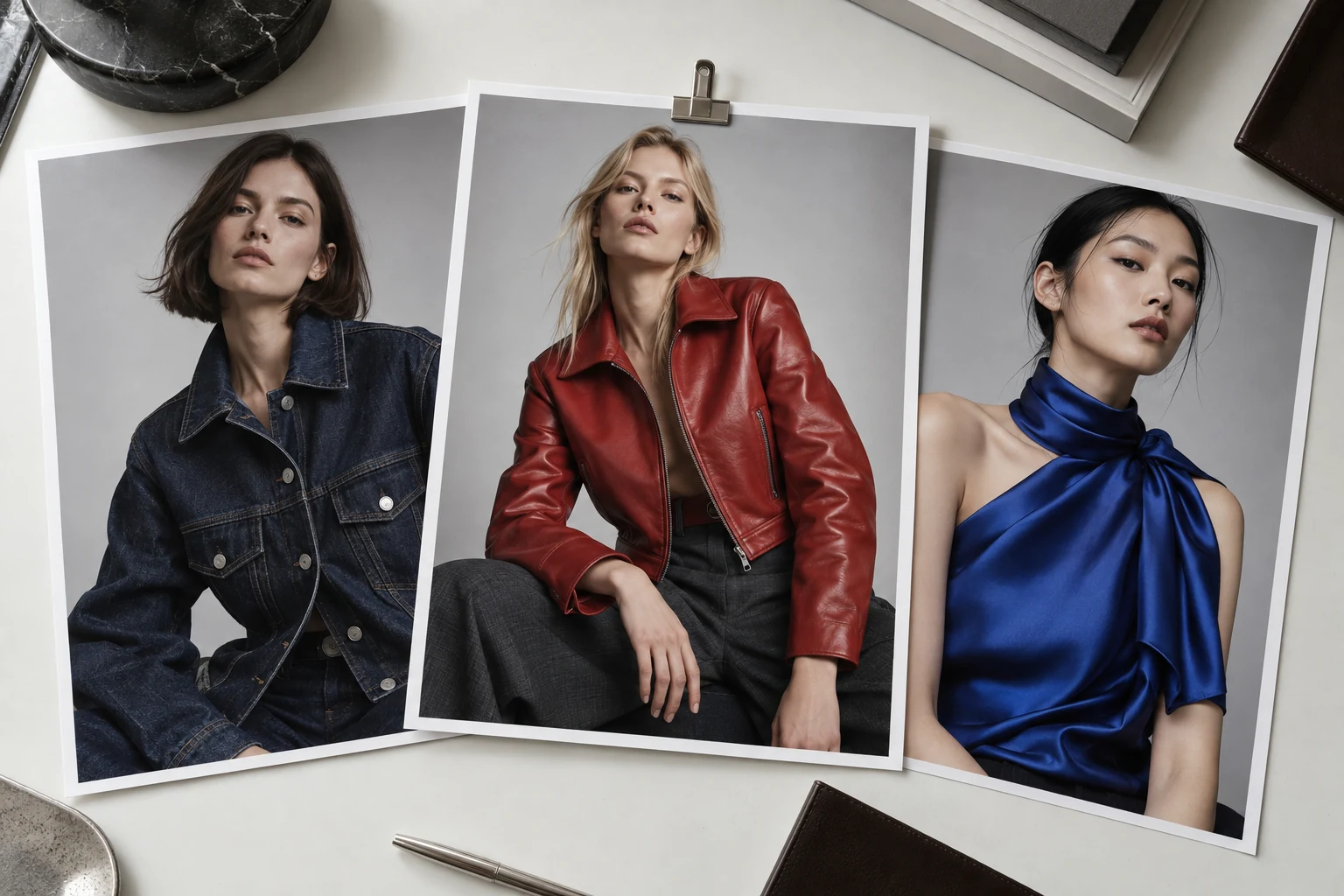
Begin with a decision a shopper cannot make
An old photo is not automatically a bad photo. A slightly plain image that clearly shows a jacket may be doing its job. A beautiful image that hides the fastening may leave the important question unanswered. Write the missing information beside each candidate: sleeve shape, back detail, overall length, print scale, or how the item looks away from its supplier's background.
Use questions from support, your own page review and available store reports to build the list. Do not label a product's imagery a conversion problem simply because sales are low. Stock, pricing, delivery and demand can explain that too. The first task is to identify a visible information gap you can actually fix.
For a founder doing this alone, start with one collection you expect to promote next. For an ecommerce lead, ask the merchandiser to identify the launch or restock that matters this month. This puts the photography queue behind the trading plan, instead of letting the most visually exciting products take all the attention.
Build a five-column priority worksheet
Use a spreadsheet with one row per product and colour. These are planning judgements, not a predictive scoring model.
Product and selling window
Record the product identifier, colour, available stock and next relevant launch, restock or promotion. Put unavailable products on hold unless there is a confirmed date to work towards.
Customer question
Name one question the current gallery cannot answer. If you cannot name it, the refresh may be cosmetic and can wait behind a more useful change.
Evidence available
List the source photographs and physical samples you can access. A missing back view is a request for evidence, not permission to invent the back of the garment.
Next action and effort
Choose keep, recrop, reshoot, request source, or generate a reviewed alternative. Estimate preparation and review time as well as time at the camera or in the tool.
Priority and owner
Use now, next or hold, with one named owner. Now means a relevant selling window, a meaningful image gap and enough evidence to act. Hold needs a reason and a follow-up date.
Use a small pilot to test the difficult decisions
Imagine a boutique with 60 products and time to refresh six this week. This is a hypothetical planning example. Two shirts are about to be restocked and have clear sources but weak catalogue pictures. A new jacket needs a back-detail photo from its supplier. Three dresses already have useful galleries. The shirts belong in the pilot; the jacket needs a source request; the dresses need no immediate work.
Do not fill the remaining four slots just because the batch has room. Select a few other products with an actual need, including one with a demanding texture or print. A pilot of only easy plain garments tells you little about the work waiting behind them. Keep the pilot small enough that someone can review every frame against its source.
Write a brief before generating: the exact products, the missing views, intended placement, model and background direction, crop, and the person who can approve garment accuracy. Keep a reference image for composition separate from the image that establishes what the product really is. Otherwise an attractive reference can quietly become an instruction to change the garment.
Choose the cheapest useful next action
Sometimes the existing original only needs a better crop. Sometimes you need a short physical shoot because the missing feature is not visible anywhere. Use a generation workflow when the source is adequate and the gap is presentation: a coherent modelled view, a cleaner setting or another useful composition. These are different jobs and should have different budgets.
Glammo AI can turn uploaded product photos into modelled images using selected models, poses and backgrounds. Use it for the pilot, review the saved images in Gallery and download the accepted files on a paid plan. Uploading them to your store is a separate step in the current workflow. The source-photo guide helps decide which items are ready to try. Check source-photo readiness
Record the actual time spent and the number of usable images. A batch with lovely drafts but no publishable set has not finished the job. If you repeatedly reject one type of garment, change its source or production method before adding more products to that queue.
Release a complete change, then review the result
Preview your selected images inside the actual storefront. Shopify supports rearranging product media, and the first item becomes the featured image. Check both the collection thumbnail and the product gallery before deciding that a crop works. A file can look excellent in a viewer and still hide the hem in your theme. Shopify: manage product media
Your release note can be simple: product, old file, replacement file, reason, approver and date. Keep the previous files so an incorrect change can be reversed. Confirm that the colour shown belongs to the selected product, that the intended view appears first, and that every file opens on a phone.
At the next review, compare the original customer question with the new page. Can someone now see the fastening? Did support need another angle? If you examine sales data, record stock, price, promotions and traffic changes alongside it; an image refresh alone does not establish what caused a sales change. Use what you learn to choose the next small batch, rather than committing the whole catalogue to an untested approach.
Read next
Your next drop. Make it a moment.
Try Glammo free with 10 credits. No card required.