Catalogue planning
How to keep one model across your whole catalogue
To keep one model across your catalogue, choose a single brand model, write down the scene, framing and aspect ratio you use with them, and run every new drop with those same choices. Glammo AI puts up to 20 products in one shoot on one model, scene and look, so this week's arrivals can match last season's photos.
Glammo AI7 min read
Why use one model for every product?
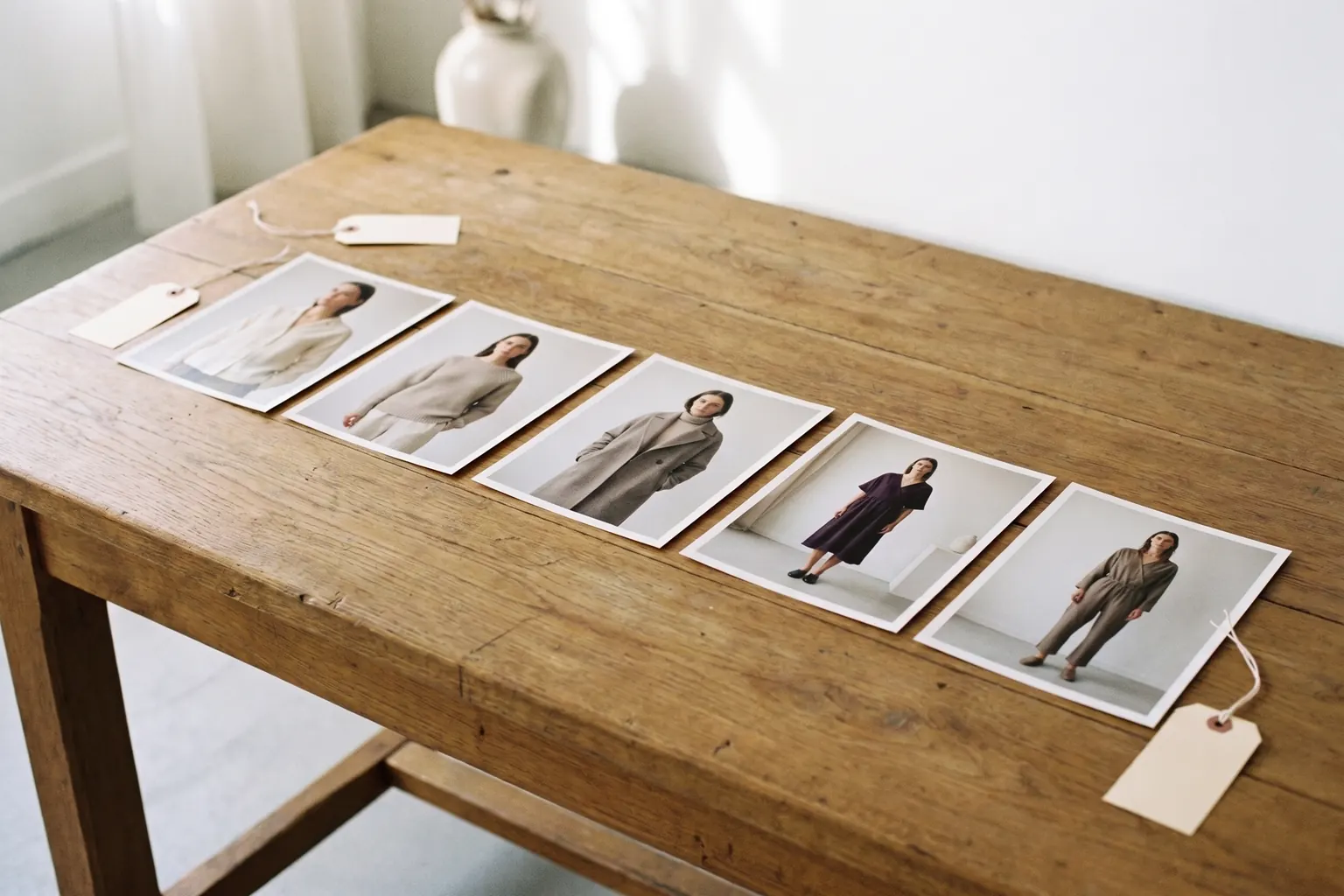
A catalogue shot on one model reads as one brand. When the body, light and crop stay the same from page to page, only the garments change, and a shopper comparing two jackets compares the jackets rather than two photoshoots.
It is also simpler to run. Each new drop starts from decisions you have already made, so the work is preparing photos and checking results, not choosing a look again. And because Glammo's models are fictional adult AI models, there is no booking to make and no diary to fit around.
The trade-off is variety. One face across hundreds of products can feel repetitive in a campaign, which is why the product pages keep the model fixed while campaign frames are free to change scene and mood.
How do you choose a brand model?
Glammo's cast has 60 fictional adult AI models, 35 women and 25 men, aged from their early 20s to early 50s.
Start from your customer
Choose someone your customers would see as one of them in age and style, rather than the face you would pick for a single campaign.
Test the hardest garment first
Try your shortlist in your most demanding product, the busiest print or the most tailored cut, before you commit.
Judge the whole figure
Look at each candidate in full-length images, not just the face, because most product photos are full length.
Cover every range you sell
A menswear range needs a man from the cast. A curve or petite range can use Nell, the curve model, or Lily, the petite model.
Decide whether you need your own
If no one in the cast fits your customer, create a custom model on Pro or Studio.
What should you write down?
Write a one-page record of your house look and keep it where everyone who makes images can find it. It should name the model, the scene for product pages, the aspect ratio, the views each product gets and the packshot background: white, ivory or light grey, floating or laid flat.
Add an approved reference image for each view: one full-length main image, one other angle, one detail and one packshot. When a new drop comes back, these are what you compare it with. A written rule such as 'leave a little space above the head' is useful; a picture of it is better. Name each reference file after the view it shows, so nobody has to guess which one to match.
Review the record once a season. If you change anything, note what changed and when, so older images can be matched or replaced later.
How do you choose the scene and framing to go with the model?
For product pages, pick a studio scene whose colour suits your brand without fighting your garments. Glammo has 22 studios, from pale neutrals to strong colour. Test the scene with your lightest and darkest pieces: a white shirt can lose its edges against a pale backdrop, and a black dress can sink into a dark one.
Then fix the framing. Use full length for main images, so every product shows the whole outfit at the same scale, and keep one aspect ratio across the catalogue: 4:5 by default, or 1:1 if your theme shows squares. Packshots follow their own rule, square by default on a neutral background.
Some garments need a closer look, such as the stitch of a knit or the collar of a shirt. Make those crops extra views and keep the full-length main image the same for everything.
How to shoot each drop on the same model
- 01
Group the drop
Add up to 20 products to one shoot. Split a bigger drop into several shoots, each with identical settings.
- 02
Apply the house look
Choose the same model, scene and aspect ratio from your record, even when one product tempts you to change them.
- 03
Compare with your references
Put the new images next to the approved ones and check the face, the light and the crop height.
- 04
Fix the odd one out
Correct a background, the light or a crop with an edit for 1 credit, or make that product's image again. Then download the set and upload it to your store.
What can change between drops, and what shouldn't?
Keep fixed: the model, the product-page scene, the aspect ratio, the framing of each view and the packshot background. Those are what a shopper sees side by side in a collection grid.
Free to change: the scenes for campaign and social frames, the mood of a season, and the clips you make for the lead pieces. A winter campaign can move your model to a snowy terrace while the product pages stay in the studio. Seasonal photos without a reshoot
Even with every setting fixed, small differences can creep in between images, in the face, the light or the crop. Review each drop against your reference images rather than against the previous drop, so small differences don't add up over the months.
When do you need a second model?
Add a model when you add a range your brand model can't represent: menswear alongside womenswear, a curve or petite range, or a line for an older customer. Give each model a range and keep them to it, so the second face becomes part of the system rather than a break in it. Models over 40
Each shoot takes one model, so run each range as its own shoot with the same scene and framing. The ranges then still look like one store. Introduce a new model with a whole range at once rather than product by product, so shoppers can see the change is deliberate. Choosing a brand model
Your own model on Pro and Studio
Pro ($59 a month for 120 credits) and Studio ($149 a month for 375 credits) let you create your own models and scenes. A custom model is still a fictional adult AI model, and Glammo is built not to reproduce the person in a source photo.
Compare plansCommon questions
Can I use the same AI model for every product?
Yes. Choose the same model for every shoot, and up to 20 products can share one model, scene and look in a single Glammo shoot. Review each drop against your approved images, because small differences can still appear.
How many products fit in one Glammo shoot?
One Glammo shoot takes up to 20 products, all on the same model, scene and look. Split a larger drop into several shoots with identical settings.
Can I create my own brand model in Glammo?
Yes, on Pro and Studio, which let you create your own models and scenes, while Starter uses Glammo's catalogue. A custom model is a fictional adult AI model too; Glammo is built not to reproduce the person in a source photo.
What if I sell menswear and womenswear?
Choose one model for each range: Glammo's cast has 35 women and 25 men. Shoot each range separately with the same scene and framing, so both ranges look like one store.
Read next
Your next drop. Make it a moment.
Try Glammo free with 10 credits. No card required.