A virtual photoshoot for your next collection
A virtual photoshoot puts a collection in a scene with no studio, location or booking: with Glammo AI you choose one of 60 scenes and a fictional adult AI model, then shoot up to 20 products in that one setting. The scenes run from 22 studio backdrops to interiors, outdoor views, city and architectural settings, and resort and lifestyle sets.
Try Glammo free with 10 credits. No card required.
Where could the collection be shot?

Cobalt Colour Studio
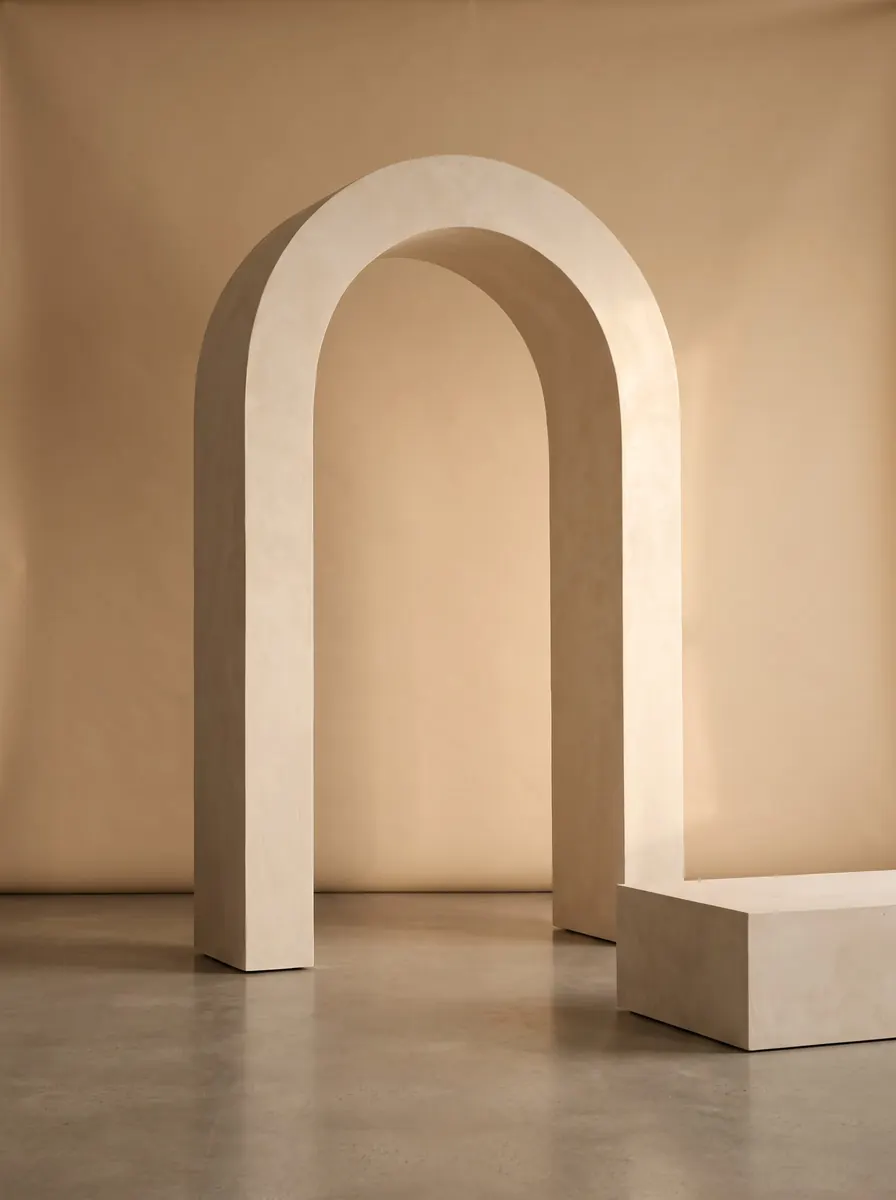
Plaster Arch Set
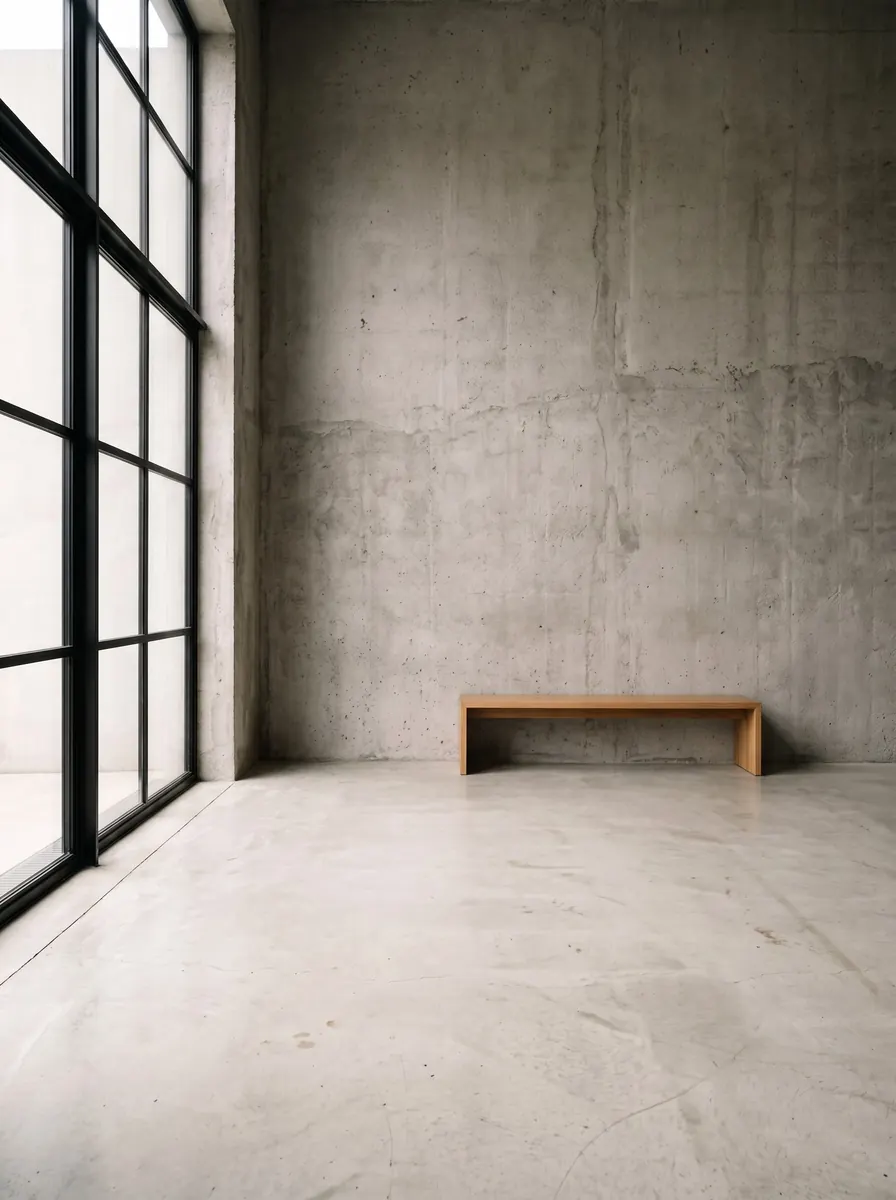
Concrete Loft Window
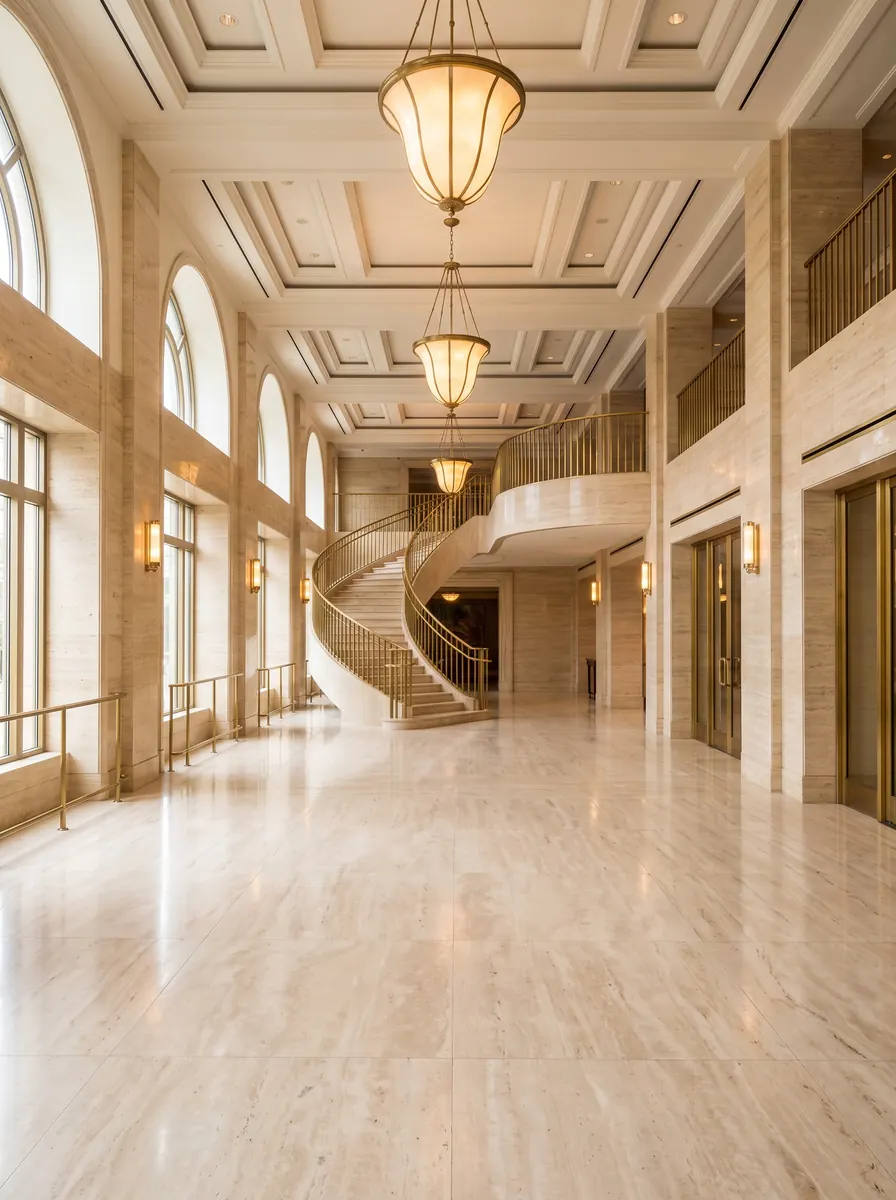
Marble Hotel Lobby
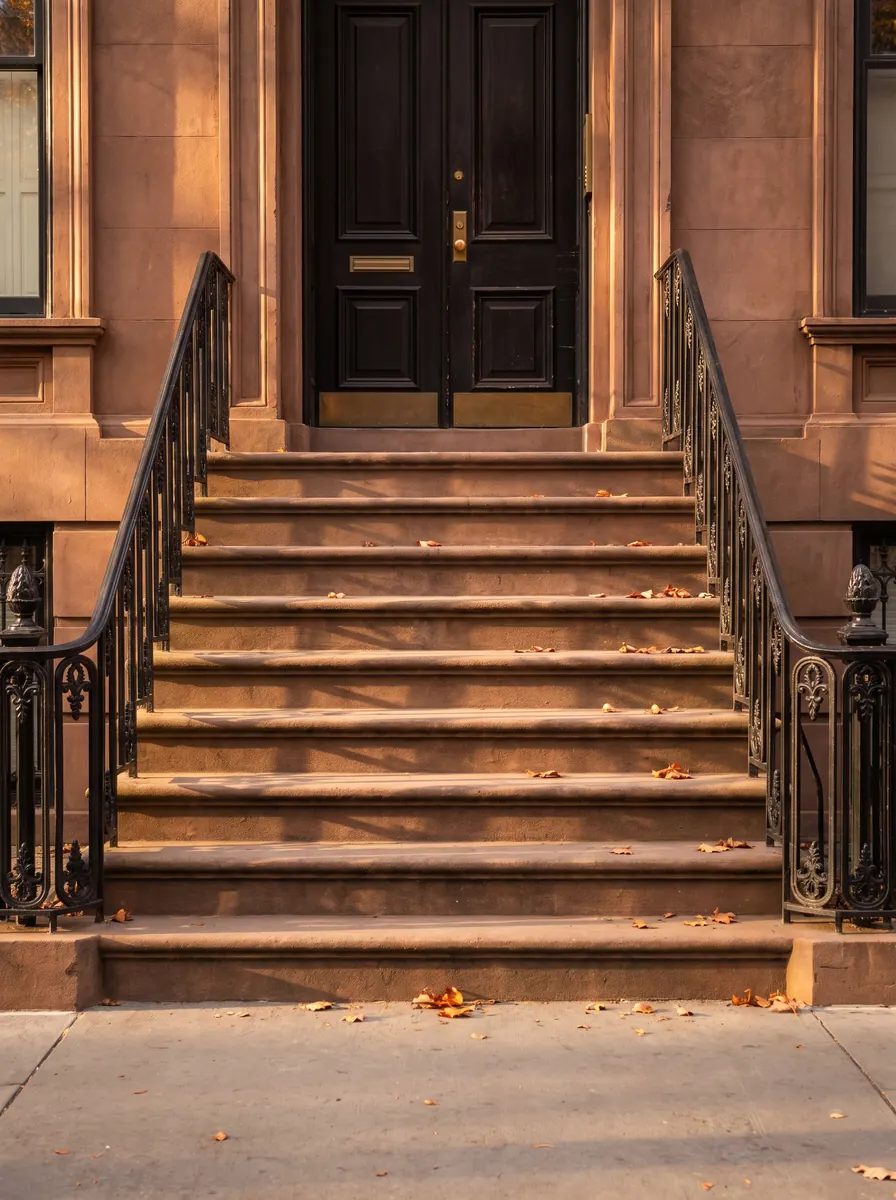
Brownstone Steps
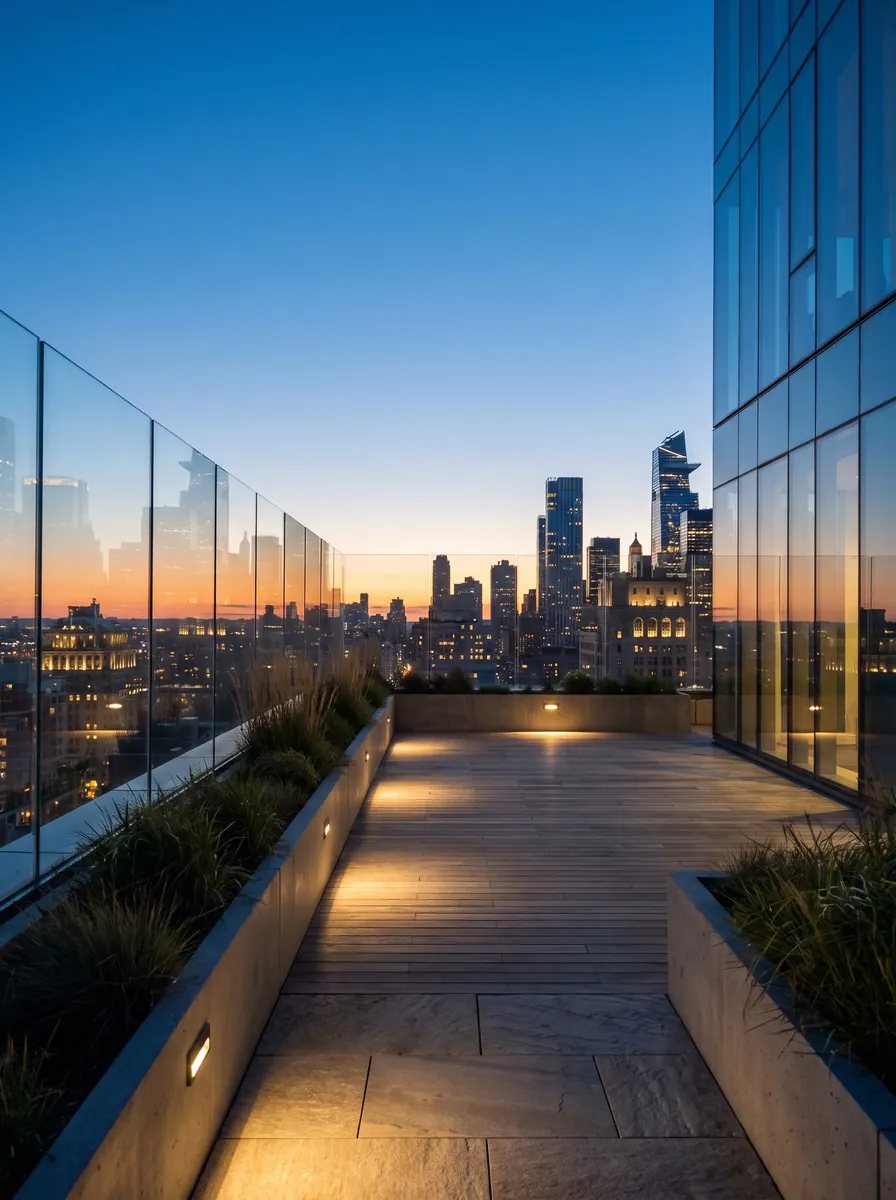
City Rooftop at Dusk
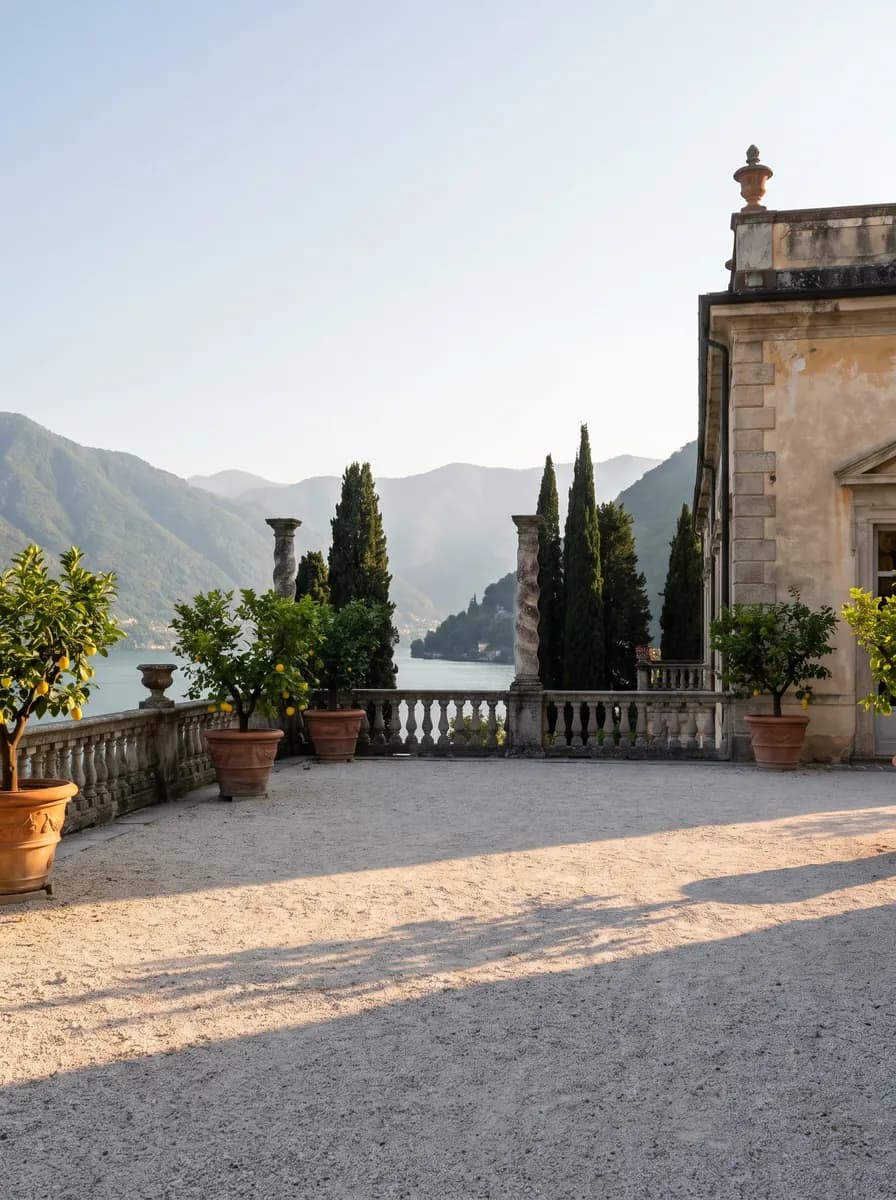
Lake Villa Terrace
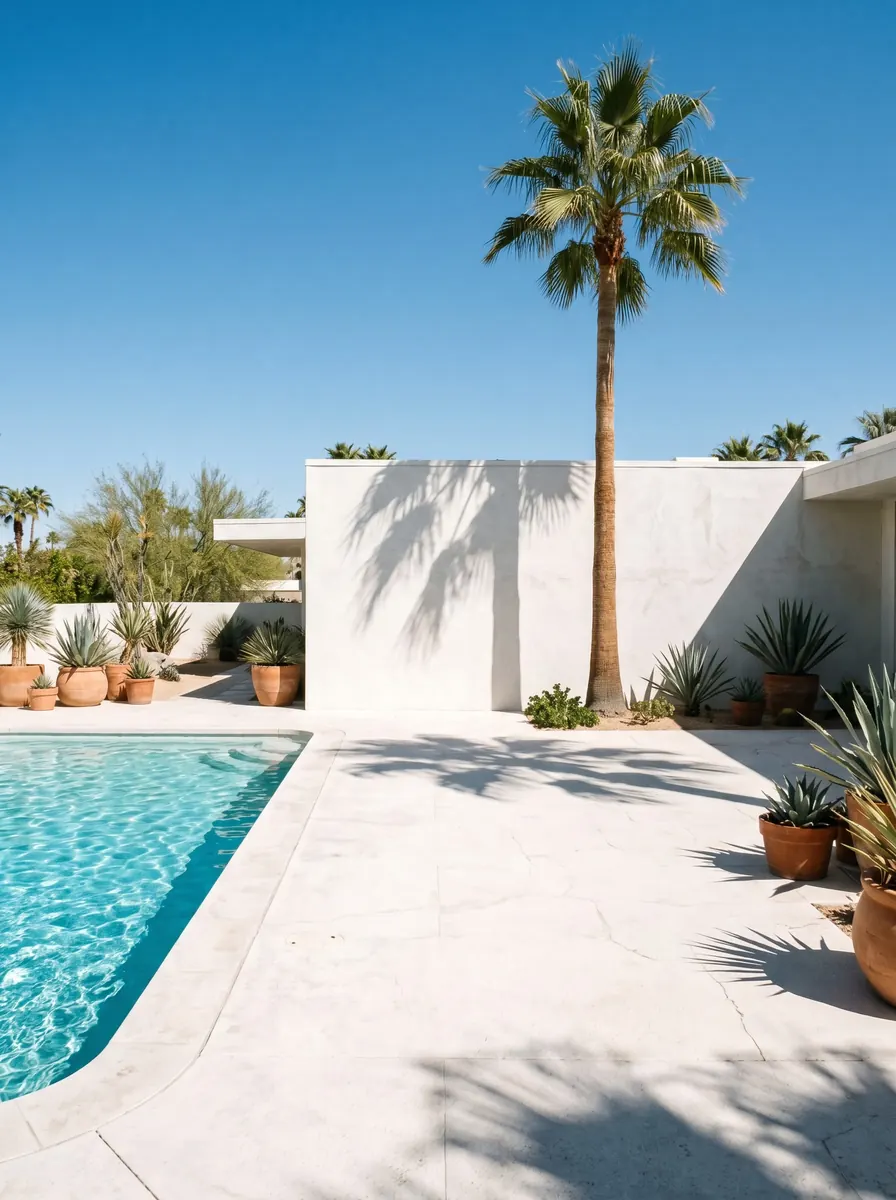
Modernist Poolside
What happens in a virtual photoshoot?
A virtual photoshoot has no physical set. Nobody hires a studio, scouts a location, builds a backdrop or waits for the weather to turn.
You choose the scene the way a creative director picks a location: by what suits the clothes. Every product in the shoot is then pictured there, on the same fictional adult AI model, in the same light.
Glammo is built to keep each garment's colour, print and construction in its new setting. Still, compare every image with the product before it goes live, and remember that a picture in a scene never measures fit.
The scene pages sort every setting into groups, from studio colours to resort sets. Browse all scenes
Which scene suits which collection?
Pick by the collection's mood first and by the garment second.
| Scene group | For example | Good for |
|---|---|---|
| Studios | 22 backdrops, such as Cobalt Colour Studio and Plaster Arch Set | Product pages, marketplaces and colour-led campaigns |
| Interiors | Concrete Loft Window, Marble Hotel Lobby, Japandi Living Room | Knitwear, loungewear, tailoring and eveningwear |
| Outdoor | Lake Villa Terrace, Forest Path, Alpine Lake Dock | Outerwear, knitwear, linen and summer dresses |
| City and architectural | Brownstone Steps, City Rooftop at Dusk, Concrete Steps Plaza | Denim, streetwear, coats and tailoring |
| Resort and lifestyle | Modernist Poolside, Riviera Yacht Deck, Golden Hour Beach | Resortwear, linen and holiday dresses |
How do you run a virtual photoshoot on Glammo?
- 01
Gather the drop
Collect one photo of each piece in the collection. A single shoot holds up to 20 products.
- 02
Choose the scene first
Pick the setting that tells the collection's story: a colour studio for a clean grid, a terrace for summer, a street for city wear.
- 03
Cast one model
Choose one of 60 fictional adult AI models to wear every piece, so the drop reads as a single shoot.
- 04
Review, edit, download
Look over the set as a grid beside your product photos, fix any single frame with a written edit, then download on a paid plan.
How do you choose a scene for a drop?
Start from the season
Autumn coats suit a tree-lined avenue or a forest path; linen and resortwear suit a lakeside terrace or a garden.
Let colour lead, or step back
A bold studio colour can carry a campaign, but it competes with bright prints. Give busy patterns a calm backdrop.
Match the price point
A marble lobby or a panelled library says premium; brownstone steps or a concrete plaza suit everyday city wear.
Keep one scene per drop
Each shoot uses one scene, which keeps a collection's story intact. Save a second setting for a separate campaign shoot.
Pair a studio with a setting
A plain studio backdrop keeps product pages tidy, while a setting gives launch posts and banners their mood.
Can you create your own scene?
Pro and Studio let you create scenes of your own and reuse them for every drop, while Starter and free accounts shoot in the 60 catalogue scenes.
Whichever scene you use, it's a setting for your images, not a record of somewhere your team travelled. Caption campaign images by the collection or the mood, and avoid wording that suggests a location shoot that never happened.
Common questions
What is a virtual photoshoot?
A virtual photoshoot is a fashion shoot with no physical studio or location. On Glammo, garments from your product photos are pictured on a fictional adult AI model in a scene you pick from the catalogue.
How many scenes are there for a virtual photoshoot on Glammo?
Glammo has 60 scenes: 22 studio backdrops plus interiors, outdoor, city and architectural settings, and resort and lifestyle sets. Every account can shoot in them.
Can a virtual photoshoot cover a whole collection?
Yes. One Glammo shoot takes up to 20 products, all on the same model and in the same scene. A larger collection runs as several shoots with the same choices, so the pieces still match.
Do I need to send samples for a virtual photoshoot?
No. A virtual photoshoot on Glammo starts from photos of the garments, so the samples stay with you. A flat lay, a hanger shot or a mannequin photo of each piece is enough.
Can I use my own backdrop in a virtual photoshoot?
A custom backdrop for a virtual photoshoot needs Pro or Studio, the plans that let you create scenes of your own. Starter uses the catalogue scenes.
Can a virtual photoshoot match the season?
Yes. Choose a seasonal scene, such as an autumn avenue or a snowy chalet terrace, for campaign frames, and keep a studio scene for product pages so the catalogue stays consistent all year.
Read next
Choose a scene for the collection. Shoot one piece there for free.
Try Glammo free with 10 credits. No card required.