AI model photos for dresses
Glammo AI puts your dress on a fictional model from the photo you already have, a flat lay, a dress form or a supplier shot, so shoppers see its length, neckline and print on a person before they buy.
Try Glammo free with 10 credits. No card required.
From your photo to a product-page set
One photo of the whole dress is enough to start: Glammo uses it to make a set for your product page.
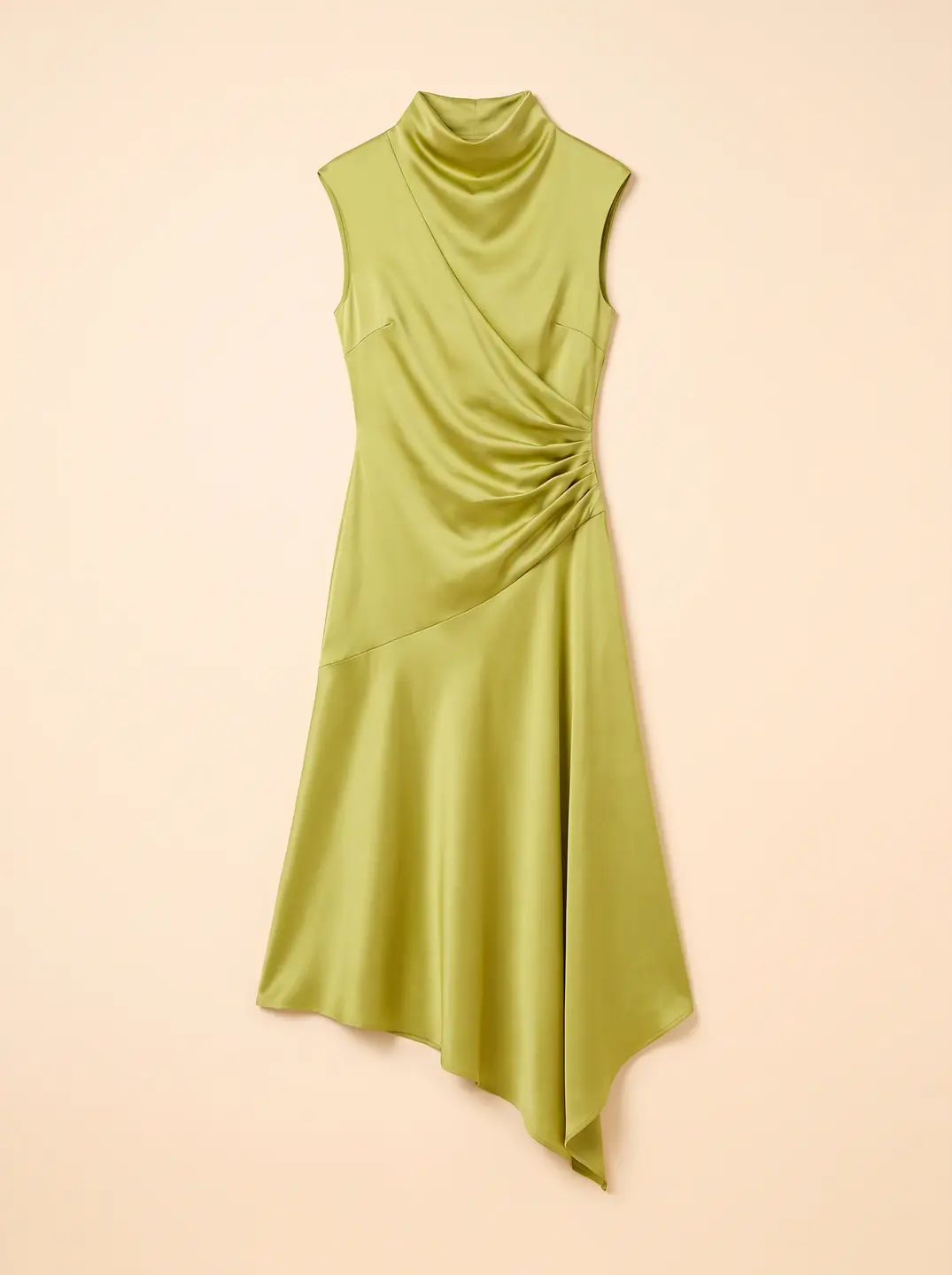
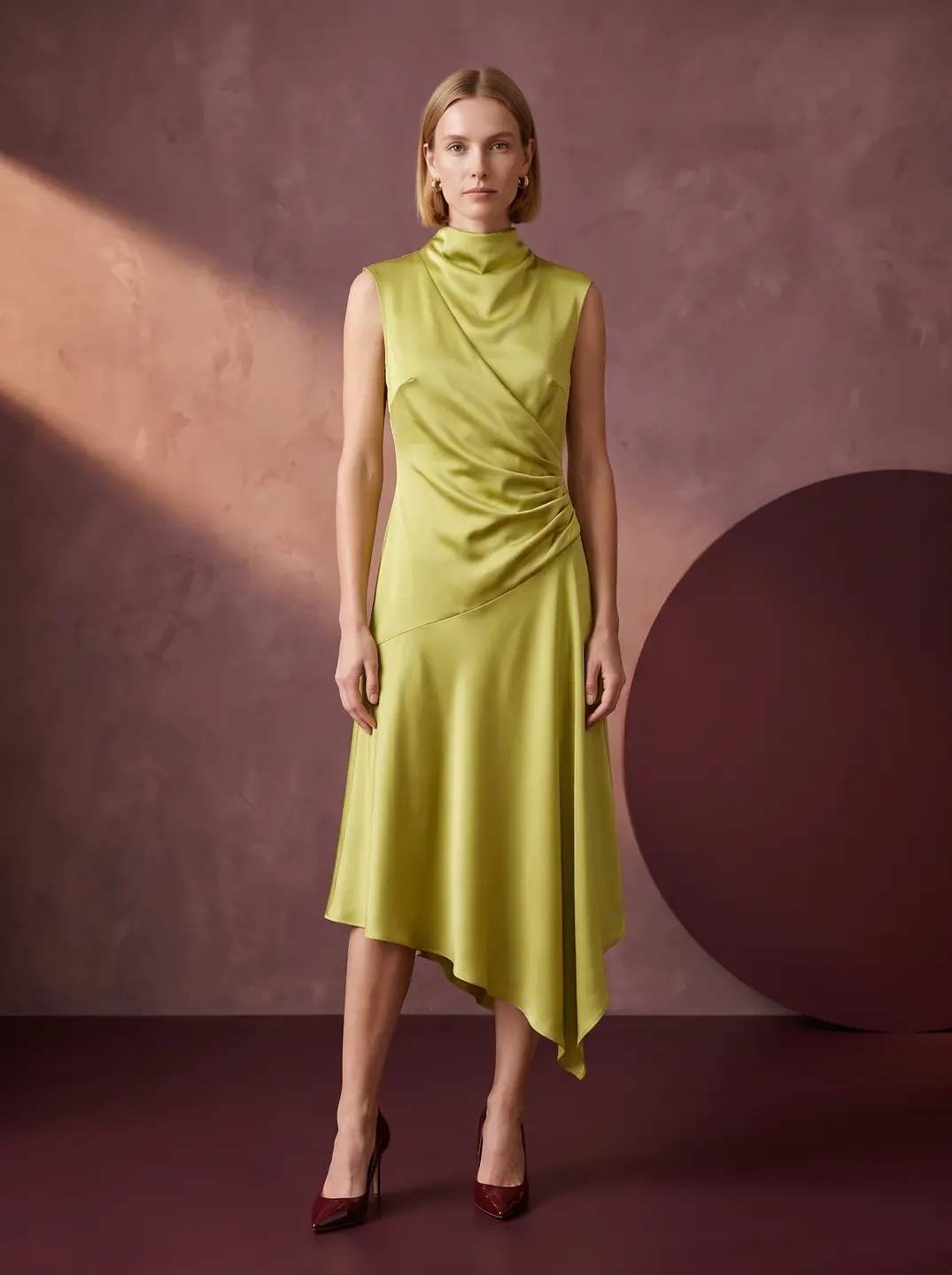
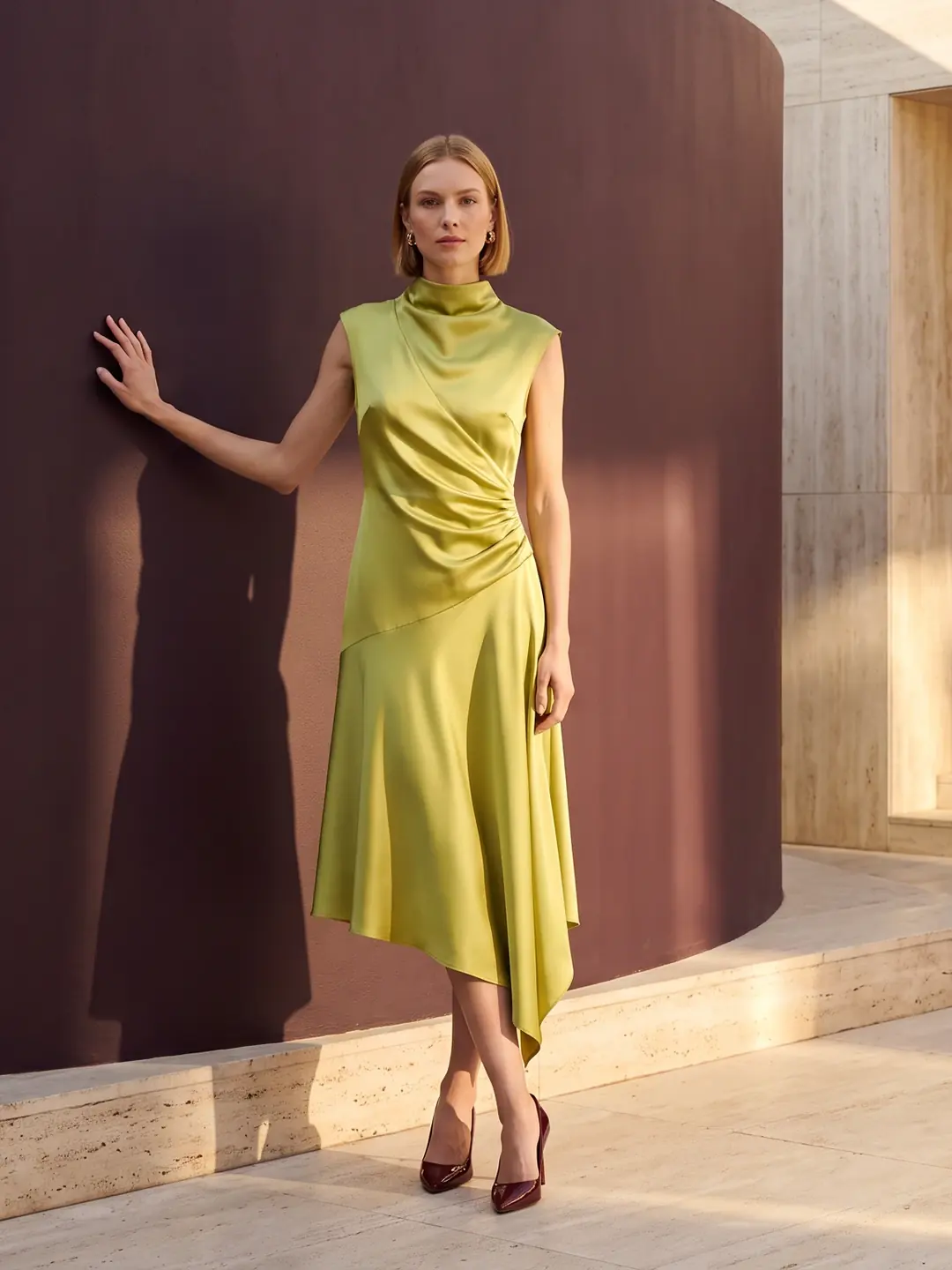
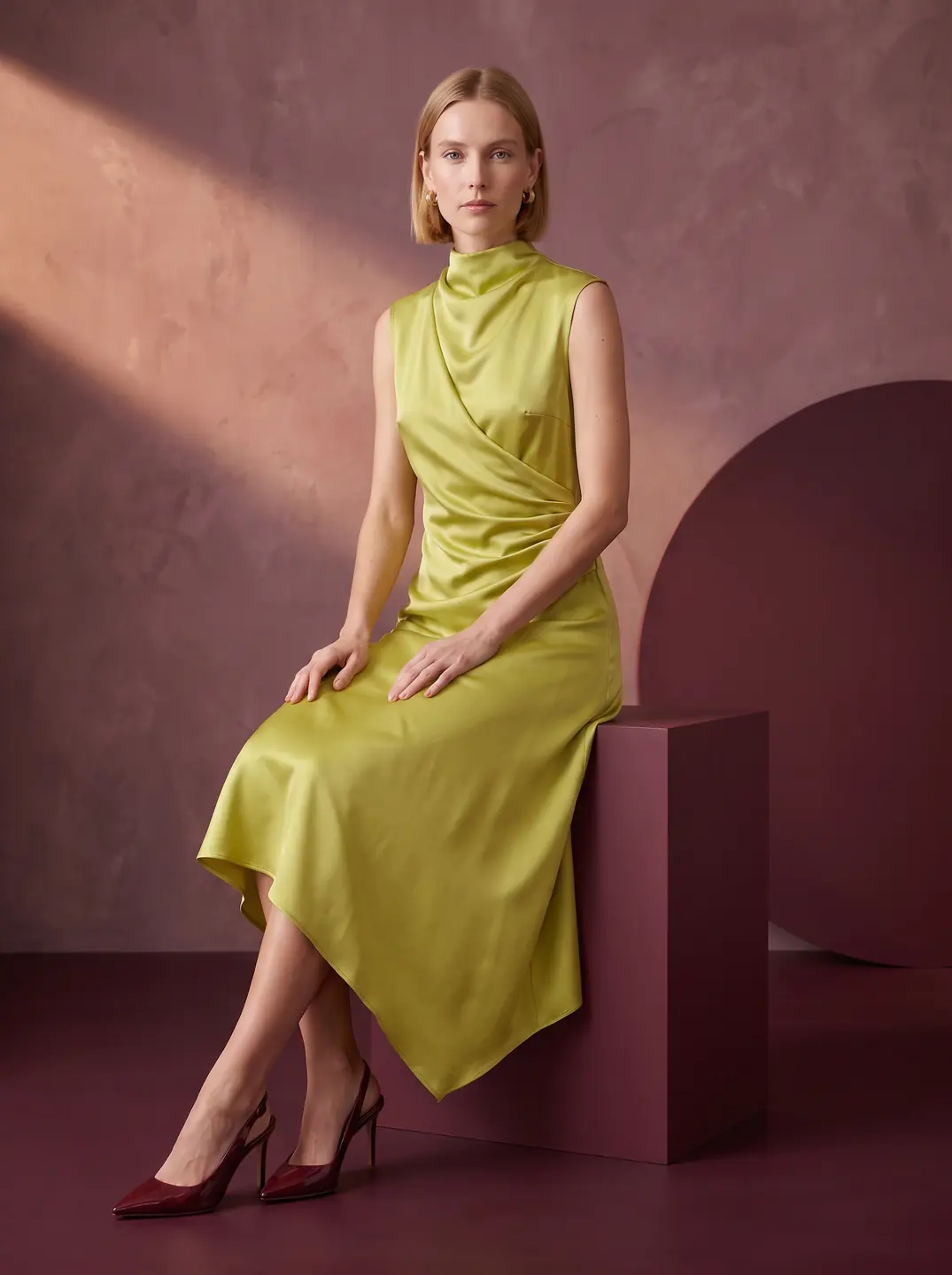
A sample photo and images made from it. Models are fictional and AI-generated.
Which photos work best for dresses
A dress is judged on its length and the way it falls. Give Glammo a photo that shows both.
The whole dress, neckline to hem
Shoot the full length with a little space above and below. A hem cut off at the edge of the frame is a hem nobody can check, on your photo or on the model.
The skirt laid out the way it falls
On a flat lay, spread an A-line or a full skirt to its natural width rather than folding it in. On a dress form, let the skirt hang straight, without pins pulling it to one side.
Wrap ties, slits and cut-outs in view
Details that only show from one angle need to be visible in your photo. If the slit is at the back, a back view of the dress is worth adding as a second photo.
Even light on satin and sequins
Shine and sparkle hide fabric texture. Soft daylight or a diffused lamp keeps the colour true and stops highlights turning into white patches.
Steam it first
Creases on the source become creases on the model. Five minutes with a steamer saves a reshoot of the photo, especially on linen and crepe.
The shots worth choosing
Choose your model and scene, then the frames your product page needs. For dresses, these do the most work.
Full length, head to toe
The frame that answers the first question every shopper has: how long is it on a person? Keep this one as your main image.
A frame with movement in the skirt
Bias cuts, pleats and flared skirts sell on how they move. One frame where the fabric swings shows drape better than any description.
The back, when the back is the point
Low backs, lace-up details and statement zips deserve their own frame. Add it when your photo shows them.
A close crop of the neckline or print
Shoppers zoom in on the neckline, buttons and pattern scale. A tighter crop answers that without a separate photoshoot.
What you get
An on-model set
Full-length and closer frames of your dress on the same fictional model, 4:5 by default for product pages. Each image is 1 credit.
A packshot for marketplaces
The dress on its own, laid out or floating, for marketplaces that ask for a plain background. One packshot is 1 credit, on white, ivory or grey.
A short video
A slow turn or a few steps, so shoppers see the skirt move. Portrait clips suit product pages and social. A four-second clip is 5 credits.
What to check before publishing
Compare each image with your original before you use it. AI can miss a detail, and you know the garment best.
Length and hem shape
Line up the hem against your photo. A midi that reads as a maxi, or an asymmetric hem made straight, is the first thing to catch.
Print scale and placement
Florals and geometric prints should keep their size relative to the dress, with motifs where they sit on your photo.
Neckline and straps
Check the neckline depth, strap width and any collar against the original.
Colour against your source
Compare on a calibrated screen if you can. Pastels and jewel tones are where small shifts show most.
Closures and trims
Buttons, zips, belts and ties should match in number and position. A missing belt loop is easy to overlook and easy for a customer to notice.
Reviewing garment fidelity
Our guide walks through checking colour, print, construction and proportion against your source photo, one image at a time.
Read the review guideCommon questions
Can AI put my dress on a model without a photoshoot?
Yes. Upload a flat lay, a dress-form photo or a supplier photo of the dress, choose a fictional model and a scene, and Glammo creates on-model images from it. Compare each image with your dress before you publish it.
Will the dress keep its length on the model?
Glammo is built to keep the length and hem shown in your photo, which is why the photo needs to show the whole dress. Check the hem line on every image against the original before you use it.
Does it work for maxi dresses and gowns?
Yes, as long as the source shows the full length with space below the hem. A full-length frame works best as the main image for long dresses.
Can I show every colourway on the same model?
Yes. Upload a photo of each colour and pick the same model and scene for all of them, so the colourways sit side by side in your store.
Do the images show how the dress fits?
No. Generated images show how the dress could look on a person; they don't measure fit. Keep your size guide and fit notes on the product page.
Read next
Bring one dress photo. See it on a model for free.
Try Glammo free with 10 credits. No card required.