AI model photos for hoodies and sweatshirts
Glammo AI puts your hoodie or sweatshirt on a fictional model from a flat lay or print-on-demand mockup, with the graphic, hood and kangaroo pocket kept where they are and the fleece looking like fleece.
Try Glammo free with 10 credits. No card required.
From your photo to a product-page set
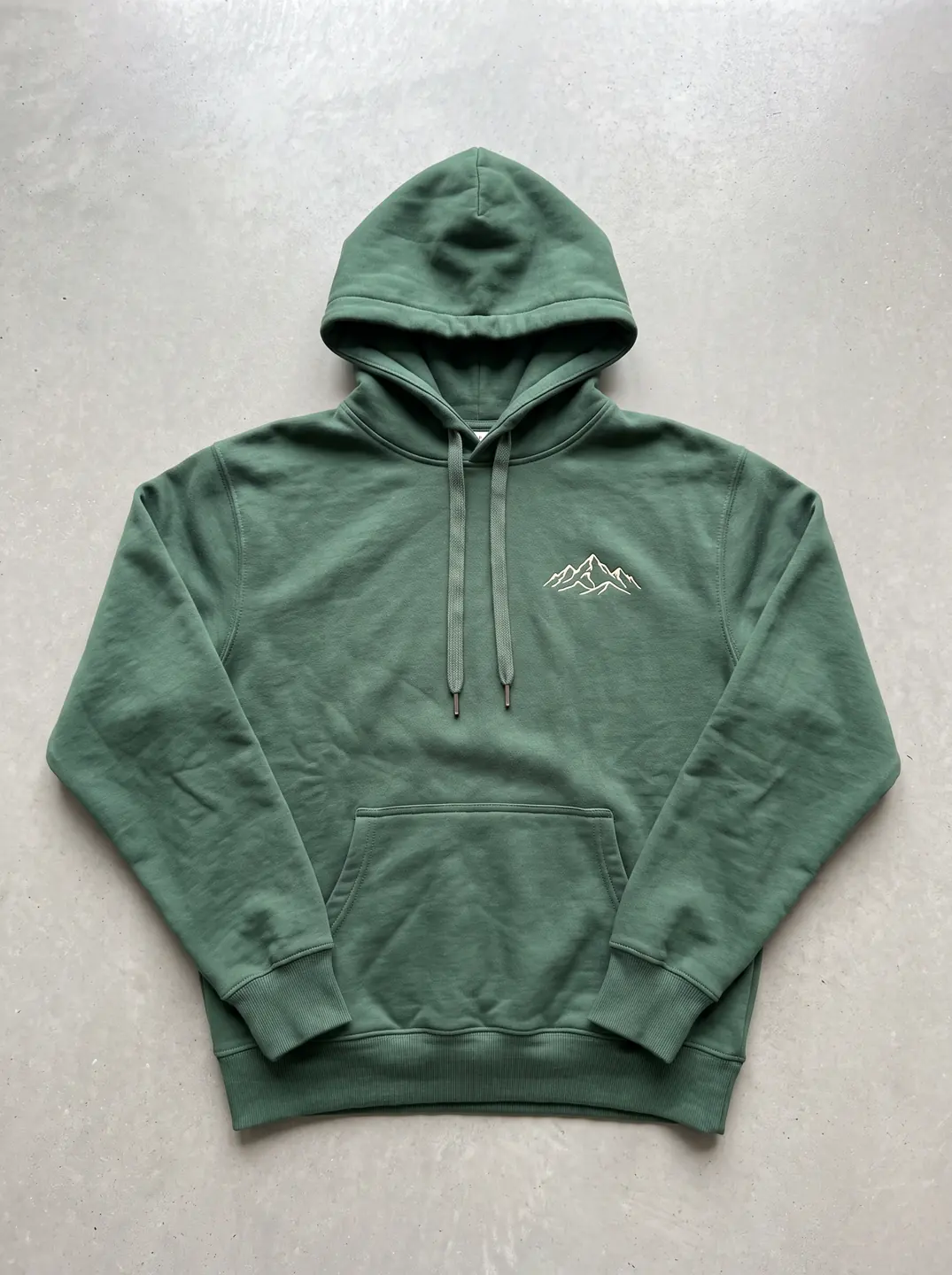
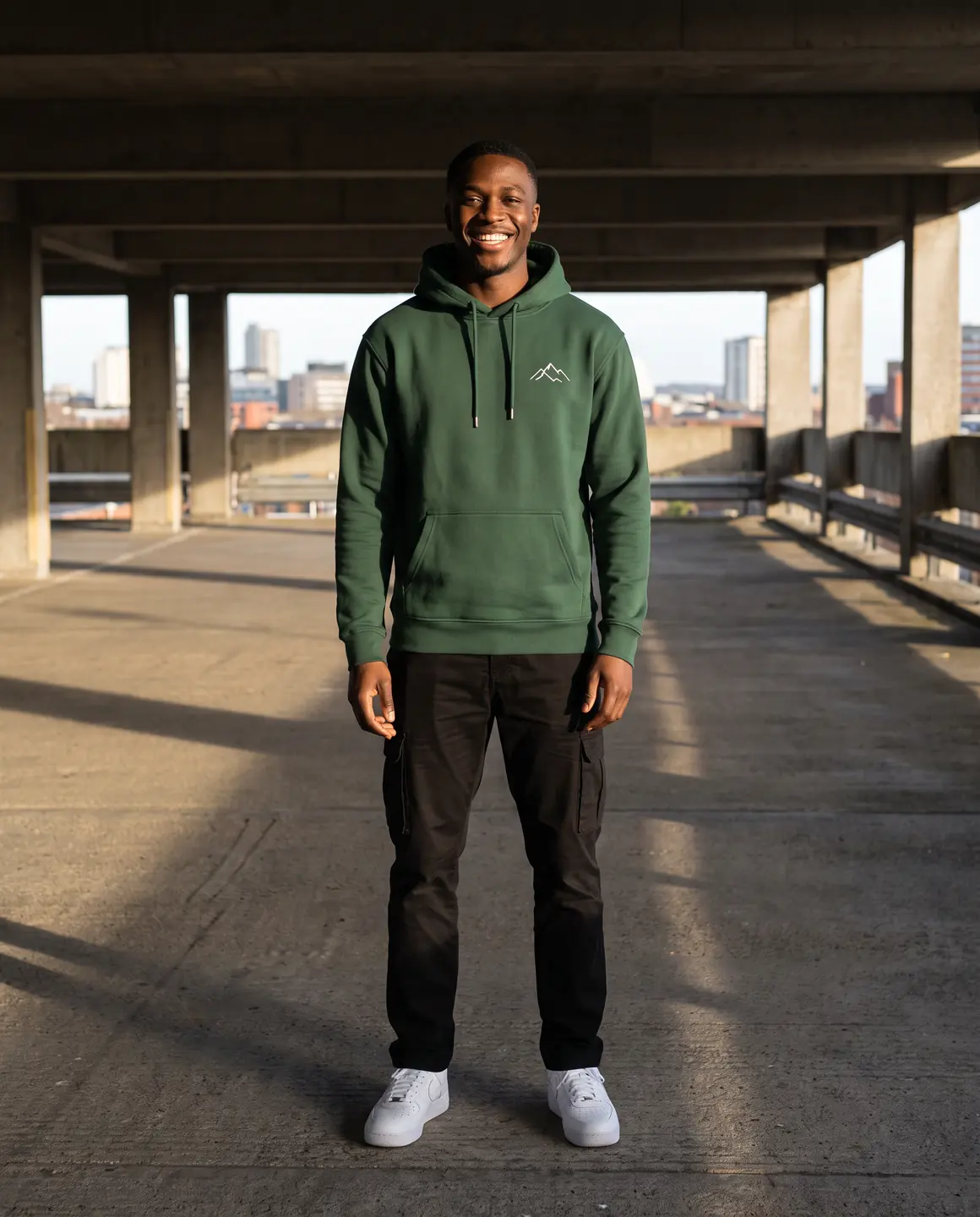
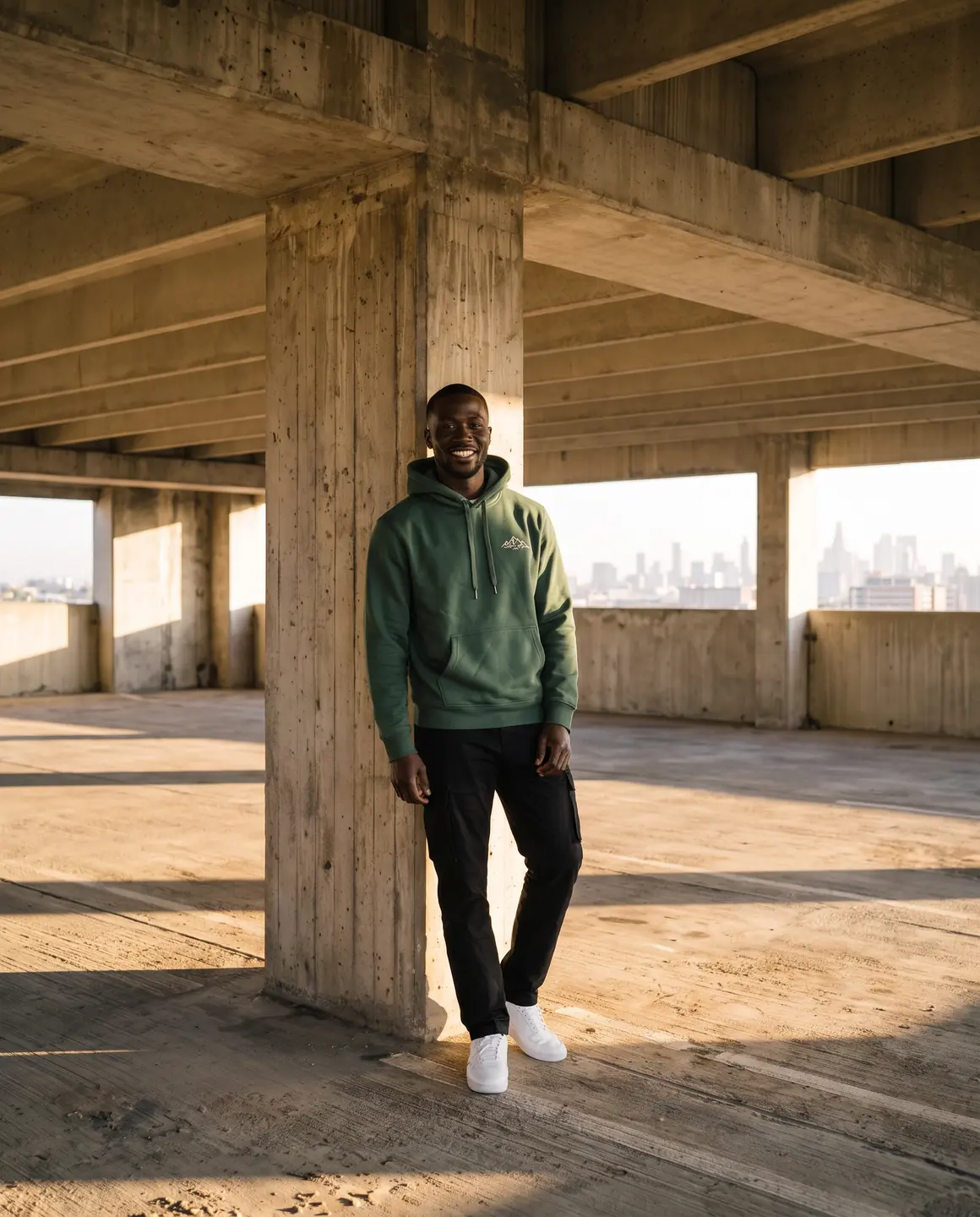
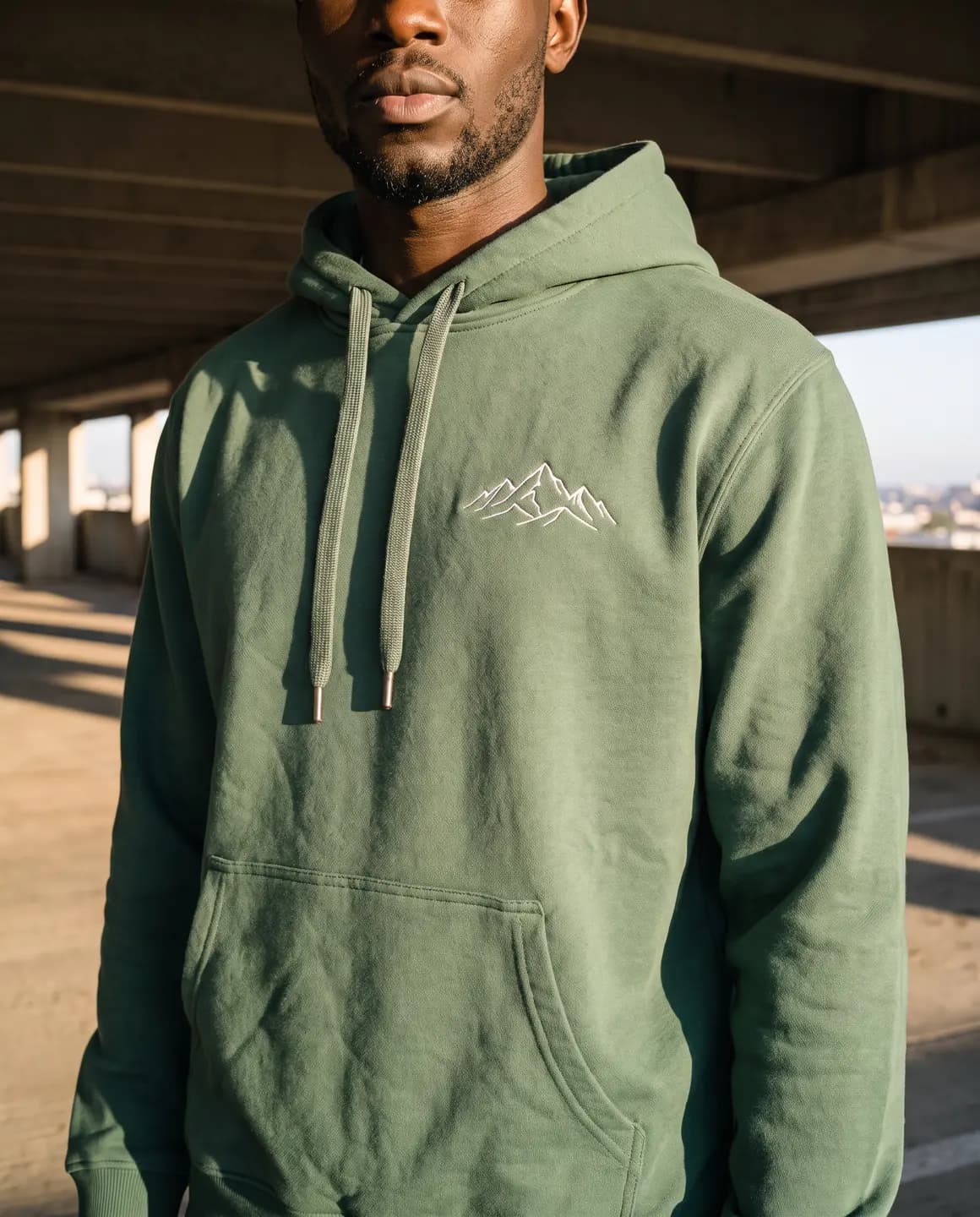
A sample photo and images made from it. Models are fictional and AI-generated.
Which photos work best for hoodies & sweatshirts
Heavy cotton fleece holds its shape, which makes hoodies forgiving to photograph, as long as the print and hood are clear.
Lay the hood flat behind the neck
Spread the hood out above the collar so its shape and lining colour show. A hood folded forward hides the neckline and drawcords.
Shoot the print straight on
Photograph from directly above so a chest or back graphic isn't skewed. For print-on-demand, use the largest flat mockup your provider exports.
Keep the pocket and cuffs visible
The kangaroo pocket, ribbed cuffs and hem band are what make a hoodie look like a hoodie. Don't tuck the sleeves under the body.
Brush off lint and pilling
Dark fleece shows every speck. A lint roller before the photo saves you from fixing the same specks on the model.
Separate photos for front and back prints
Many streetwear pieces carry a back graphic. Add a back view so it can appear in the set.
The shots worth choosing
Hoodies are bought for the graphic and the fit. Pick frames that show both.
A straight-on frame of the chest print
The main image for a graphic hoodie. The print should be readable at thumbnail size.
A relaxed full-length frame
Shows the boxy or oversized fit and where the hem falls on the hips, which helps shoppers choose a size.
Hood up for the lifestyle shot
If you show the hood up in your source photos, a street-style frame makes a strong social image.
A close crop of fabric and drawcords
Brushed fleece, metal aglets and embroidery read best up close.
What you get
An on-model set
Product-page and street-style frames of your hoodie on one fictional model, 4:5 by default or 9:16 for stories. Each image is 1 credit.
A packshot for marketplaces
The hoodie on its own, front-facing on a plain background, for listings that ask for a garment-only image. One packshot is 1 credit, on white, ivory or grey.
A short video
A short clip with the model moving, which brings a back print into view. A four-second clip is 5 credits.
What to check before publishing
Compare each image with your original before you use it. AI can miss a detail, and you know the garment best.
Graphic placement and size
Check the distance from the neckline to the top of the print, and the print's width across the chest.
Words and numbers in the design
Read every letter of slogans and logos, at full size.
Hood, drawcords and pocket
Make sure the drawcords, eyelets and kangaroo pocket match your hoodie, or are absent if yours has none.
Fleece colour
Washed and garment-dyed colours shift easily. Compare against your blank.
Zip-up hoodies
Check the zip runs the full length and the puller matches your hoodie.
Reviewing garment fidelity
Our guide walks through checking colour, print, construction and proportion against your source photo, one image at a time.
Read the review guideCommon questions
Can I turn my hoodie mockup into a real-looking model photo?
Yes. Upload your print-on-demand mockup or a flat lay, choose a fictional model and scene, and Glammo puts the hoodie on the model with the print in place. Read the print on every image before publishing.
Will an oversized hoodie stay oversized?
Glammo is built to keep the cut your photo shows, so a boxy hoodie stays boxy. Check the shoulder line and hem length on each image.
Does it work for crewneck sweatshirts and zip-ups?
Yes. Crewnecks, pullover hoodies and zip-ups all work. Photograph zip-ups closed so the zip line is clear.
Can I show the back print?
Yes, if you upload a photo of the back. Glammo can only show a print that's in your photos.
Can I use one model across my whole streetwear drop?
Yes. Pick the same model and scene for every piece in the drop so it looks like one shoot.
Read next
Bring one hoodie photo. See it on a model for free.
Try Glammo free with 10 credits. No card required.