AI model photos for T-shirts and tops
Glammo AI turns a flat lay, a print-on-demand mockup or a supplier photo of your T-shirt into on-model images where the print sits where you placed it and the colour matches your blank.
Try Glammo free with 10 credits. No card required.
From your photo to a product-page set
Start from the photo you have. This one began as a supplier shot.
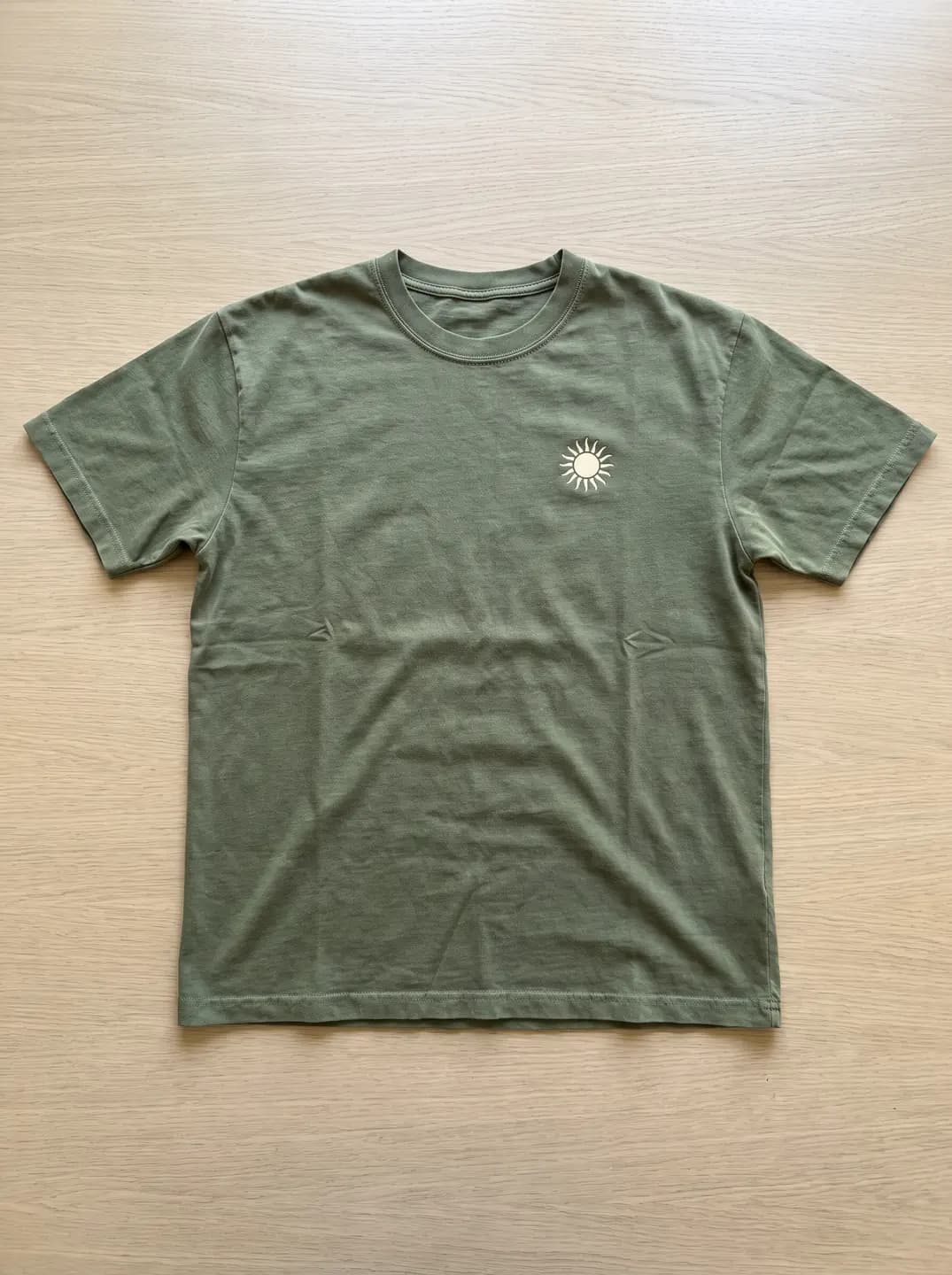
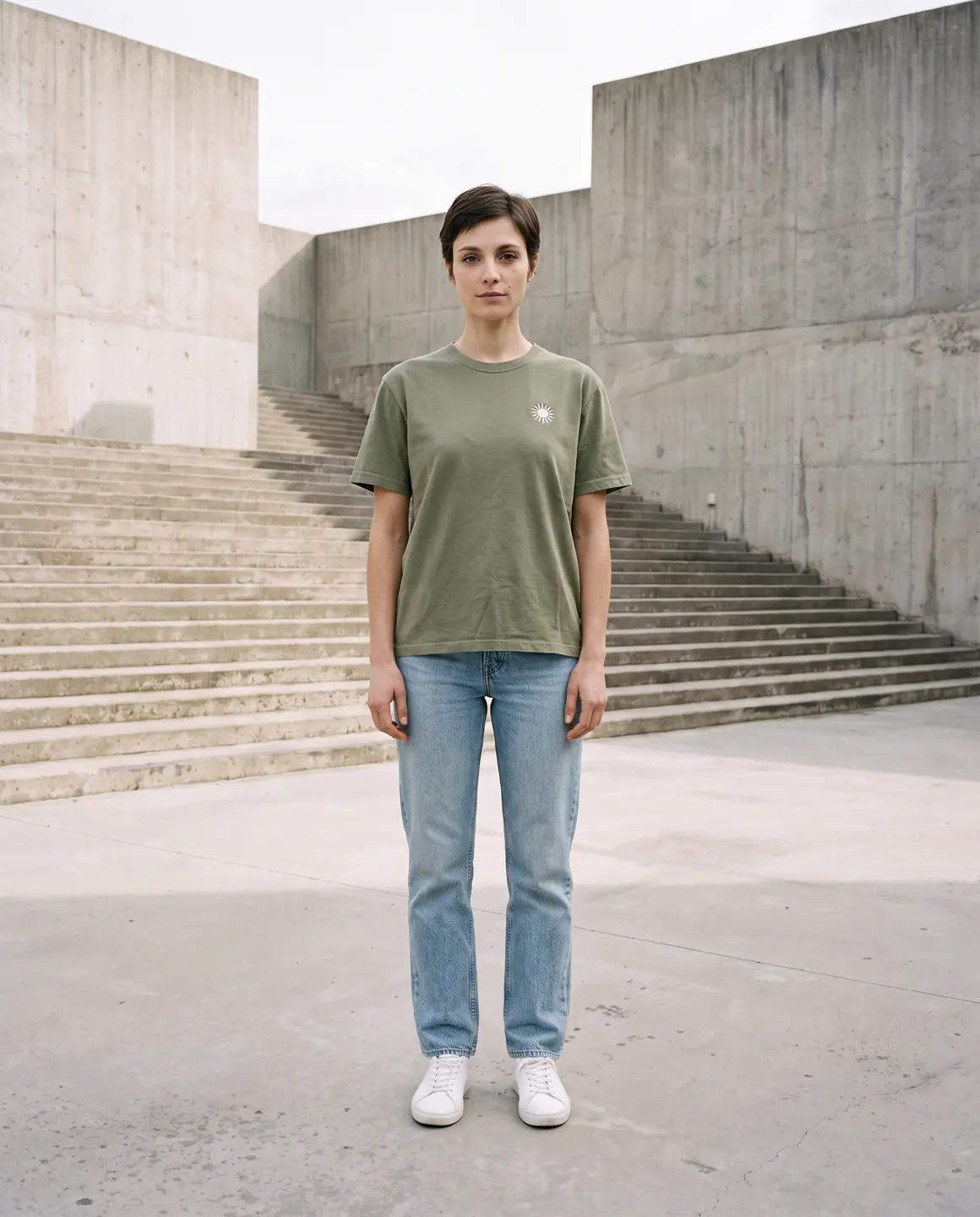
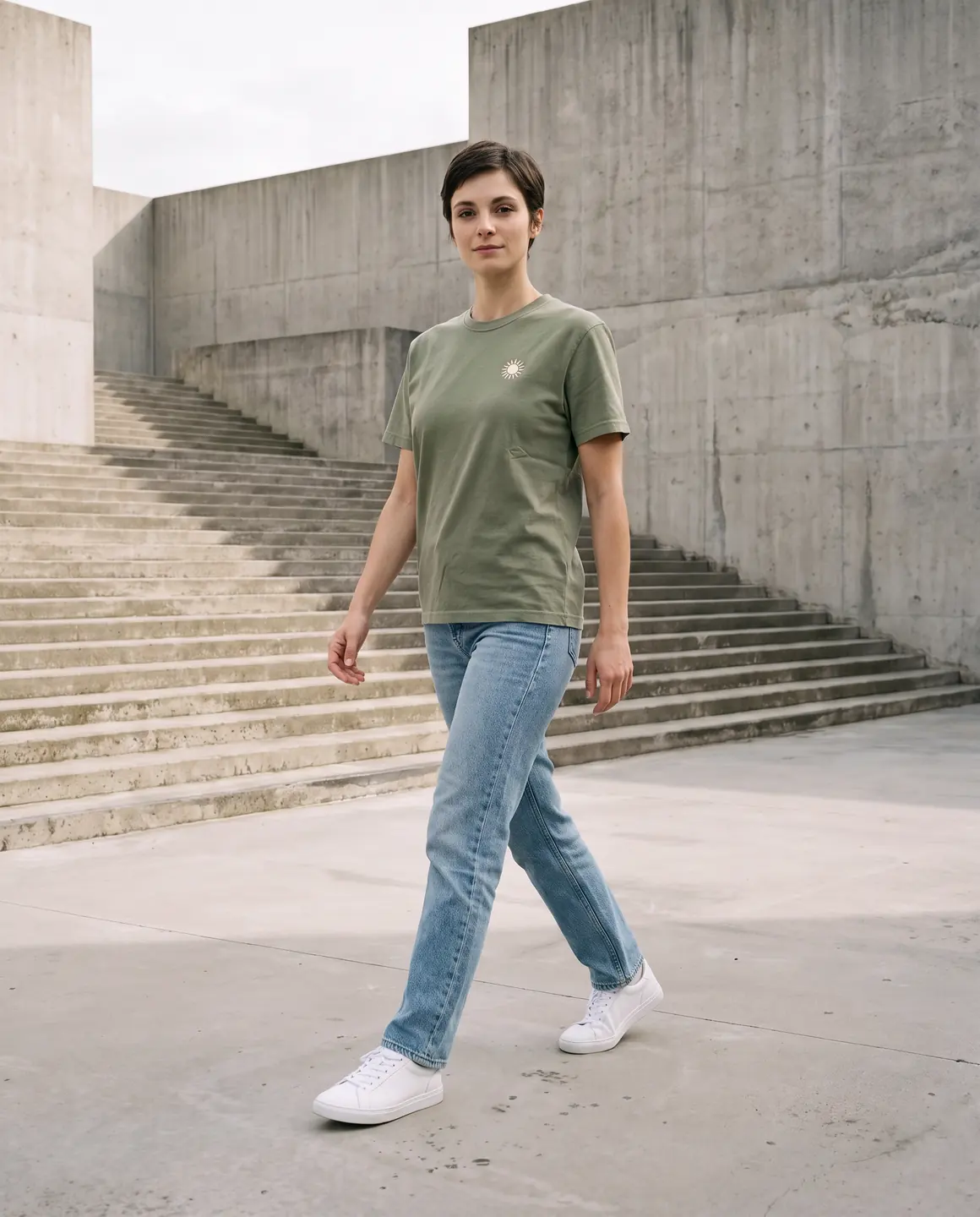
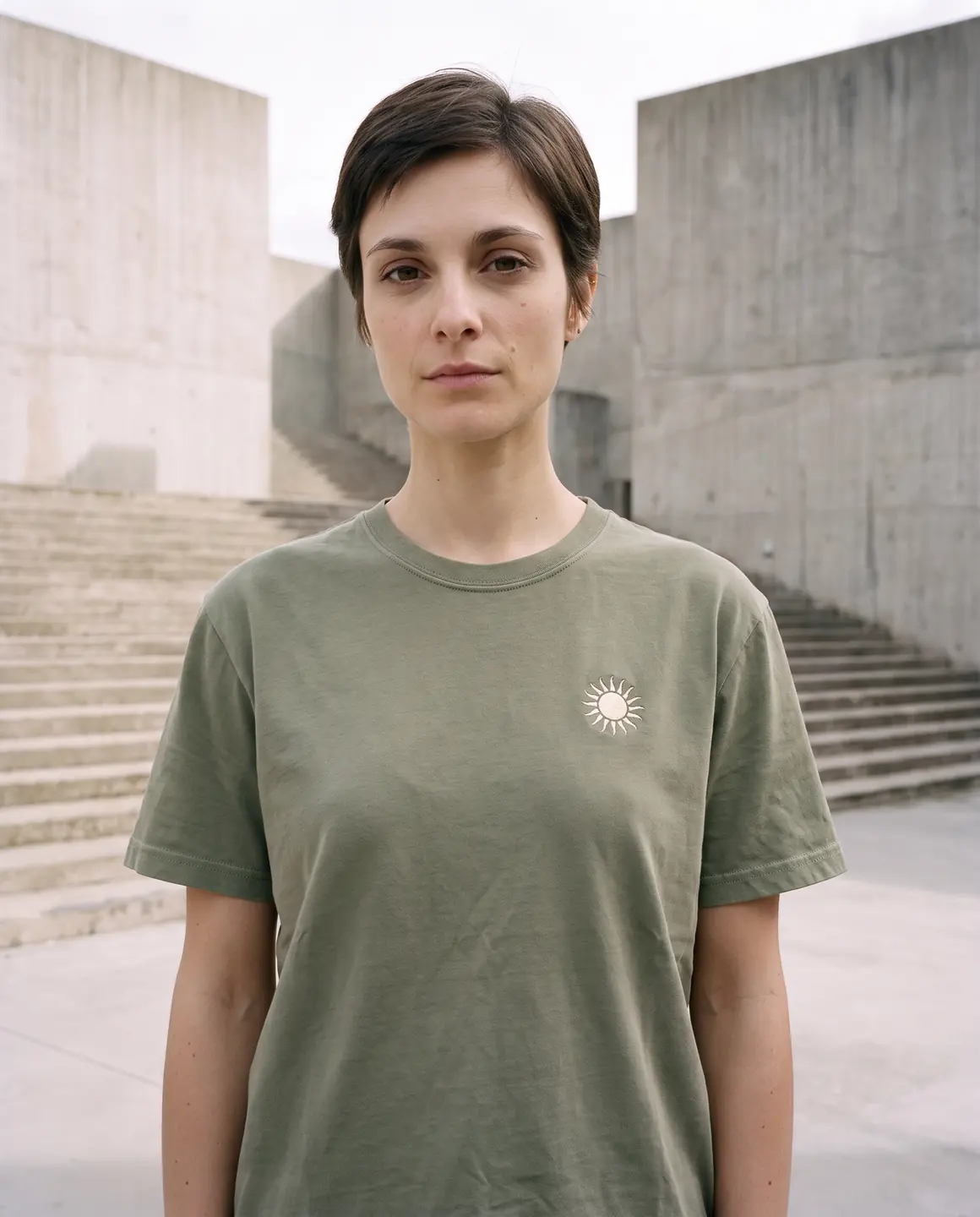
A sample photo and images made from it. Models are fictional and AI-generated.
Which photos work best for t-shirts & tops
With tees, the print and the neckline carry the sale. A flat, square-on photo protects both.
Shoot printed tees flat and square-on
Lay the tee flat and photograph it from directly above. An angled phone shot stretches the graphic into a trapezoid, and that distortion follows it onto the model.
Use the highest-resolution mockup you have
For print-on-demand designs, export the largest front view your provider offers, on a plain background. Small text in a graphic needs pixels to stay legible.
Smooth the fabric around the print
Wrinkles running through a graphic break it into pieces. Flatten the area under and around the print by hand before you take the photo.
Show the neckline as it is
Crew, V-neck, scoop or mock neck: keep the collar flat and visible so its shape and rib width carry over.
Back prints need their own photo
If the design is on the back, upload a back view too. Glammo can't show a print it hasn't seen.
The shots worth choosing
For a top, the useful frames are about the print and the cut through the body.
A waist-up frame of the print
The clearest view of a chest print or logo, and the frame most shoppers see first in a collection grid.
A full outfit frame
Shows the length of the top against the waistband, which is how shoppers judge a crop top against a regular fit.
A close crop of the print or fabric
Lets shoppers read small type in a graphic and see the knit of the jersey.
A relaxed lifestyle frame for social
Basics sell in sets. A casual scene in a 9:16 crop gives your ads and stories something better than a white background.
What you get
An on-model set
Product-page frames of your tee or top on one fictional model, plus lifestyle frames for social, 4:5 by default. Each image is 1 credit.
A packshot for marketplaces
The top on its own, square and on a plain background, for marketplaces and collection grids. One packshot is 1 credit, on white, ivory or grey.
A short video
A short clip of the model turning, so a back print or the drape of a longline tee is visible. A four-second clip is 5 credits.
What to check before publishing
Compare each image with your original before you use it. AI can miss a detail, and you know the garment best.
Print position and scale
Measure where the graphic sits against the neckline on your photo and on the model. Look for a print that has crept down, shrunk or grown.
Text and logos in the design
Read every word. Letters in small type are where AI is most likely to slip.
Neckline and sleeve length
A crew neck should stay a crew neck; cap, short and three-quarter sleeves should end where they do on the original.
Garment colour versus the blank
Heather greys and off-whites drift easily. Compare against your blank's colour photo, not your memory of it.
Hem and crop length
Check where a crop top ends relative to the waistband. That length is part of the product.
Reviewing garment fidelity
Our guide walks through checking colour, print, construction and proportion against your source photo, one image at a time.
Read the review guideCommon questions
Can AI put my T-shirt design on a real-looking model?
Yes. Upload a flat lay or your print-on-demand mockup and choose a fictional model and scene; Glammo puts the tee on the model with the print kept in place. Check the print against your design before you publish.
Will my print stay sharp?
The sharper the source, the sharper the result. Use a high-resolution, square-on photo or mockup, and read every word of the graphic on each image before you use it.
Can I use the same model for a whole collection of tees?
Yes. Pick the same model and scene for every product so your collection page looks like one shoot.
Does it work for tank tops, crop tops and long sleeves?
Yes. All adult tops work, from tanks to long-sleeve tees. Make sure your photo shows the full length and both sleeves.
Can I make images for back prints?
Yes, if you upload a photo that shows the back. Glammo can only carry over what your photos show.
Read next
Bring one T-shirt photo. See it on a model for free.
Try Glammo free with 10 credits. No card required.