AI model photos for knitwear and sweaters
Glammo AI turns a flat lay or mannequin photo of your sweater or cardigan into on-model images where the stitch pattern, ribbing and buttons stay true to the knit you made.
Try Glammo free with 10 credits. No card required.
From your photo to a product-page set
Texture is what sells knitwear, so it's what your photo needs to show clearly.
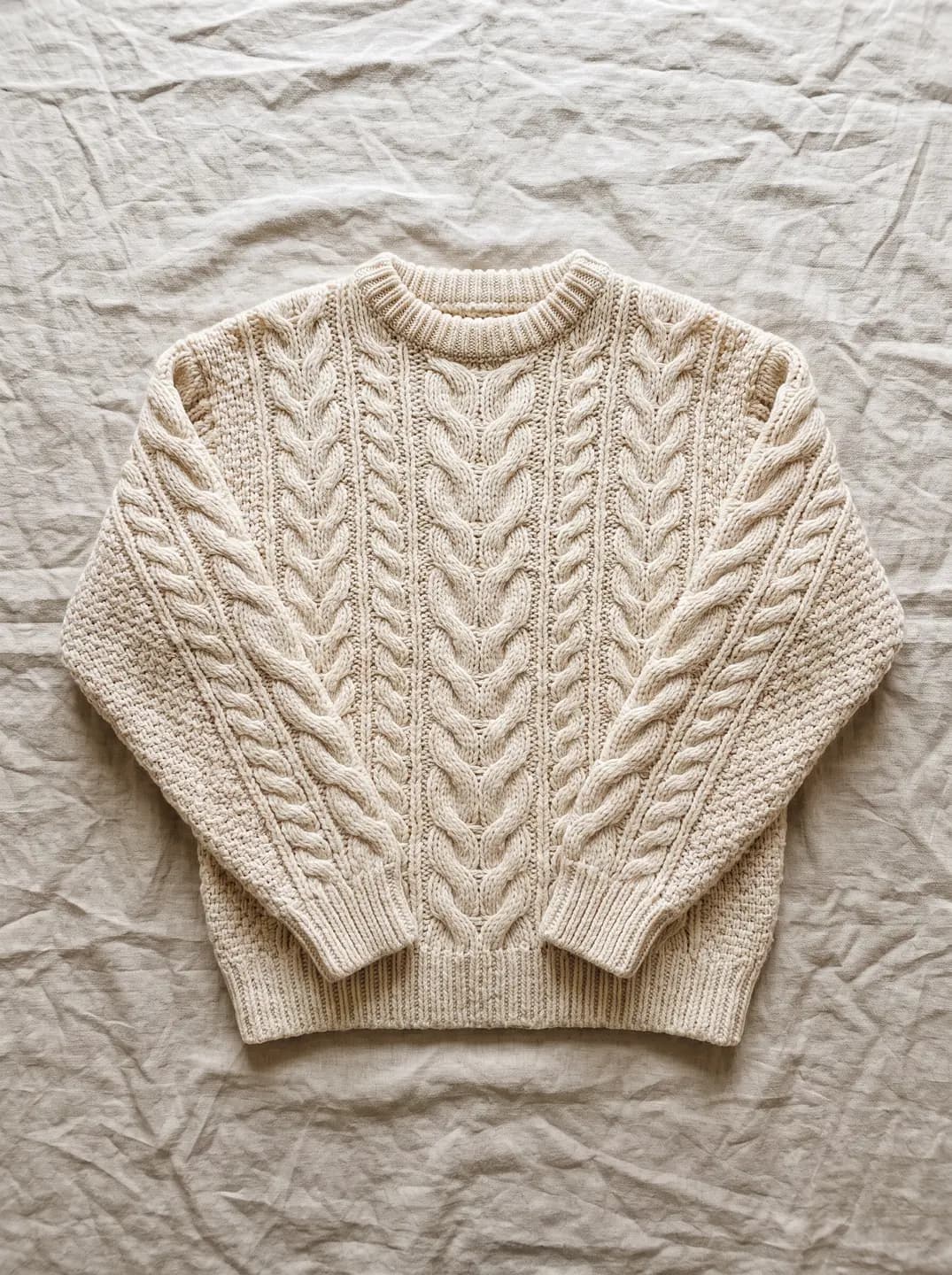
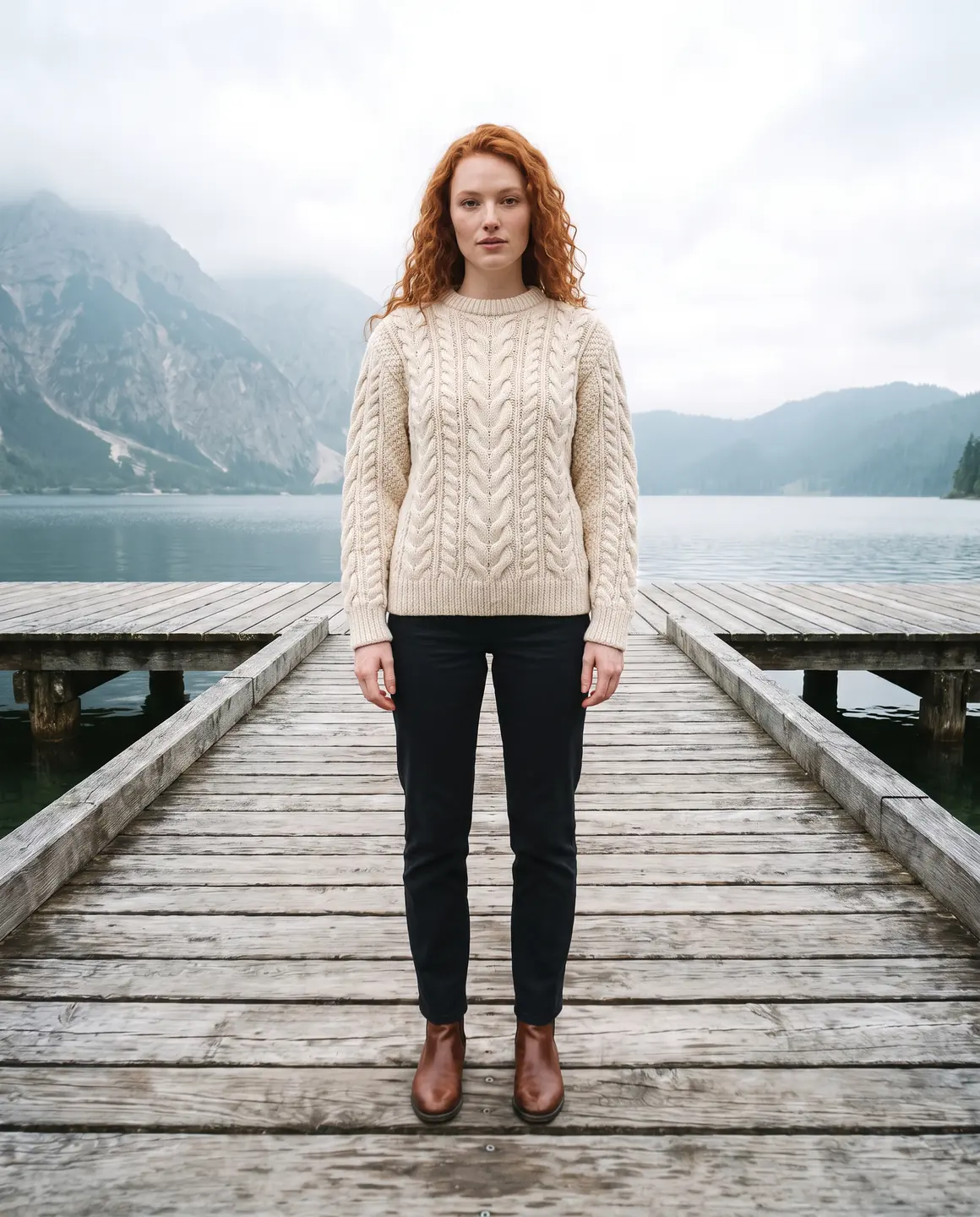
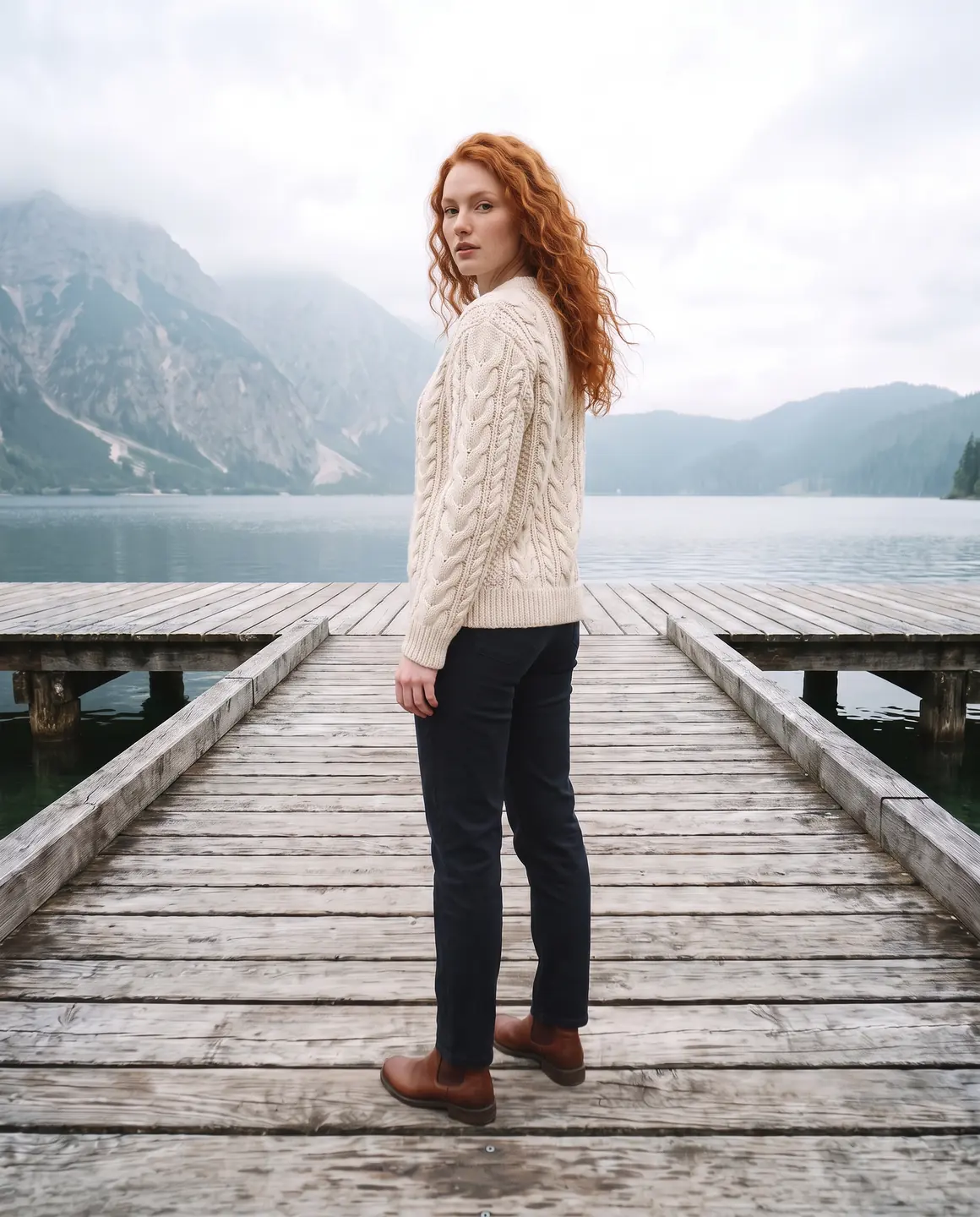
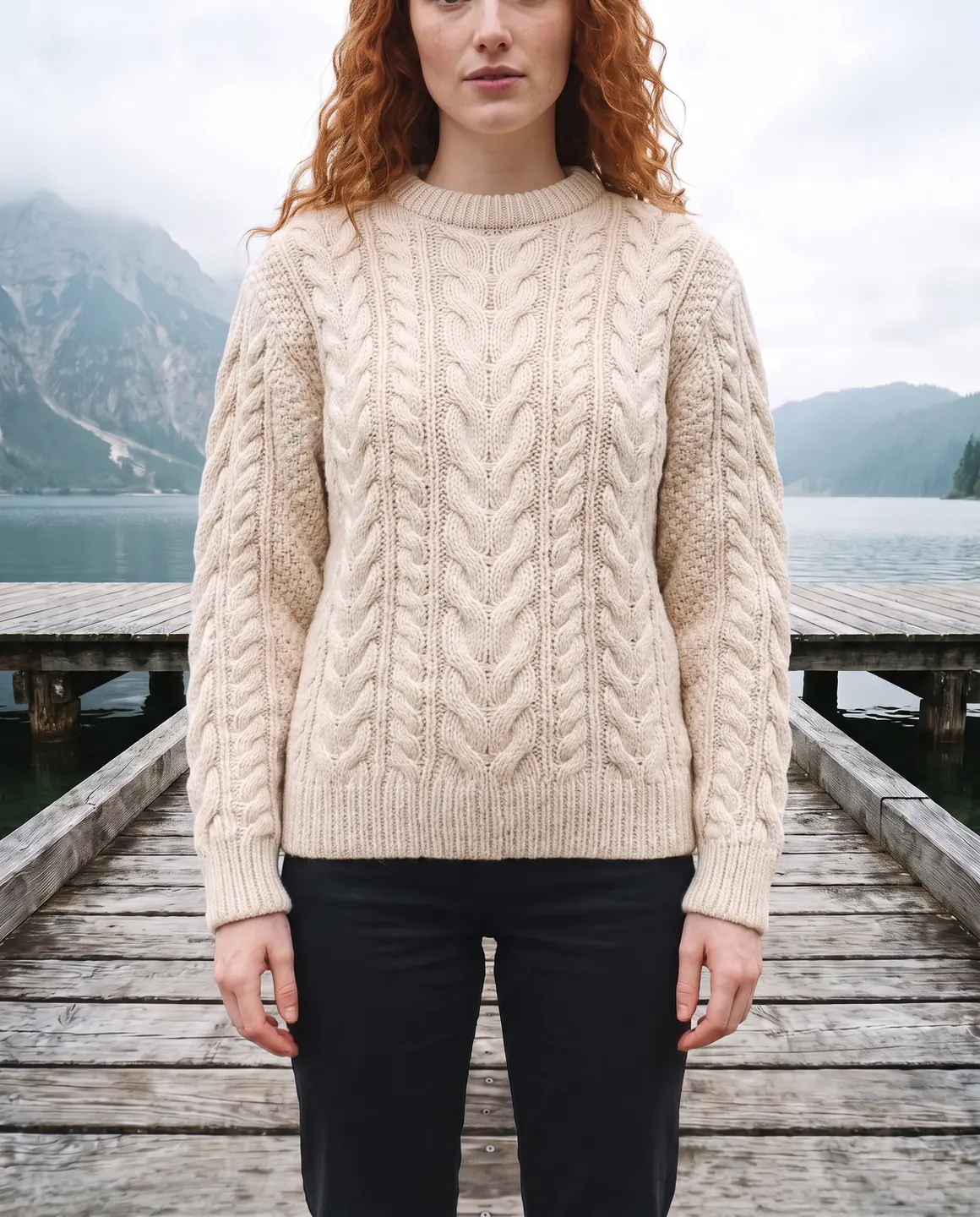
A sample photo and images made from it. Models are fictional and AI-generated.
Which photos work best for knitwear
Knitwear photographs badly when it's creased, stretched or lit flat. A few minutes of preparation changes the result.
Steam it, don't iron it
Steam relaxes the knit without flattening the stitch. An iron presses cables and ribbing into a shine you'll see on the model.
Show the texture in a detail shot
Add a close photo of the stitch, cable or rib alongside the full flat lay. The sharper your photos of the knit, the sharper it looks on the model.
Lay it at its natural width
Don't stretch a sweater wide to fill the frame. Pulled stitches look like a looser gauge, and that's what will carry over.
Side light for depth
Light from one side, like a window, gives cables and bobbles shadows that show their depth. Overhead flash makes everything look flat.
Cuffs and hem folded neatly
Ribbed cuffs and hems are part of the design. Keep them flat and visible, not tucked under.
The shots worth choosing
Choose frames that show the knit, the fit through the body and how it layers.
A close crop of the stitch
The frame that convinces a shopper the knit is soft and substantial. Make it your second image.
A full outfit frame
Shows the length of the sweater against trousers or a skirt, which tells shoppers whether it's cropped, regular or long.
Open and closed for cardigans
A cardigan buttoned and one worn open answer two different questions about the same piece.
A cosy lifestyle scene
Knitwear sells on feeling. One frame in a warm interior scene does that work for campaigns and social.
What you get
An on-model set
Close and full-length frames of your knit on one fictional model, 4:5 by default for product pages. Each image is 1 credit.
A packshot for marketplaces
The sweater laid flat or floating on a plain background, with the texture visible, for marketplaces. One packshot is 1 credit, on white, ivory or grey.
A short video
A short clip with gentle movement, so the weight and drape of the knit come through. A four-second clip is 5 credits.
What to check before publishing
Compare each image with your original before you use it. AI can miss a detail, and you know the garment best.
Stitch and cable pattern
Compare the pattern at the front and sleeves with your photo. Cables should run the same way and keep their size.
Ribbing at cuffs, hem and neck
Rib width and depth are easy to lose. Check all three.
Buttons on cardigans
Count them, and check their colour and spacing against your knit.
Colour of the yarn
Heathered and marled yarns can drift toward a flat colour. Compare closely with your source.
Sleeve and body length
Cropped knits and oversized fits are part of the design. Check where the hem and cuffs land.
Reviewing garment fidelity
Our guide walks through checking colour, print, construction and proportion against your source photo, one image at a time.
Read the review guideCommon questions
Can AI make model photos of my sweater from a flat lay?
Yes. Upload a flat lay of the sweater, ideally with a close photo of the stitch, choose a model and scene, and Glammo creates on-model images. Compare the knit pattern before you publish.
Will the knit texture look real?
Glammo is built to keep the stitch and texture your photo shows, so a sharp, well-lit photo matters. Check cables and ribbing on each image against the original.
Does it work for cardigans with buttons?
Yes. Photograph the cardigan buttoned and flat, then check the button count and spacing on each result.
Can I photograph chunky knits and fine-gauge knits the same way?
Yes, but light them differently. Side light suits chunky knits; soft, even light suits fine merino and cashmere.
Can I make a seasonal campaign from my knitwear?
Yes. Choose a warm interior or outdoor scene for campaign frames, and keep a clean studio scene for product pages.
Read next
Bring one knitwear photo. See it on a model for free.
Try Glammo free with 10 credits. No card required.