Turn POD mockups into real-life model photos
When you sell print-on-demand, all you have is a flat mockup from Printify or Printful; Glammo AI turns that mockup into photos of a real-looking model wearing your design, in a setting that suits your brand.
Try Glammo free with 10 credits. No card required.
From mockup to model
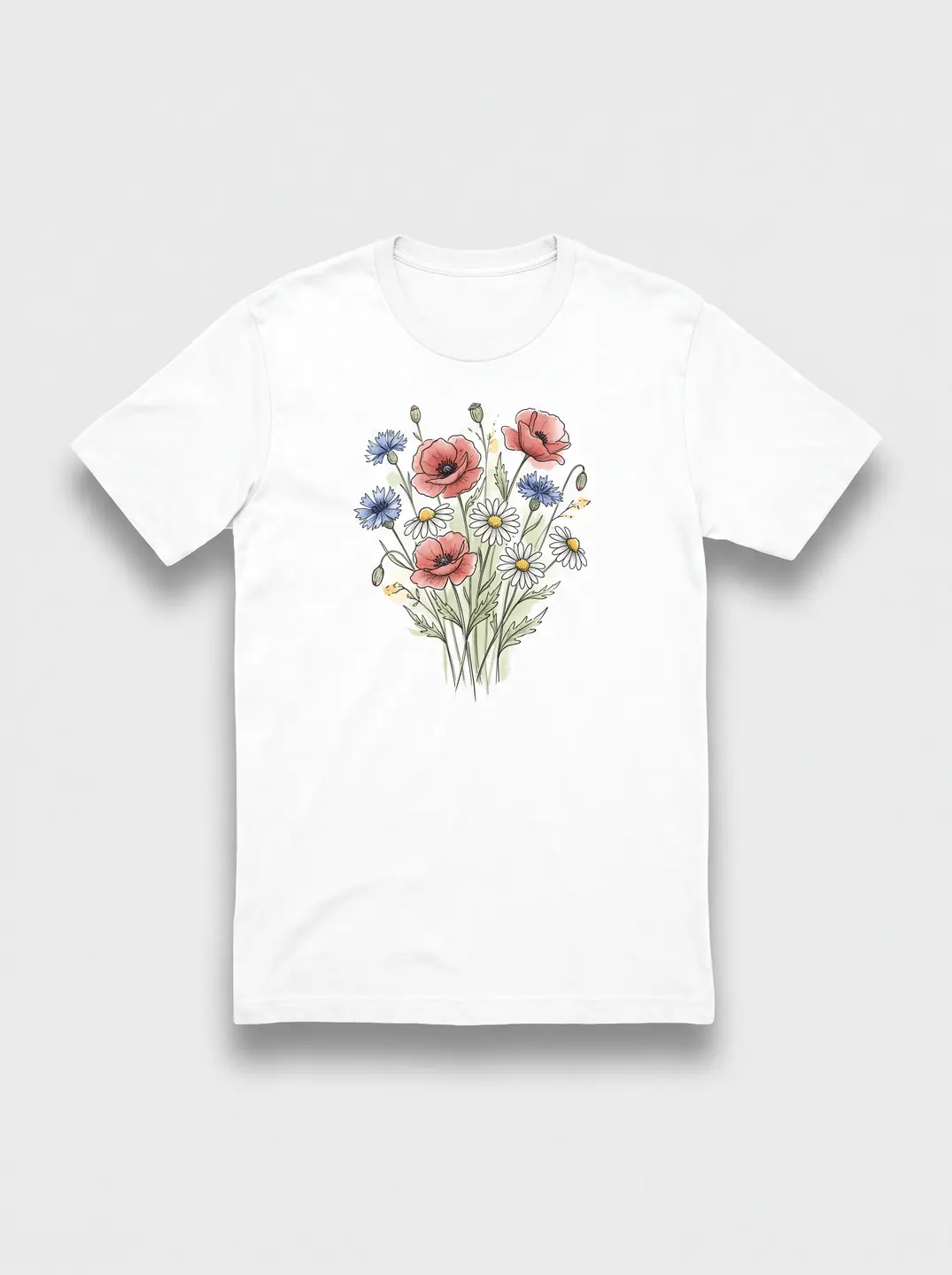
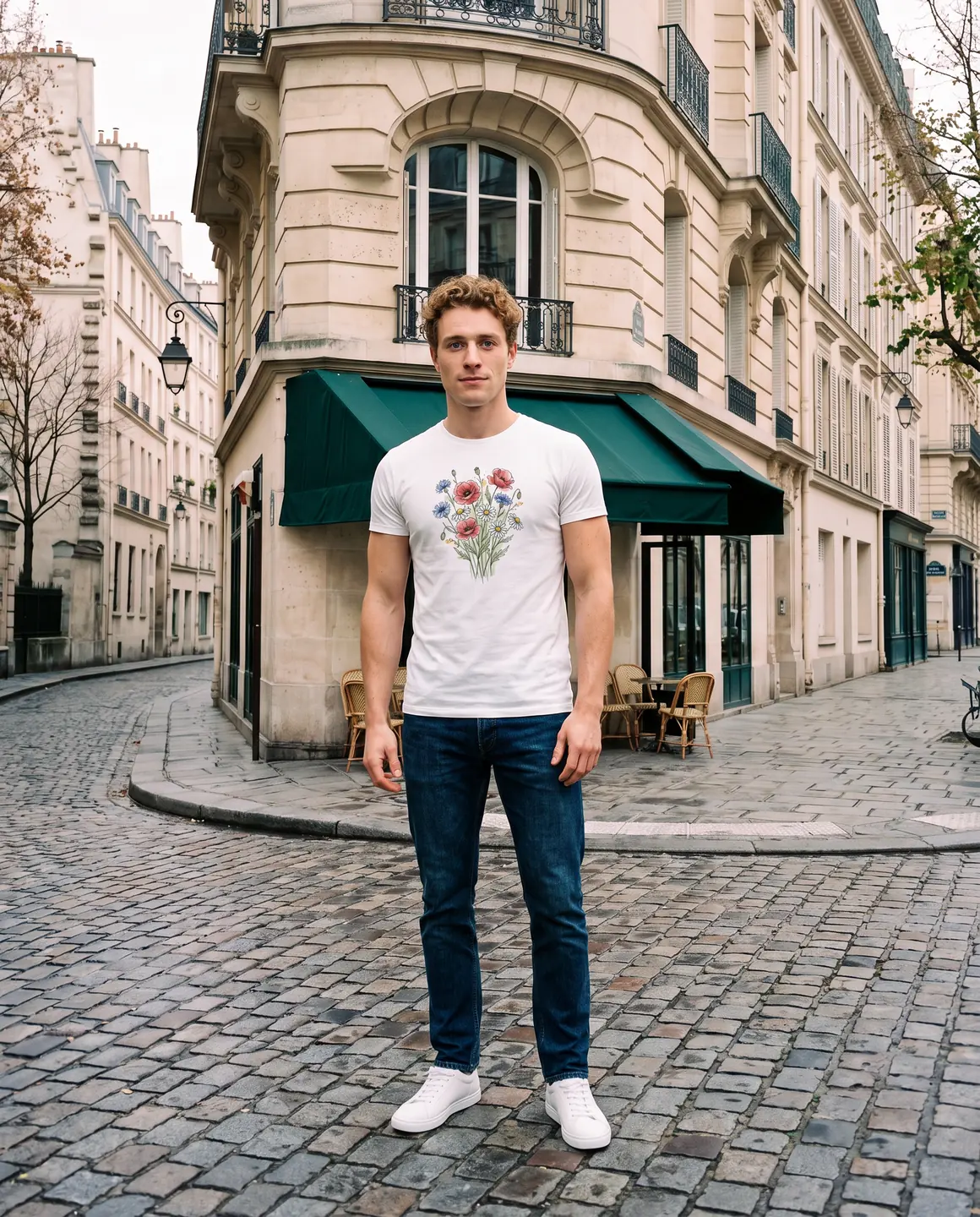
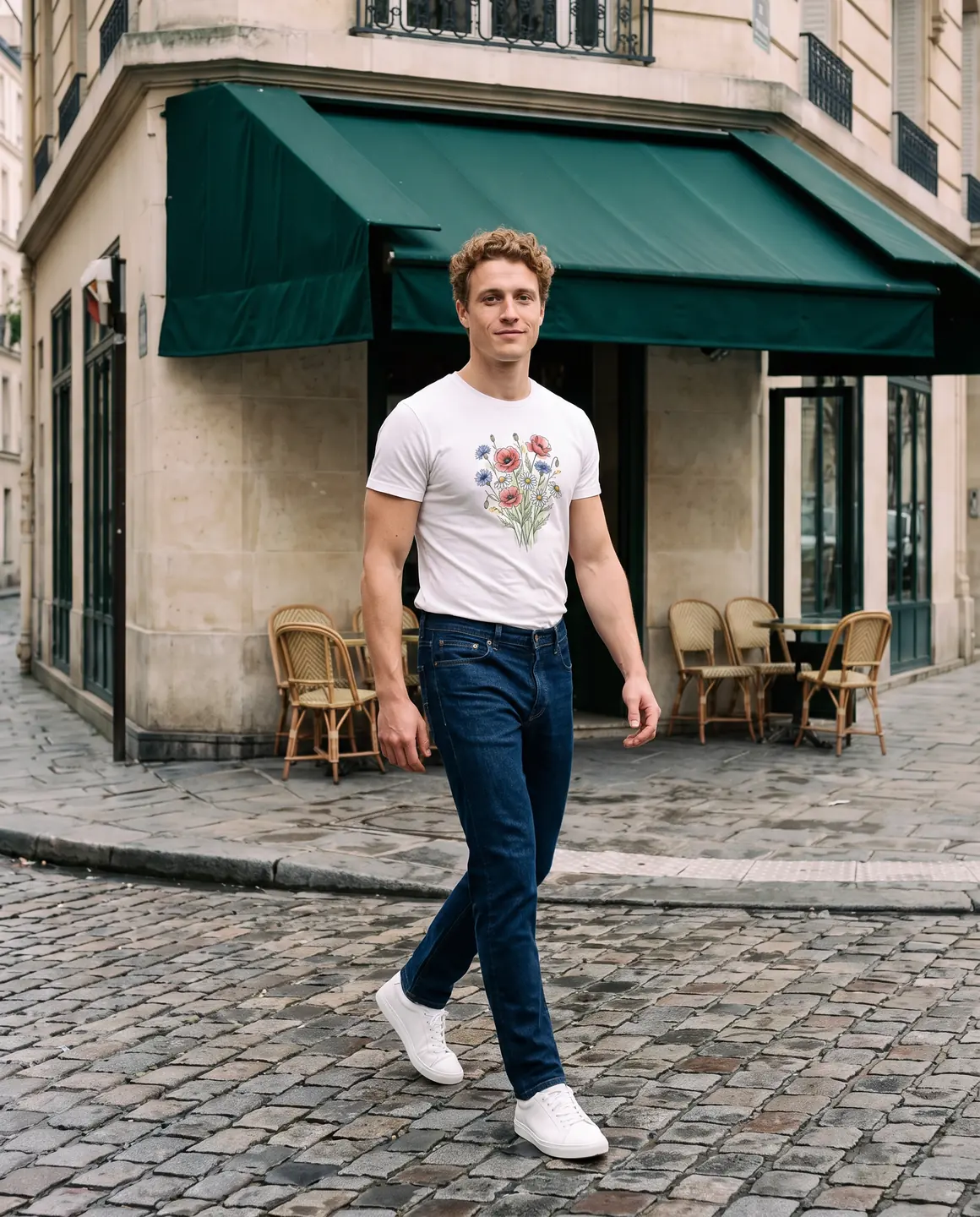
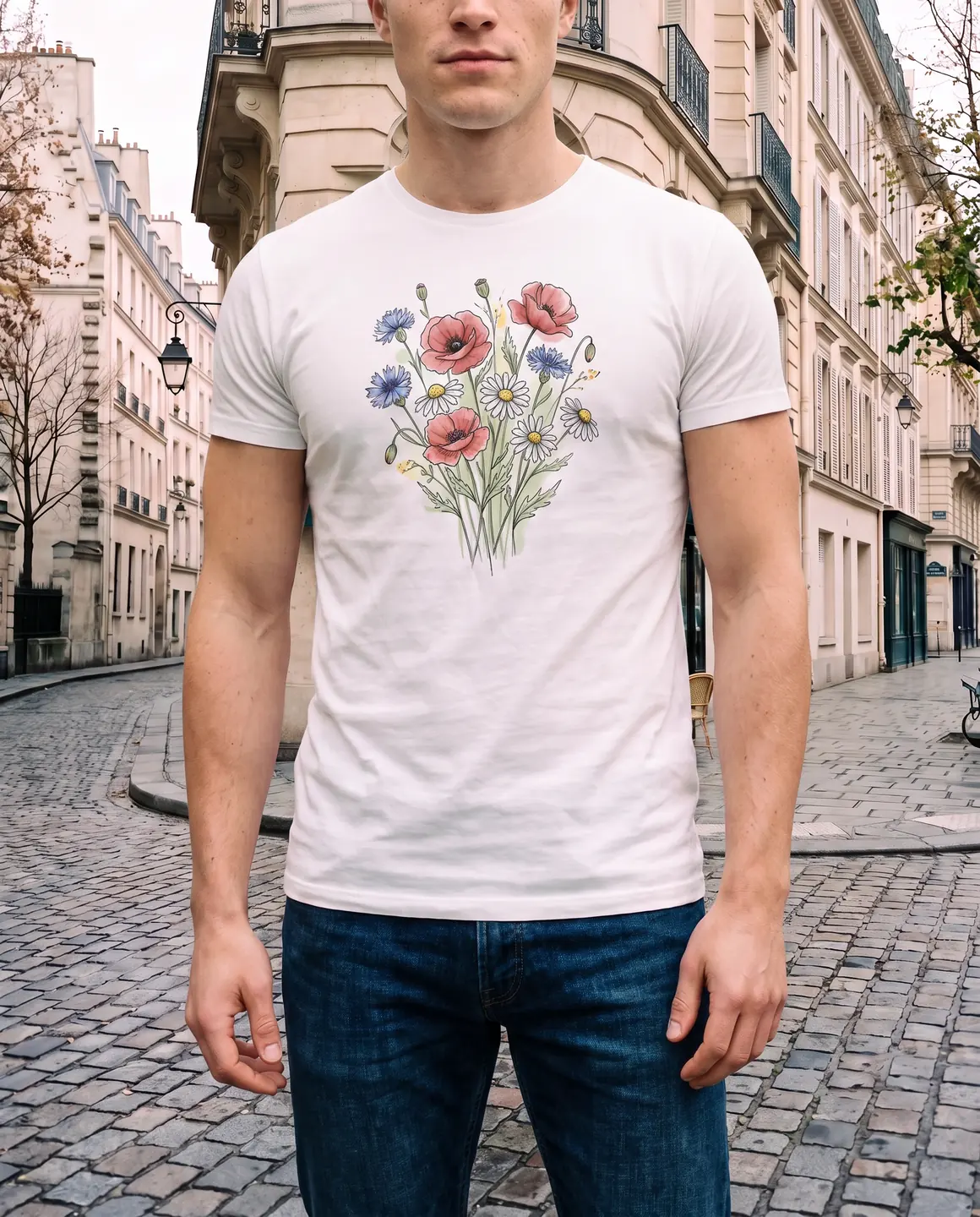
A sample photo and images made from it. Models are fictional and AI-generated.
Your week with Glammo
A new design can be live with lifestyle photos the same day you finish it.
- 01
Finish the design
Place it on the blank in your print-on-demand provider and export the largest front mockup it offers, on a plain background.
- 02
Upload the mockup
Add it to Glammo and choose a fictional model, a scene and a style that fit your audience.
- 03
Shoot the listing set
Make a product-page frame, a lifestyle frame for social and a clean packshot. Read every word of the print on each one.
- 04
Publish it
Download on a paid plan and add the images to your store or marketplace listing yourself.
Working with your print-on-demand provider
Glammo works from the mockup your provider already makes. Printify and Printful are named here as text only; Glammo isn't affiliated with either.
Export the biggest mockup you can
Small text and fine lines in a design need resolution. Choose the largest flat, front-facing mockup and avoid ones with props or busy backgrounds.
Match the blank's colour
Use the mockup in the exact blank colour you sell. Make one set per colour rather than recolouring a single image.
Upload back designs separately
If the design is on the back, export a back mockup too. Glammo can only show what your mockups show.
Check a sample before you scale
Mockups show what the file should print like. A physical sample shows what actually prints, so compare both before spending on ads.
Keep your provider's details on the listing
Sizes, materials and care come from your provider's product specs, not from the images. Copy them into your listing as usual.
Which plan fits
Starter
Suggested$19/month
25 credits a month · 25 images, or 5 videos
Suits a seller adding a few new designs a month. Move up when your range grows or you want a model of your own.
Pro
$59/month
120 credits a month · 120 images, or 24 videos
Studio
$149/month
375 credits a month · 375 images, or 75 videos
Every new account starts with 10 free credits, no card. On a plan, 10 more credits cost $9 any time. See full pricing
Common questions
Can I turn my Printify or Printful mockups into real model photos?
Yes. Upload the flat mockup, choose a fictional model and scene, and Glammo creates on-model images with your design kept in place. Glammo isn't affiliated with Printify or Printful; it works from the image file you export.
Will my design stay exactly the same?
Glammo is built to keep your print where you placed it, at the same scale, but AI can slip on small text. Read every word of the design on each image before you publish.
Do I need to order a sample first?
Not to make the images. But a sample shows how the print really looks, so it's worth comparing before you run ads.
Which products work?
Adult apparel such as T-shirts, hoodies, sweatshirts and tank tops. Mugs, phone cases, bags and other non-clothing products aren't supported.
Can I use the images on Etsy and in my own store?
Yes, on any paid plan, which includes a commercial licence and downloads. Check each marketplace's image rules before you upload.
Read next
Bring one mockup. See it on a model for free.
Try Glammo free with 10 credits. No card required.