What is an aspect ratio?
An aspect ratio is the shape of an image, written as width to height: 1:1 is a square, 4:5 is a slightly tall portrait and 16:9 is a wide landscape. Glammo AI makes on-model images in four ratios: 1:1, 4:5, 9:16 and 16:9.
Try Glammo free with 10 credits. No card required.
- Square: grids, marketplaces and packshots
- 1:1
- Portrait: product pages and feed posts
- 4:5
- Tall: stories and full-screen phone video
- 9:16
- Wide: banners, headers and landscape video
- 16:9
Why does aspect ratio matter?
Every platform frames images in its own shapes. When an image doesn't match, the platform crops it or pads it with bars, and a crop can cut off a hem, a hand or the top of a head.
Consistency matters inside a shop as well. Shopify advises one consistent aspect ratio for product images, so they display at the same size, and says 2048 × 2048 px usually displays best for square images. Shopify: product media types
Ratio isn't resolution. A square image can be small or large; its pixels decide how sharp it looks when a shopper zooms in. Etsy recommends images at least 2,000 px wide and tall. Etsy: image requirements
What does one ratio look like across a grid?
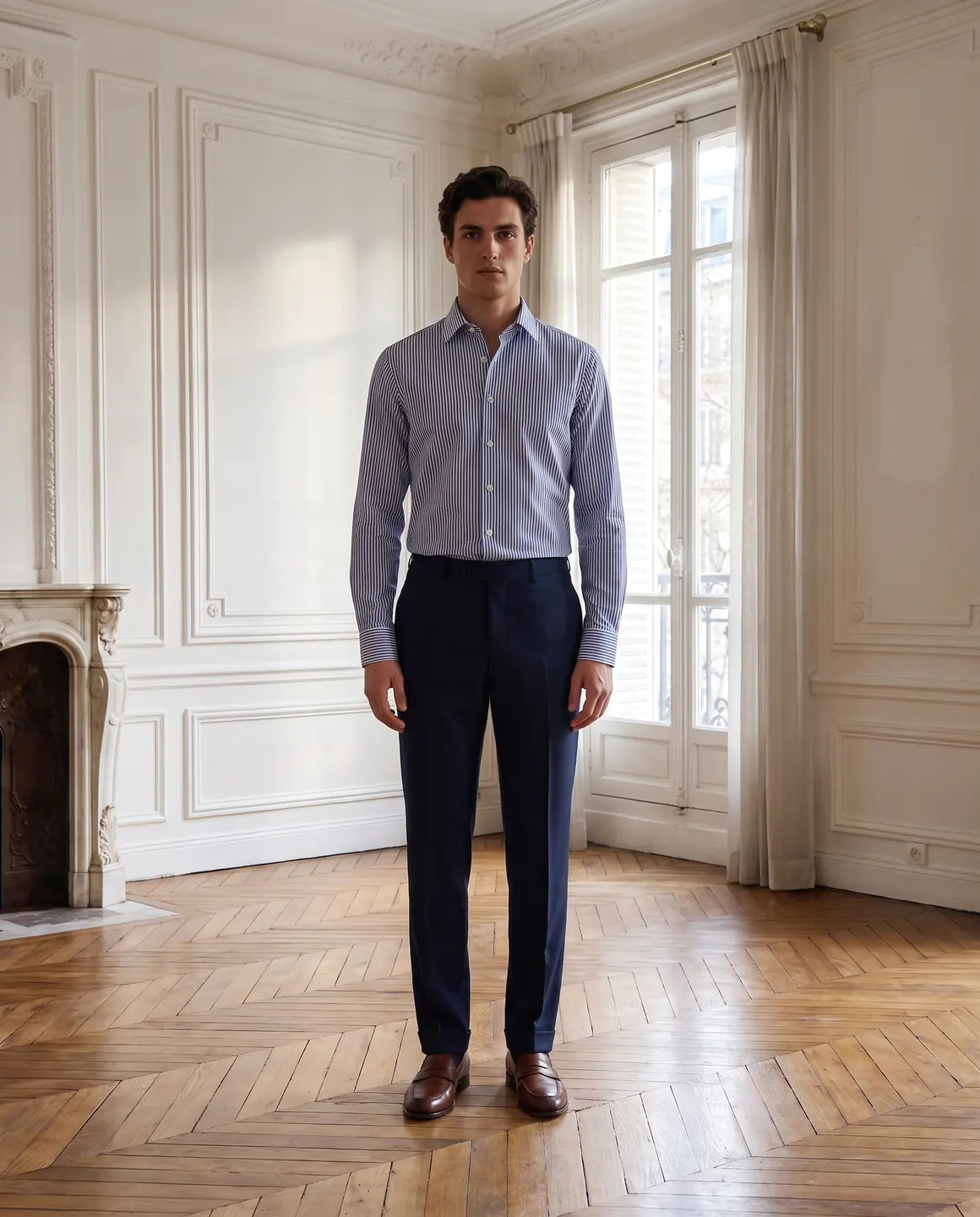
On-model image, 4:5
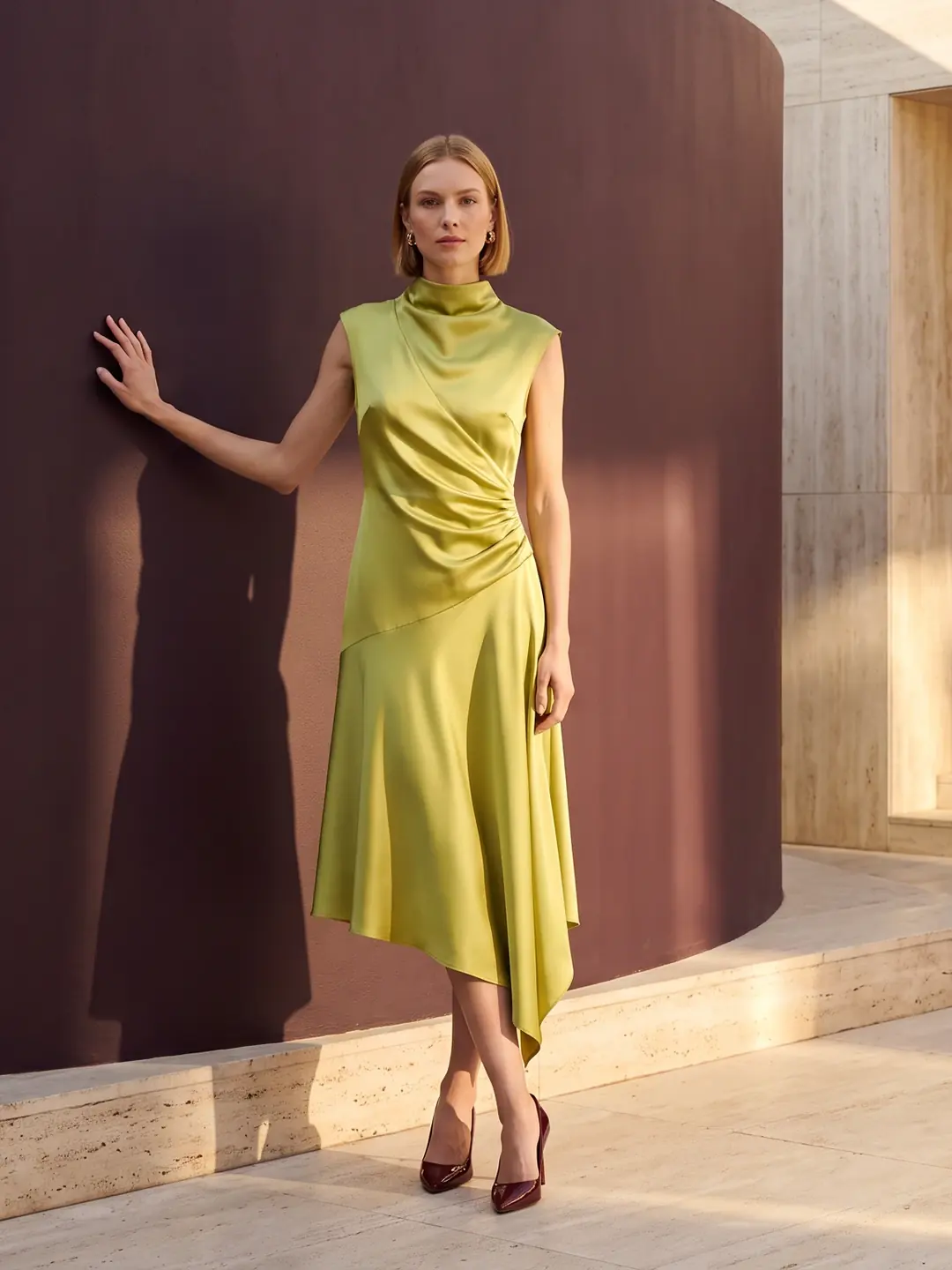
Another product, 4:5
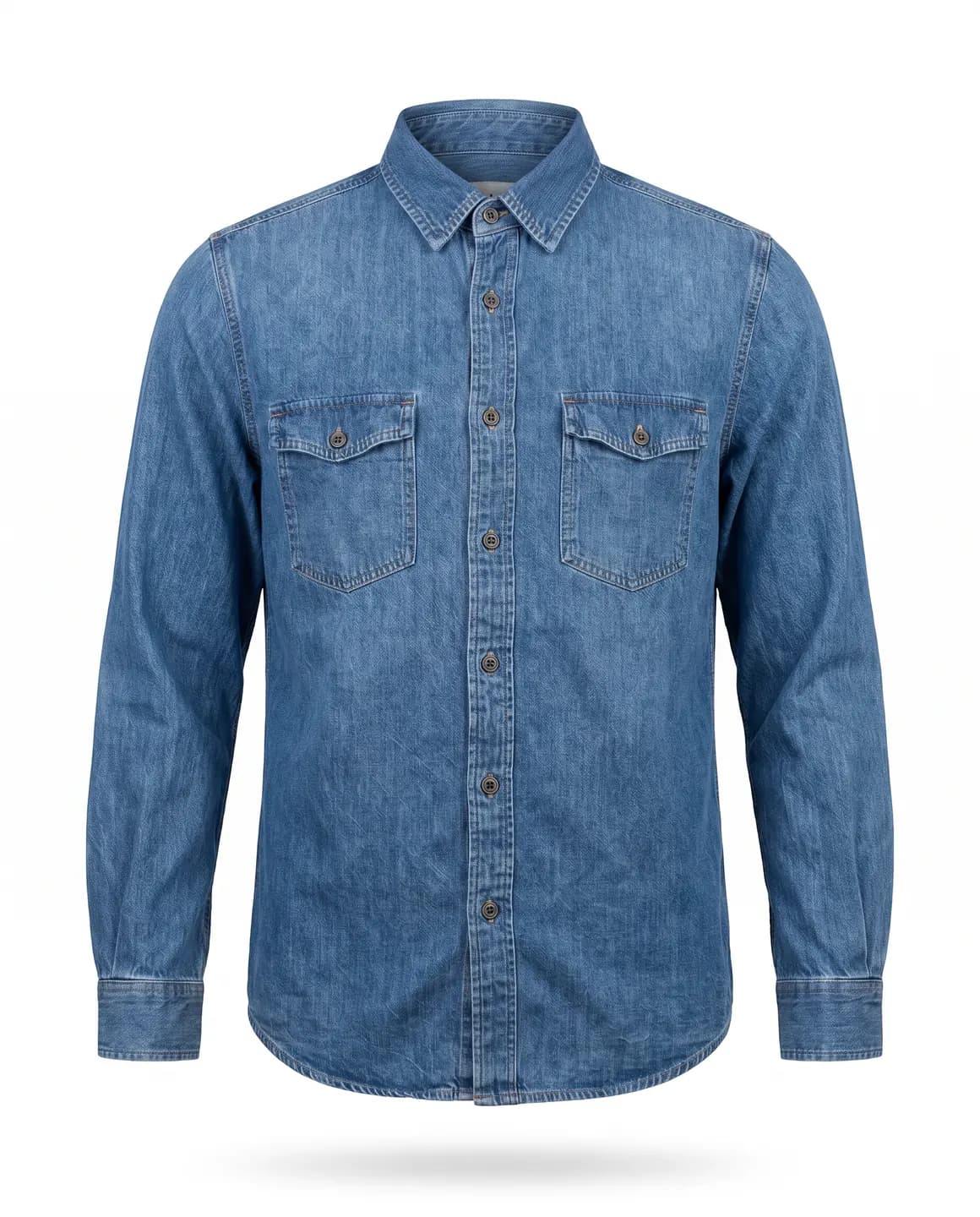
Packshot, 4:5
How do you choose an aspect ratio?
Start from where the image will appear
A product page, a grid, a story and a banner each show one shape best.
Use one ratio per placement
Every product image in the shop, and every story in a campaign, should share a shape.
Leave space around the garment
Phones and grids trim edges, so keep the hem and the hair clear of the border.
Make each shape rather than cropping hard
A 9:16 story cut from a square image loses its sides. A frame made at 9:16 keeps the whole figure.
How do you get the right ratio with Glammo?
- 01
Set the ratio for the placement
On-model images come in 1:1, 4:5, 9:16 or 16:9, with 4:5 as the default.
- 02
Keep packshots square
Packshots are square by default, which suits grids and marketplaces.
- 03
Upload the file as it is
Download at full resolution on a paid plan and upload it in the ratio your shop already uses.
Common questions
What aspect ratio is best for clothing product photos?
There's no single best ratio for clothing. Portrait 4:5 fits a full-length figure, and square 1:1 suits grids and marketplaces. Pick one and use it for every product image in the shop.
What is the difference between aspect ratio and resolution?
Aspect ratio is an image's shape; resolution is how many pixels it has. Two 4:5 images share a shape even when one holds far more detail than the other.
Which aspect ratio suits stories and short videos?
Stories and short videos suit 9:16, the tall shape that fills a phone screen held upright. Glammo makes on-model images in 9:16 as well as 1:1, 4:5 and 16:9.
Read next
Pick your ratio. Make the first image for free.
Try Glammo free with 10 credits. No card required.