What is a main image?
A main image is the first photo of a product: the one shown in search results, in collection grids and at the top of the product page. Shopify calls it the featured image, and marketplaces set their strictest rules for it.
Try Glammo free with 10 credits. No card required.
What does a clothing main image look like?
Glammo AI made this set from a flat lay of a denim shirt: a full-length main image on a fictional adult AI model, then a packshot and a detail for the supporting images.
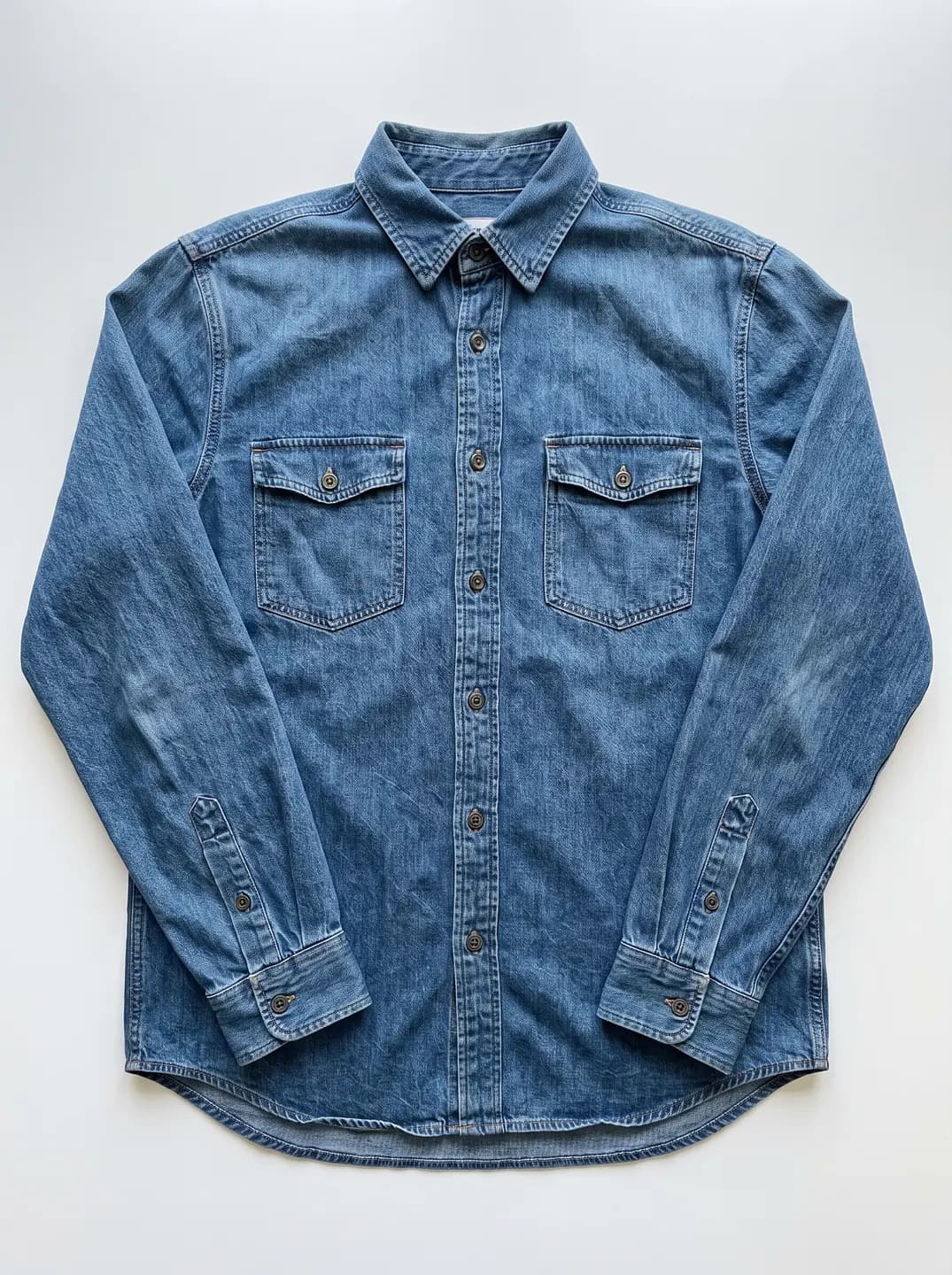
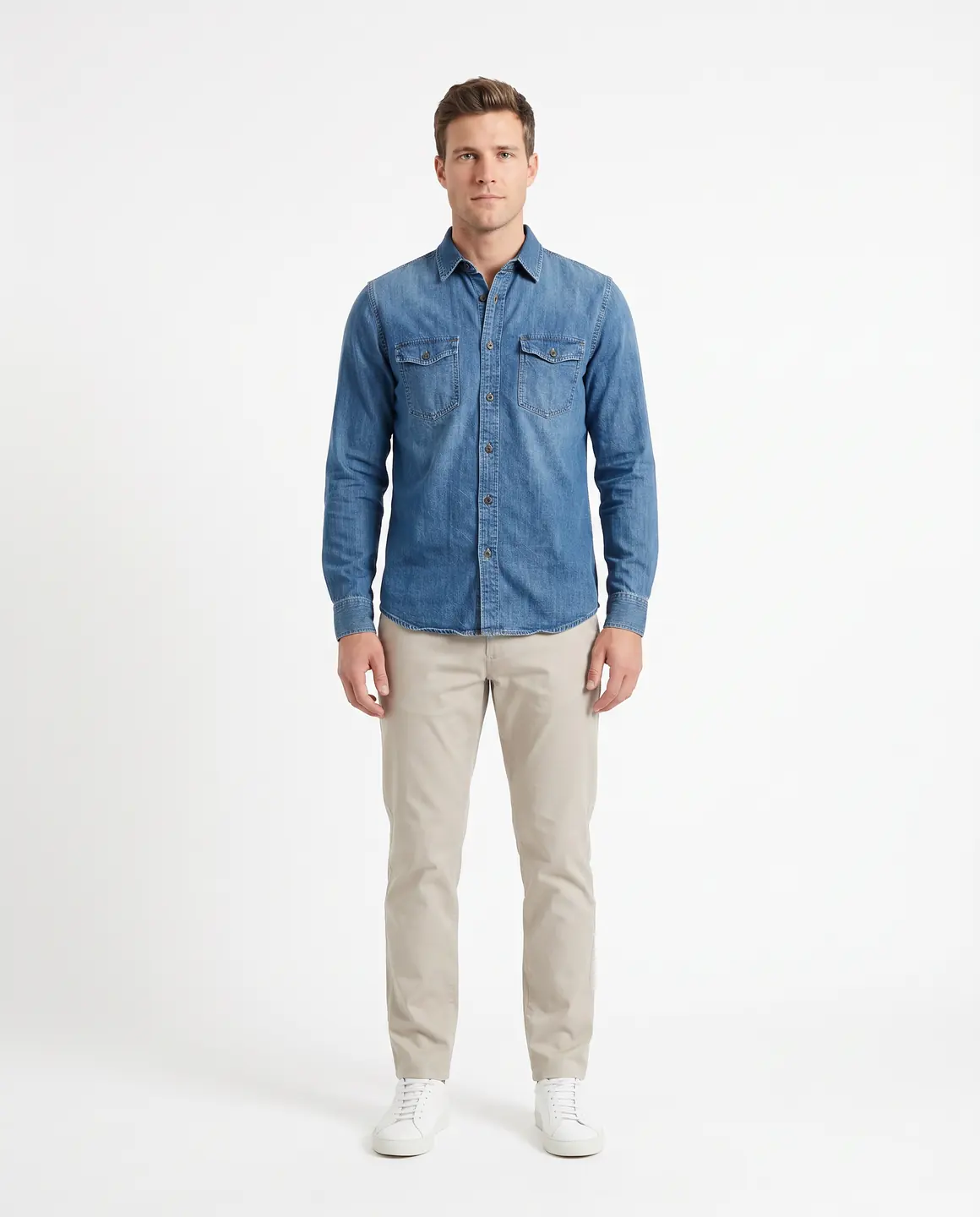
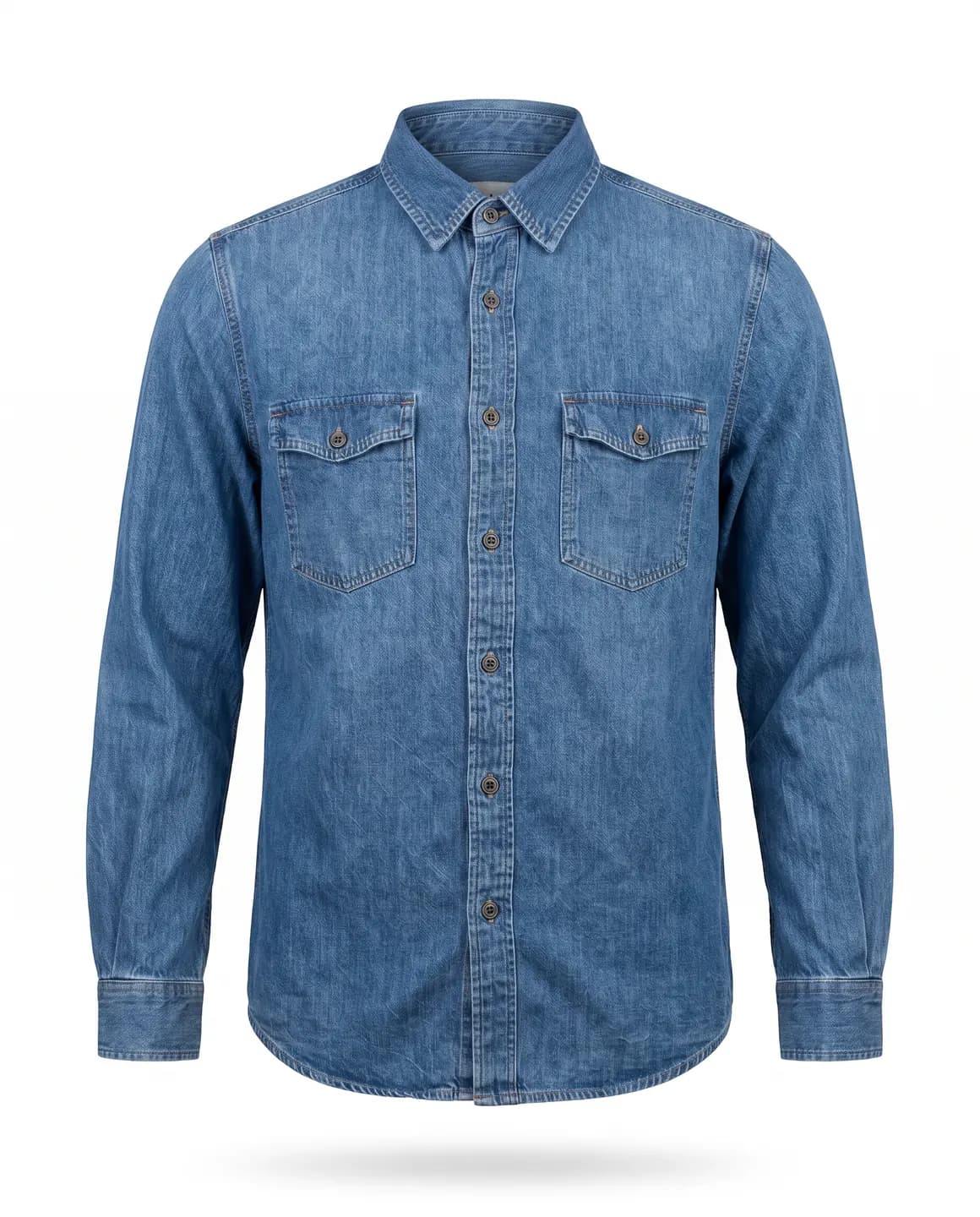
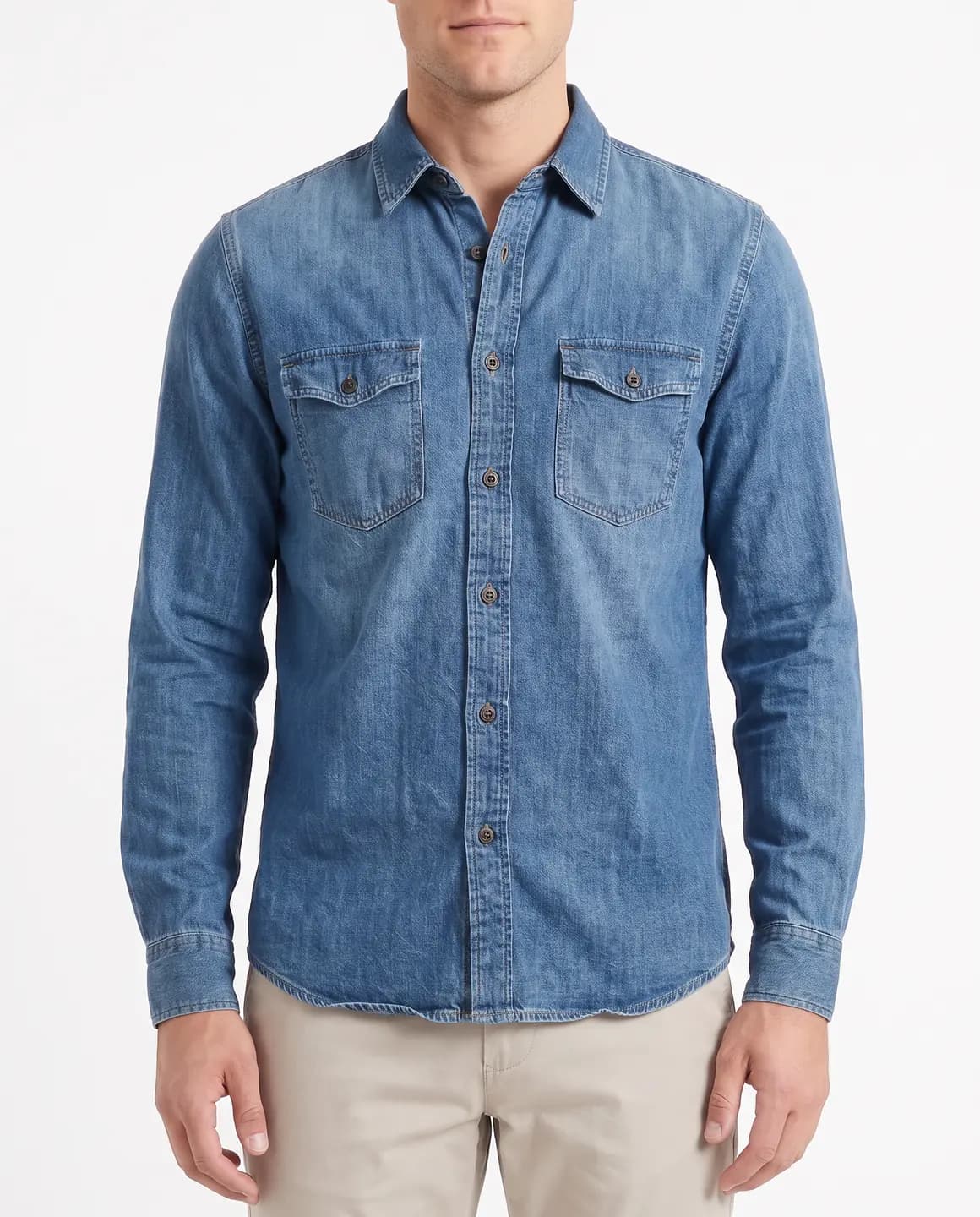
A sample photo and images made from it. Models are fictional and AI-generated.
Why does the main image matter so much?
Search results and collection grids show one image per product, and it's this one. It has to make the product clear at thumbnail size, before a shopper has read a word.
The rules are strictest here too. On Amazon US, an adult clothing main image needs a standing model, a pure white background and a garment that fills most of the frame. Images of photorealistic AI-generated people also need a keyword added to the file, as the questions below explain.
In your own shop the choice is yours, but Shopify advises one consistent aspect ratio, so that product images display at the same size.
What makes a good main image?
The whole garment, uncropped
Nothing cut off at the hem, the cuffs or the shoulders.
A plain background
Pure white where a marketplace requires it, and a clean, light scene in your own shop.
Nothing added on top
Leave off text, badges, borders and watermarks.
One ratio and crop across the range
Main images in a collection grid should line up.
Where these rules come from
Checked on .
How do you make a main image with Glammo?
- 01
Upload a clear photo
A flat lay, hanger, mannequin or supplier photo with the whole garment in view.
- 02
Choose a plain studio scene
Pick a full-length frame in one of 22 studio scenes, in the ratio your shop uses.
- 03
Check, tag and upload
For Amazon, confirm the background is pure white and add the AI keyword to the file. Then download on a paid plan and upload it first.
Main image or supporting image?
| Main image | Supporting images |
|---|---|
| Shown in search results and grids | Shown once a shopper opens the page |
| Follows the strictest marketplace rules | More freedom in setting and styling |
| One per listing | Several per listing |
| A plain background and the whole garment | Angles, details, packshots, lifestyle frames and video |
Common questions
What are Amazon's main image rules for clothing?
For adult clothing on Amazon US, the main image shows the garment on a standing model against pure white (RGB 255), with the product filling 85% of the frame. Check Seller Central's current guidelines before you upload, because the rules change.
Do main images with AI models need tagging on Amazon?
Yes. Amazon requires images of photorealistic AI-generated people to carry the keyword contains-synthetic-performer in the file's XMP dc:subject field. Every Glammo on-model image shows a fictional adult AI model, so tag each one before upload.
Can a packshot be the main image?
In your own shop, yes. For adult clothing on Amazon US, the main image must show a standing model, so a packshot goes among the supporting images instead.
Read next
Start with the first image. Make a main image for free.
Try Glammo free with 10 credits. No card required.