What is a packshot?
A packshot is a product photo of the garment alone on a plain background, with no model, mannequin or props. For clothing, the piece is shown floating or laid flat on white or a light neutral colour.
Try Glammo free with 10 credits. No card required.
What do Glammo AI packshots look like?
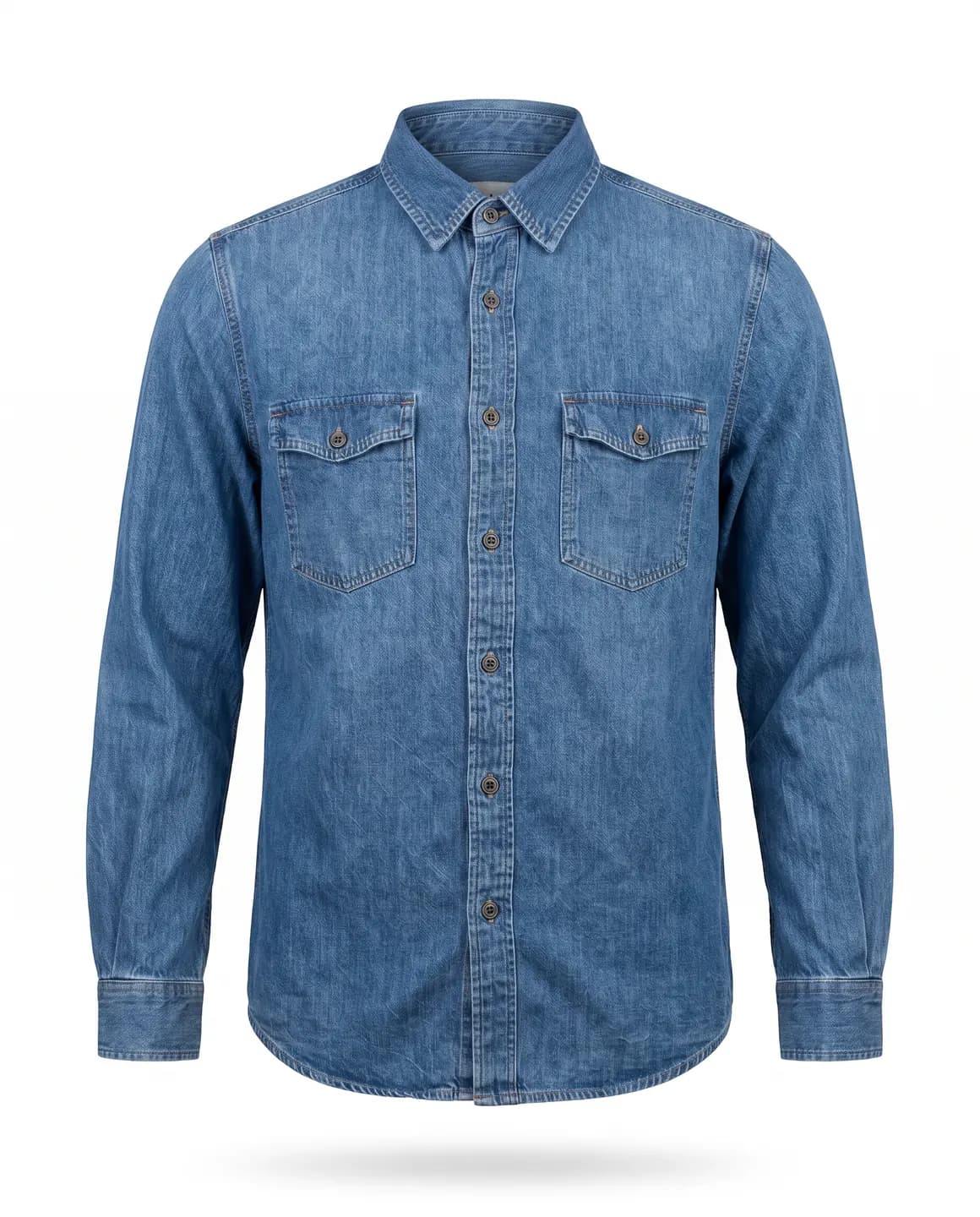
Floating on white
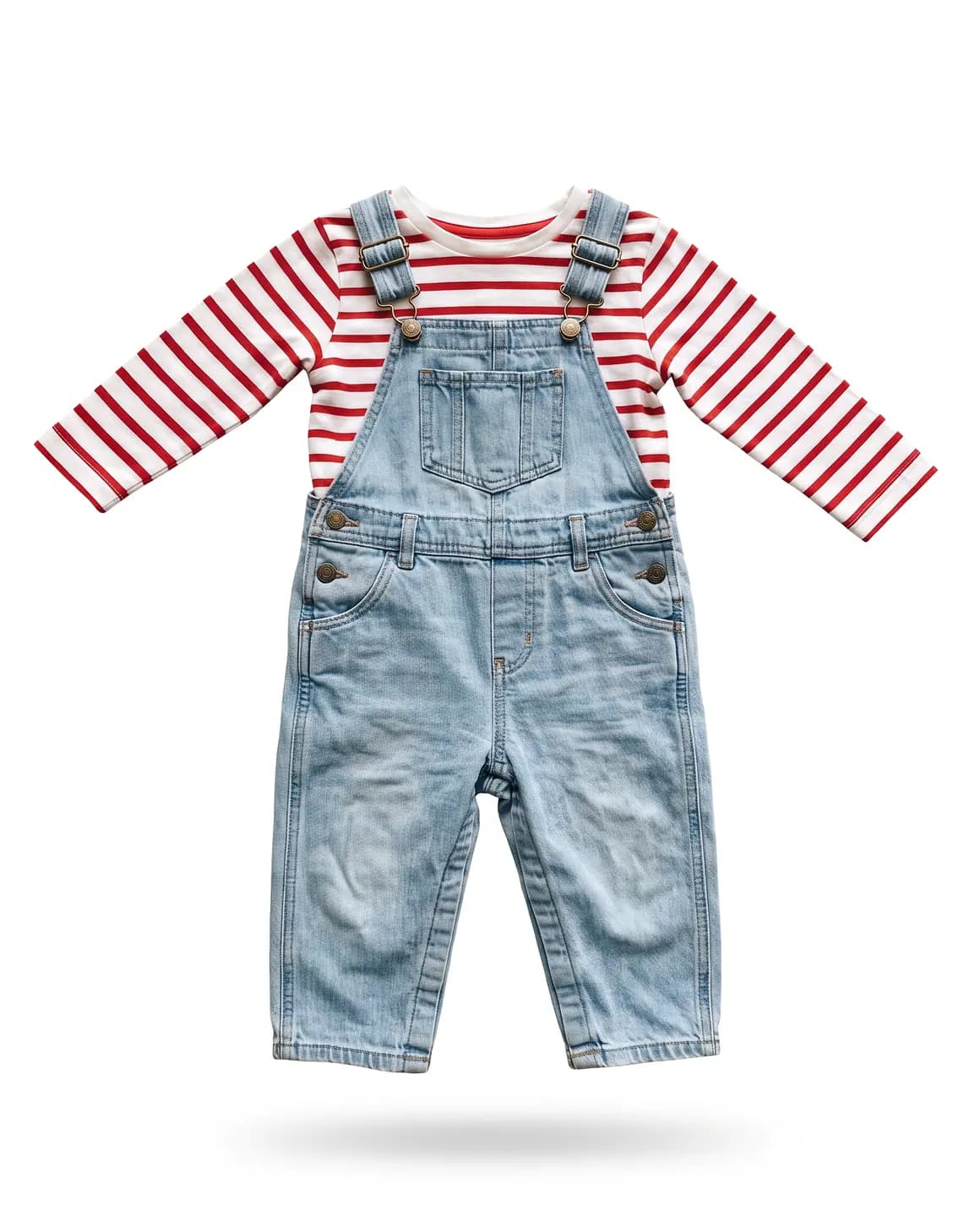
Kidswear, floating on white
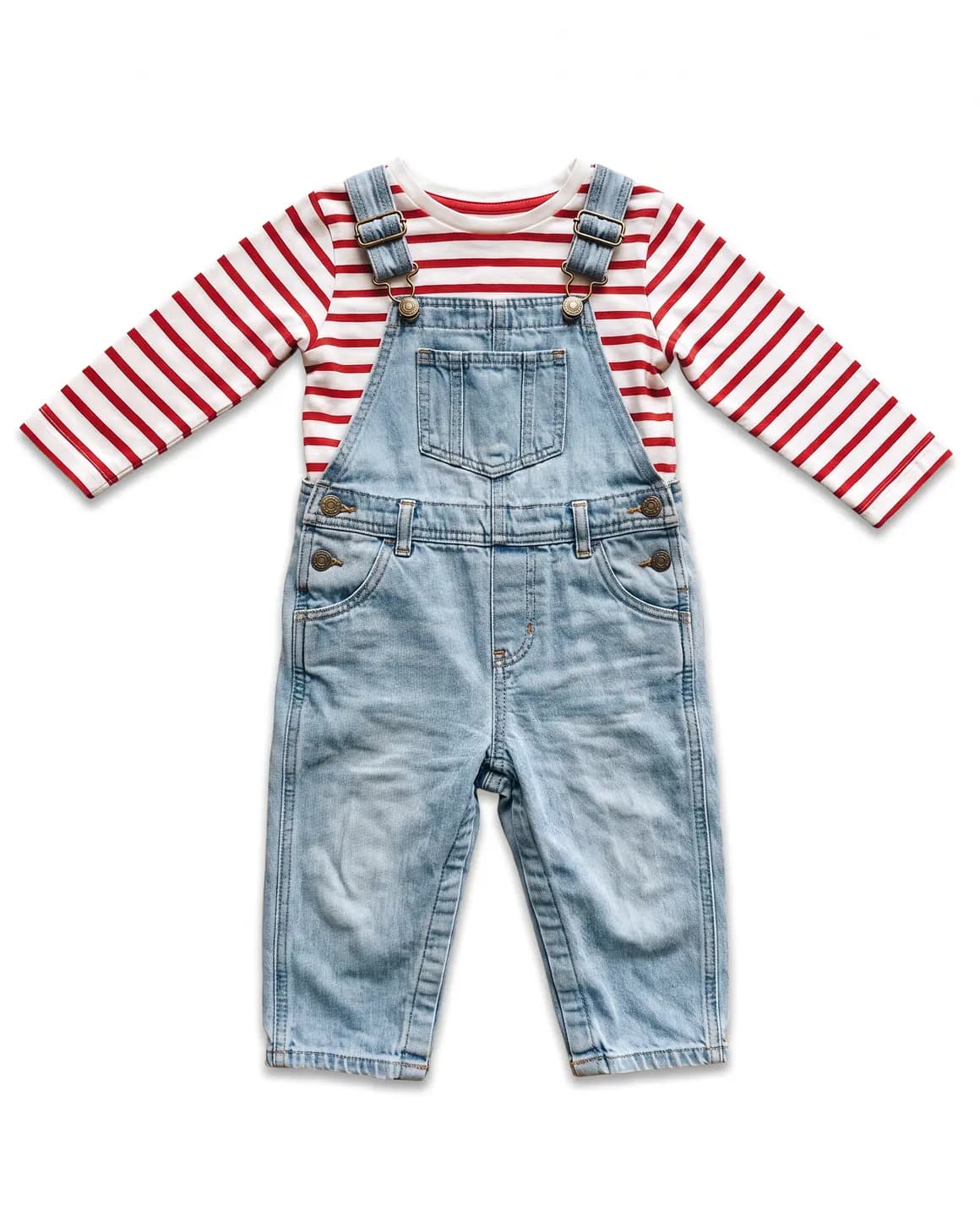
Laid flat on white
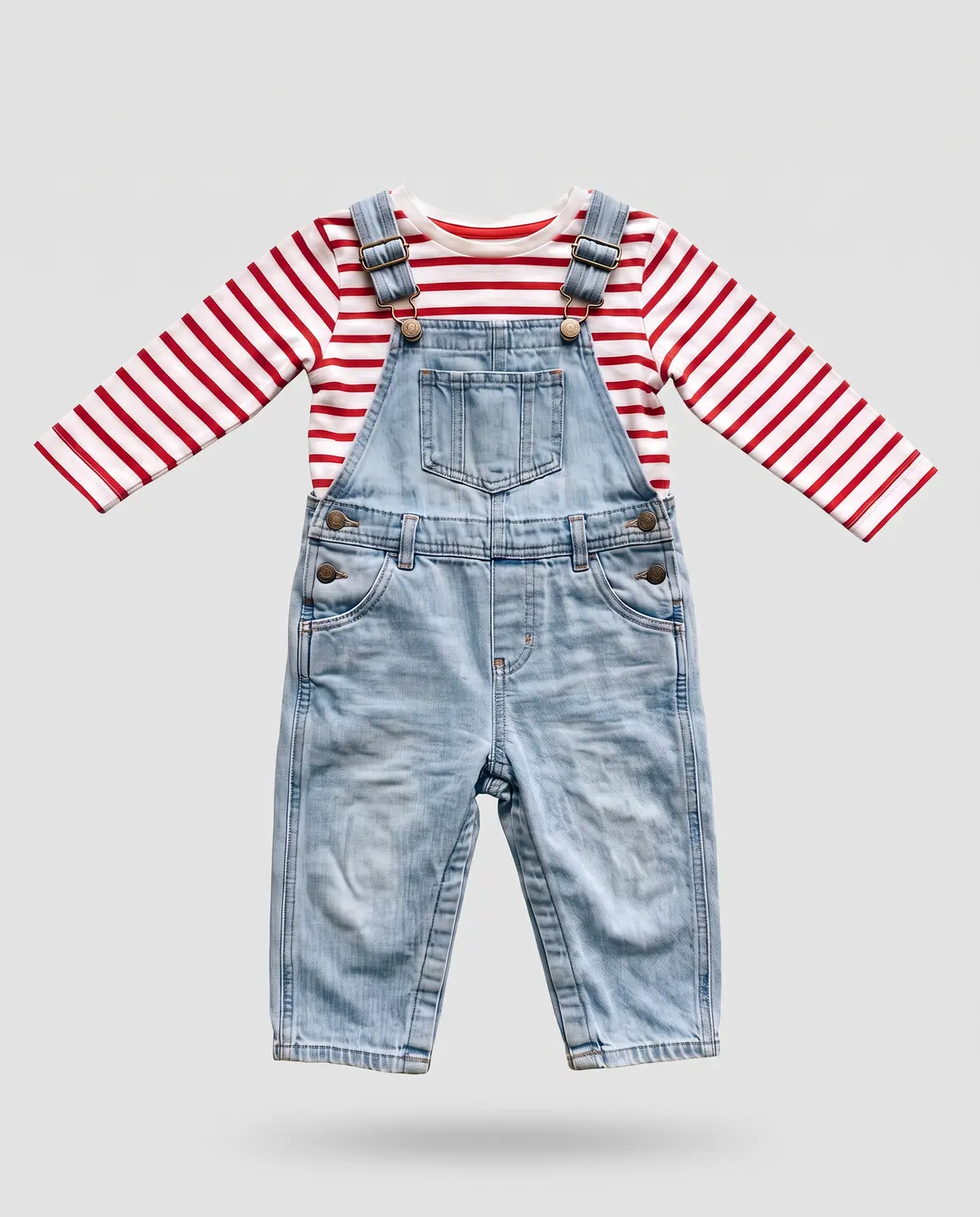
Floating on light grey
Why does a packshot matter?
A packshot strips away everything except the product. With no model, styling or setting, a shopper can compare one garment with the next on equal terms, and a neutral background doesn't tint the colour.
Packshots also keep a catalogue uniform. One background and one presentation across a range make collection grids tidy, and they fill the garment-only slot in a product gallery.
On Amazon US, adult clothing needs its main image on a standing model, so a packshot works as a supporting image there. Kidswear is different: Glammo makes children's clothing as packshots only and never puts it on a model.
How do you get a good packshot?
Start from a sharp photo of the whole garment
A flat lay, hanger, mannequin or on-model photo all work, as long as nothing is cut off.
Pick the background for the channel
White for marketplaces and catalogue grids; ivory or light grey for a softer shop.
Choose floating or laid flat
Floating gives the piece some shape. Laid flat reads like a tidy flat lay.
Keep one style per range
Use the same background and presentation for every product in a collection.
How do you make a packshot with Glammo?
- 01
Upload any product photo
Supplier photos and print-on-demand mockups work too.
- 02
Choose the background and presentation
White, ivory or light grey, floating or laid flat. Packshots are square by default.
- 03
Check it, then download
Each packshot is 1 credit. Count the buttons and compare the print with the garment before you download on a paid plan.
Packshot or flat lay?
| Flat lay | Packshot |
|---|---|
| The garment on a real table, floor or cloth | The garment alone on a clean background |
| Light and surface change from photo to photo | One background and light across a range |
| Creases and shadows as photographed | A tidy, even presentation |
| A good photo to start from | A finished image for the listing |
Common questions
Is a packshot the same as a photo on a white background?
Often, yes. A packshot on white is the classic version, but ivory, light grey and other plain colours count too, as long as the garment is the only thing in the frame.
When should you use a packshot instead of an on-model photo?
Use a packshot when the garment itself is the point: collection grids, comparisons, supporting images and kidswear. Use an on-model photo when shoppers need to see shape and drape on a body.
How much does a packshot cost in Glammo?
One packshot costs 1 credit in Glammo. New accounts get 10 free credits once to try it, and downloading needs a paid plan.
Can Glammo make packshots of kidswear?
Yes. Kidswear is made as garment-only packshots and is never put on a model. Glammo doesn't make images of children.
Read next
Bring any product photo. See it as a packshot for free.
Try Glammo free with 10 credits. No card required.