What is a flat lay?
A flat lay is a product photo of a garment laid flat on a surface and shot from directly above, with no model or mannequin. It shows the whole piece, its colour and its print in one clear frame.
Try Glammo free with 10 credits. No card required.
Four flat lays Glammo AI turned into on-model sets
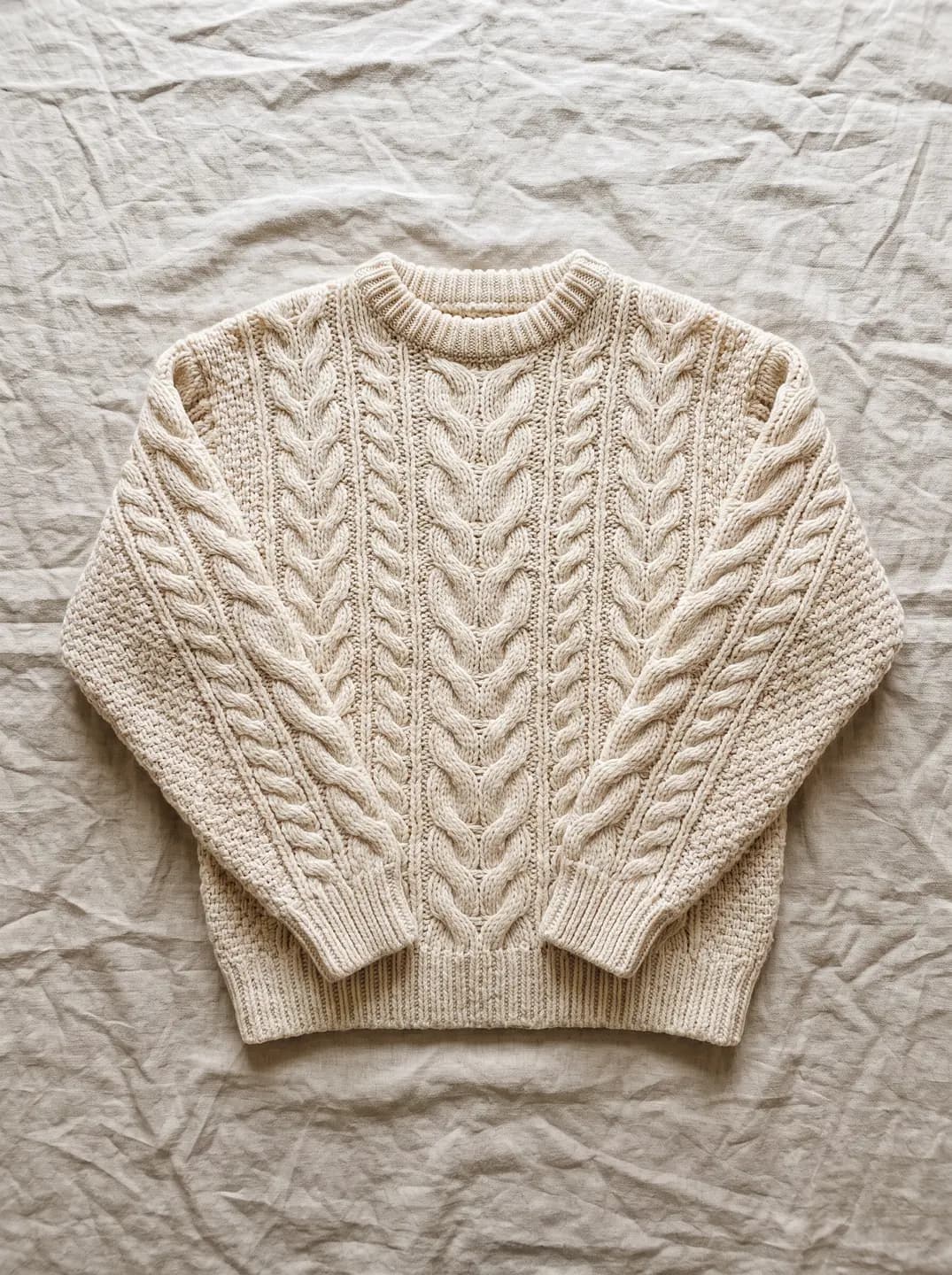
Cable knit on linen
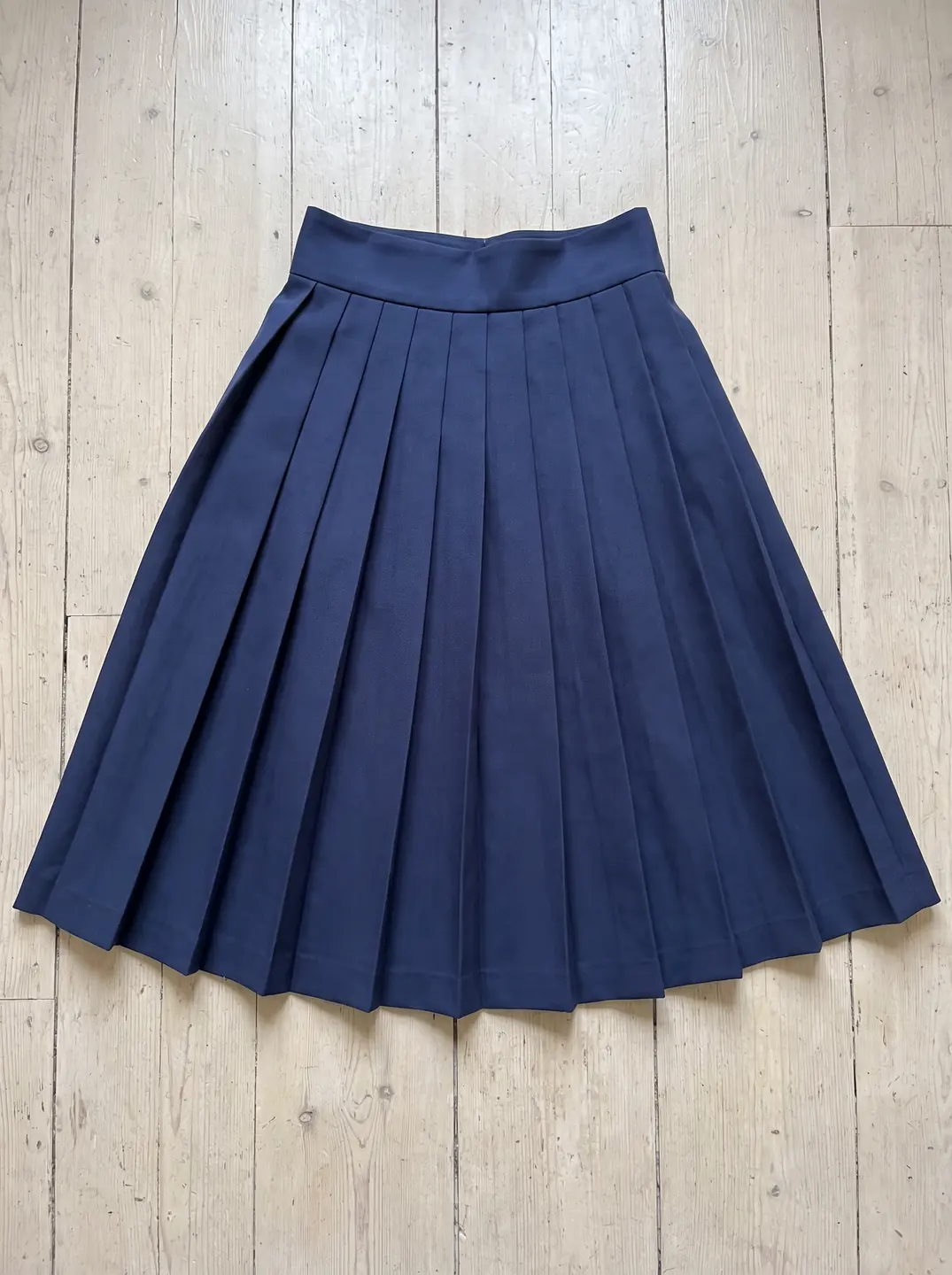
Pleated skirt on boards
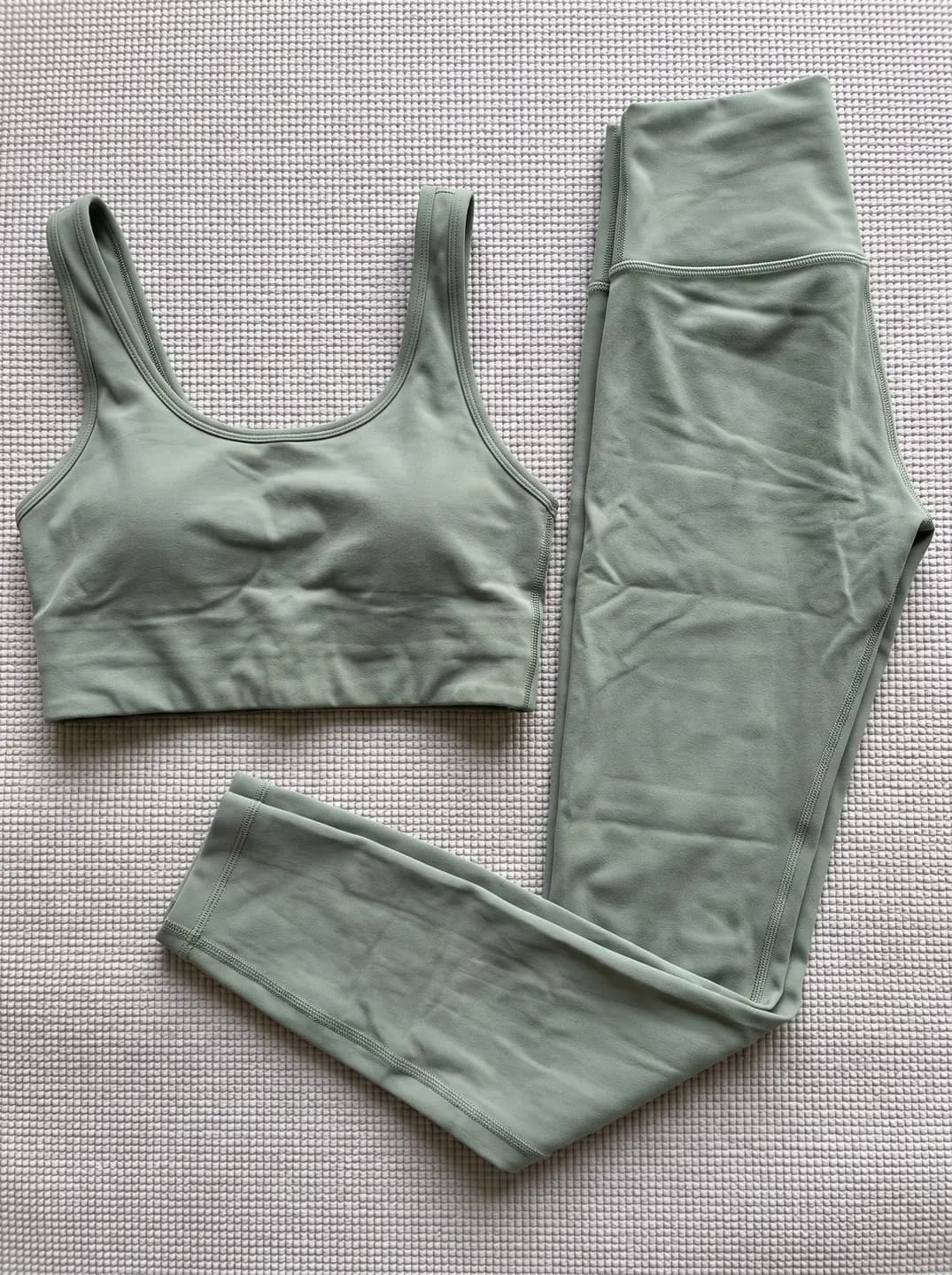
Two-piece set on a mat
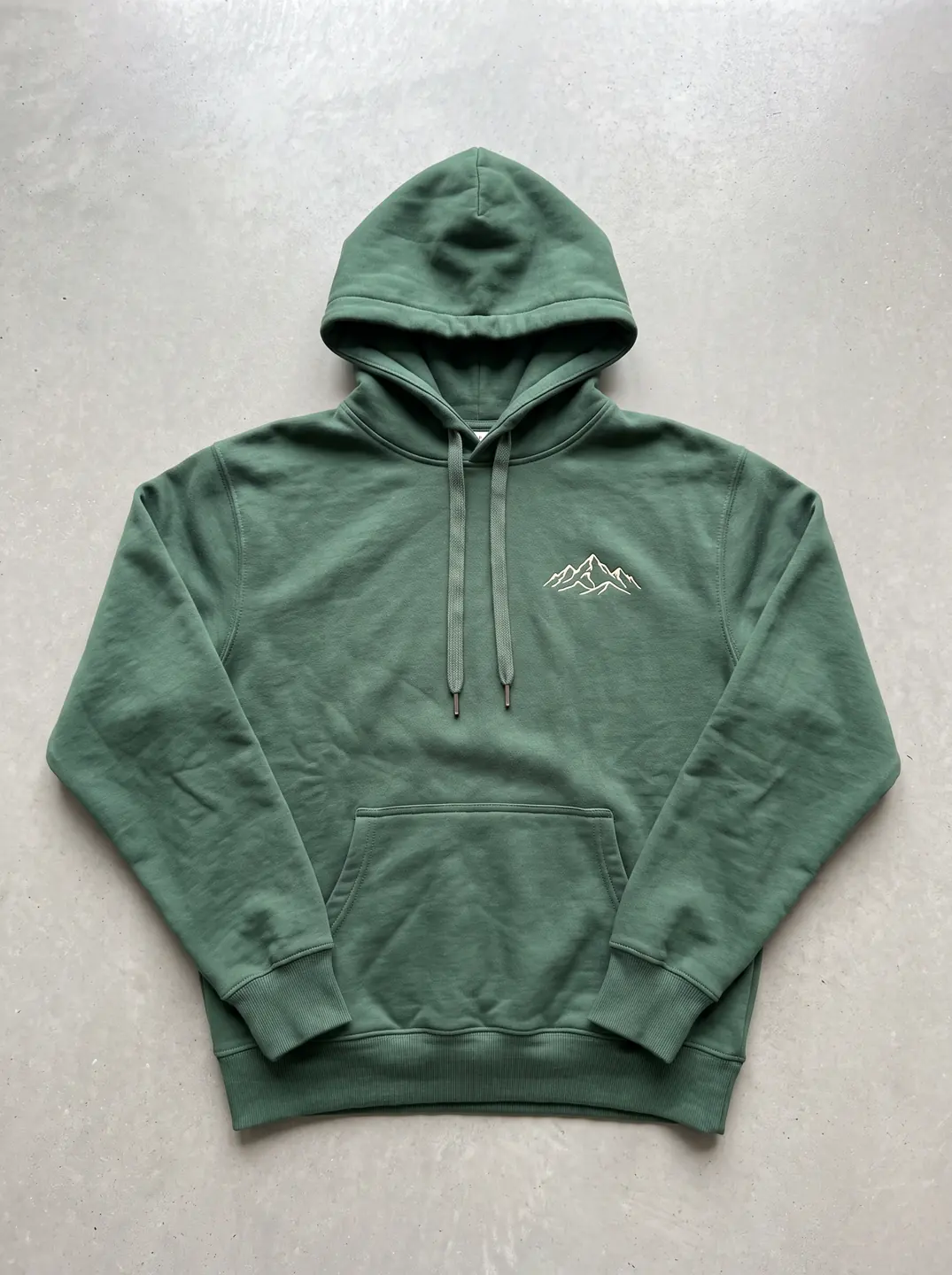
Hoodie on concrete
Why does a flat lay matter?
A flat lay is the quickest product photo to take well. It needs a clean surface, daylight and a phone, not a studio or a model. Because nothing covers the garment, it shows colour, print placement, seams, trims and logos plainly.
What a flat lay can't show is the garment on a body. A shopper can't tell from it where a hem lands or how a fabric drapes. That's the gap an on-model image fills.
So a flat lay makes an ideal starting point: Glammo can put the garment on a fictional adult AI model, or turn it into a clean packshot.
How do you shoot a good flat lay?
Daylight, no flash
Shoot near a window on a bright day. Flash flattens texture, and warm bulbs shift the colour.
A plain, even surface
White card, a pale floor or a clean table. Patterned cloth competes with the garment's edges.
The camera straight above
Hold the phone level over the middle of the garment. An angled shot stretches one end and shrinks the other.
Smooth, at its natural width
Steam out creases and lay the sleeves out. Don't stretch the piece to fill the frame.
A second, closer photo
Add a close shot of the print, knit or trim, so the fine detail is easy to check later.
How do you turn a flat lay into finished images with Glammo?
- 01
Upload the flat lay
Add one photo per product, or a whole delivery: a shoot takes up to 20 products.
- 02
Choose on-model or packshot
For on-model images, choose a fictional adult AI model and a scene. For a packshot, choose white, ivory or light grey, floating or laid flat.
- 03
Compare and download
Check each image against the flat lay, then download on a paid plan.
Flat lay or ghost mannequin?
| Flat lay | Ghost mannequin |
|---|---|
| Laid on a surface, shot from above | Shot on a form, then the form is edited out |
| Flat, with no body shape | Keeps a hollow, three-dimensional shape |
| A phone and daylight are enough | Needs a mannequin, lighting and retouching |
Common questions
Is a hanger photo the same as a flat lay?
Not quite. A hanger photo shows the garment hanging against a wall, while a flat lay shows it lying on a surface. Glammo accepts both as the starting photo for on-model images and packshots.
Can a flat lay be the main product image?
In your own shop, a flat lay can lead the gallery. Amazon US asks for adult clothing main images on a standing model on pure white, so a flat lay belongs in the supporting images there.
What background is best for a flat lay?
A plain, light background in even daylight works best for a flat lay: white card, light grey or a clean pale floor. A plain background keeps the garment's edges clear and its colour true.
Read next
Lay it flat, take the photo. See it on a model for free.
Try Glammo free with 10 credits. No card required.