What is an on-model photo?
An on-model photo is a product image of a garment being worn by a person, so shoppers can see its shape, length and drape on a body. It shows what a garment on its own can't: where the hem falls and how the fabric hangs.
Try Glammo free with 10 credits. No card required.
What does an on-model photo look like?
Glammo AI made these three images from one flat lay of an olive T-shirt, on a fictional adult AI model in a concrete plaza.
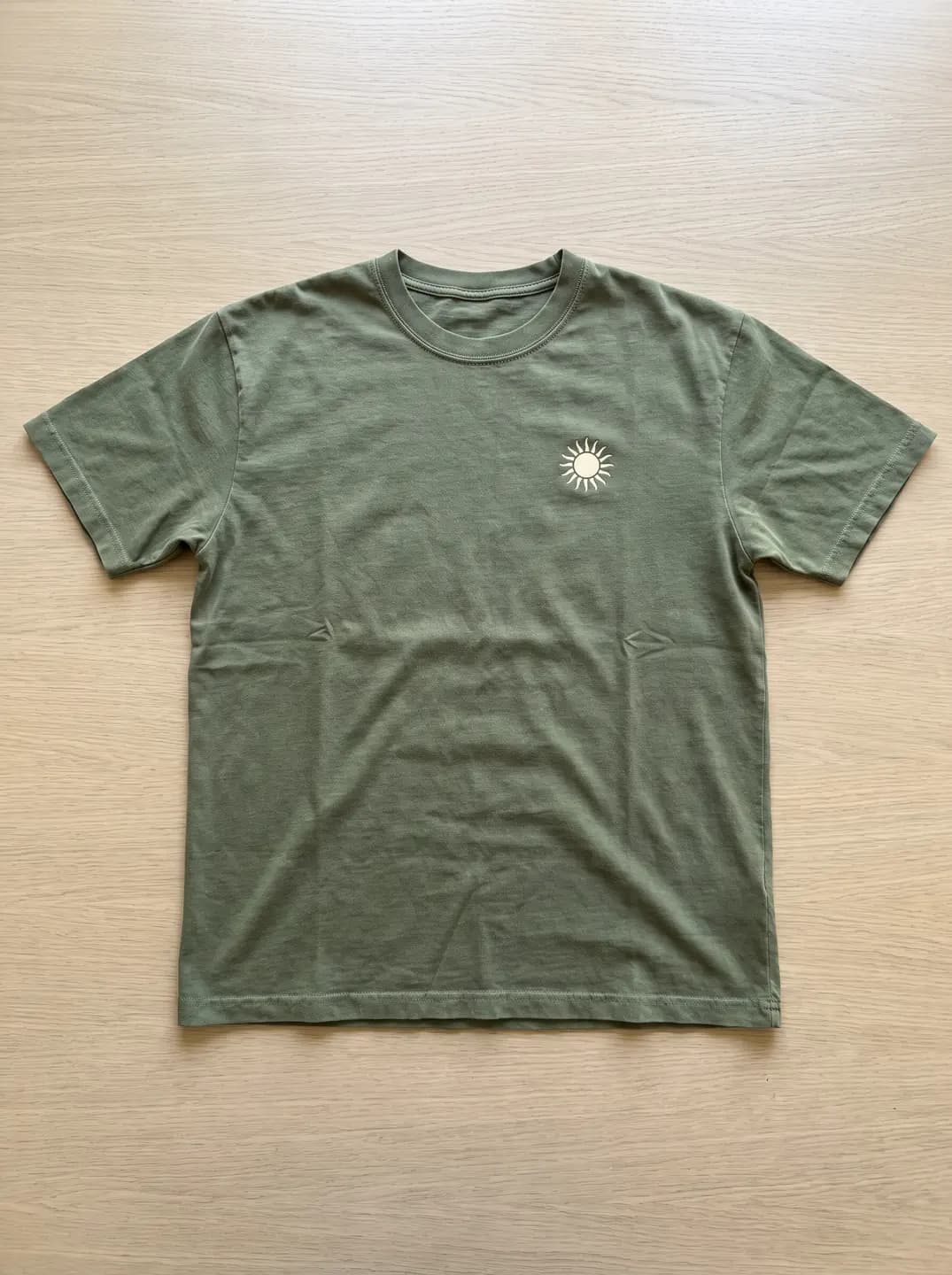
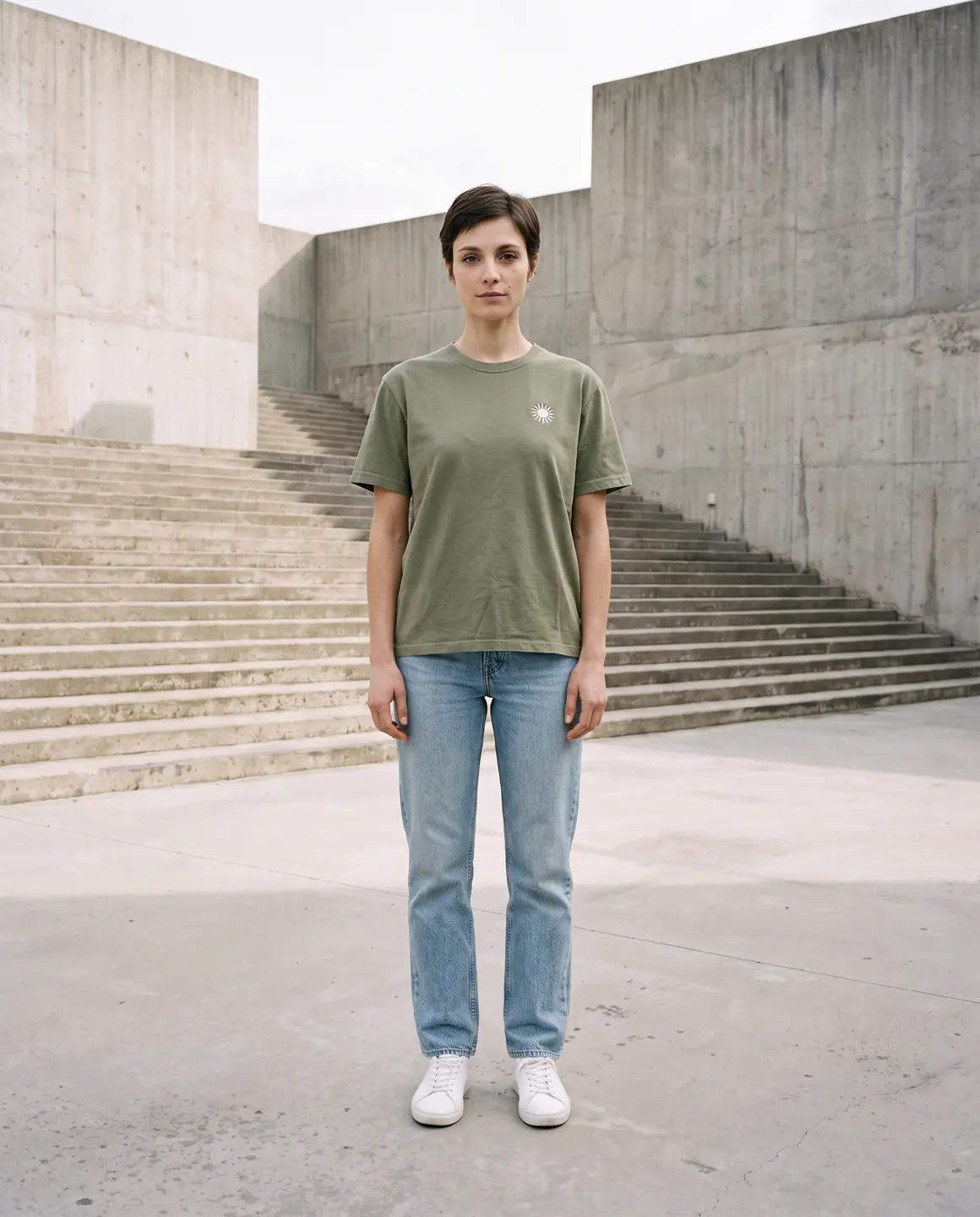
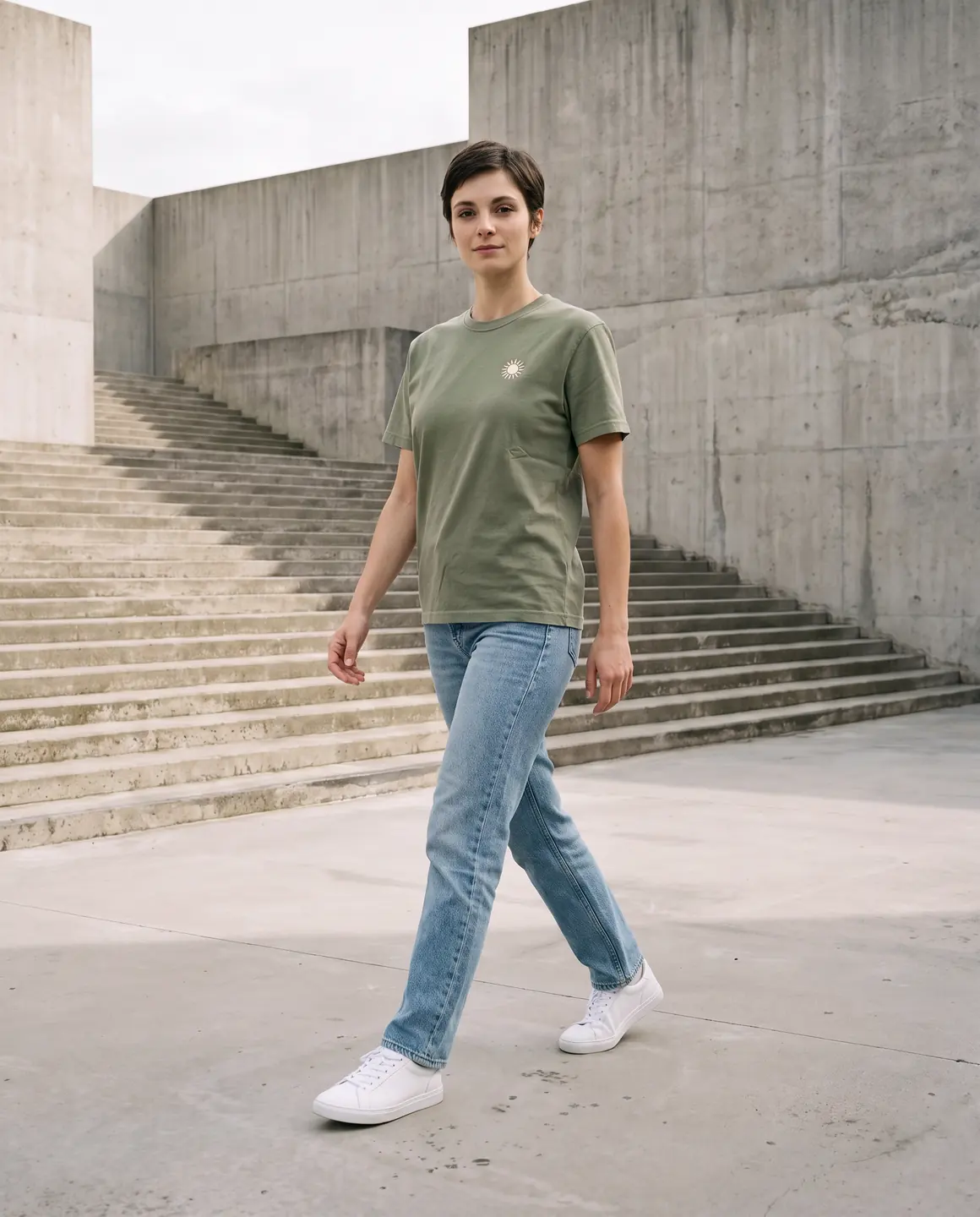
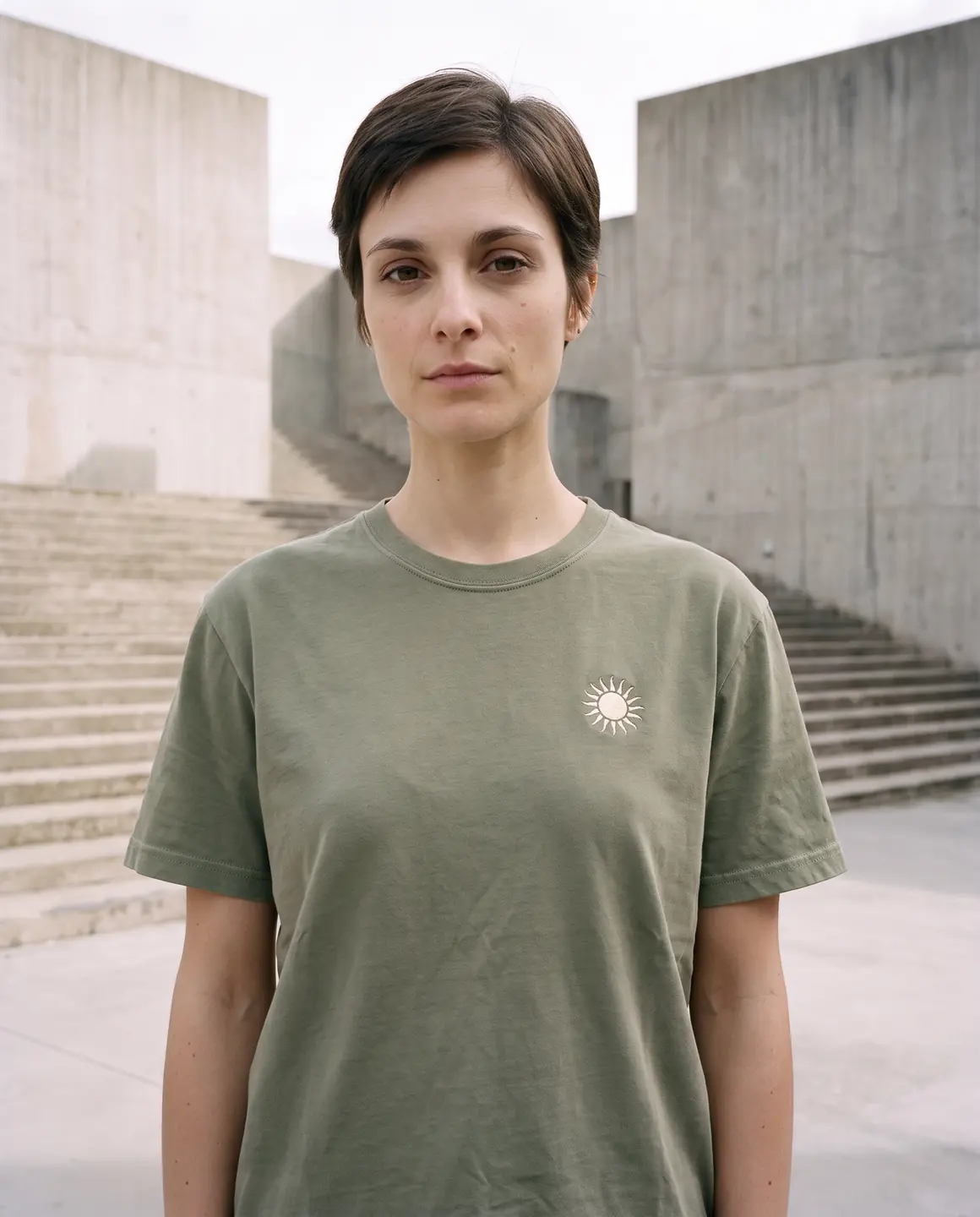
A sample photo and images made from it. Models are fictional and AI-generated.
Why does an on-model photo matter?
Nobody can try clothes on through a screen. An on-model photo is the nearest thing: it shows where a dress ends on the leg, whether a shirt sits loose or close, and how a knit falls from the shoulders.
On-model photos also set the tone of a shop. One model, one light and one setting across a range make separate products look like a collection.
An on-model photo shows style, not size. Even a photo of a real person shows one body in one size, so measurements and a size guide still carry the facts about fit.
What makes a good on-model photo?
The whole garment in at least one frame
A crop that cuts the hem hides the length a shopper is checking.
Colour that matches the real piece
Warm room light and heavy filters change the colour a shopper expects to receive.
Plain styling around the product
Simple trousers or a plain top keep attention on what's for sale.
A close crop of the detail
Fabric, print and fastenings need a frame of their own.
How do you make an on-model photo with Glammo?
- 01
Upload the photo you have
A flat lay, hanger photo, mannequin photo or supplier photo. Up to 20 products can go in one shoot.
- 02
Choose a model and a scene
Pick one of 60 fictional adult AI models and a scene. Portrait 4:5 is the default, with 1:1, 9:16 and 16:9 as options.
- 03
Review, then download
Each image is 1 credit. Compare every frame with the garment, then download on a paid plan and upload to your store.
On-model photo or packshot?
| On-model photo | Packshot |
|---|---|
| The garment worn, with its shape and drape | The garment alone, with nothing around it |
| Suits main images, campaigns and social posts | Suits supporting images, grids and kidswear |
| Portrait 4:5 by default in Glammo | Square by default in Glammo |
| Needs a person, real or AI | Needs only the garment |
Common questions
Do you need a photographer to get on-model photos?
Not with Glammo. Glammo makes on-model photos from a flat lay, a hanger photo, a mannequin photo or a supplier photo, on fictional adult AI models, so there's no studio or model to book.
Does an on-model photo show how clothing fits?
An on-model photo shows shape, length and drape, but it doesn't measure fit. An AI-made on-model photo is no fitting test, so list sizes and garment measurements on the product page as well.
Are the people in Glammo's on-model photos real?
No. Every person in a Glammo on-model photo is one of 60 fictional adult AI models, and Glammo is built not to reproduce the person in a source photo.
Read next
Bring one product photo. See it on a model for free.
Try Glammo free with 10 credits. No card required.