What is a lifestyle photo?
A lifestyle photo shows a product in a real-life setting, such as a home, a street or a beach, so shoppers can picture it in their own lives. For clothing, it usually means the garment worn by a model in a place that suits the piece.
Try Glammo free with 10 credits. No card required.
What do lifestyle photos from Glammo AI look like?
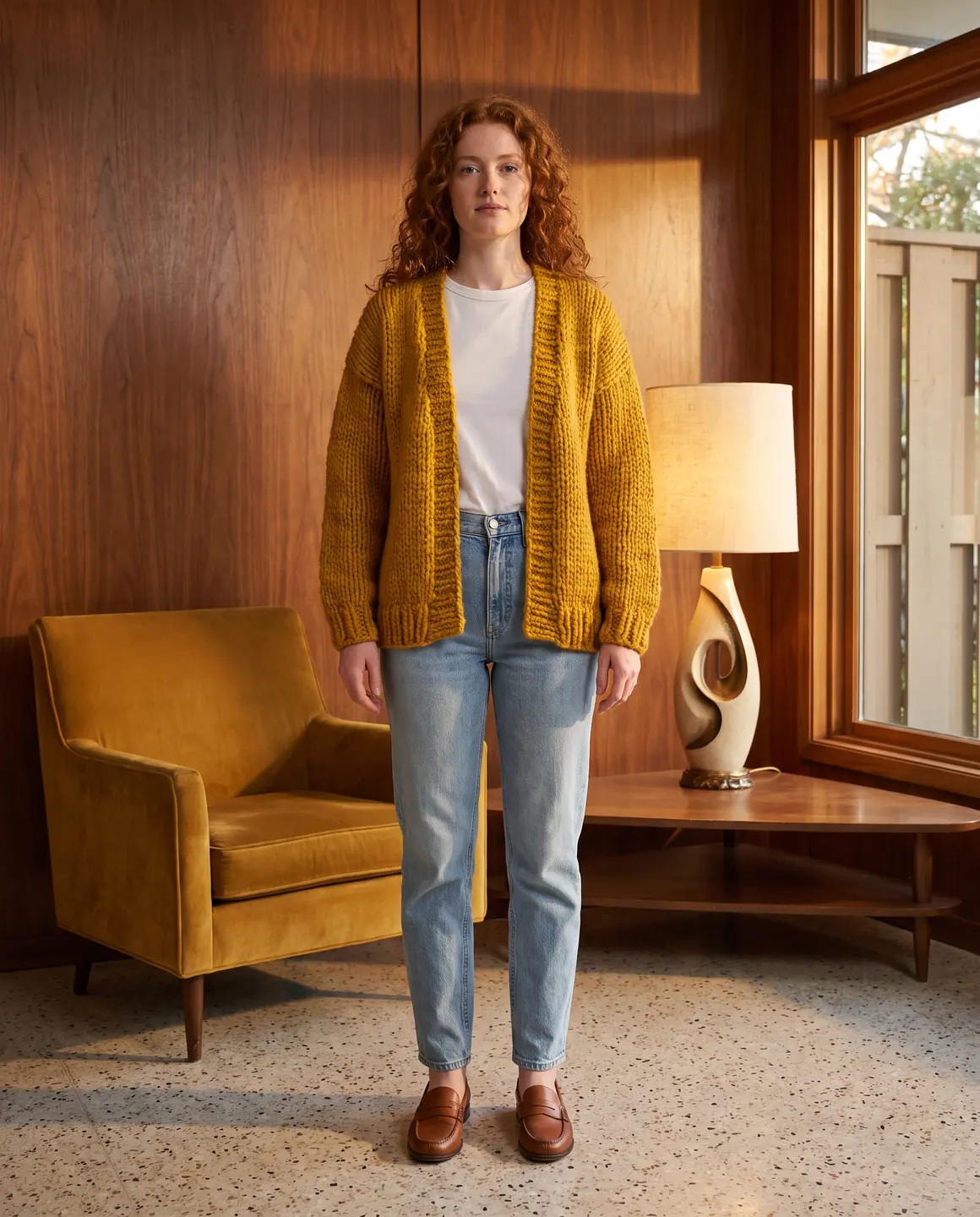
Interior: a living room
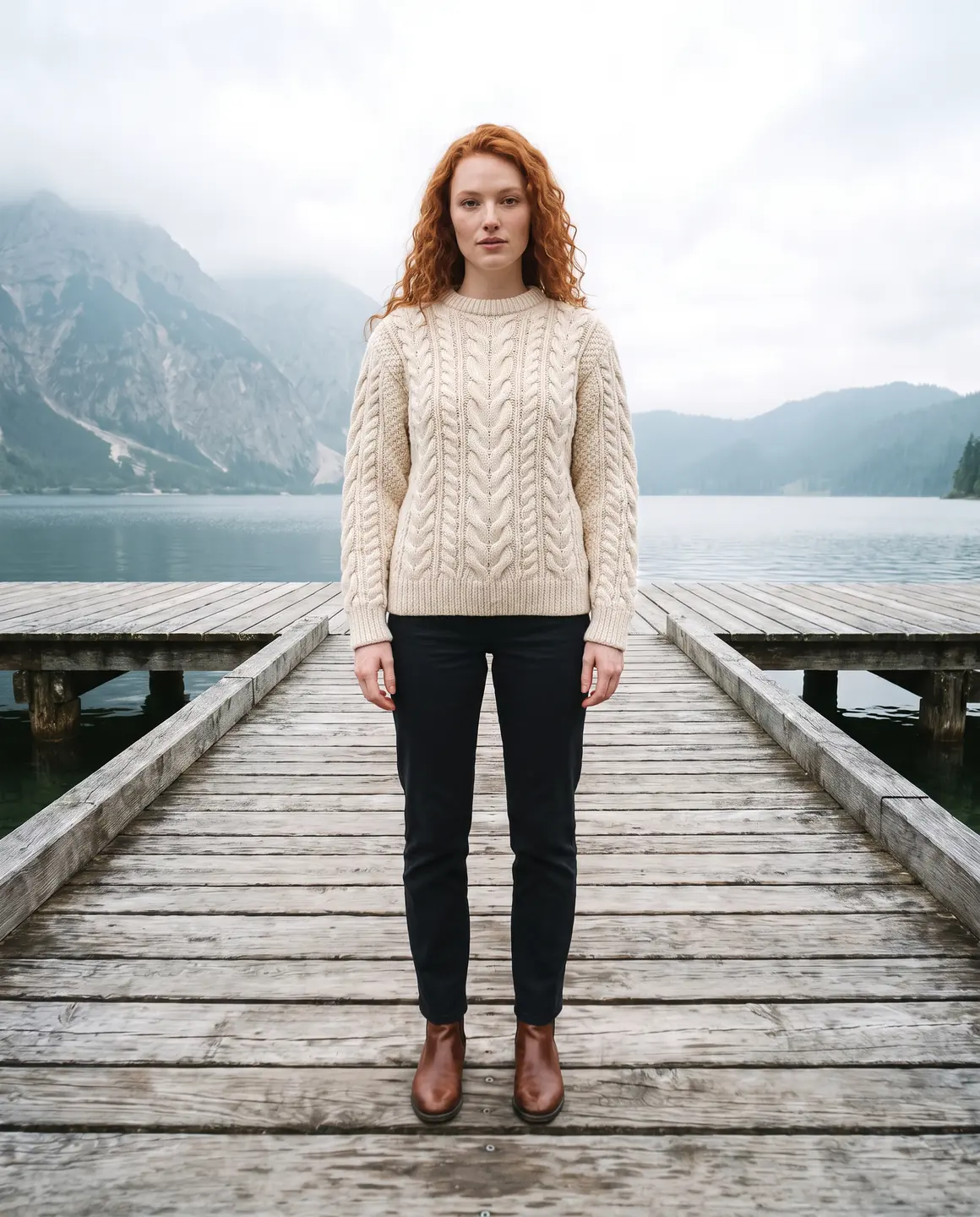
Outdoor: a lakeside jetty
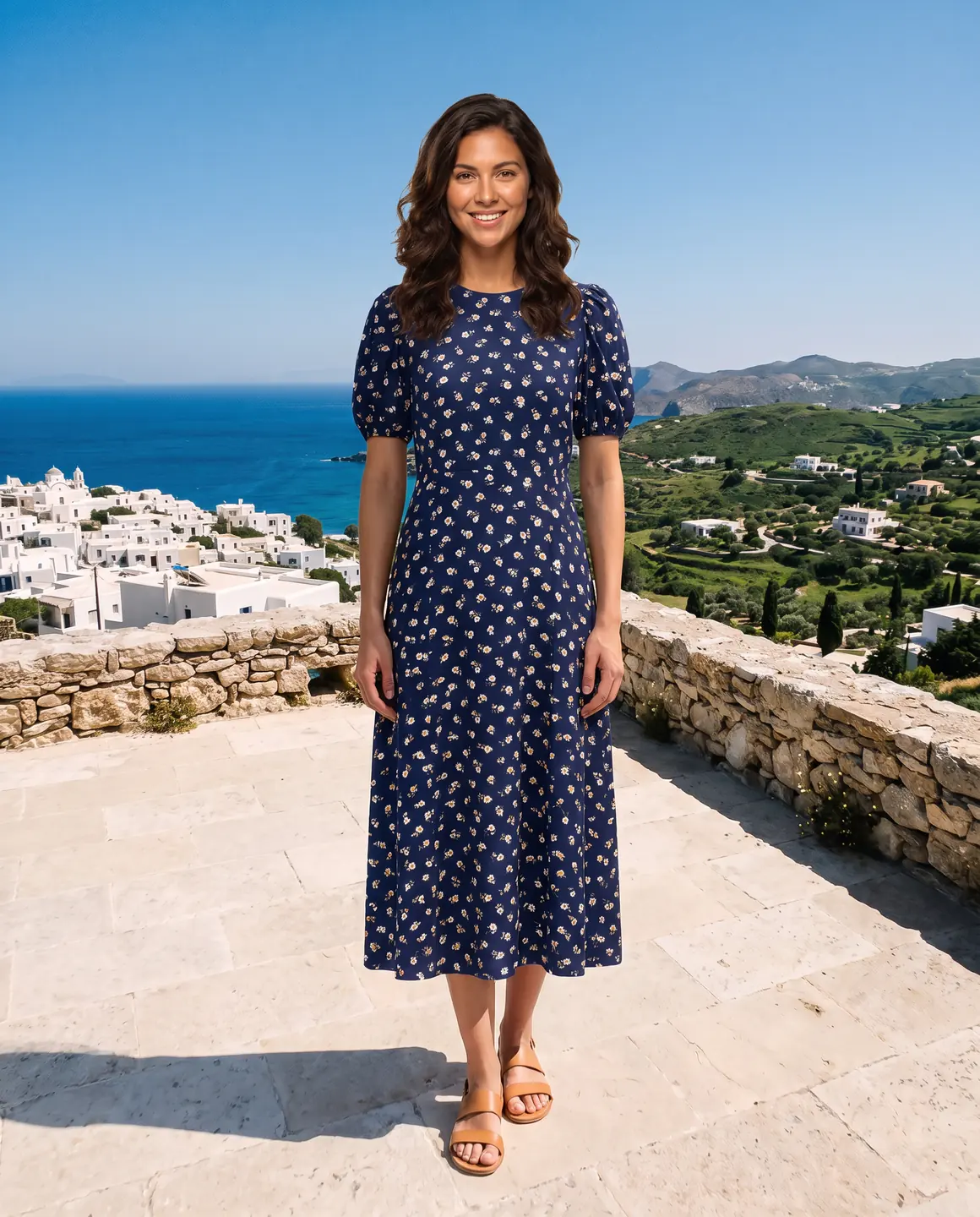
Resort: a terrace by the sea
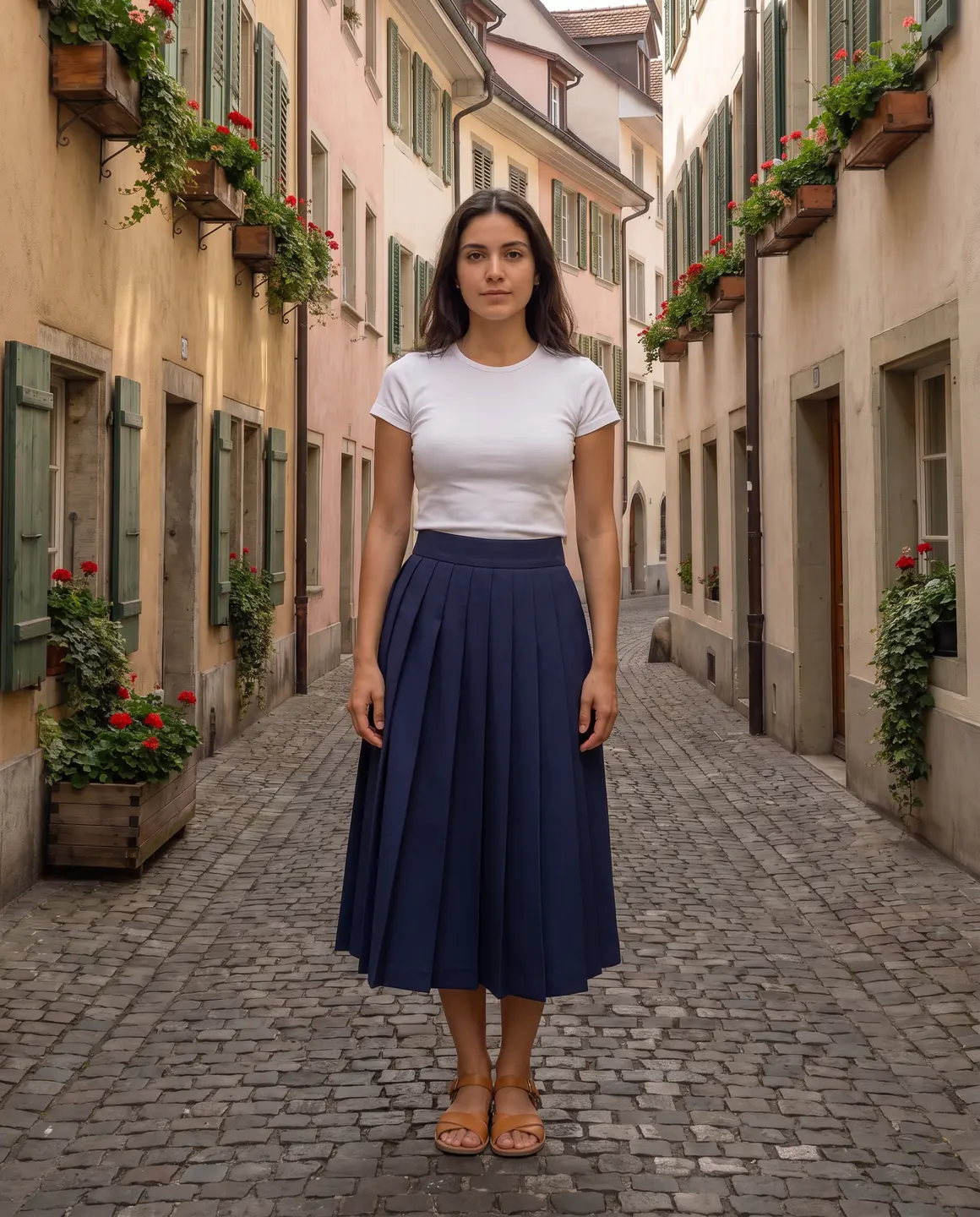
City: a cobbled lane
Why does a lifestyle photo matter?
Studio photos answer what a product is. Lifestyle photos answer where you'd wear it. A coat on an autumn street or a linen dress on a terrace carries the season, the mood and the kind of life a brand speaks to.
That's why lifestyle photos suit campaigns, social posts, emails and homepage banners. On a product page they belong after the clean frames, once a shopper knows what the item is.
The trade-off is detail. Strong light, busy backgrounds and styling all compete with the garment, so a lifestyle photo rarely works alone as proof of colour or construction.
When should you use a lifestyle photo?
Launches and seasonal drops
A new setting signals a new collection, even when some of the products carry over.
Social feeds and stories
Portrait 4:5 for feed posts, and 9:16 for stories.
Later in the product gallery
After the main image and the detail crops, a lifestyle frame adds context.
Banners and email headers
Wide 16:9 frames leave room for a headline beside the model.
How do you make a lifestyle photo with Glammo?
- 01
Upload the garment photo
Any supported photo works, and one shoot holds up to 20 products.
- 02
Choose a scene
Pick from 60 scenes: studios, interiors, outdoor, city and architectural settings, and resort and lifestyle sets.
- 03
Set the ratio, then review
Choose 4:5, 9:16 or 16:9 for where the image will run, and compare the garment with your photo before you download.
Studio photo or lifestyle photo?
| Studio photo | Lifestyle photo |
|---|---|
| Plain background and even light | A real-looking place with its own light |
| Answers what the product is | Suggests where to wear it |
| Main images and detail crops | Campaigns, social posts and later gallery frames |
| Stays the same across a catalogue | Changes with the season or story |
Common questions
What is the difference between a lifestyle photo and a product photo?
A product photo shows the item clearly on a plain background so shoppers can check it. A lifestyle photo shows the item in a real-looking setting so shoppers can imagine wearing it. A product page can use both.
Can a lifestyle photo be the main image?
In your own shop it can, though a plain frame reads more clearly as a small thumbnail. On Amazon US, adult clothing main images must show a standing model on pure white, so a lifestyle photo belongs further down that listing.
Do lifestyle photos need a location shoot?
No. Glammo puts the garment on a fictional adult AI model in a scene you choose, so a lifestyle photo needs no travel, location fee or weather to plan around.
Can I create my own scenes for lifestyle photos?
Yes, on Glammo's Pro and Studio plans. The Starter plan uses Glammo's catalogue of 60 scenes.
Read next
Pick a place for your next drop. Try a scene for free.
Try Glammo free with 10 credits. No card required.